A loyalty program is six months in, and the marketing team needs to capture a new piece of partner data: the outlet's primary product category. The admin panel doesn't have a field for it.
Without custom field configuration, the ops team raises a ticket. Engineering scopes the change. A release window opens in three weeks. The campaign starts before the data does.
With custom field configuration, the same change takes minutes. The admin defines the field in the console, validates the rules, and the new field shows up in the enrolment flow that afternoon.
Table of Contents
Why a One-Size-Fits-All Admin Panel Stops Working
Every loyalty program starts with a clean set of standard fields: name, contact, segment, KYC. Six months in, that schema needs to bend to the brand's operating reality.
A category tag for marketing. A vehicle type for an automotive program. A clinic type for healthcare. A wholesaler flag for FMCG. None of these are in the standard schema, and all of them matter.
Four Common Custom Field Use Cases in Loyalty Programs
Most custom field requirements cluster around four use cases. Each one answers a different operational question.
Enrolment Data Capture
Adding a field at the enrolment step lets the program collect the data it needs from day one. Outlet category, fleet size, dealer code, regional designation: all become available for segmentation immediately.
Validation rules at the field level prevent the most common data quality problems before the entry hits the ledger.
Invoice-Linked Activity Entry
When the program runs on invoice-based earning, custom fields let the partner capture the SKU mix, the invoice number, the distributor reference, or any other metadata the scheme calculation needs.
Without configurable fields, every new scheme would require a code release. With them, the operator adapts the entry form in a single console.
QR Programs With Product-Specific Metadata
Different products often need different scan-time fields. A consumer durables QR might need a serial number; an FMCG one might need a batch ID; a beverage program might need a bottling date.
Custom field configuration lets each SKU's QR flow ask only for the fields that matter for it, without bloating the unified scan UI.
Approval Workflows That Need Extra Context
Multi-stage approvals depend on the reviewer seeing the right context. A field for distributor commentary, an attachment slot for supporting documents, or a structured reason code for an exception all sit naturally in the workflow.
The same fields then feed back into the audit log, so dispute resolution runs on complete information.
How 1Channel Runs Custom Field Configuration for Malaysian Programs
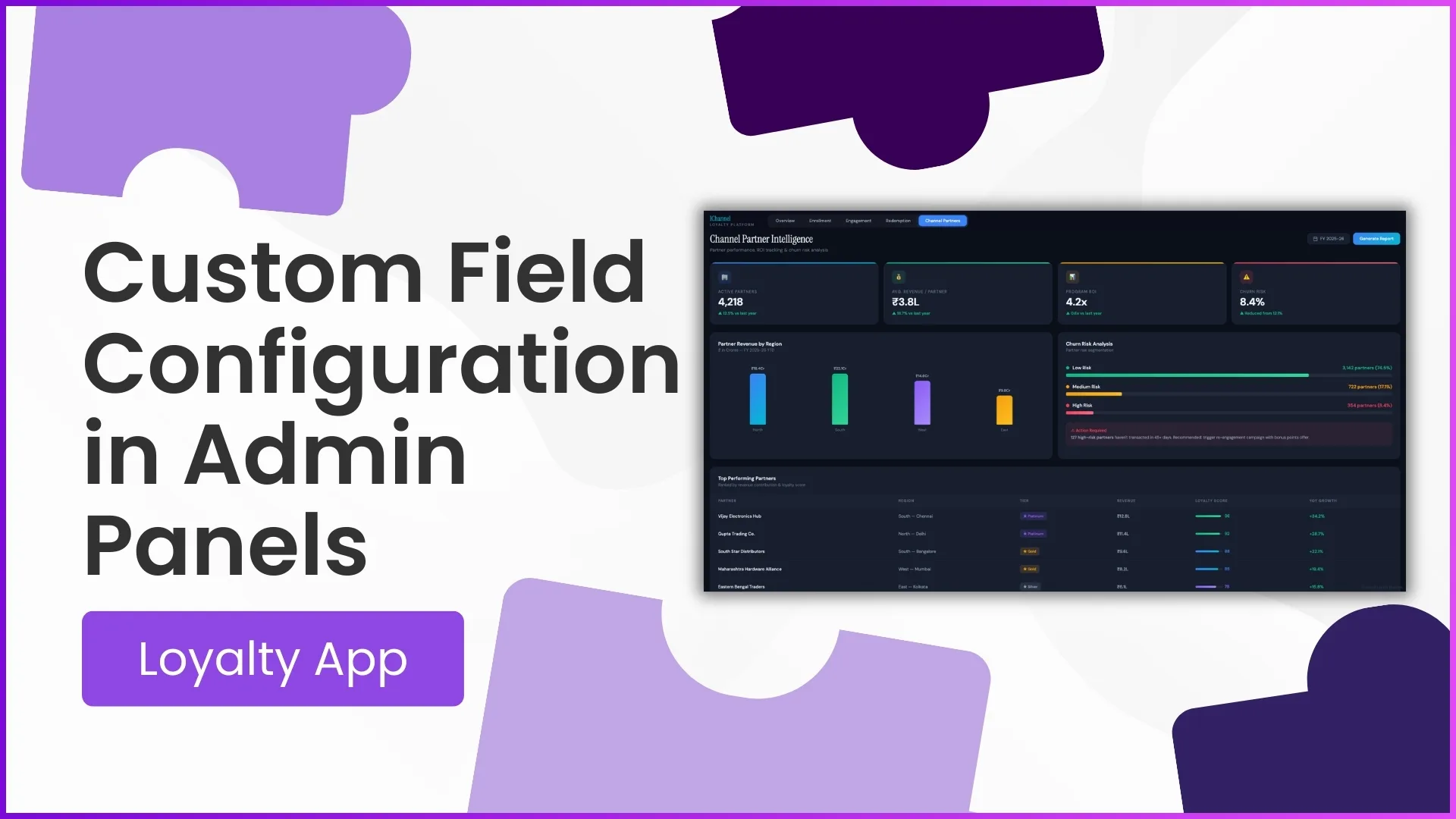
1Channel runs custom field configuration through its cloud Loyalty Management admin console. Operators define the field type, the label, the validation rule, and the visibility scope, and the change goes live without an engineering release.
1Channel's AI engine flags configurations that risk data-quality issues. A dropdown with no option, a numeric field with no range, a mandatory field added retroactively to active records: all surface before the operator commits the change.
Every field definition is versioned in the audit log automatically. The platform also supports bulk updates so the operator can migrate existing records to the new field structure, with an automated dry-run report and rollback support.
Explore Cloud Loyalty Program Software
1Channel's cloud loyalty program platform exposes custom field configuration as no-code admin work, with AI quality checks and automated versioning.
Explore Loyalty Program Software →Implementation Snapshot for Adding a Custom Field
A clean sequence to add a custom field to an active loyalty program:
- Scope the use case first. Decide whether the field serves enrolment, transaction entry, approval workflows, or reporting. The use case drives the visibility and validation choices.
- Pick the field type carefully. A free-text field is easy to add but messy to analyse later. Dropdowns, numeric ranges, and validated lookups produce cleaner data downstream.
- Define the validation rule at the field level. Mandatory or optional, allowed values, character limits, regex pattern. Validation at the schema level is cheaper than cleanup at the analytics layer.
- Set the visibility scope. A field useful for one program may not belong on another. The admin console should let the operator scope the field per program, per partner tier, or per region.
- Run the automated dry-run before activation. The cloud platform should preview how the new field reads against the existing records and flag conflicts before commit.
- Update the reporting layer. A new field is only useful when analytics can read it. The operator should confirm the field appears in dashboards and exports as part of the rollout.