In field sales operations, real-time visibility into performance is essential. Among the most important reports available in an SFA system are MTD (Month-To-Date) Sales Reports.
These reports provide a clear picture of sales performance from the beginning of the current month up to the present date.
This blog will help you understand what MTD sales reports are, what data they include, and how they help businesses monitor and improve sales productivity.
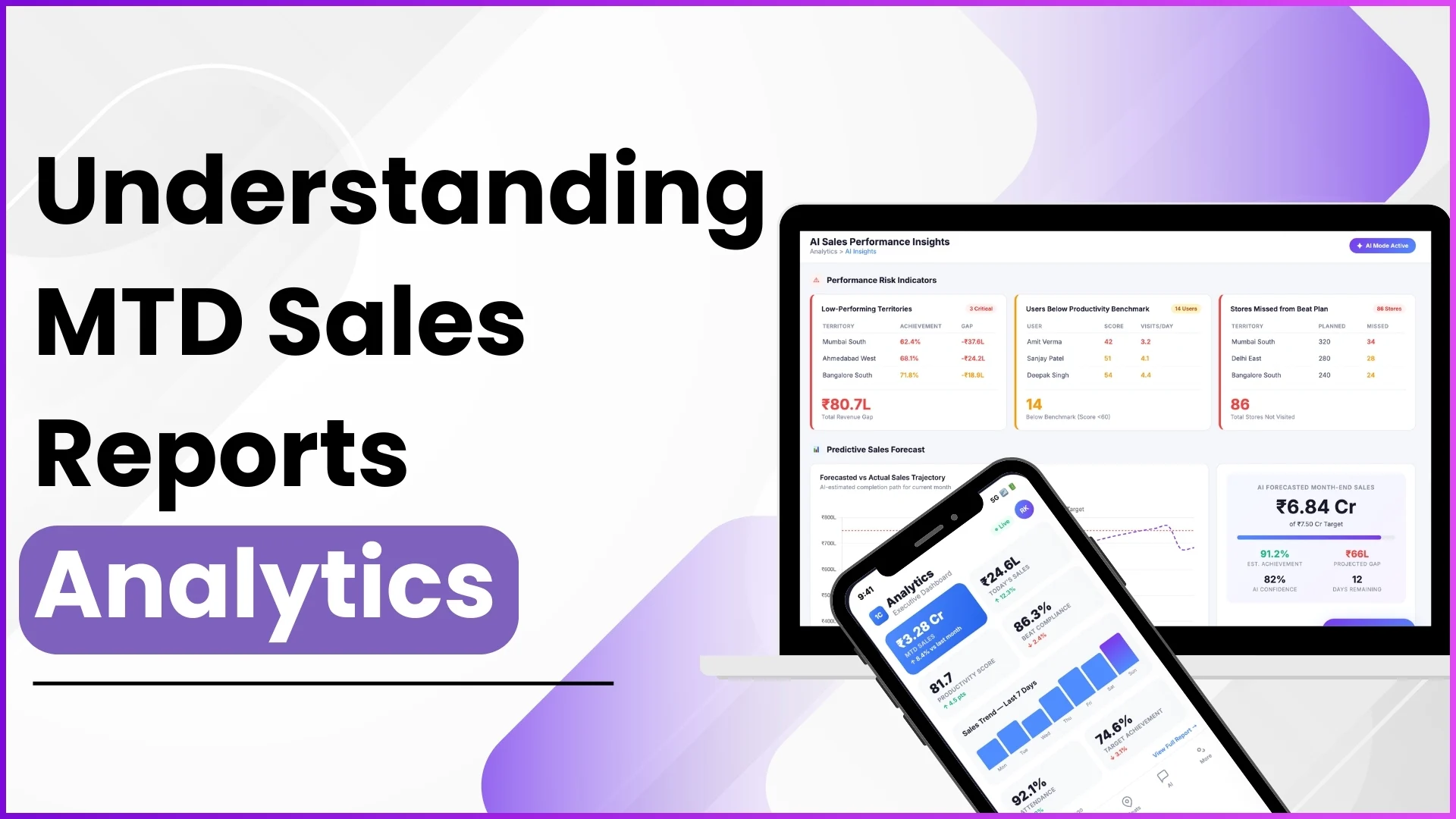
What is an MTD Sales Report?
An MTD Sales Report shows cumulative sales data starting from the first day of the current month until today.
Instead of waiting for month-end summaries, businesses can:
- Track ongoing sales performance
- Monitor SKU-level sales
- Evaluate product category performance
- Compare value and unit sales
- Download reports in Excel format for further analysis
In the SFA analytics module, MTD sales reports are available in multiple formats depending on business requirements.
Types of MTD Sales Reports Available
The system provides different MTD sales reports to help businesses analyze performance from multiple perspectives.
1. MTD Tertiary Sales Report
This report provides:
- Detailed tertiary value sales
- Sales data till date (current month)
- Sales breakdown by Date and SKU
- Downloadable Excel format
This helps businesses track how products are performing at the retail level.
2. MTD Secondary Sales Report
This report includes:
- Detailed secondary value sales
- Month-to-date performance
- SKU-wise and Date-wise data
- Excel download option
It helps in understanding sales performance at the distributor-to-retailer level.
3. MTD Sales by Product Category
This report focuses on category-level performance and provides:
- Current month sales data
- Unit sold
- Sales by date
- Product category breakdown
- Excel download option
This is useful for identifying which product categories are driving maximum sales in the current month.
Track Sales Performance in Real-Time
1Channel's Sales Analytics Software provides comprehensive MTD reports with SKU-level insights, category performance tracking, and Excel exports. Monitor monthly progress and make data-driven decisions.
Explore Sales Analytics Software →What Data Can You Analyze Using MTD Reports?
MTD sales reports allow managers and business heads to evaluate:
- SKU-wise performance
- Category-wise growth
- Daily sales contribution
- Value-based and unit-based performance
- Store-level productivity
- Sales trends within the current month
Since the report captures cumulative monthly data, it provides clarity on whether the team is on track to achieve monthly targets.
How MTD Sales Reports Support Decision-Making
MTD reports are not just data sheets — they are performance tracking tools.
1. Performance Monitoring
Managers can track how much sales value has been achieved so far in the month.
2. SKU-Level Insights
Identify which SKUs are contributing more and which require attention.
3. Category Performance Evaluation
Understand which product categories are performing well and which are underperforming.
4. Mid-Month Corrections
If sales performance is below expectations, corrective action can be taken before month-end.
5. Excel Export for Advanced Analysis
All MTD reports can be downloaded in Excel format, enabling further analysis, sharing, and reporting.
Where to Access MTD Sales Reports?
MTD sales reports are available in the Analytics section under the Report Catalog.
Users with portal access can:
- Navigate to Analytics
- Open Report Catalog
- Select MTD Tertiary, MTD Secondary, or MTD Sales by Product Category
- Choose the required date parameters (if applicable)
- Download the report in Excel format
Access and visibility depend on user roles and permissions defined within the system.
Difference Between MTD Sales and Regular Sales Reports
While standard sales reports may show daily or date-range-based sales data, MTD sales reports specifically focus on:
- Current month cumulative performance
- Till-date tracking
- Monthly progress visibility
This makes MTD reports ideal for monitoring monthly sales goals.
How MTD Reports Align with Sales Productivity
When combined with other reports such as:
- Sales Productivity Report (by Unit)
- Sales Productivity Report (by Value)
- Stock Reports
- Secondary Sales Reports
Businesses can gain a complete view of:
- Sales done
- Productivity per store
- SKU performance
- Stock movement
This integrated view improves accountability and data-driven planning.
Customization with Report Builder
If businesses require customized MTD views, they can use the Report Builder feature.
Admins can define:
- Report Title
- Dimensions (Each Unit Sale, Summary Sale, Secondary Sale, Stock, etc.)
- Types based on selected dimensions
- Location filters
- Tabs and prompt filters
This allows organizations to build MTD-style reports tailored to their specific operational needs.
Why MTD Sales Reports Matter in Field Sales Operations
Field sales teams work across multiple locations, SKUs, and stores. Without structured tracking, it becomes difficult to measure monthly progress.
MTD sales reports provide:
- Clear month-to-date visibility
- Structured SKU-level tracking
- Category-based performance measurement
- Better forecasting ability
- Improved target alignment
They act as a real-time monthly performance indicator.
1Channel SFA Sales Performance Monitoring
For businesses looking to streamline their field sales tracking, 1Channel SFA provides structured MTD reporting within its SFA solution.
Through the Analytics module, businesses can:
- Access MTD Tertiary and Secondary Sales Reports
- Monitor category-wise month-to-date performance
- Download Excel reports for analysis
- Combine sales, stock, attendance, and productivity data
- Customize reports using Report Builder
This ensures businesses have complete visibility into ongoing monthly sales performance and can take data-backed decisions before month-end.
Streamline Your Field Sales Operations
1Channel's Sales Force Automation platform delivers real-time MTD reporting, SKU tracking, and comprehensive analytics. Monitor performance, manage targets, and drive monthly sales success.
Explore Sales Force Automation →FAQs on MTD Sales Reports
1. What does MTD stand for in sales reporting?
MTD stands for Month-To-Date. It represents sales data from the first day of the current month up to today.
2. What is included in an MTD Tertiary Sales Report?
It includes detailed value sales till date, broken down by date and SKU, and is available for Excel download.
3. What is the difference between MTD Secondary and Tertiary Sales?
Secondary sales track distributor-to-retailer sales, while tertiary sales track retail-level sales performance.
4. Can MTD sales reports be downloaded?
Yes, MTD reports can be downloaded in Excel format for further analysis.
5. Can MTD reports be customized?
Yes, using the Report Builder feature, admins can create customized reports based on selected dimensions and filters.
6. Who can access MTD sales reports?
Access depends on user roles and permissions configured in the system. Typically, users with portal access and analytics permissions can view them.
Final Thoughts
MTD Sales Reports are essential tools for tracking monthly performance in real time. They provide structured visibility into SKU-level, category-level, and value-based sales performance.
By regularly monitoring MTD reports, businesses can ensure that monthly targets remain on track and corrective actions are taken proactively rather than reactively at month-end.