Field sales teams handle more than customer visits and product movement. Every day, they generate important business records such as attendance logs, visit proofs, store responses, stock updates, sales orders, and approvals.
When these documents are managed manually, delays, missing records, and reporting gaps become common.
Digital tracking solves this by capturing field activity instantly through mobile apps and admin dashboards. It allows managers to verify visits, monitor sales progress, review submissions, and maintain organized records without chasing paperwork.
Based on the provided SFA software workflow and screens, here are the key documents field sales teams should track digitally.
Why Digital Document Tracking Matters for Field Sales Teams?
Field employees work across multiple stores, cities, and routes. Paper forms or spreadsheet-based processes slow operations and reduce visibility. A digital system helps teams:
- Capture data from the field in real time
- Reduce manual errors
- Maintain proof with photos and timestamps
- Speed up approvals
- Generate reports instantly
- Improve team accountability
For businesses managing distributed sales teams, digital records become the backbone of daily operations.
Streamline Field Activity Documentation
1Channel's Field Activity Management Software enables teams to track attendance, visit reports, surveys, stock updates, and approvals digitally. Improve field visibility and productivity with real-time data capture and smart workflows.
Explore Field Activity Management Software →1. Attendance Records
Attendance is one of the most critical records for field teams. Instead of registers or WhatsApp check-ins, digital attendance can include:
- Check-in and check-out time
- GPS location
- Photo-based attendance proof
- Late attendance status
- Missed attendance alerts
- Attendance summaries
Example: A promoter logs in from the store location, submits attendance with a selfie, and the system records date, time, and geo-location.
2. Market Visit Reports
Every store visit should create a digital visit document. These records help managers understand field productivity and coverage.
Typical visit records include:
- Store name/code
- Visit date
- Employee name
- Activities completed
- Time spent
- Visit status
- Outlet responses
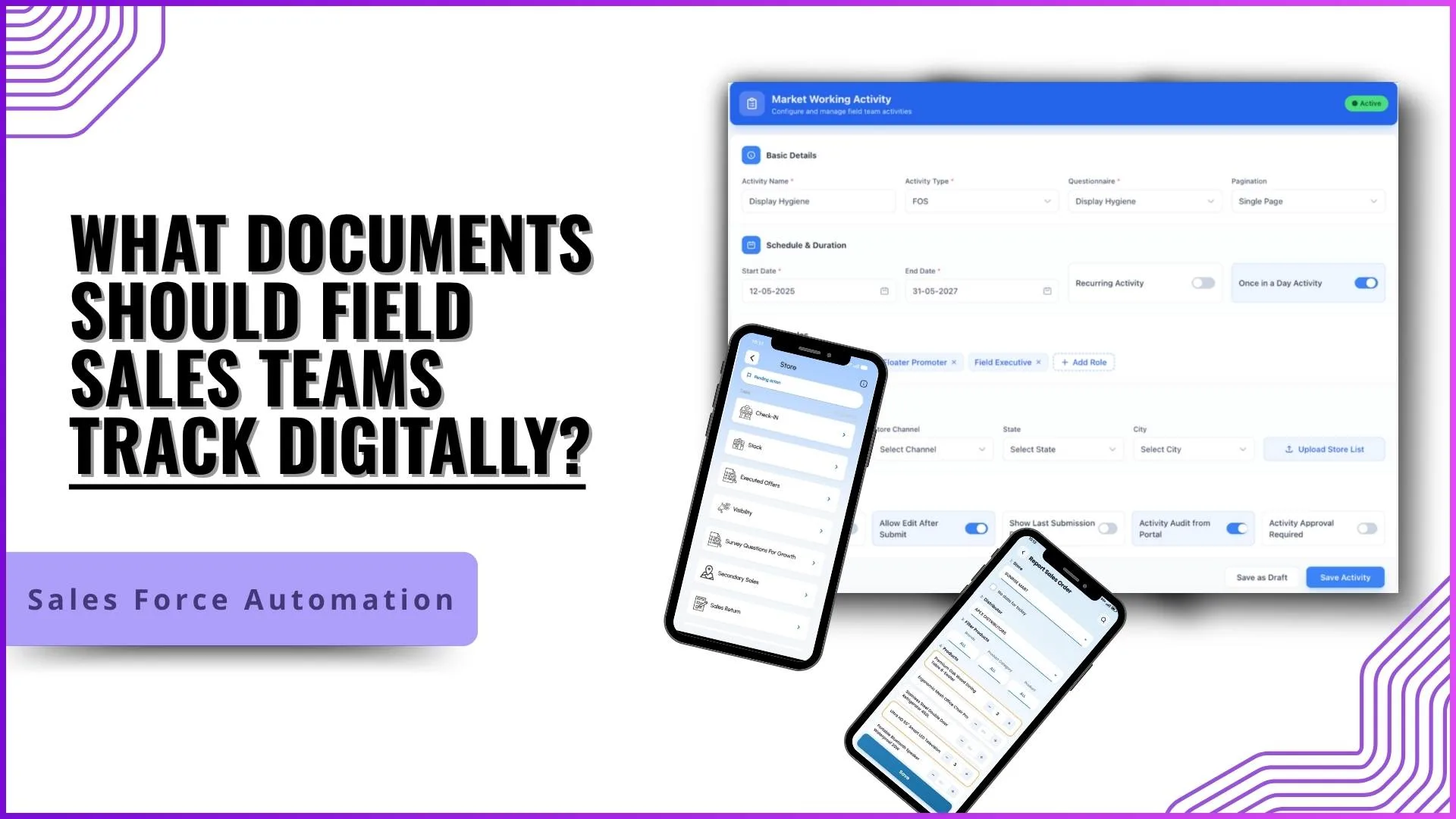
Example: A field executive visits Sunrise Mart, checks in, fills survey questions, submits stock data, and completes a sales order—all linked to one visit report.
3. Sales Orders and Product Order Sheets
Field teams often place retailer orders while on-site. Digital order documents remove the need for handwritten forms.
These records may include:
- Distributor name
- Store name
- Product list
- Quantity ordered
- Category filters
- Date of order
Example: During a store visit, an executive orders office chairs, refrigerators, and Bluetooth speakers directly from the mobile app.
4. Stock and Inventory Records
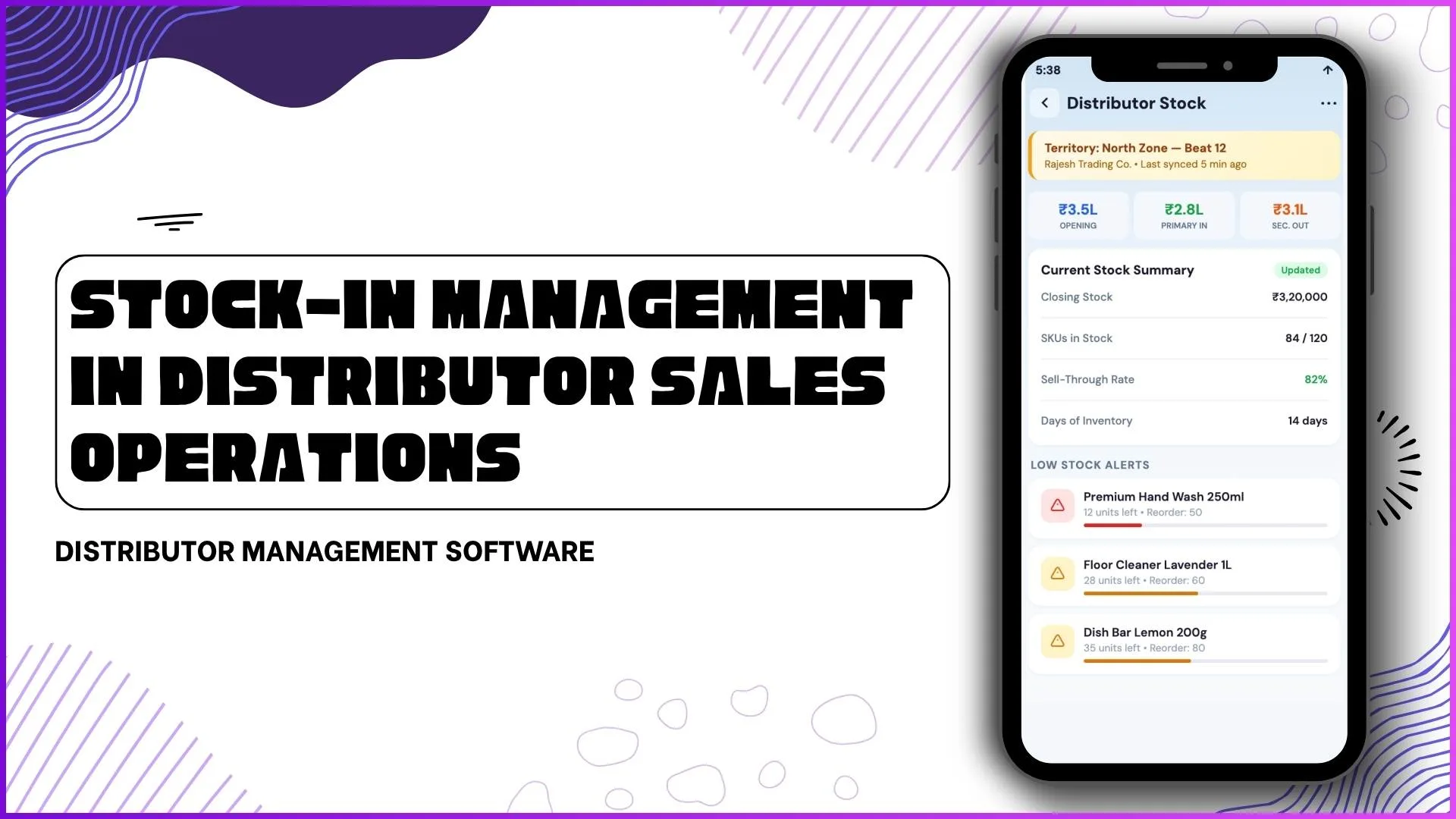
Stock visibility is essential for faster sales decisions. Field teams should digitally track:
- Available store stock
- SKU-level inventory
- No-stock reasons
- Refill needs
- Product-wise stock movement
Example: A promoter checks current stock of televisions at a retailer and updates availability before pitching new orders.
5. Survey and Questionnaire Responses
Field teams collect valuable market intelligence during store visits. Instead of paper forms, digital questionnaires can record:
- Brand visibility status
- Signage installed or not
- Store operational status
- Competitor presence
- Product display feedback
Example: A user answers "Is Brand Standee Available?" and uploads a picture of the header board directly from the store.
6. Photo Proof Documents
Images often serve as proof of work. Digital systems can store photo evidence for:
- Store front images
- Merchandising displays
- Attendance selfies
- Promotional material placement
- Shelf visibility
Example: A merchandising rep uploads a display photo after installing a standee in the outlet.
7. Claims and Expense Documents
Field staff regularly spend on travel, meetings, or business tasks. These reimbursements should be digitally documented.
Important claim records include:
- Request code
- Expense date
- Amount claimed
- Claim type
- Approval status
Example: An employee traveling for a regional meeting submits fuel and transport claims through the app.
8. Leave and HR Records
Field teams should not depend on emails or calls for leave management. Digital HR records can track:
- Leave requests
- Leave balances
- Approval flow
- Holiday calendars
- Attendance regularization requests
Example: A user applies for leave in-app, and the reporting manager approves it through the dashboard.
9. Team Performance Reports
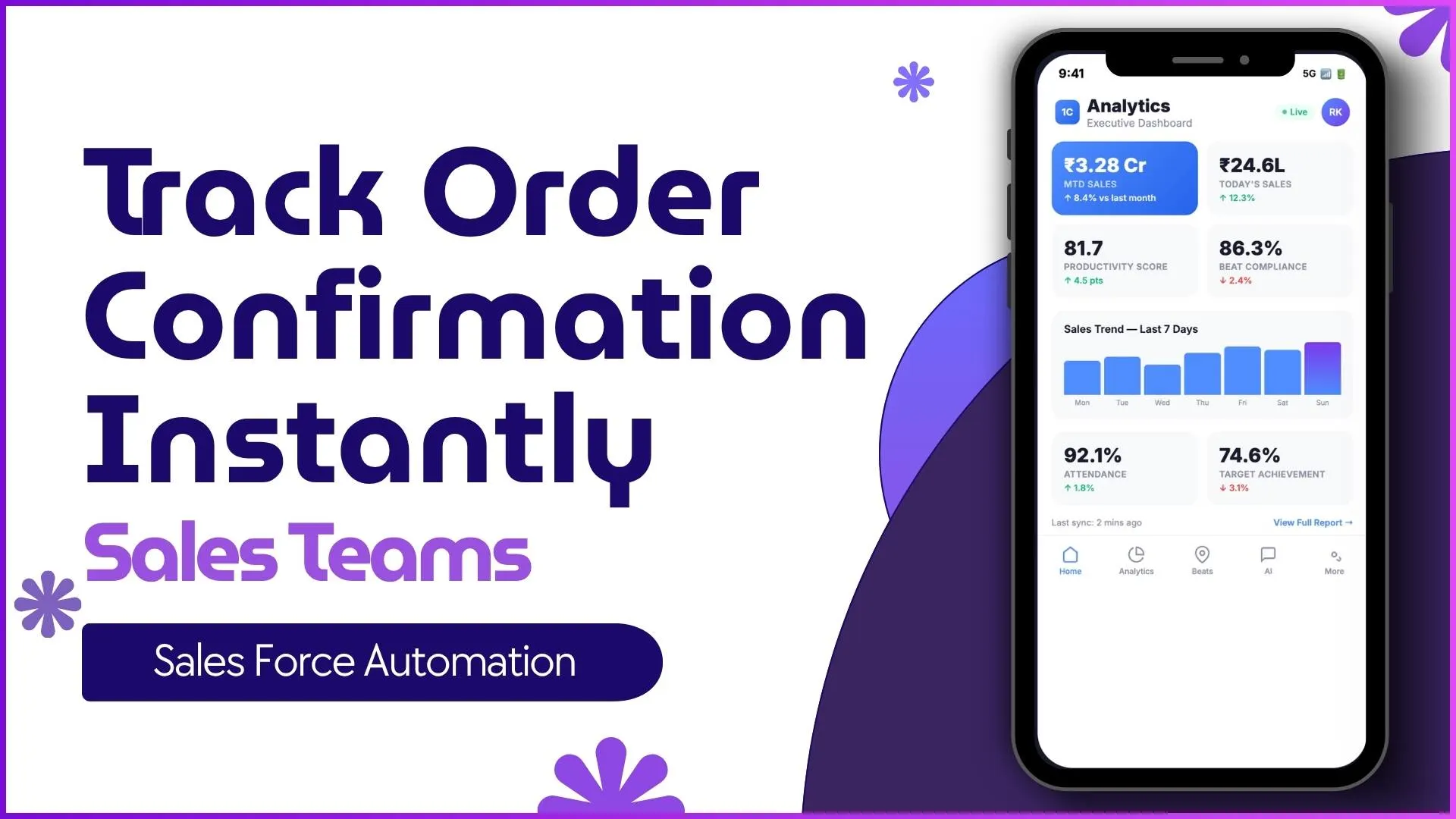
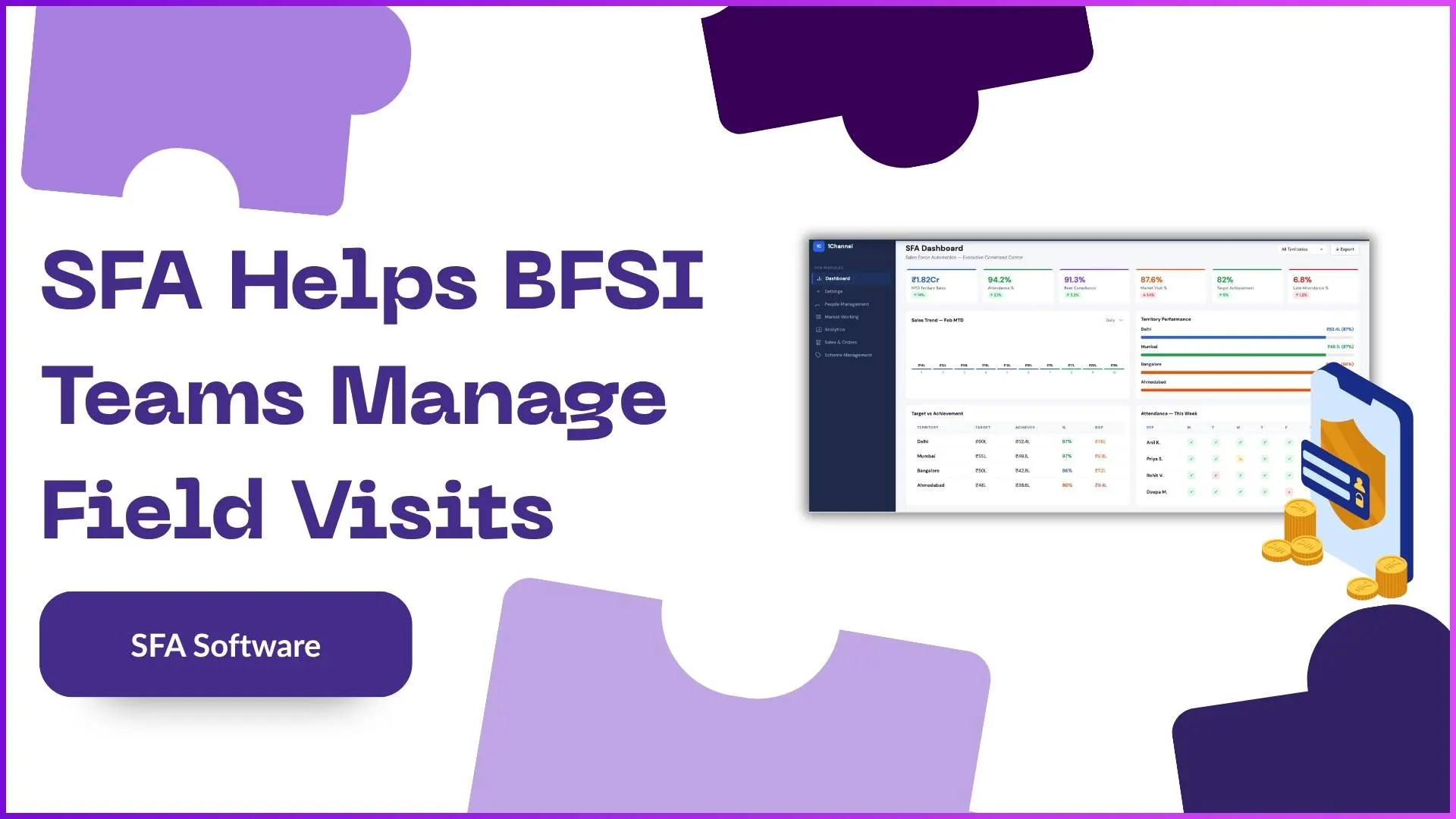
Managers need summary documents to review execution quality. Useful digital reports include:
- Attendance compliance
- Store coverage reports
- Sales productivity
- Visit productivity
- Beat compliance
- Distance travelled
- Team activity summary
Example: A regional manager downloads an Excel report showing all stores visited in the last 30 days.
10. Quality Check and Approval Records
Many field tasks require review before final acceptance. Digital systems can maintain:
- Submitted answers
- QC remarks
- Approve / reject status
- Corrected responses
- Activity quality checks
Example: A supervisor reviews submitted survey answers, adds remarks, and approves the activity from the admin portal.
Best Practices for Managing Field Documents Digitally
To get the most value, businesses should:
- Standardize document formats
- Use mobile-first data capture
- Add photo and GPS proof where needed
- Keep approval workflows simple
- Automate report generation
- Give managers dashboard visibility
- Store historical records securely
How 1Channel SFA Helps Field Teams Digitize Documentation
1Channel SFA enables businesses to manage field sales documentation through a connected mobile app and admin portal.
Teams can digitally track attendance, store visits, surveys, stock updates, claims, sales orders, approvals, reports, and more from one system. This helps organizations reduce paperwork, improve field visibility, and make faster decisions with real-time data.
Digitize Field Sales Documentation
1Channel Sales Force Automation provides comprehensive digital documentation for attendance, visits, orders, stock updates, and approvals. Improve field productivity and reduce paperwork with real-time data capture and smart reporting.
Explore Sales Force Automation →FAQs
1. What is the most important document for field sales teams?
Attendance records, visit reports, and sales orders are among the most important because they impact productivity and revenue.
2. Why should sales teams use digital documents instead of paper?
Digital documents are faster to submit, easier to verify, searchable, and available instantly to managers.
3. Can field teams upload photos as proof?
Yes. Photos can be used for attendance, store visits, merchandising proof, and signage verification.
4. How do managers review submitted records?
Managers can use dashboards, reports, and approval workflows to review and approve field submissions.
5. Are digital records useful for audits?
Yes. They create a clear history of visits, approvals, attendance, and store activities for internal audits.
Final Thoughts
Field sales operations run better when every activity creates a reliable digital record. From attendance and store visits to stock reports and claims, document tracking helps businesses gain control, improve execution, and scale faster. For growing teams, digital documentation is no longer optional it is essential.