A rep walks into a partner's outlet at 10am and counts twelve units of a flagship SKU on the shelf. The cloud platform's record shows eight. Somewhere between the last dispatch and the current visit, the truth and the system drifted apart.
Without a way to adjust the record on the spot, the gap compounds. The next reorder reads on stale numbers, the scheme calculation runs on the wrong base, and the partner's account becomes a slow-burn reconciliation problem.
Stock adjustment is the workflow that lets the rep close the gap from the visit itself. The cloud platform updates the partner's record, the audit trail captures the why, and the downstream systems read the corrected base before the next decision lands.
Table of Contents
What 'Stock Adjustment' Actually Solves
Stock adjustment lets the rep correct a partner's inventory record from the field. The adjustment can be a count correction, a damage write-off, a sample dispatch, a return acceptance, or a transfer to another outlet.
Without it, every discrepancy travels back to headquarters as an exception and waits for someone to log in and fix it. With it, the field closes its own loops, and the platform stays current with the partner's actual stock state.
Six Steps in the Stock Adjustment Workflow
Six steps cover the full adjustment workflow from start to finish:
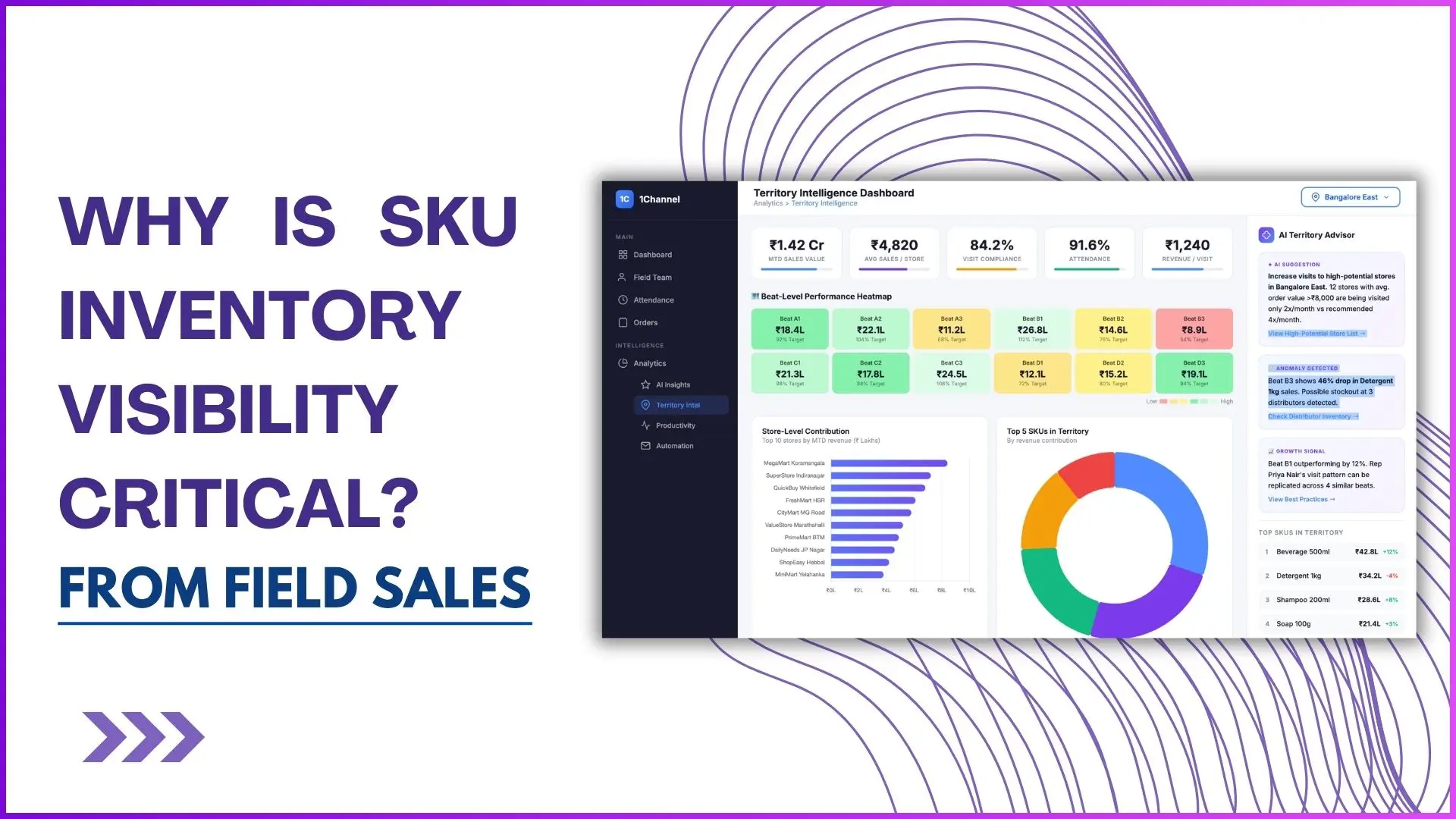
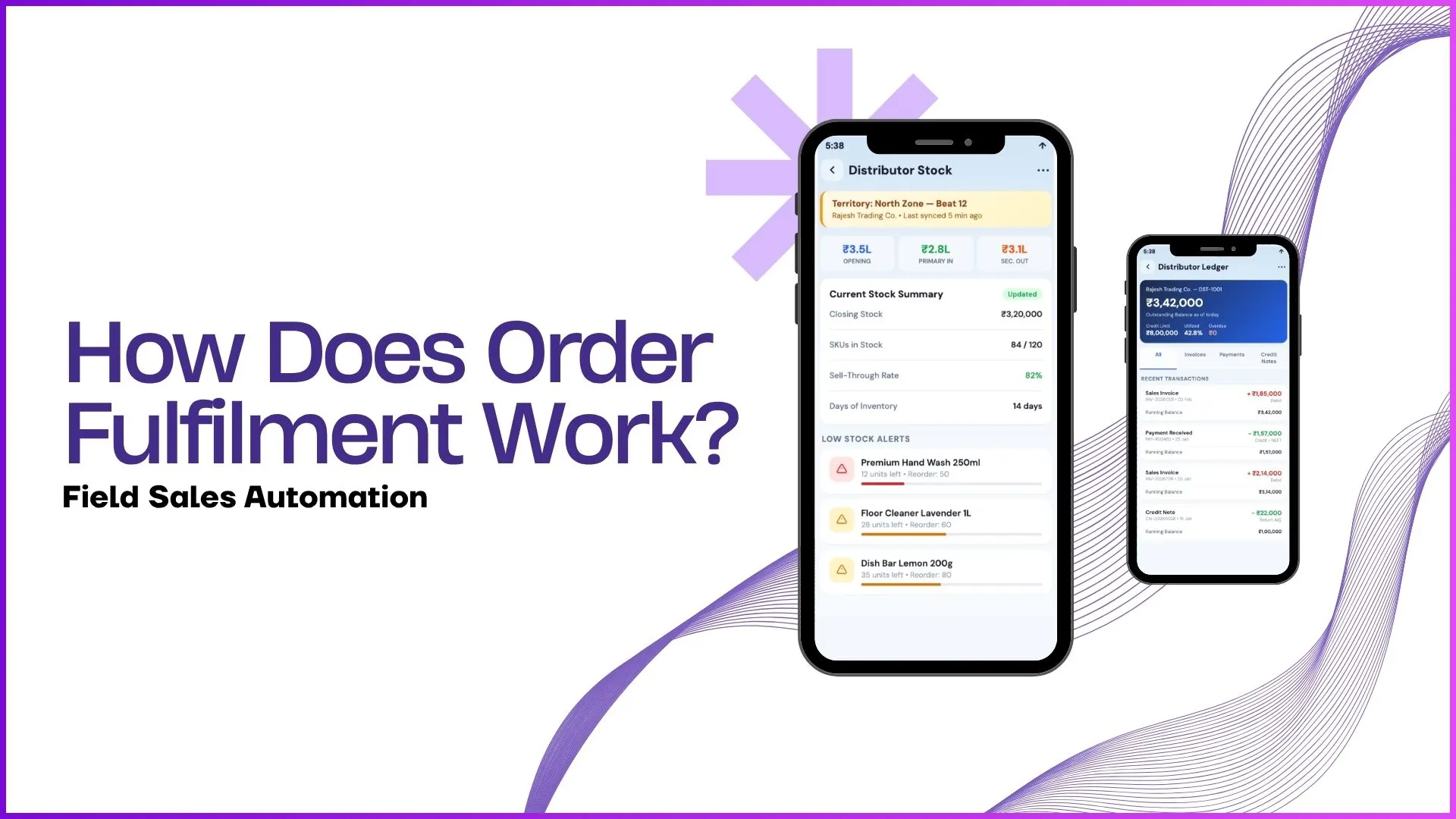
- Store-Level Stock Visibility. The rep opens the partner's record and sees the current stock by SKU. The visibility is the entry point: without it, the rep does not know whether an adjustment is needed.
- Field Rep Updates From the Visit. Counting the shelf, the rep enters the actual quantity. The platform highlights the variance against the system record, so both sides are visible before commit.
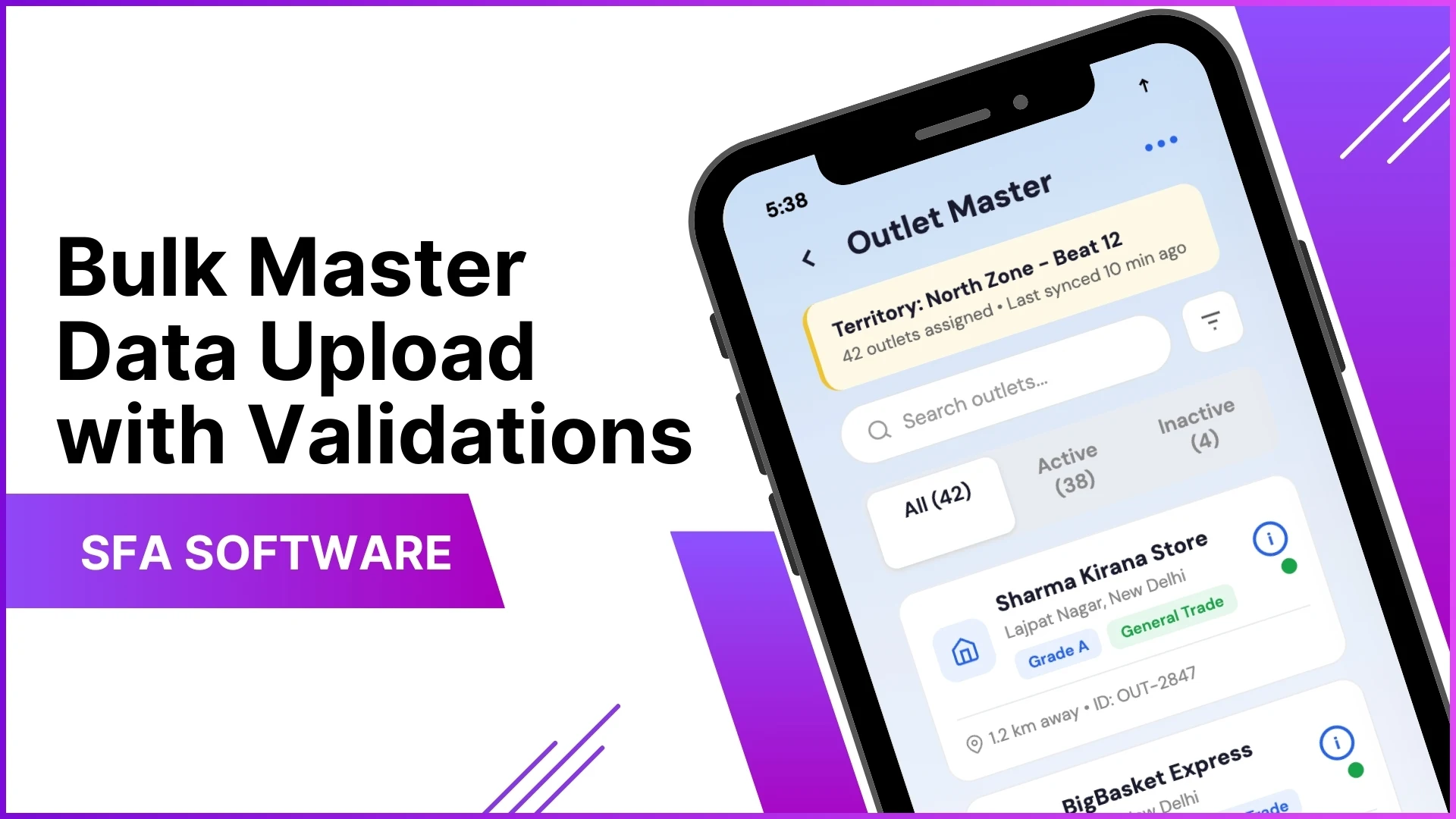
- Bulk Adjustment via Excel Upload. For larger corrections (post-audit, post-stocktake), the operator uploads a structured file and the cloud platform validates the schema before any row lands in the live ledger.
- Stock Correction and Deletion. Wrong entries get corrected or removed through a controlled flow. Soft deletes preserve the audit trail; hard deletes need supervisor approval.
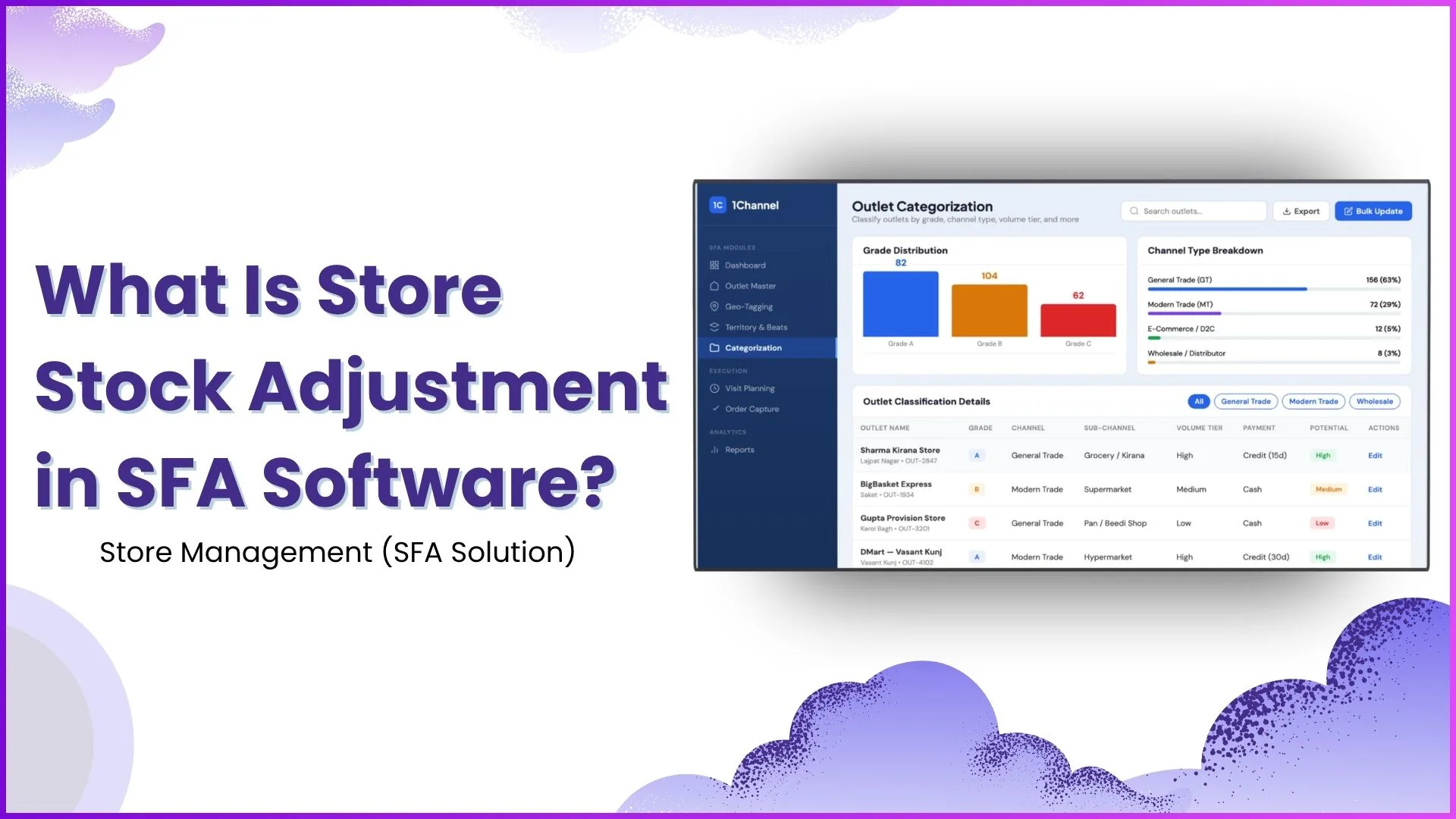
- Outlet-Wise Adjustment by Store Category. A-grade outlets get tighter tolerances and approval loops; C-grade outlets handle adjustments inline. The category drives the workflow, not a flat rule.
- Territory and Beat-Based Monitoring. Supervisors roll up adjustment patterns by territory and beat, so frequent corrections in one region surface as a structural signal, not a one-off.
Where Outlet Categorisation Sharpens the Adjustment
Not every outlet needs the same adjustment discipline. A high-volume modern-trade outlet justifies a daily reconciliation; a slow-moving general-trade outlet does not.
The cloud platform reads the outlet's grade and applies the appropriate workflow automatically. Approval thresholds, audit frequency, and variance tolerances all adapt to the outlet category.
How Stock Adjustment Feeds Sales Decisions
A clean adjustment workflow does more than fix records. It feeds the next reorder, the next scheme calculation, and the next decision the rep makes at the outlet.
Without it, every downstream decision runs on inflated or deflated stock numbers. With it, the decisions read on reality, and the rep stops apologising for things the system got wrong.
How 1Channel Runs Stock Adjustment for Malaysian Field Teams
1Channel runs stock adjustment through its cloud Sales Force Automation and inventory modules. Every adjustment posts to the same ledger the brand reads for sales analytics, so the corrected base flows into reports automatically.
1Channel's AI engine watches for adjustment patterns that signal a structural issue: climbing variances at one partner, damage write-offs concentrated in one region, audit-to-actual gaps widening in one outlet category.
Configuration runs through the admin console. Tolerance thresholds, approval rules, audit frequencies, and category mappings go live the same day, with an automated dry-run preview against the existing outlet base.
Explore Cloud Inventory Management Software
1Channel's cloud inventory platform absorbs field-level stock adjustments with AI pattern detection and automated tolerance enforcement.
Explore Inventory Management Software →Key Takeaways for a Clean Adjustment Workflow
Four points for the next field operations review:
- Adjustments are an audit asset, not a problem. A platform with no adjustments either has no field discipline or no stock movement. The right metric is whether adjustments are logged cleanly, not whether they exist.
- Tolerance varies by outlet grade. A 5 percent variance at a flagship outlet is a problem; the same variance at a C-grade store is normal. The workflow should know the difference.
- Bulk adjustments need their own approval loop. A single rep correcting one outlet is operational; an upload that touches 500 outlets is governance. The platform should treat them as separate workflows.
- Read adjustment patterns, not just individual entries. A region with a steady climb in damage adjustments is signalling something the headline number is hiding. The dashboard should make that visible.