An ops team needs to load 12,000 new outlets into the SFA before the new quarter's beat plan goes live. The CSV is ready. The platform's upload tab is one click away.
The question is what happens after the click. Without validation, half the rows could hit the live ledger with bad data: missing distributor codes, duplicate store IDs, region mismatches, broken hierarchy links.
Bulk master data validation is the layer that turns that risky click into a clean operation. The cloud platform checks every row against the schema before any of it lands, and the bad rows come back as a review report.
Table of Contents
What 'Bulk Master Data' Means Inside an SFA Tool
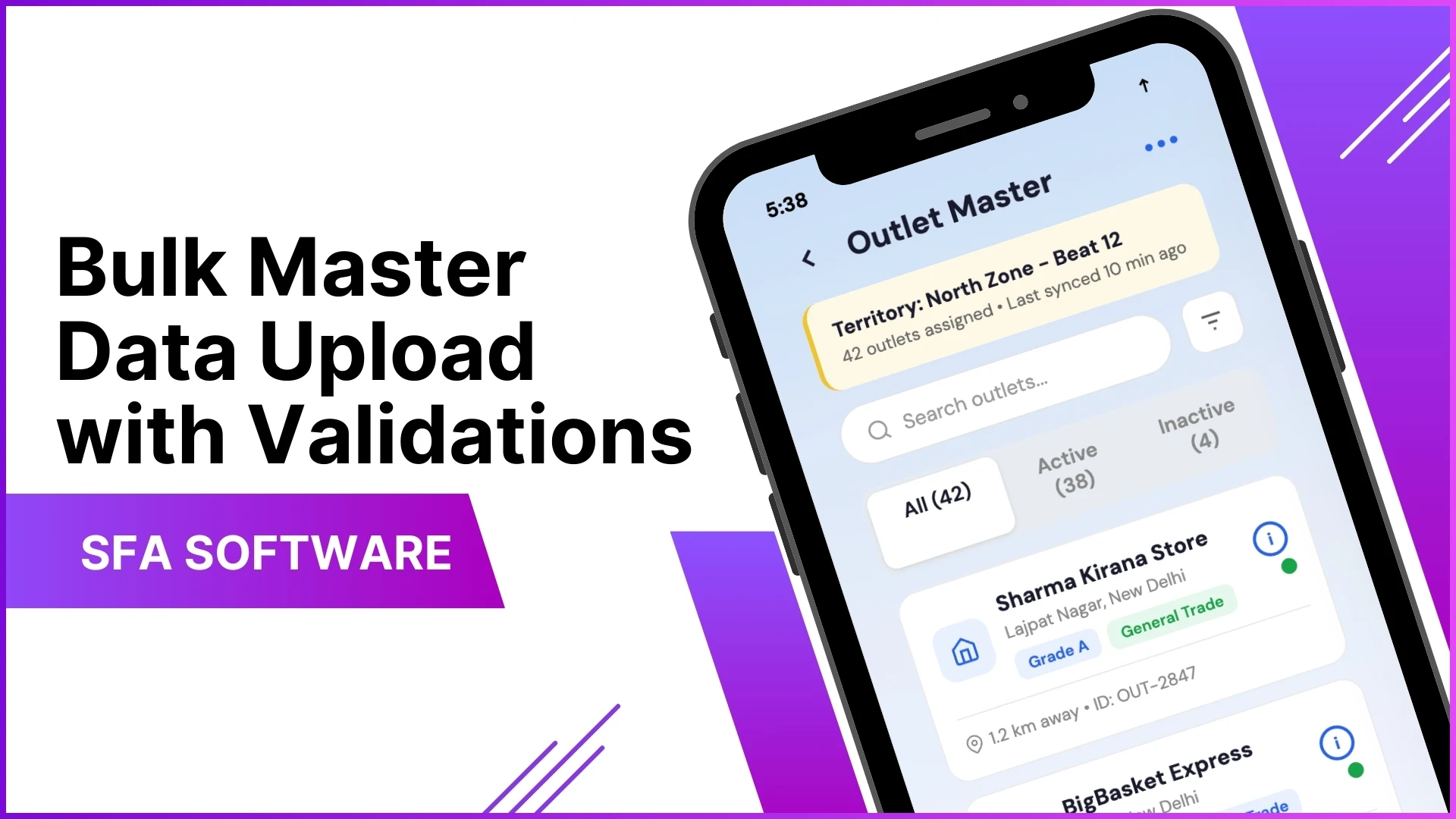
Bulk master data is the foundational record set the SFA reads from: stores, distributors, users, products, hierarchies, and the relationships that link them together.
Updates happen in batches because the operational reality demands it. New beat plans launch with hundreds of new outlets. SKU catalogues refresh with thousands of price points. Doing these one record at a time is not an operating model.
Where SFA Programs Use Bulk Uploads Most
Five common scenarios drive most bulk-upload traffic in a working SFA: new user onboarding at quarterly cycles, store master refresh at expansion milestones, SKU catalogue updates at category launches, distributor authorisation changes at network restructuring, and the periodic sales-and-stock cleanup.
Each scenario stresses a different validation lever. The cloud platform that handles all five from one console scales smoother than one that handles each through a separate workflow.
Five Validation Checks Worth Configuring
Five categories of validation catch almost every type of bad data before it reaches the live ledger:
- Mandatory Field Presence. Every record carries its required fields with non-empty values. A store without a distributor code, a user without a role, an SKU without a price band: all rejected before commit.
- Data Format Discipline. Phone numbers in the right pattern, dates in ISO format, currency to two decimals, codes in the expected character set. Format validation catches the typos a human reviewer would miss.
- Mapping Validation. Every foreign key resolves. A store referring to a distributor that does not exist, a user assigned to a region that was decommissioned: all flagged with the broken reference highlighted.
- Duplicate Detection. The platform checks the upload against the existing master for collisions on unique keys, and within the upload itself for repeated rows. Both come back in the review report automatically.
- Hierarchy Integrity. Reporting lines, territory nesting, and channel rollups all hold together. A rep cannot report to a manager who reports back to the rep, and a region cannot belong to two ZSMs simultaneously.
Why Catching Errors at Upload Beats Catching Them at Audit
A bad row caught at upload costs almost nothing. The platform shows the operator the row, the broken field, and the suggested fix. The operator corrects the source file and re-runs.
The same row caught a month later, after the SFA has been computing reports on top of it, costs the operations team a multi-day reconciliation and a partner-facing explanation.
How 1Channel Runs Bulk Upload Validation for Malaysian Programs
1Channel runs bulk master data uploads through its cloud SFA admin console. The validation layer runs on every upload, regardless of which master is being touched, and the rules stay consistent across user, store, product, and hierarchy uploads.
1Channel's AI engine reviews the upload pattern itself. A surge of changes from one region, an upload that touches an unusual mix of masters, a row pattern that resembles a previously rolled-back change: all surface as soft alerts for operator review.
Every upload runs through an automated dry-run that previews exactly what will change before commit. The operator approves the diff, the change goes live, and the audit log carries the row-by-row trail for review at any later date.
Explore Cloud Sales Force Automation
1Channel's cloud SFA platform runs bulk master uploads with AI-monitored validation and automated dry-run previews.
Explore Sales Force Automation →Implementation Snapshot for a Clean Bulk Upload
A clean sequence to run a bulk master upload without breaking anything:
- Pull the current master into a template file. Start from the platform's current schema, not from a blank sheet. Half of upload errors come from mismatched column names that a templated file eliminates.
- Edit in a controlled environment. Version-control the source file, log every change, and have a peer-review step before the file goes to the upload tab.
- Run the dry-run before the commit. Every modern SFA supports a preview mode. Use it. The preview report should match what you expect to change.
- Resolve every validation flag at the source file, not at the platform. Editing rows inside the SFA after a failed upload creates an audit trail that nobody can follow later.
- Commit during the slow operational window. Bulk uploads on a Friday afternoon or a quarter-close morning multiply the cost of any error that slips through.
- Document the change after commit. A one-paragraph note in the operations log paired with the audit trail makes the next person's review trivial.