A rep finishes a planned visit in an area with patchy 4G. The app captures the order, the audit photo, the geo-stamp, and the activity completion.
Nothing transmits. The rep moves to the next store, then the next. Six visits later the signal returns and the queue drains in order.
The dashboard at headquarters never knew anything was missing. That is what a working data sync mechanism does: it absorbs the network reality without the operations team noticing.
Table of Contents
What 'Data Sync' Means in a Field Sales Context
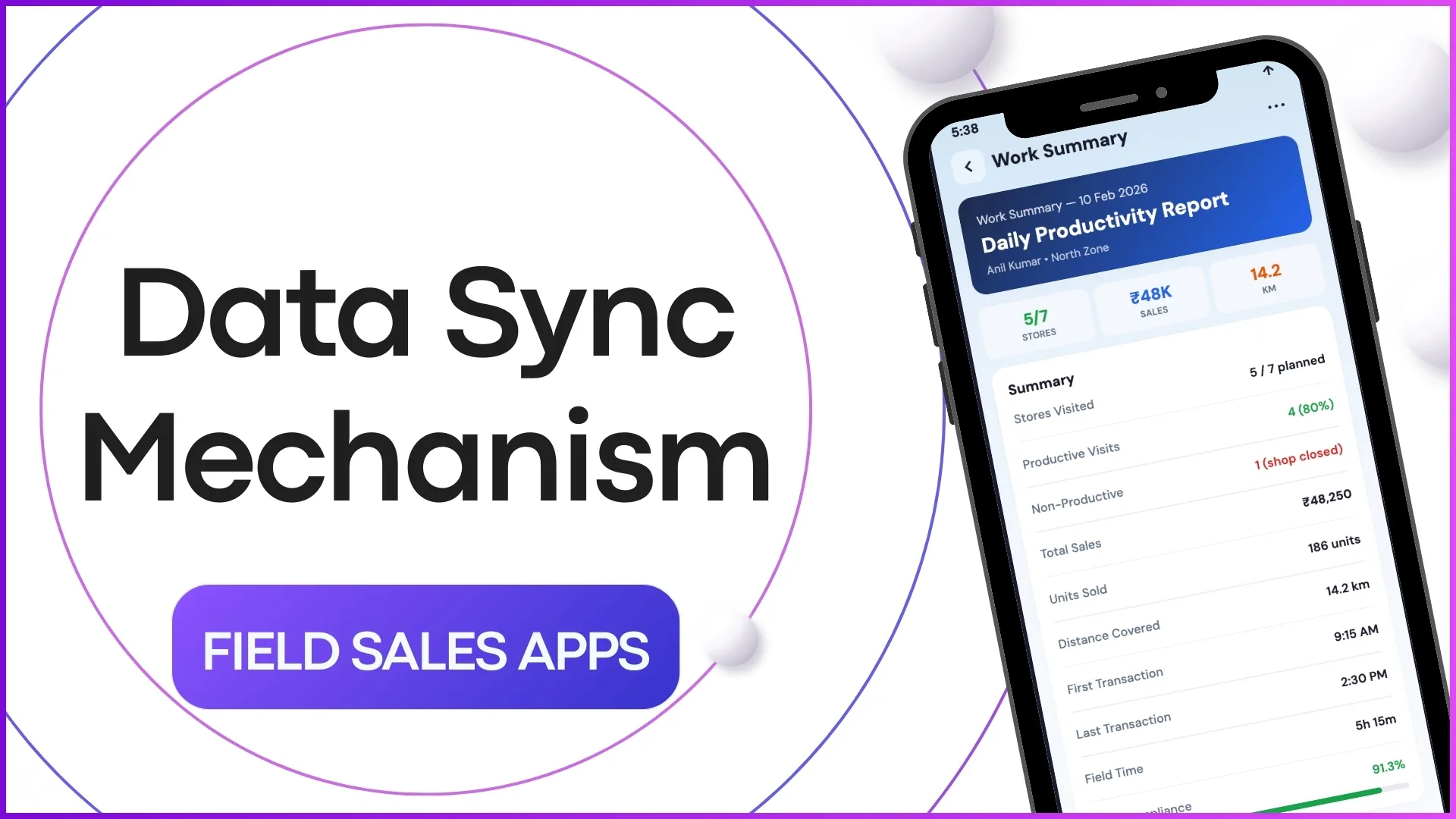
Data sync is the discipline of moving every event captured on the mobile app into the central cloud platform reliably and in the right order. Orders, attendance, visit logs, photos, audit forms.
The sync layer sits between the app and the cloud, queuing events when the network is gone and replaying them automatically when it returns. The end state is the same as if every event had transmitted instantly.
The Five-Stage Pipeline From Phone to Dashboard
From rep capture to manager dashboard, the data passes through five sequential stages:
- Local capture on the mobile app. The event is written to the device's local store with a timestamp, geo-stamp, and a unique offline ID. The rep moves on without waiting for the network.
- Outbound queue management. The app tracks which events are waiting, retries failed transmissions automatically, and de-duplicates against the server's record using the offline ID.
- Transmission to the cloud API. When the network returns, the queue drains in order. Large payloads like photos use a separate channel so they do not block order entries.
- Server-side validation and persistence. The cloud platform checks the payload against the schema, runs business rules, and writes the event to the operational ledger. AI checks catch anomalies before they reach the dashboard.
- Propagation to dashboards and reports. The new event reaches the manager's dashboard, the analytics warehouse, and any downstream system that subscribes to the event stream.
Why the Mechanism Matters More Than the Apps That Use It
A field app with a beautiful UI but a broken sync layer is worse than no app at all. The rep believes the data is captured, the manager sees gaps, and reconciliation eats the next quarter.
A sync mechanism that handles offline gracefully, retries on its own, and writes a complete audit log is what separates an SFA program that scales from one that breaks at the first dead zone.
How 1Channel Runs Data Sync for Malaysian Field Teams
1Channel runs data sync through its cloud Sales Force Automation module. Every event captured on the mobile app gets a unique offline ID at capture, so duplicate transmissions never inflate the ledger.
1Channel's AI engine watches the inbound stream for anomalies. A device producing entries with broken geo-stamps, a rep whose sync delay suddenly stretches to days, an event that contradicts a previous one. All get flagged before they corrupt the dashboard.
The audit trail records every transmission attempt, every retry, and every conflict resolution automatically. Operations teams reconcile from the trail, not by rebuilding events manually.
Explore Cloud Sales Force Automation
1Channel's cloud SFA platform absorbs offline-first data capture with AI anomaly detection and automated conflict-resolution logs.
Explore Sales Force Automation →Common Pitfalls That Quietly Break the Pipeline
Teams that have lived through a sync failure learn a few patterns the hard way:
- Treating photos like data. Photos sync slower than structured events and need their own bandwidth budget. Wiring them through the same channel as orders blocks both.
- Skipping the offline ID. Without a unique client-side ID, a retry produces a duplicate, and the operations team spends weeks reconciling phantom orders.
- Ignoring conflict resolution rules. Two devices editing the same store master entry need a deterministic winner. Without one, the master drifts in unpredictable ways.
- Letting the queue grow without alerts. A queue that has been growing for three days is a silent signal that the network or the device is broken. The cloud platform should surface it on day one.
- Forgetting timezone discipline. Events stamped in local device time without UTC conversion produce dashboards that drift by hours at month-end close.