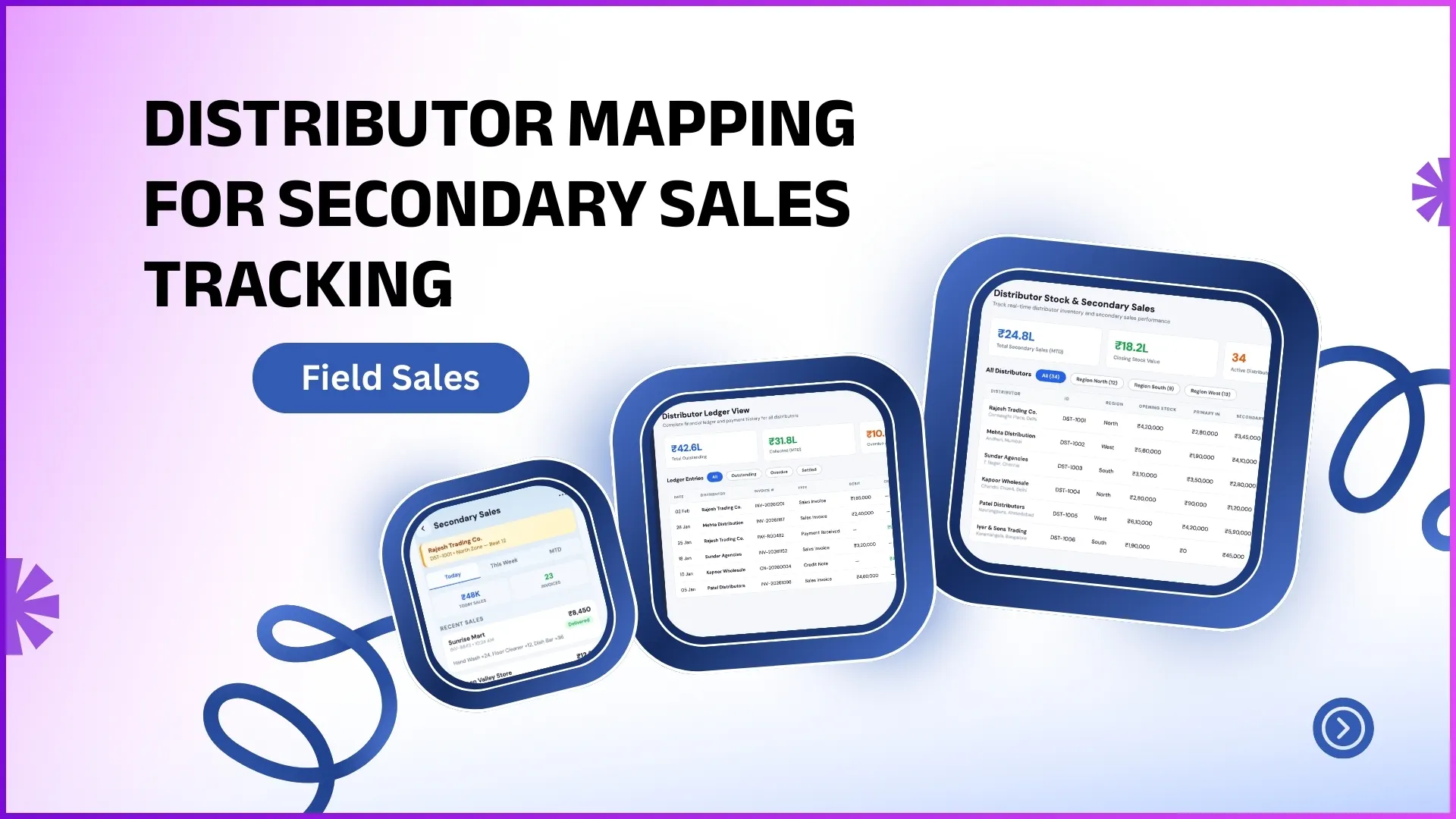
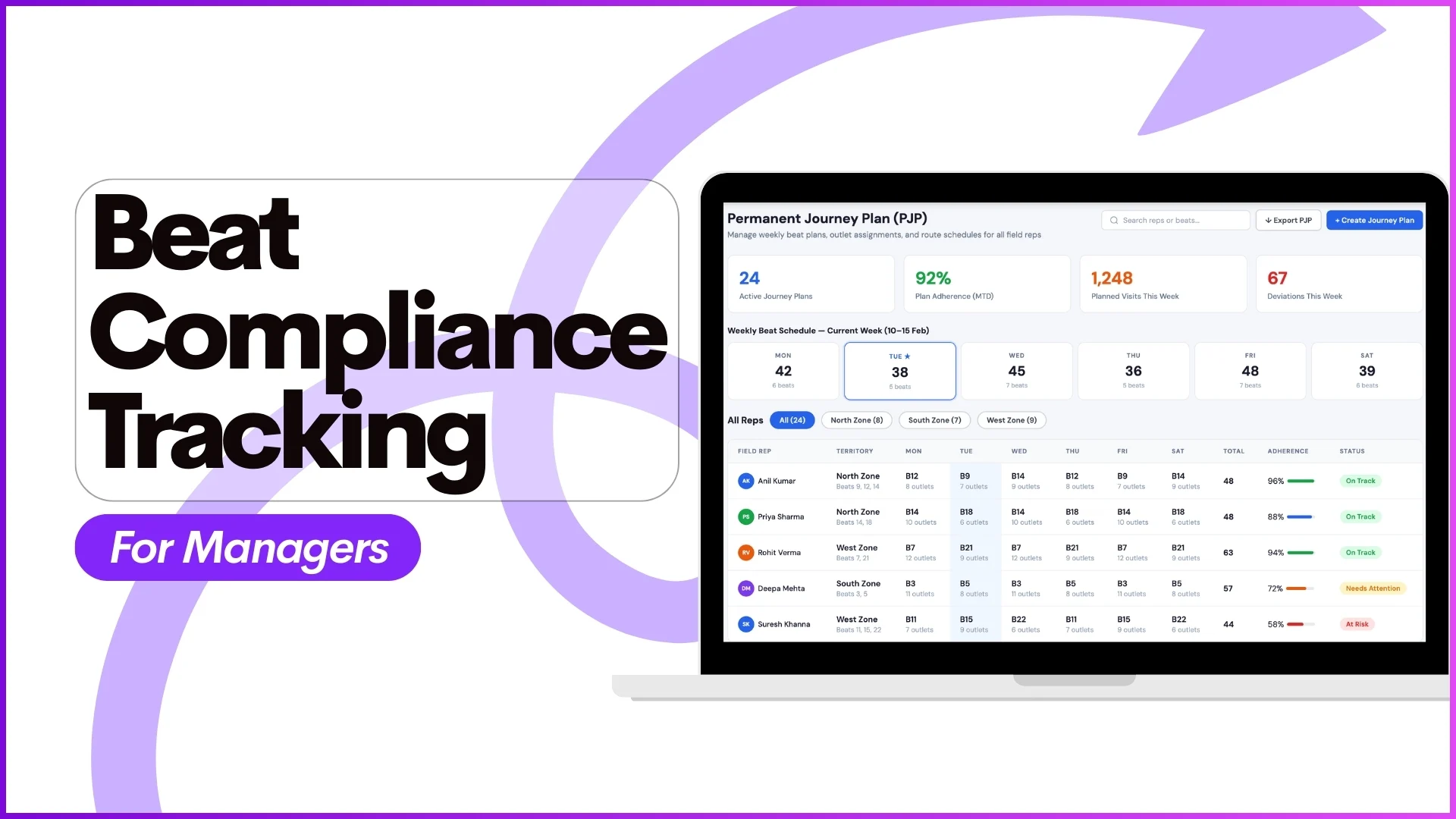
When the store list lives in three places, an HR spreadsheet, a regional manager's whiteboard, and the rep's app, the field operation pays for the duplication in three ways. Visits get logged against stores that no longer exist, reports double-count or miss the same store, and territory changes take weeks to propagate through the field. A single store master is the cure: one cloud record per store that every team reads from and writes to, with the SFA enforcing the rules that keep the data clean. The discipline pays back across every other workflow the team runs.
Table of Contents
What Goes Wrong Without a Single Store Master
The cost of multiple store masters shows up everywhere downstream. Beat plans built against an outdated list send reps to closed stores. Secondary sales reports inflate because the same store appears twice under different IDs. Distributor reconciliation breaks because the SKU master and the store master use different store codes. New rollouts spend the first month chasing data-cleanup tickets rather than executing the program. The pattern is consistent: the cost of duplicate masters compounds with every workflow that touches store data, and the only durable fix is consolidation at the platform layer.
What a Single Store Master Actually Contains
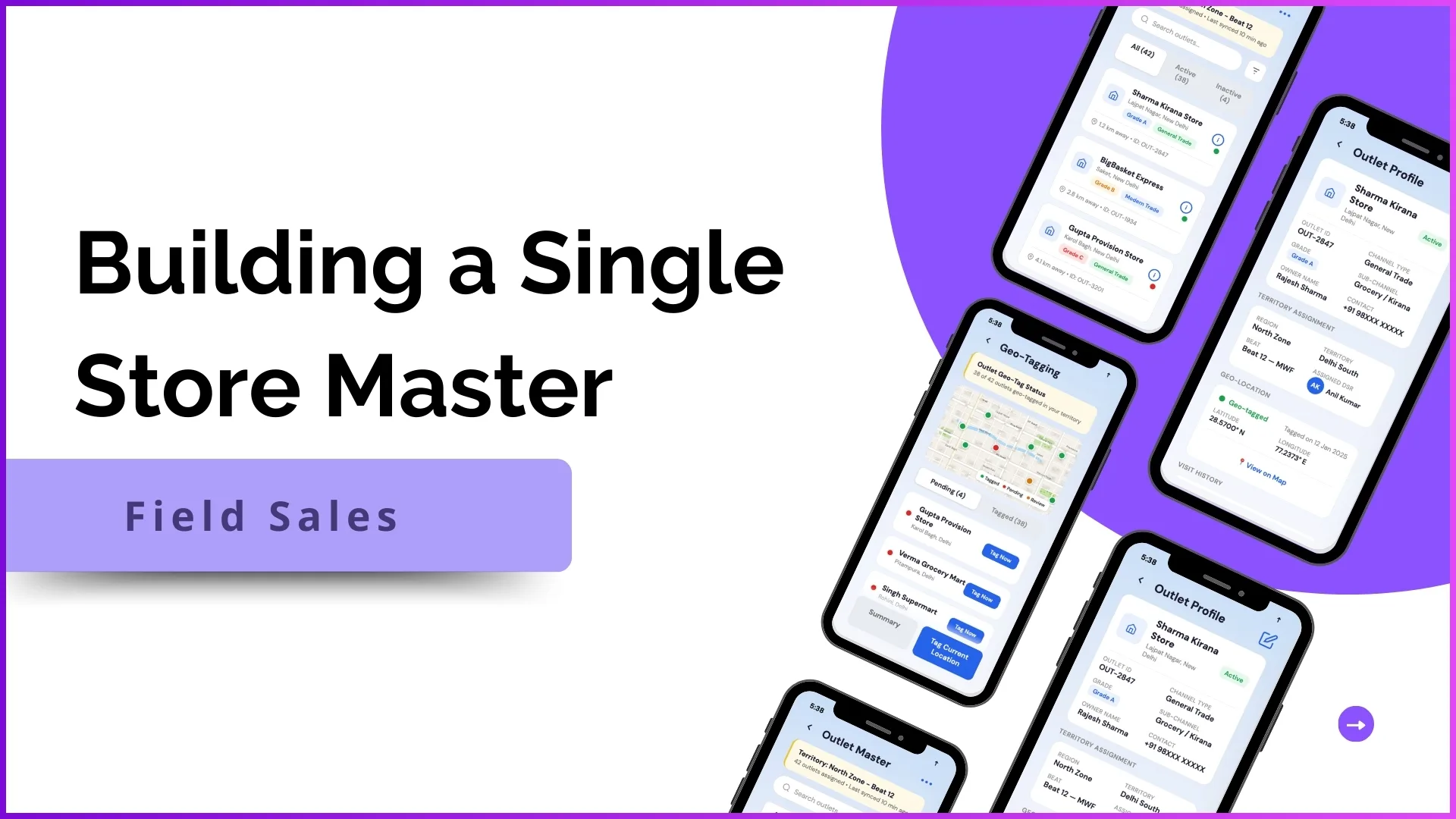
A single store master is the canonical record for every store the field team interacts with. The record carries the store's identity (a unique ID and name), its location (address, GPS, and geo-fence), its commercial profile (channel, segment, trade category), and its operational links (assigned rep, assigned distributor, beat plan slot). The cloud SFA writes the master once and exposes the same record to every downstream workflow: beat planning, order capture, secondary sales attribution, scheme application, reporting. Every team reads from the same master, and any change flows through the same governance gate.
Five Components That Make Up the Master
The store master is built from five core components on the cloud platform. Each one carries a specific responsibility.
- Store creation and approval: New stores enter through a controlled intake (field-app submission, bulk upload, or partner-system feed), and an approval workflow validates the record before it becomes active. The platform's automation pre-checks for duplicates against the existing master before the record commits.
- Store classification and channel mapping: Each store carries a channel tag (general trade, modern trade, e-commerce pickup, B2B), a segment tag (premium, mass, hybrid), and a category. The classification drives which schemes apply, which reports include the store, and which beat plan it belongs to.
- Store-to-user assignment: Every store is mapped to exactly one rep at any given time, with optional secondary coverage. The cloud SFA enforces no double-allocation and tracks reassignments with effective dates so reports stay clean across the handover.
- GPS mapping and geo-fencing: The store's coordinates anchor visit validation, the rep's check-in only counts when the device is inside the geo-fence. The platform also uses the GPS to detect address drift (a store that appears to have moved) and queues those records for re-verification.
- Visit enablement: The store record carries the operational metadata a rep needs at the counter, the active scheme, the credit policy, the recent order history. The cloud SFA pre-loads this so the rep does not have to look it up separately when the visit starts.
Where the Store Master Flows Into Daily Operations
The value of a single store master shows up in every workflow that touches store data. Beat planning reads from the master, so reps only see active, valid stores in their daily plan. Order capture matches against the master, so an order cannot be raised for a store that does not exist or is currently inactive. Secondary sales attribution rolls up to the master, so reports stay coherent across distributor handovers. Geo-fenced attendance and visit validation depend on the master's GPS data. Scheme application reads the store's channel and segment tags from the master to decide eligibility. The master is not a sidecar table; it is the backbone every other workflow rests on.
How 1Channel Builds and Maintains a Single Store Master
1Channel runs the single store master from its cloud SFA's Store Management module. New store records are intake-controlled (field-app submission, bulk upload, or API feed from a partner system), and an approval workflow validates the record against duplicates, geo-anomalies, and classification rules before activation. 1Channel's AI engine pre-screens incoming records and flags suspect patterns, a new store within 100m of an existing one, a record with mismatched GPS and address, a record assigned to a rep outside the territory, so the operator focuses on the cases that need attention. The audit log captures every change to a store record, and automated bulk maintenance flows handle quarterly tidy-ups without manual line-by-line edits. Every downstream workflow on the platform reads from the same master, so the team only edits in one place.
Explore Territory Management Software
1Channel's cloud territory management runs the single store master with AI duplicate detection, geo-fenced visits, and audit-grade approvals.
Explore Territory Management Software →Action Checklist for Standing Up a Store Master
A practical sequence for setting up a clean single store master:
- Audit the current store lists. Pull the lists from every team that maintains one (HR, sales ops, distributor partners, finance) and identify the deltas. The cleanup is easier before the master goes live than after.
- Define the unique store ID standard. Decide whether the ID is internal (a six-digit code) or external (an existing distributor ID), and apply it consistently across the master from day one.
- Configure the classification taxonomy. Lock down channel, segment, and category tags before adding stores. Changing the taxonomy after the master is populated requires re-tagging every record.
- Set the geo-fence radius per channel. Modern trade outlets typically need a tighter fence than general trade, and the cloud SFA supports per-channel defaults.
- Run a bulk upload with validation enabled. Most platforms offer a dry-run mode that surfaces duplicates and conflicts before commit; use it.
- Set a quarterly review cadence. Stores open, close, and move. Without a review cadence, the master drifts within six months and the cleanup gets harder each cycle.