Field attendance breaks in predictable ways. A rep is on duty at a brand meeting in Putrajaya but forgets to check in. Another arrives at a 99 Speedmart outlet in Subang Jaya after the geofence was tightened. A team leader loses signal between Penang and Ipoh during the morning window. These are not lapses in commitment but mismatches between what the system saw and what actually happened. Regularisation is the workflow that reconciles them.
Table of Contents
When Regularisation Is the Right Tool
Regularisation is not a workaround for poor compliance. It is the formal path for situations where the rep was genuinely working but the attendance record does not show it. The distinction matters because the workflow only adds value when it stays narrow. If it becomes a routine fix for forgetfulness, the underlying data loses meaning and payroll and field-coverage decisions drift away from reality.
Used correctly, regularisation covers a defined set of cases: on-duty travel days, training sessions away from the assigned territory, customer outlets that were closed during the visit window, half-day approvals, and check-ins that genuinely failed due to signal loss or geofence updates.
The Status Codes That Drive the Workflow
The regularisation workflow runs on configurable attendance statuses defined in the HR Management module. Each status carries its own approval rule, downstream impact, and reporting visibility. The common statuses used by Malaysian field operations look like this:
On Duty
Applied for off-territory work such as a brand meeting in KL or a training session in Penang. Requires approval; counts as a present day in payroll.
Half-Day
Applied when the rep worked a partial day, often due to a personal commitment or a medical appointment. Requires approval; affects payroll proportionally.
Outlet Closed
Applied when the assigned store was closed during the visit window. Does not require approval if the rule is configured that way; counts toward coverage but not toward a missed visit.
Present (Backdated)
Applied when the rep was physically present but failed to mark attendance, usually due to a signal or app issue. Requires approval and a stated reason.
Routing the Request to the Right Approver
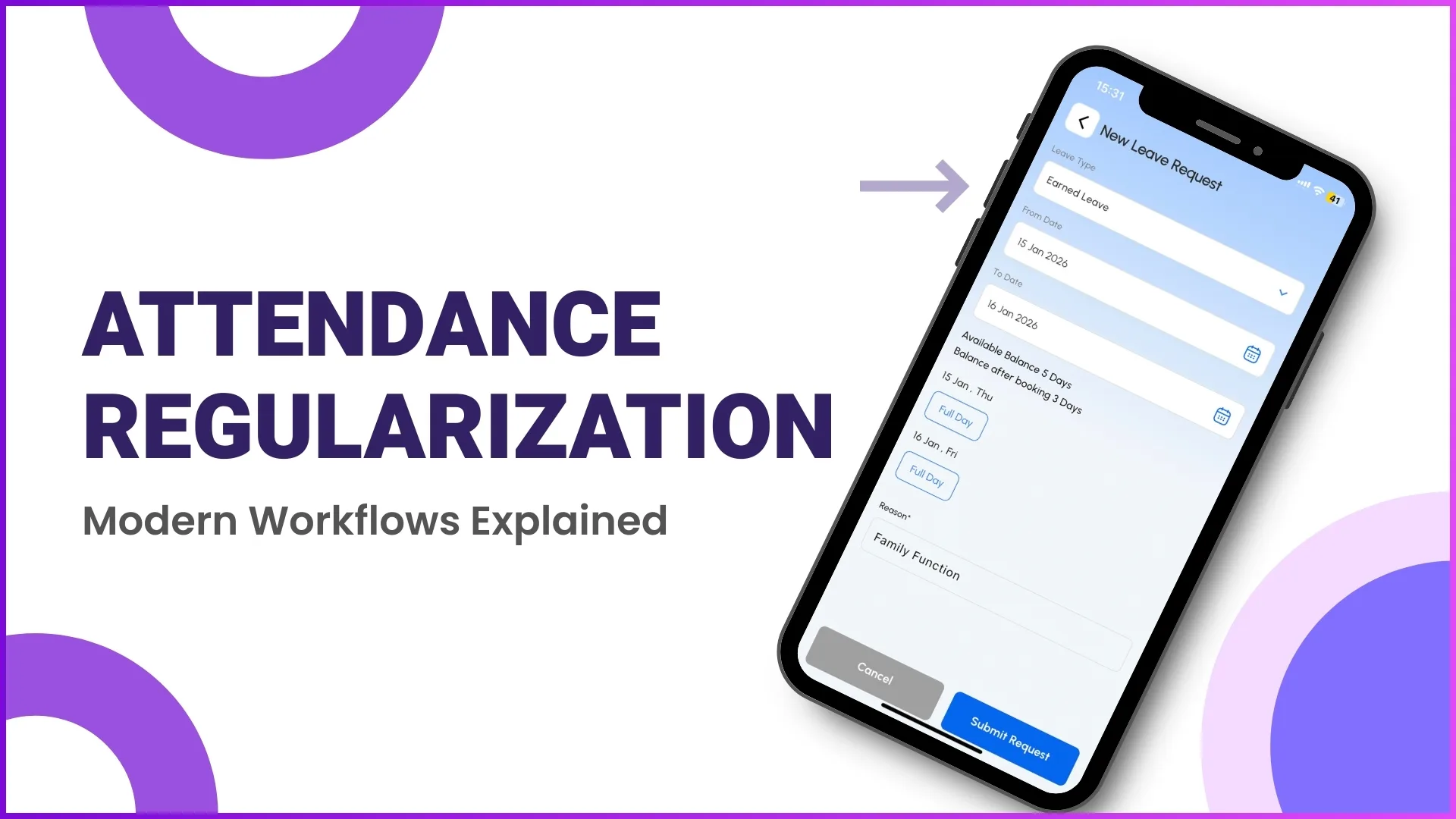
Once the rep submits a regularisation request from the mobile app, the system reads the user's reporting hierarchy and routes the request to the direct reporting manager. The manager sees the request in the Approve Attendance screen with the original date, the requested status, the rep's reason, and any supporting remark. The approval decision flows back to the app and updates the attendance dashboard immediately.
For larger teams, multi-level approval can be enabled. A half-day request from a promoter might require both team leader and area manager sign-off, while an On Duty request for a single off-territory meeting needs only the team leader. The configuration sits in the workflow settings and changes apply across all future requests without affecting the ones already in flight.
What Approved Regularisation Updates Downstream
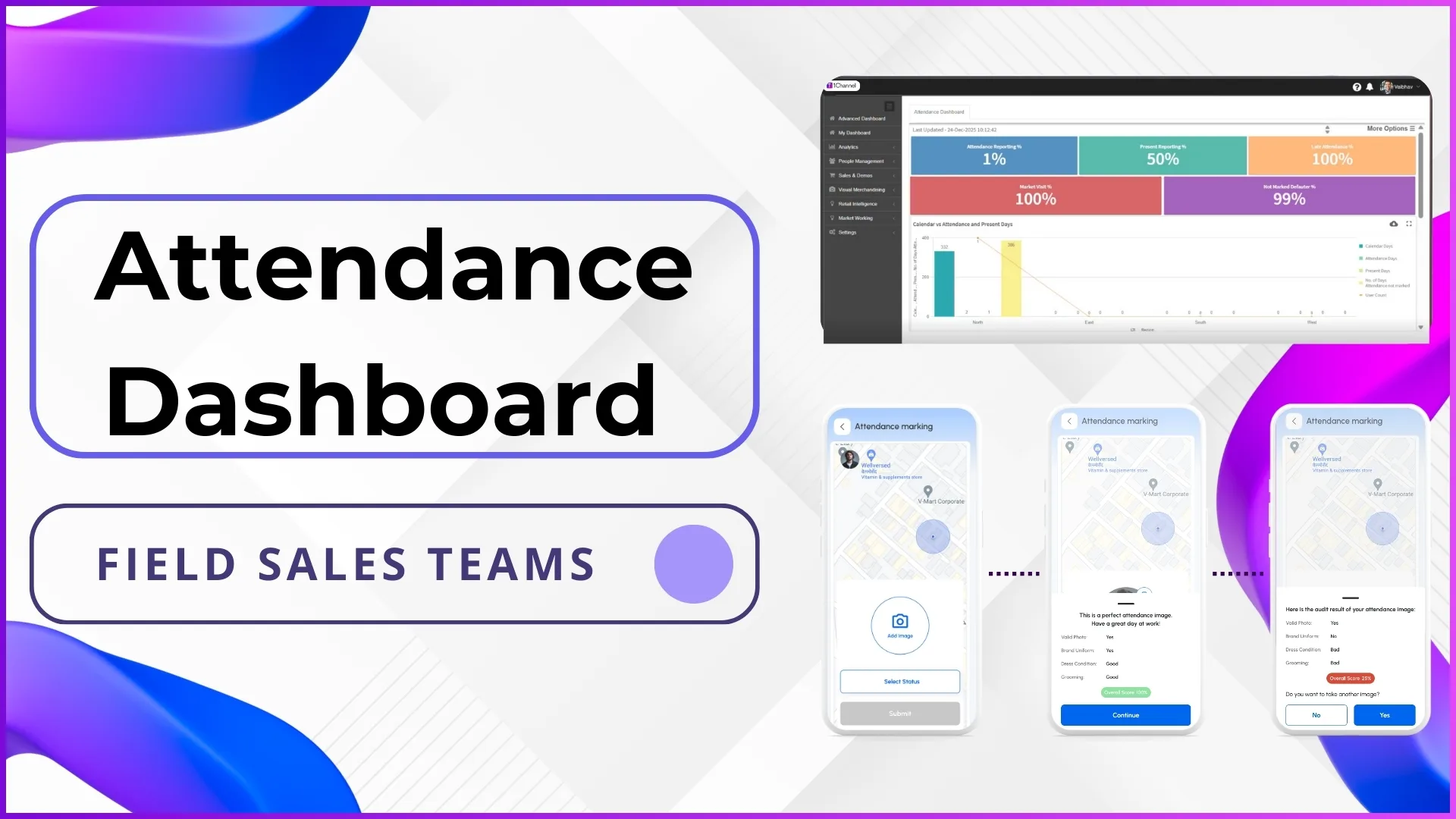
An approved regularisation does not just sit in the attendance log. It updates three systems at once. Payroll inherits the corrected status, so a backdated Present day does not get deducted at month end. The attendance dashboard reflects the change immediately, so the late-attendance and defaulter percentages recalculate for the manager's view. Beat plan compliance recovers if the affected day had assigned outlets, since an On Duty marker removes those outlets from the missed-visit count.
This is why regularisation is treated as a workflow rather than a one-off edit. It is the single update that propagates corrected data into payroll, dashboards, and coverage reports without manual intervention.
Explore Sales Force Automation
1Channel's cloud SFA platform routes regularisation requests through the configured reporting hierarchy, with payroll and dashboard updates flowing automatically once approved.
Explore SFA Solutions →Common Mistakes That Make Regularisation Lose Its Value
The workflow scales only when teams treat it with discipline. The following patterns quietly erode that discipline if left unchecked:
- Approving every request without review. If managers click approve as a default, the data stops reflecting reality and trends like recurring late attendance disappear from the dashboard.
- Letting requests pile up for weeks. Regularisation submitted three weeks late is hard to verify. A submission window of three to five working days keeps the evidence trail honest.
- Treating Outlet Closed as a catch-all. Reps sometimes use Outlet Closed for outlets they could not reach in time. The Outlet Closed reason should match an actual closure, not a routing miss.
- Skipping the reason field. A blank reason on a Present-backdated request leaves managers with no evidence. A simple sentence makes the audit trail useful months later.
- Not adjusting statuses after a policy change. When the company adds a new status or retires an old one, in-flight requests should be reviewed so the workflow stays consistent.