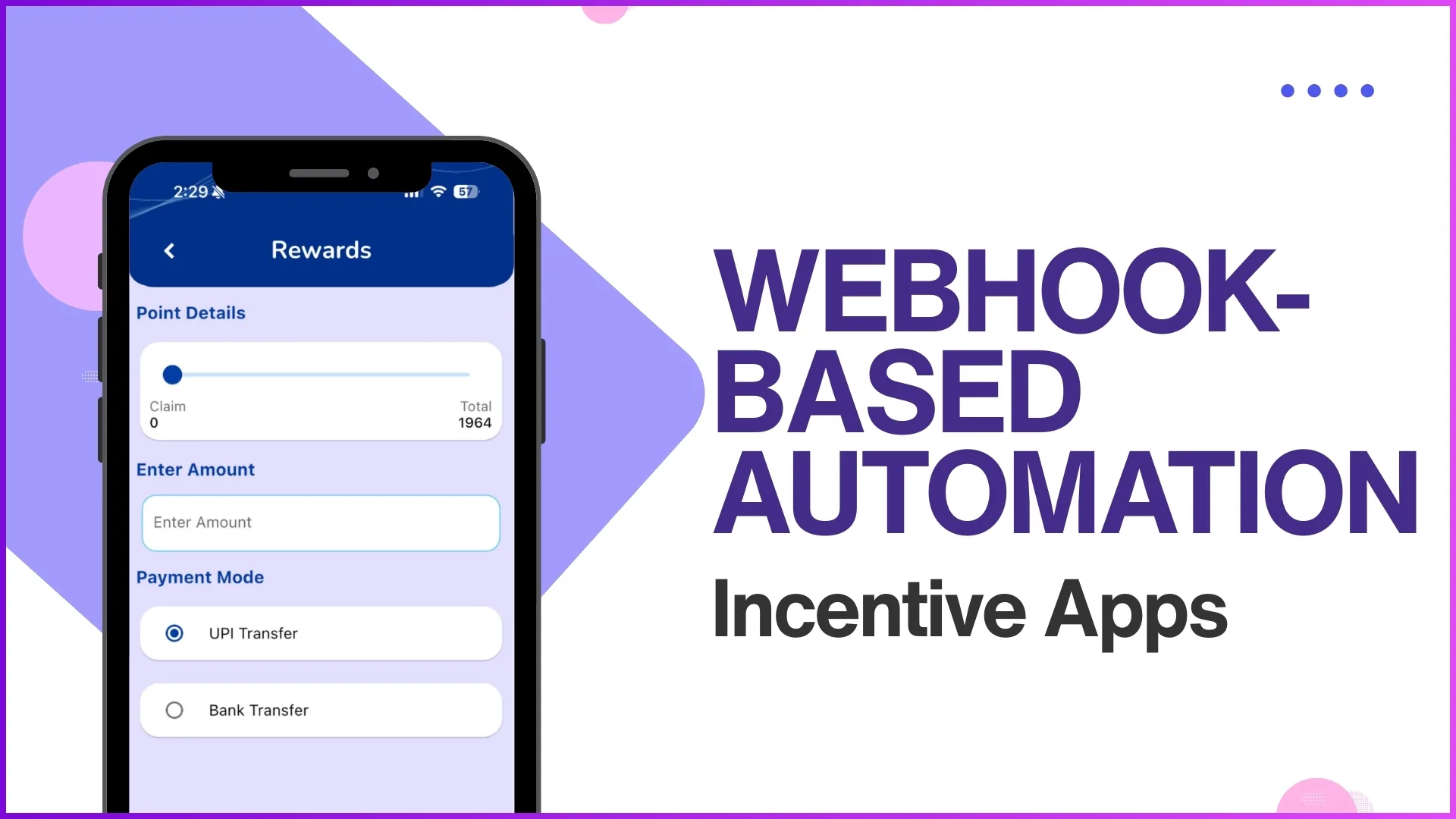
A webhook is a small automated message the cloud platform sends to a target system the moment an event happens. No polling, no batch job, no waiting window.
In an incentive app, the events are member actions. A partner enrols, a transaction clears, points get allocated, a notification fires.
Webhook-based automation closes the gap between event and action. The downstream system learns about the action while it is still relevant, and the program runs on the same beat as the member's behaviour.
Table of Contents
What Webhook-Based Automation Means in an Incentive Program
Webhook-based automation is the design pattern where the incentive app does not wait to be asked. It pushes notifications to downstream systems the instant a qualifying event lands.
The cloud platform configures the webhook target, the trigger event, and the payload format. Once active, the webhook fires automatically with no operator stepping in.
Four Events That Fire Webhooks Across Incentive Apps
Most incentive programs cluster their webhooks around four event families. Each family carries a distinct downstream responsibility.
Partner Enrolment and Nomination Approvals
When a new partner is approved, the cloud platform fires a webhook to the CRM and the welcome-comms system at the same instant.
The downstream systems update the partner record and trigger the welcome sequence without the operations team intervening.
Purchase and Transaction Approvals
Every approved transaction fires a webhook to the points ledger and the analytics warehouse.
The ledger updates the member's balance in real time, and the dashboard reflects the transaction within the same minute.
Automated Point Allocation
Once eligibility clears, the webhook triggers point allocation in the loyalty ledger and reward calculation in the campaign engine.
The member sees points credited inside the app without waiting for an overnight batch to run.
Notification and Communication Automation
Webhooks fire notifications across SMS, email, and WhatsApp the moment the triggering event happens.
The communication arrives in the same minute as the action, which keeps the member's trust in the program intact.
How Workflow Configuration Drives the Webhook
The webhook is only as good as the workflow that defines it. The cloud platform exposes three configuration knobs.
The trigger sets which event in the incentive app launches the webhook. The payload defines what data leaves in the request. The target selects which downstream system receives the call.
Most platforms validate every new webhook in a sandbox before activating it in production. Misconfigured webhooks roll back automatically, so a failed test never corrupts live data.
How 1Channel Powers Webhook Automation in Incentive Apps
1Channel runs webhook-based automation through its cloud Loyalty Management module. The admin console exposes webhook configuration as forms, so no engineering ticket is needed for routine setup.
1Channel's AI engine watches webhook delivery and flags failed deliveries, slow targets, and unusual payload patterns. The platform retries failed webhooks automatically with exponential back-off, and the audit log records every attempt.
Brands running multiple programs share the same webhook infrastructure on 1Channel. A tested webhook configuration transfers cleanly between programs without rebuilding the integration.
Explore Channel & Influencer Loyalty
1Channel's cloud channel and influencer loyalty platform runs webhook-driven automation with AI delivery monitoring and audit-grade tracking.
Explore Channel & Influencer Loyalty →Implementation Snapshot
A clean sequence to add webhook-based automation to an incentive program:
- Catalogue the events that need automation. Enrolment, transaction, point allocation, and notification are the usual starters.
- Identify the downstream system for each event. CRM, points ledger, analytics warehouse, and communication gateway cover most cases.
- Define the payload structure. Keep it minimal: the event ID, the member ID, the timestamp, and the action context.
- Configure the webhook in a sandbox first. Most cloud platforms support a dry-run mode that records the call without delivering it.
- Test the failure modes. Network timeout, target down, malformed payload. The retry policy and the audit log are what protect the system in production.
- Set up monitoring on delivery success rate. The dashboard should show success rate, retry count, and average latency per webhook.