Most SaaS tools assume a stable connection. Sales apps for field operations cannot. Reps covering outlying outlets lose signal mid-visit on a regular basis, and the platform has to keep running through it. The offline mode in the SFA app captures, queues, and syncs without waiting for the network. The result is a workday that does not stall when the bars drop to one.
Table of Contents
What Offline Mode Means for the SFA App
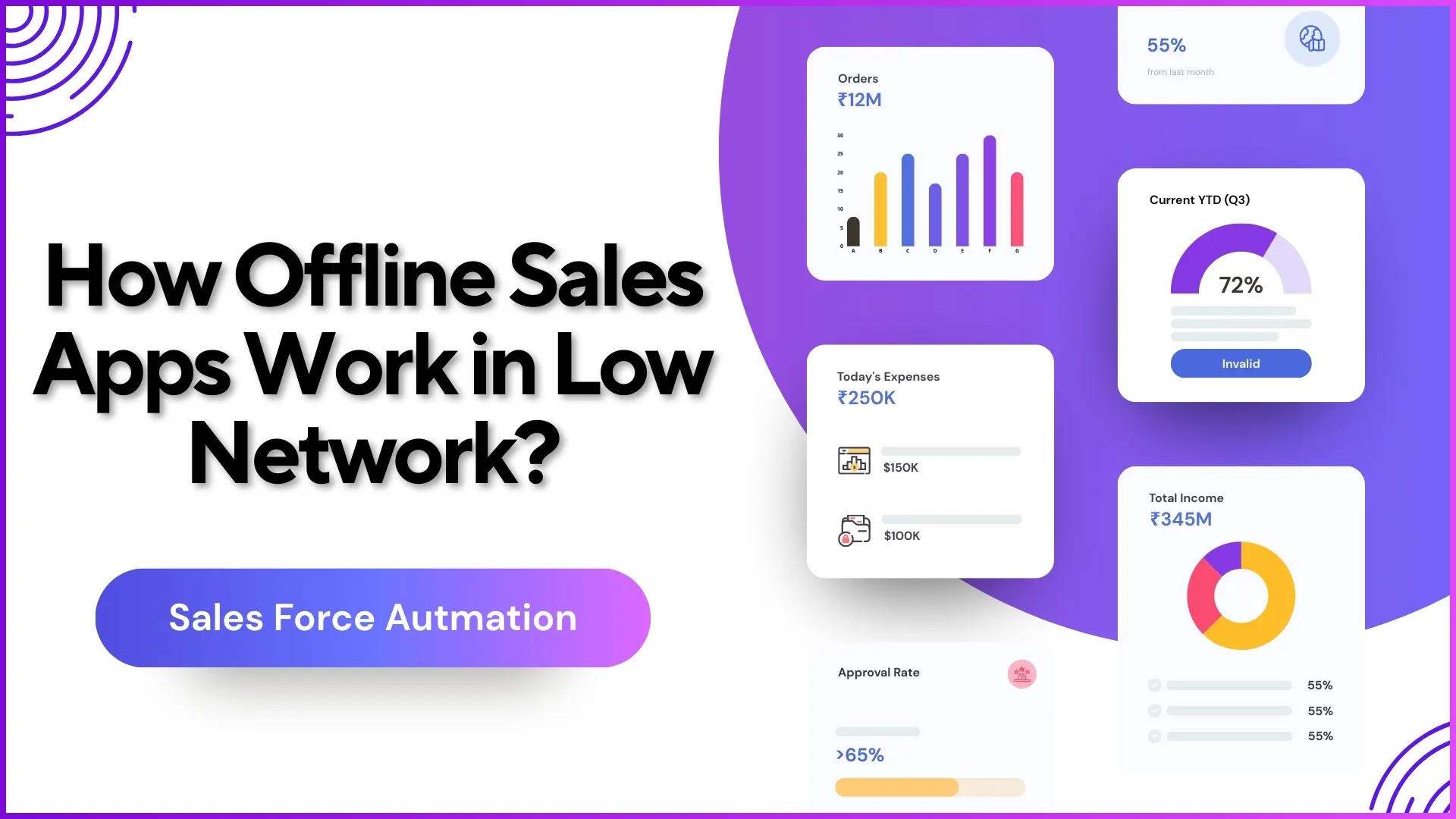
The app maintains a local cache of everything the rep needs to function: assigned outlets, the day's beat plan, active questionnaires, role permissions, and reference data for sales entries. When the network drops, the rep continues working against this cache. Every action they take, whether a check-in, a sales capture, a photo upload, or a questionnaire submission, gets timestamped on the device and queued in local storage. The portal sees nothing in the moment, but nothing is lost either.
Three Things the App Does Differently
- Local data store. The app keeps a working copy of every active record on the device. New entries land in the same store. The experience for the rep is identical to the online version, which means no behaviour change at the network edge.
- Deferred sync. When the signal returns, queued actions sync to the portal in chronological order. The reporting layer rebuilds itself with the new entries in place, and the rep does not have to take any action to make it happen.
- Conflict resolution. If two devices touched the same record while offline (rare but possible), the merge logic uses timestamps and a tiered policy to decide which version wins. The unresolved cases surface for manual review rather than fail silently.
What This Means for Compliance and Reporting
Once the queued entries sync, the portal shows them as if they had arrived live. The Area Manager's dashboard updates with the new attendance, the new visits, and the new sales. There is no separate offline log to reconcile. Audit fields capture both the device timestamp and the server sync time, so anyone reviewing the data can tell when the action actually happened versus when it appeared in the system. Geofence validation runs against the captured GPS at the moment of action, not at the moment of sync, so a rep who marked attendance correctly while offline still passes the location check.
Explore Sales Force Automation
1Channel's cloud SFA platform runs an offline-aware mobile app that keeps Malaysian field operations productive through network gaps without manual reconciliation.
Explore SFA Solutions →Where the Offline Mode Earns Its Keep
Three operating conditions where the feature matters most: dense urban concrete that blocks signal indoors, rural and remote territory where coverage is patchy, and indoor retail formats with weak in-store reception. Without offline mode, the workday collapses around the network gap. With it, the rep keeps moving, and the data catches up the moment the phone reconnects.
Points to Remember
- The offline cache holds outlets, plans, questionnaires, and reference data: everything an active workday needs.
- Captures happen locally with on-device timestamps and GPS; sync moves the data to the portal without manual intervention.
- Geofence checks run against the capture moment, not the sync moment.
- Conflict resolution uses timestamp and tiered policy; rare unresolved cases surface for manual review.
- Audit fields preserve both capture and sync times so post-hoc review remains accurate.