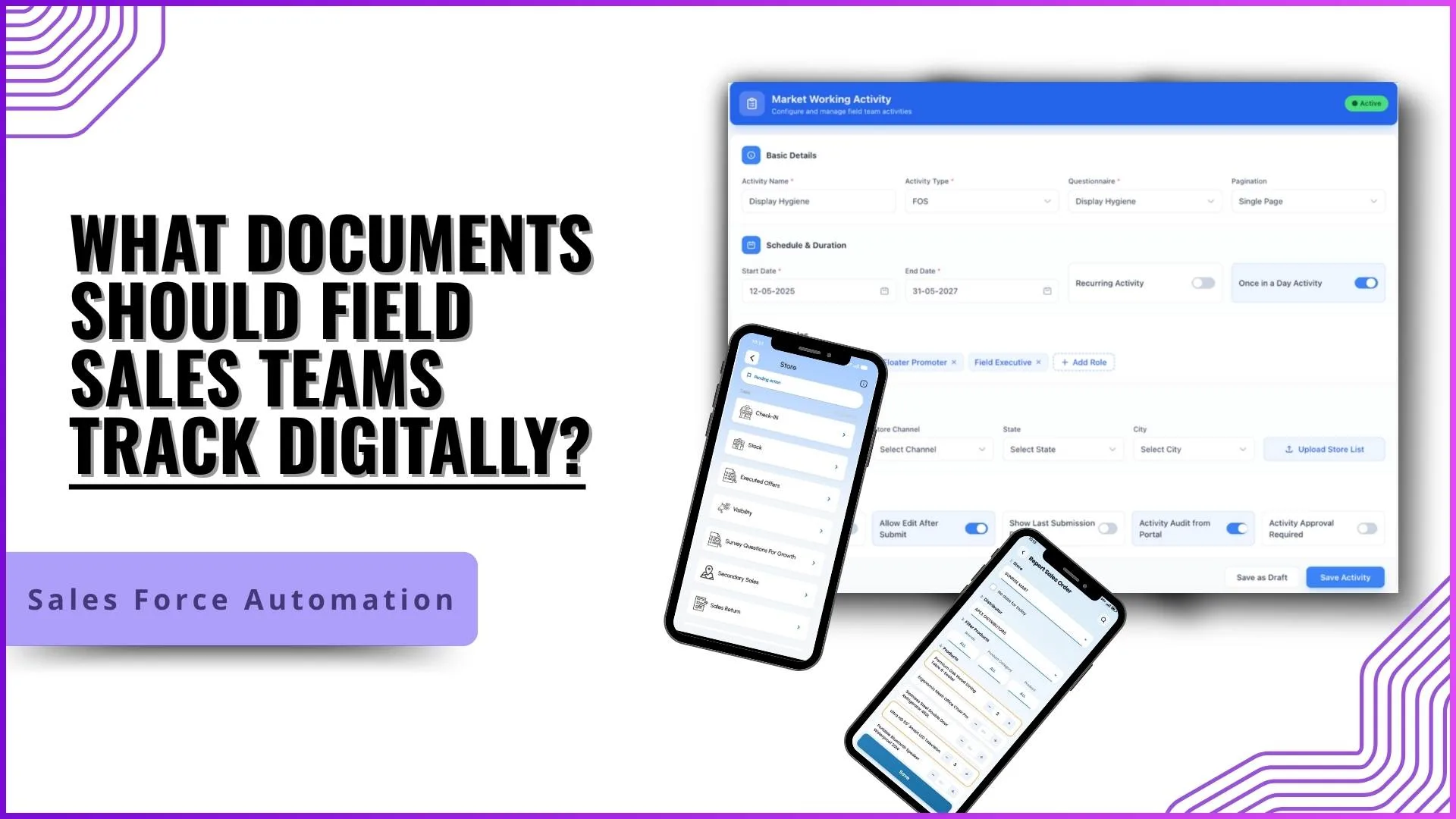
A Malaysian field rep on paper carries seven forms, a clipboard, a pen, and the hope that no rain catches the visit on the way back.
The forms fill at the customer's counter, stack through the day, get scanned at the office, and upload three days later. The same rep on a digital workflow walks out with the data already in the cloud platform.
Whether the cutover delivers the promise depends on what the team digitises, how the capture flow is built, and which pitfalls the rollout avoids.
Table of Contents
Where Manual Document Collection Hurts Most
Manual collection breaks in three predictable places: data quality, lag, and audit recovery.
Data quality drops because forms get filled at the end of a long day. Lag stretches because paper has to travel. Audit recovery becomes a research project, not a query.
Each of these has a different cost. The manual workflow hides them behind a routine that everyone has stopped questioning.
Six Things SFA Captures Instead of Paper
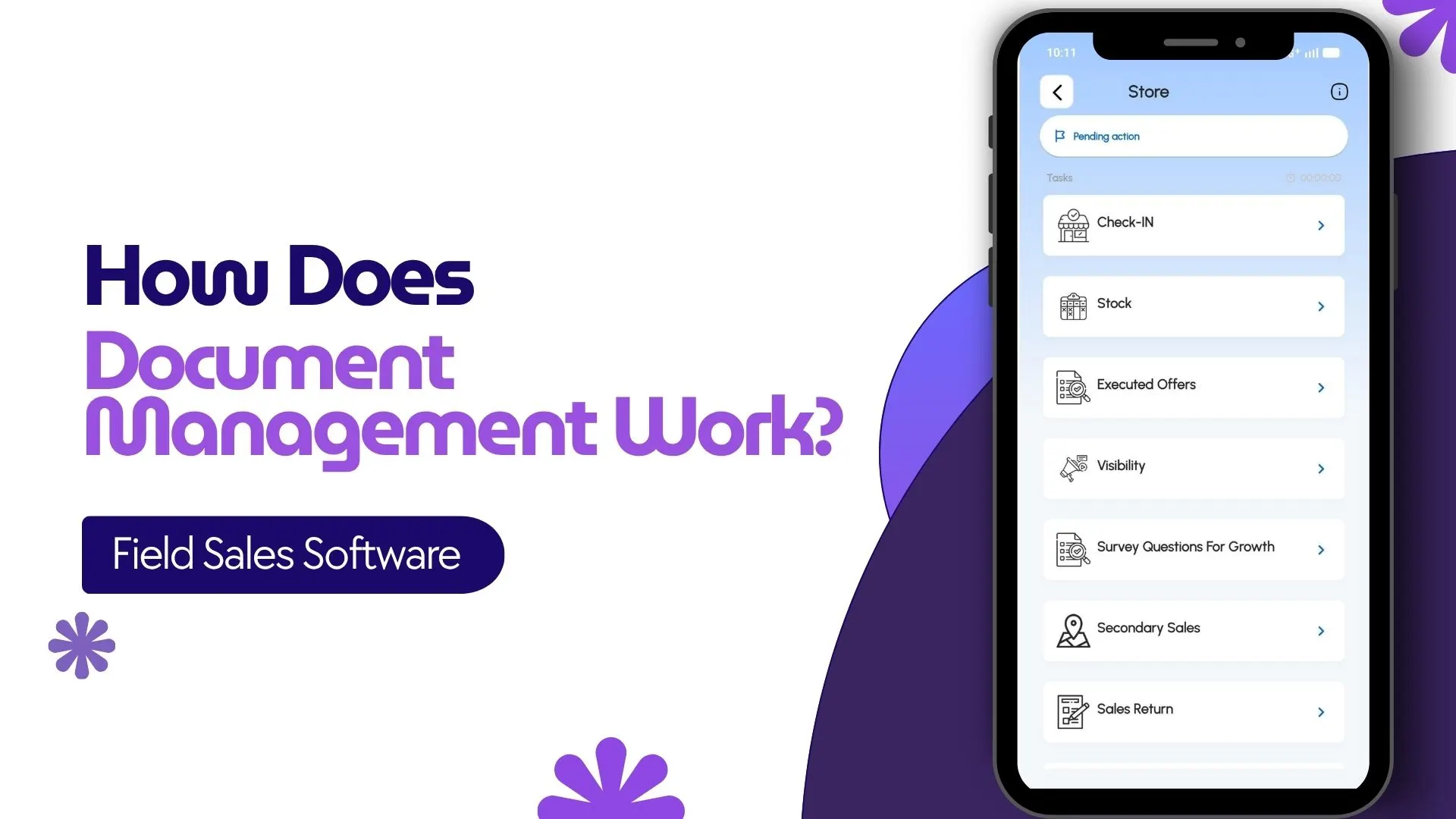
Six capabilities cover the bulk of what SFA absorbs from manual document collection:
1. Digital Form-Based Data Collection
The rep fills a structured form on the visit screen. Dropdowns and validation rules replace the free-text fields that fail the spell-check.
2. Document Uploads Through the Mobile App
PDF invoices, contract scans, and signed acceptance papers all upload from the rep's phone, geo-tagged at capture, indexed against the partner.
3. Automated Attendance and Identity Proof
Check-in, check-out, and inter-visit movement log automatically with geo-location and timestamp. Identity proof captures once at onboarding, not at every visit.
4. Sales, Stock, and Order Documentation
Orders, stock counts, and sale acknowledgements all post to the cloud ledger from inside the visit, with no end-of-day reconciliation.
5. Claims, Leaves, and Internal Documents
Fuel claims, customer-entertainment bills, leave applications, and training records all file from the same app the rep uses for selling.
6. Centralised Document Management
Every captured document lands in one cloud repository, indexed by rep, partner, date, and category. Search replaces filing.
How 1Channel SFA Replaces Manual Document Collection for Malaysian Field Teams
1Channel SFA runs the document replacement through its cloud Sales Force Automation suite. The capture happens at the visit; the validation happens at upload; the indexing happens at the platform layer; the retrieval happens through the admin console.
1Channel's AI engine watches the document stream for anomalies. A rep whose visit forms are getting thinner, a region where photo proofs are missing, or a beat where attendance gaps are widening: all surface as soft alerts.
New form templates, validation rules, document categories, and retention policies go live the same day they are approved, with an automated dry-run preview against the existing field structure.
Explore Field Activity Management Software
1Channel's cloud field activity platform absorbs every captured document with AI-driven validation and automated indexing for Malaysian field teams.
Explore Field Activity Management →Common Pitfalls When Switching Off Paper
Four pitfalls show up in most digital-replacement rollouts:
- Switching off paper before the digital form works. A half-built digital form forces the rep back to paper as a workaround. Test the form with five reps for two weeks before rolling out.
- No fallback for low-connectivity territories. Some Malaysian routes still have patchy data coverage. The app should capture offline and sync when the rep returns to coverage.
- Forcing reps to re-enter what they used to write. Pre-populate every field the platform already knows: partner code, beat name, last visit outcome. The rep enters only what changed.
- Treating the document as the goal. The goal is the audit trail, not the form. A digital form that captures the data but breaks the audit trail is no better than paper.