Field sales documents sprawl across email threads, WhatsApp messages, shared drives, and whatever the rep has on their phone. Each tool holds part of the story, none of them holds all of it.
When the rep walks into an outlet and needs the current price list, the new SKU sheet, or the partner's signed agreement, the search itself becomes part of the visit. Sometimes the search wins. Often it loses.
Document management inside the SFA pulls the scatter into one place. The brand owns the source of truth, the rep accesses what they need on a single screen, and the audit trail closes itself automatically.
Table of Contents
What 'Document Management' Means in Field Sales Software
Document management in field sales software is the centralised workflow that stores, organises, and serves every document the field needs. Price lists, SKU sheets, training material, partner agreements: all live in one tree the cloud platform serves to the right rep at the right time.
Admins upload from the central portal; field users access from the mobile app. The cloud platform handles permissions, versioning, and audit logging in the background, so the document workflow runs without manual coordination.
Where Scattered Documents Cost Field Sales Teams
Most field teams live with scattered documents until something breaks. The comparison below shows where the SFA-managed approach pays back:
| Dimension | Scattered Documents | SFA-Managed Documents |
|---|---|---|
| Storage | Email, WhatsApp, drive folders, rep phones | Central document tree on the cloud platform |
| Discovery | Hunt across multiple apps mid-visit | One tap inside the rep's mobile SFA |
| Versioning | Multiple copies, no clear source of truth | Single current version, older versions archived |
| Audit Trail | None visible to operations | Every access and download logged automatically |
| Role-Based Access | Manual gatekeeping by the admin | Permissions inherited from user role |
How the Document Workflow Runs in the SFA
The workflow opens with the admin uploading a document from the central portal. The cloud platform writes it to a structured tree, applies the role-based access rule the admin selected, and pushes a notification to the eligible field users.
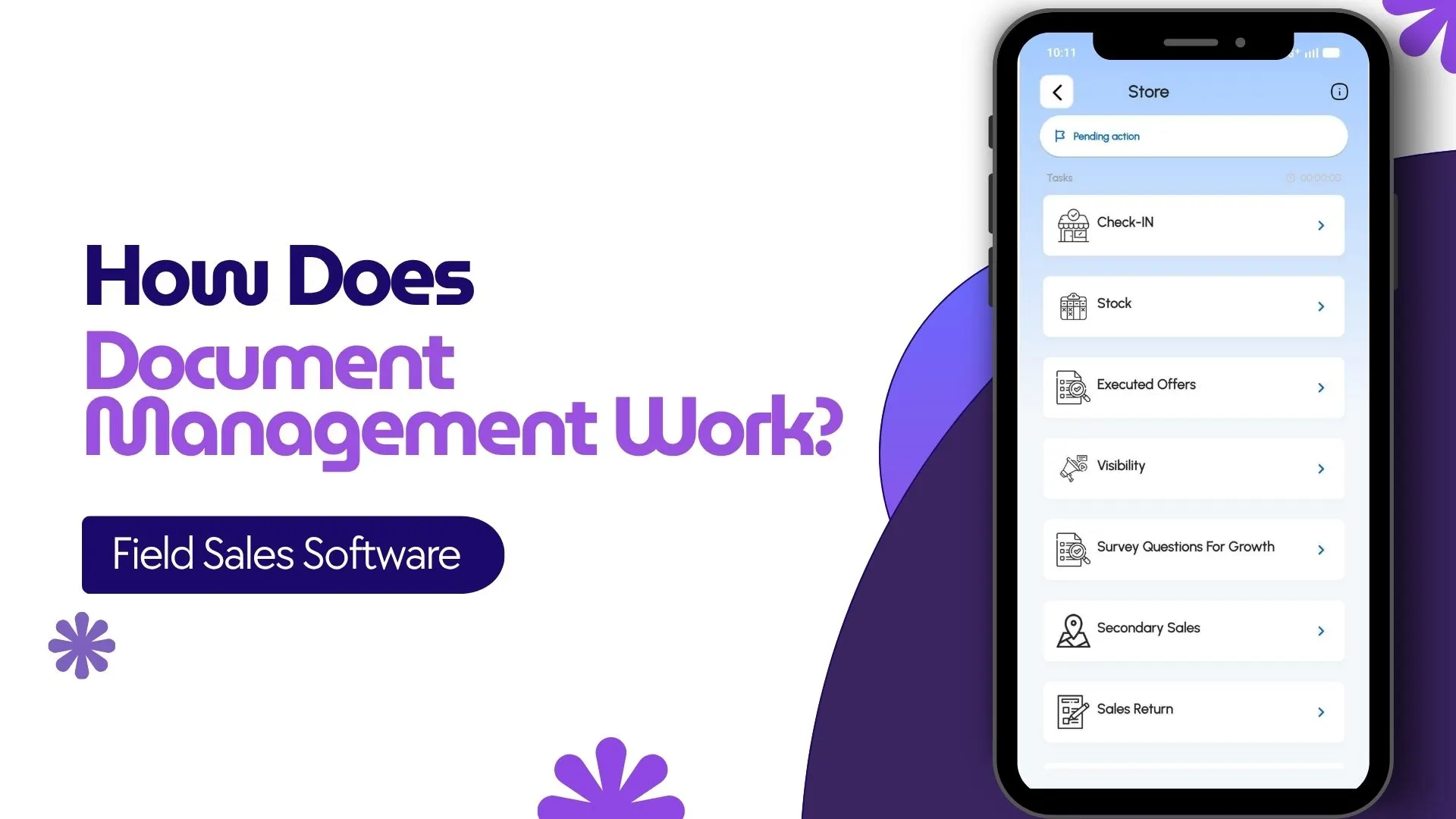
The rep opens their mobile SFA, navigates to the documents tab, and finds the file under its category. One-tap download, on-app preview, or share with a partner directly from the app.
Every action lands in the audit log automatically, so compliance and training reviews have a complete history.
How 1Channel Runs Document Management for Malaysian Field Teams
1Channel runs document management through its cloud Sales Force Automation module. The document tree lives in the same admin console operators use for everything else, so the upload, the permissioning, and the audit trail share one workflow.
1Channel's AI engine watches access patterns. Unopened SKU sheets, missing price updates, training documents with declining engagement: all surface as soft alerts before the gap becomes a sales conversation.
Configuration runs through the admin console. New document categories, permission groups, retention rules, and audit thresholds go live the same day they are approved, with an automated dry-run preview against the existing rep base.
Explore Cloud Sales Force Automation
1Channel's cloud SFA platform absorbs document management with AI engagement tracking and automated permission rollouts.
Explore Sales Force Automation →Frequently Asked Questions
What types of files can the SFA hold?
Most modern field sales platforms accept the standard document formats: PDF, DOCX, XLSX, PNG, JPG, video files, and presentation decks. Versioning and previewing work natively for the common types.
Can field reps access documents offline?
Yes. Most field SFAs cache the documents the rep has previously accessed, so they remain available when the network drops. Newly uploaded files sync the next time the rep is online.
How does role-based visibility work?
Each user role inherits a default permission set. Admins can override at the user level or the document level, so a partner agreement visible to one segment can stay hidden from another without manual gatekeeping.
Can the brand track which documents reps actually use?
Yes. The cloud platform logs every view, download, and share, with timestamp and user identity. The data feeds engagement dashboards, so the brand team can see which materials land and which sit untouched.
How is document compliance handled?
Retention rules, expiry dates, and mandatory-acknowledgement flags can attach to any document. The platform tracks who acknowledged what and surfaces gaps before the audit window, so compliance becomes a dashboard read instead of a scramble.