A loyalty program that pays on a QR scan lives or dies on one guarantee: a genuine code pays out once, never twice, no matter how many times it gets rescanned.
Channel partner and retailer programs operating throughout Oman depend on that single rule to keep the points system trustworthy.
This post walks through how a scan becomes a credited point, what stops the same code from paying out twice, and how the program team sets the point value before a single code ever ships.
It matters wherever partners earn points for selling or installing a physical product: FMCG, building materials, consumer durables, and automotive accessories.
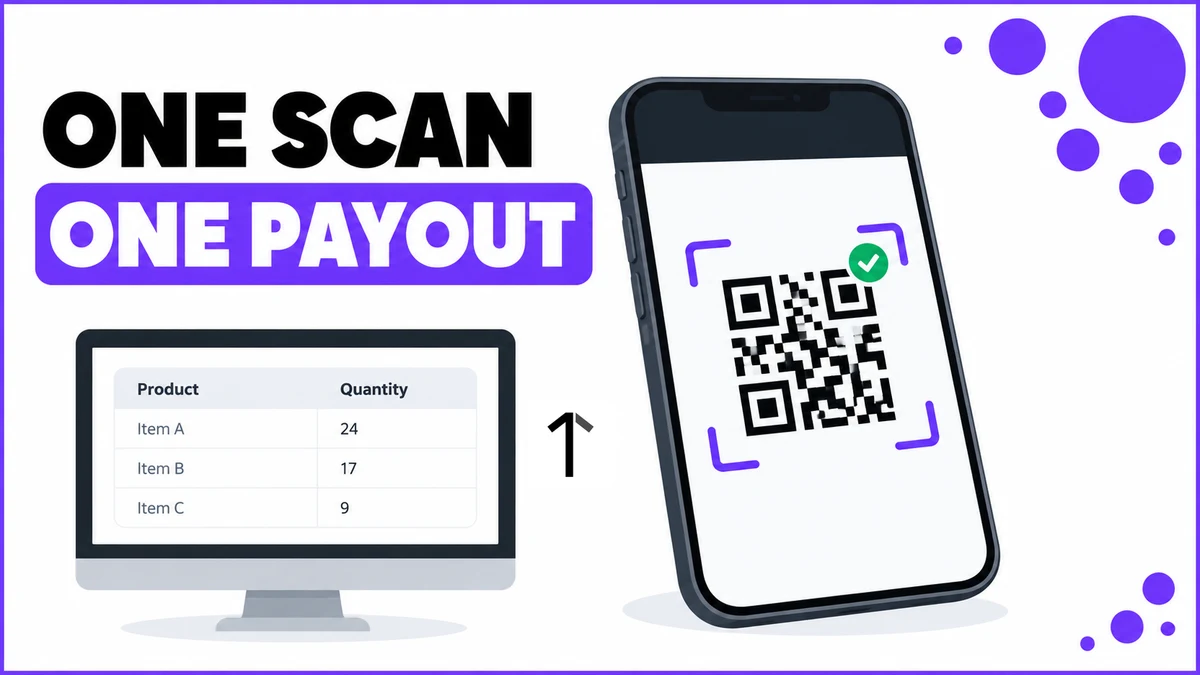
How a QR Scan Becomes a Credited Point
Unique QR codes are generated from the Admin Portal, one per SKU, each pre-configured with a point value before the product ever leaves the warehouse.
Two checks run before anything is credited: the code must be a genuine, system-generated code, and it can only ever be scanned once. A second attempt on the same code, by anyone, is rejected outright.
| Product | Point value | Approx. payout |
|---|---|---|
| LED Batten Light 20W | 50 points | OMR 5.000 |
| Ceiling Fan 56-inch | 150 points | OMR 15.000 |
| Solar Water Heater 100L | 300 points | OMR 30.000 |
Point rates, bands and caps above are illustrative; the actual numbers are entirely client-defined and configured on the backend to match the brand's incentive structure.
Two Scans, Two Outcomes
An installer at Majan Electricals Trading fits a Solar Water Heater 100L for a customer in Sohar.
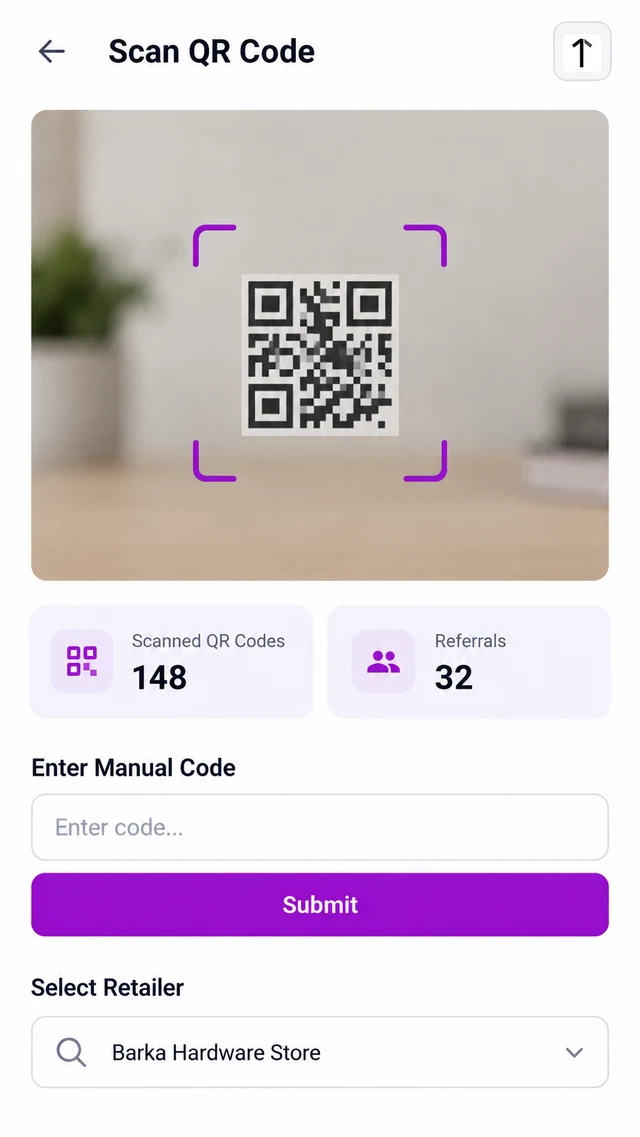
He scans the code on the unit, tags Barka Hardware Store as where it was picked up, and 300 points land in his account immediately, worth OMR 30.000 at the program's conversion rate.
A second scan of that same code, whether from a returned unit or a different installer trying their luck, is rejected outright.
The ledger shows exactly one credit against that code, never two, with the retailer tag attached so the program team can trace where the product entered the field.
Setting Point Values Before the Codes Ship
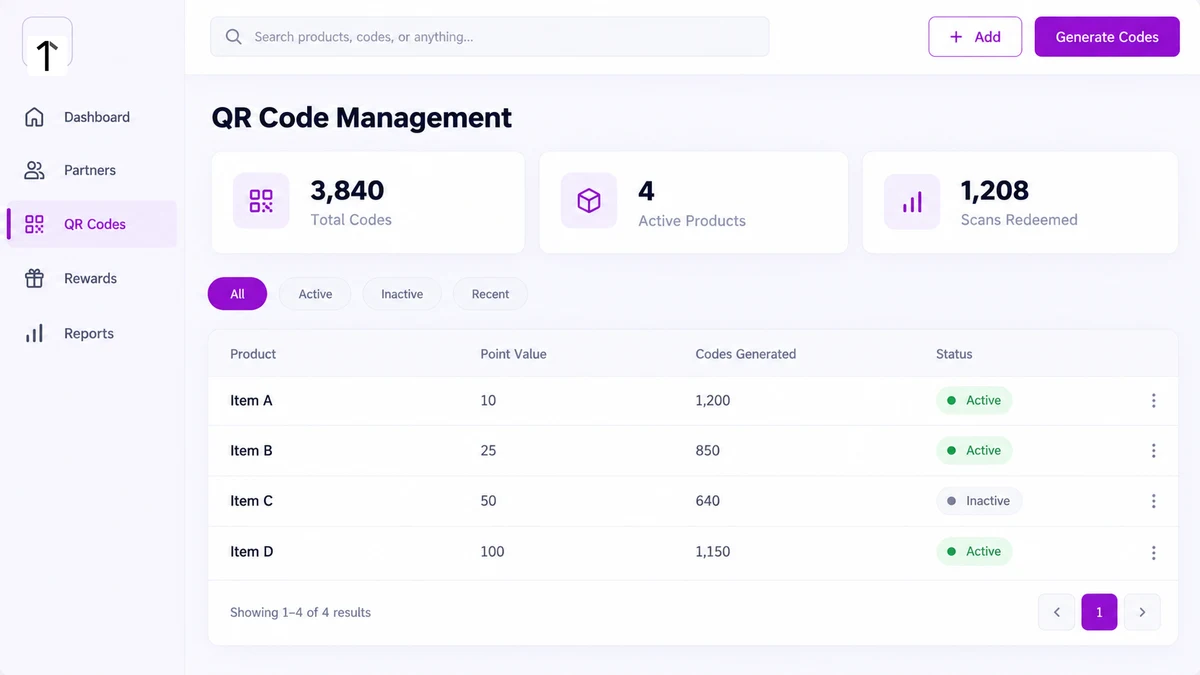
Point values live on the Admin Portal's QR Code Management screen, one row per SKU, next to how many codes have been generated and whether that SKU's codes are still active.
Retiring a SKU's code batch does not touch points already credited against it, only new scans going forward.
The same scanner sits in the partner's own app, alongside a manual-code fallback and the retailer-tagging field, for whenever the camera can't read a damaged label.
How 1Channel Stops the Same Code From Paying Twice
1Channel validates every scan against the exact code it generated, so a duplicate or tampered code is rejected before it ever reaches the point ledger.
Its QR and invoice loyalty tools tie every credited point back to the SKU and the retailer it was scanned against, so a payout can be traced to its source without digging through a spreadsheet.
Pay Every Genuine Scan, Reject Every Duplicate
See how code generation, scan validation, and point crediting work as one configured flow for Oman channel partner programs.
Explore QR & Invoice Loyalty →FAQs
Can the same QR code be scanned twice?
No. Once a code is credited, a second scan of that exact code is rejected automatically, regardless of who scans it or from which device.
What happens if a product is returned after the code is scanned?
The platform does not auto-reverse a credited scan. A return is handled as a separate adjustment the program team makes from the Admin Portal.
Who decides how many points a product is worth?
The brand's own program team, from the QR Code Management screen, one point value per SKU.
Can a partner earn points without scanning a code?
Yes. Invoice-based entry with retailer approval is a separate route for purchases outside any physical QR workflow; scanning is the instant-credit route for products already in the field.
Does a retailer see which codes were scanned at their outlet?
Yes. Tagging a retailer on each scan keeps a record of where every point-earning product was picked up.
How soon are points available after a valid scan?
Immediately. Both validation checks run in real time, and the balance updates as soon as a genuine, unused code passes them.
Note: Software screens may vary based on your business structure and configured workflows.