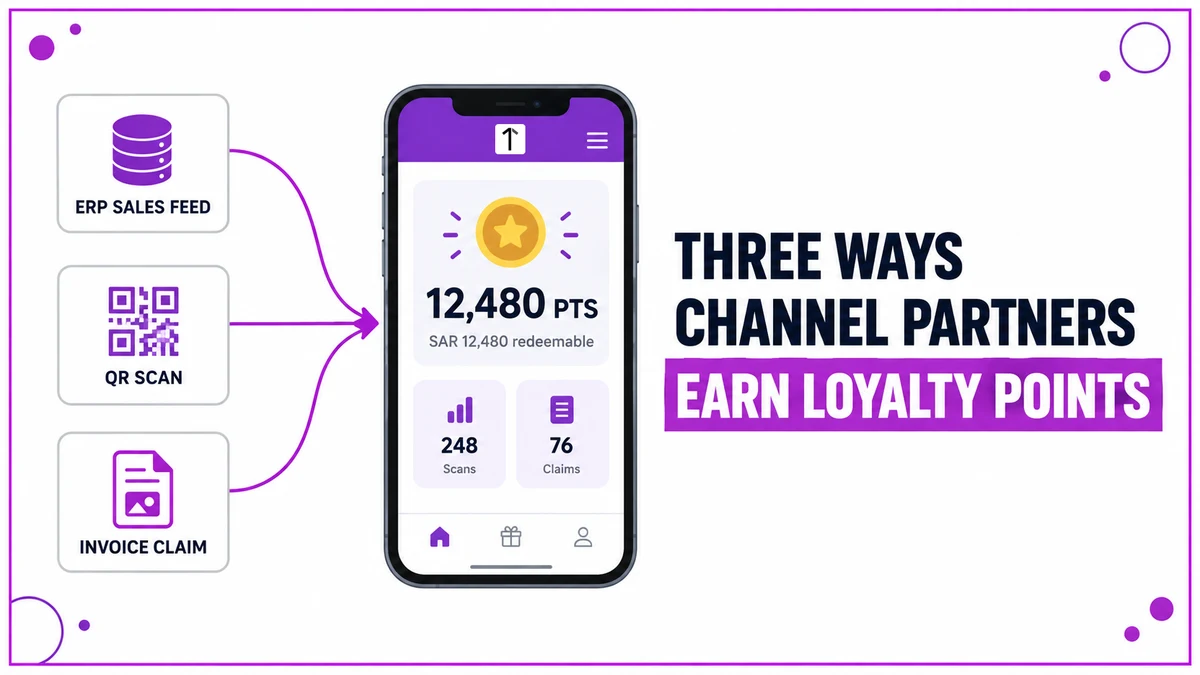
Points leave a partner's balance the moment a redemption is confirmed. What actually arrives, and how many days later, depends entirely on which route the programme offers.
This post covers the three redemption routes, the points range attached to each reward, the four order statuses, and two worked examples on very different timelines.
Redemption design matters most in Building Materials, Consumer Durables and Automotive programmes.
Each of them rewards contractors, fitters and retailers who move the product but never appear on the brand's payroll.
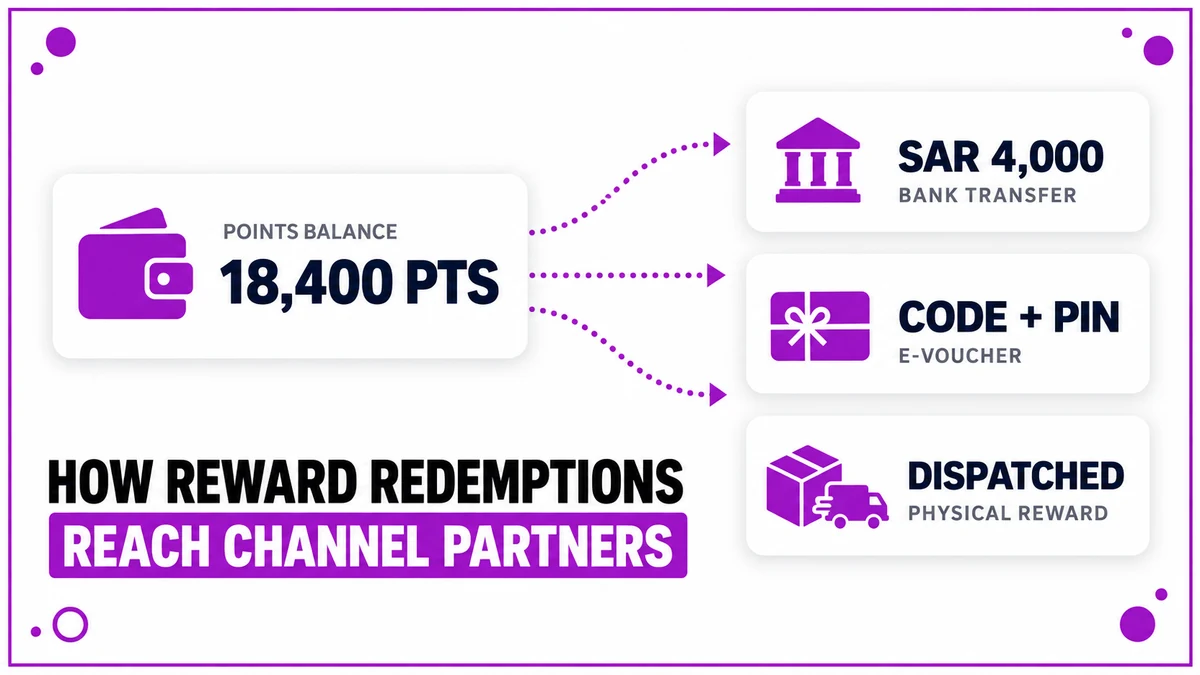
Three Routes Out of a Points Balance
A programme can run one route or all three at once. Most offer at least two, because partners value speed and choice differently.
| Route | What the partner receives | Who fulfils it |
|---|---|---|
| Cash transfer | Value credited to a bank account or mobile wallet | A payment partner, or the back office in batches |
| Digital voucher | A code, PIN and expiry sent to the registered mobile | A rewards fulfilment agency, through an integration |
| Physical reward | Electronics, appliances, tools and similar goods | A procurement team and its vendor partners |
Point to currency conversion is defined per programme. A common pattern is one point to one riyal, which keeps the arithmetic visible to the partner.
The Range Attached to Every Reward
Each catalogue item carries a minimum and a maximum points range. The minimum stops a partner ordering against a balance that cannot cover the item.
The maximum caps how much of a balance a single order can consume, which keeps the account active instead of being emptied once a year.
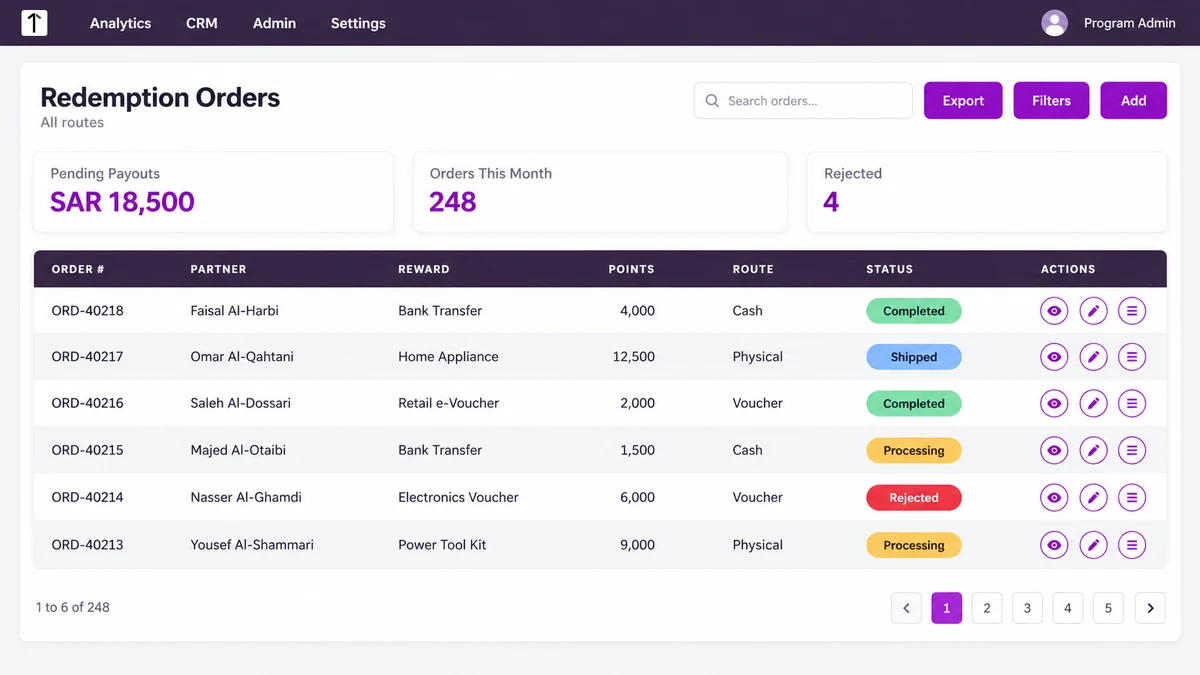
Four Statuses Every Order Passes Through
Every redemption opens an order record, and the partner follows it from the same app that holds the balance.
- Processing — the order is accepted and sits with its fulfilment route.
- Shipped — used for physical goods once the item leaves the vendor.
- Completed — the transfer, voucher or delivery has landed with the partner.
- Rejected — the order failed validation, and the points return to the balance.
Voucher orders often move from Processing to Completed within minutes, because the integration fulfils them as the order is placed.
Two Redemptions, Two Timelines
A Cash Transfer Settled in a Batch
A fabricator in Dammam redeems 4,000 points as a transfer, worth SAR 4,000 at the programme's one to one rate.
This programme settles payouts every fifteen days, so the order holds at Processing until the back office picks up the batch.
Once picked up, the transfer clears in roughly 24 to 48 hours and the order closes as Completed.
A Physical Reward Held by Procurement
A contractor in Riyadh orders an appliance listed at 12,500 points, which sits well inside that item's configured range.
Procurement raises the order with a vendor, so the status only moves to Shipped once the item is dispatched several days later.
Why the Ledger Settles Disputes
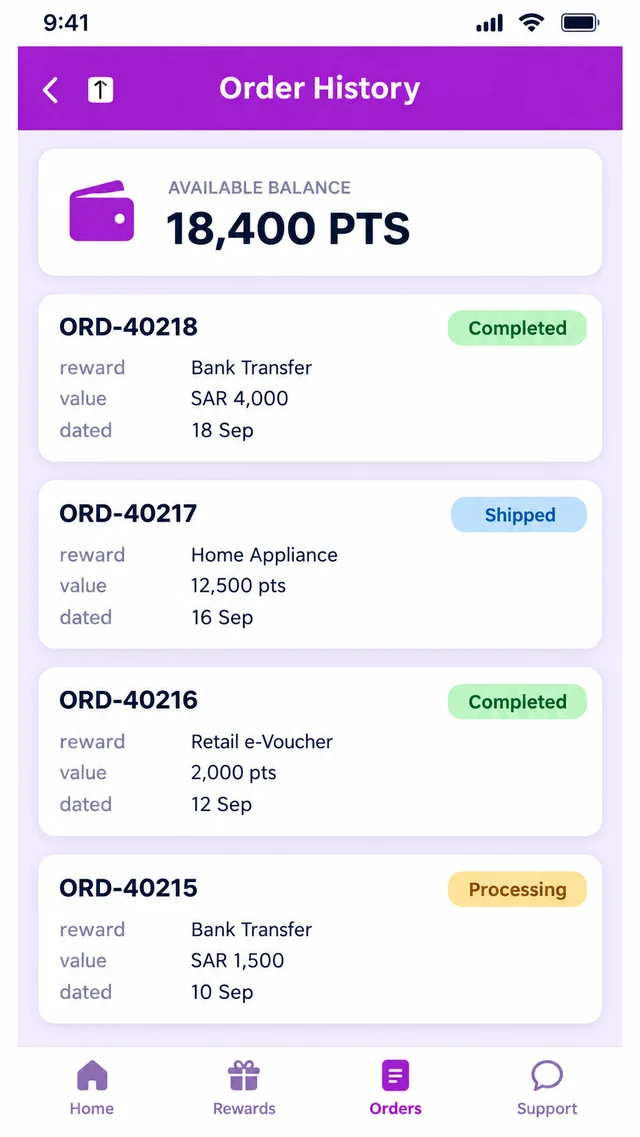
Every redemption writes a dated debit into the account statement, tied to the order reference that consumed it.
When a partner questions a balance, one chronological view shows the credits that funded it and the orders that spent it.
How 1Channel Moves Points Into Partner Hands
1Channel holds all three routes on one cloud platform, with the catalogue, the ranges and the statuses configured per programme.
Status changes are driven by the workflow engine rather than manual edits, so the app and the ledger stay in step automatically.
Give Every Point a Clear Way Out
See how programmes in Saudi Arabia run cash, voucher and physical rewards for their channel partners from a single catalogue.
Explore Rewards Program Software →Common Mistakes to Avoid
- Listing a reward with no maximum range, which lets one order drain a balance built over a full year.
- Leaving payout details unverified until the first transfer fails, then reversing the points with no explanation.
- Updating a physical order only at delivery, so the partner sees nothing for a week and calls the helpdesk.
- Running vouchers and transfers at different conversion rates without stating that difference in the terms.
Note: Software screens may vary based on your business structure and configured workflows.