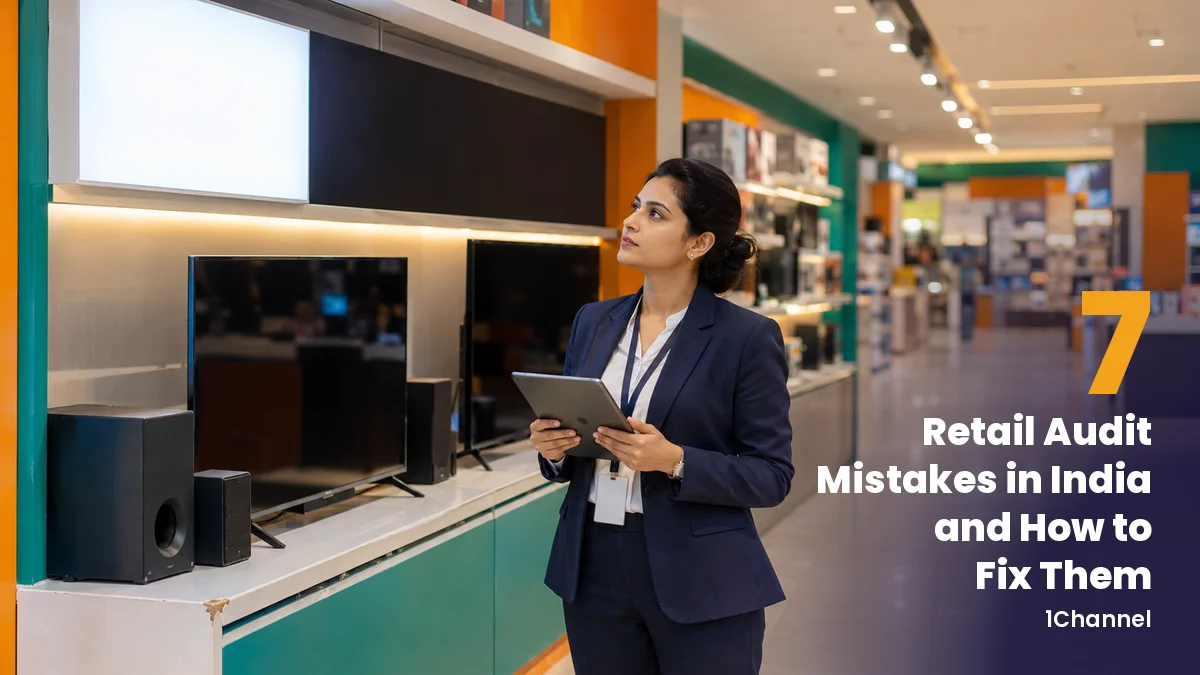
A retail audit is only as useful as the fix it leads to. For Indian brands auditing consumer electronics counters, appliance dealers, mobile stores and FMCG outlets, most of that value is lost between the auditor's phone and the repair.
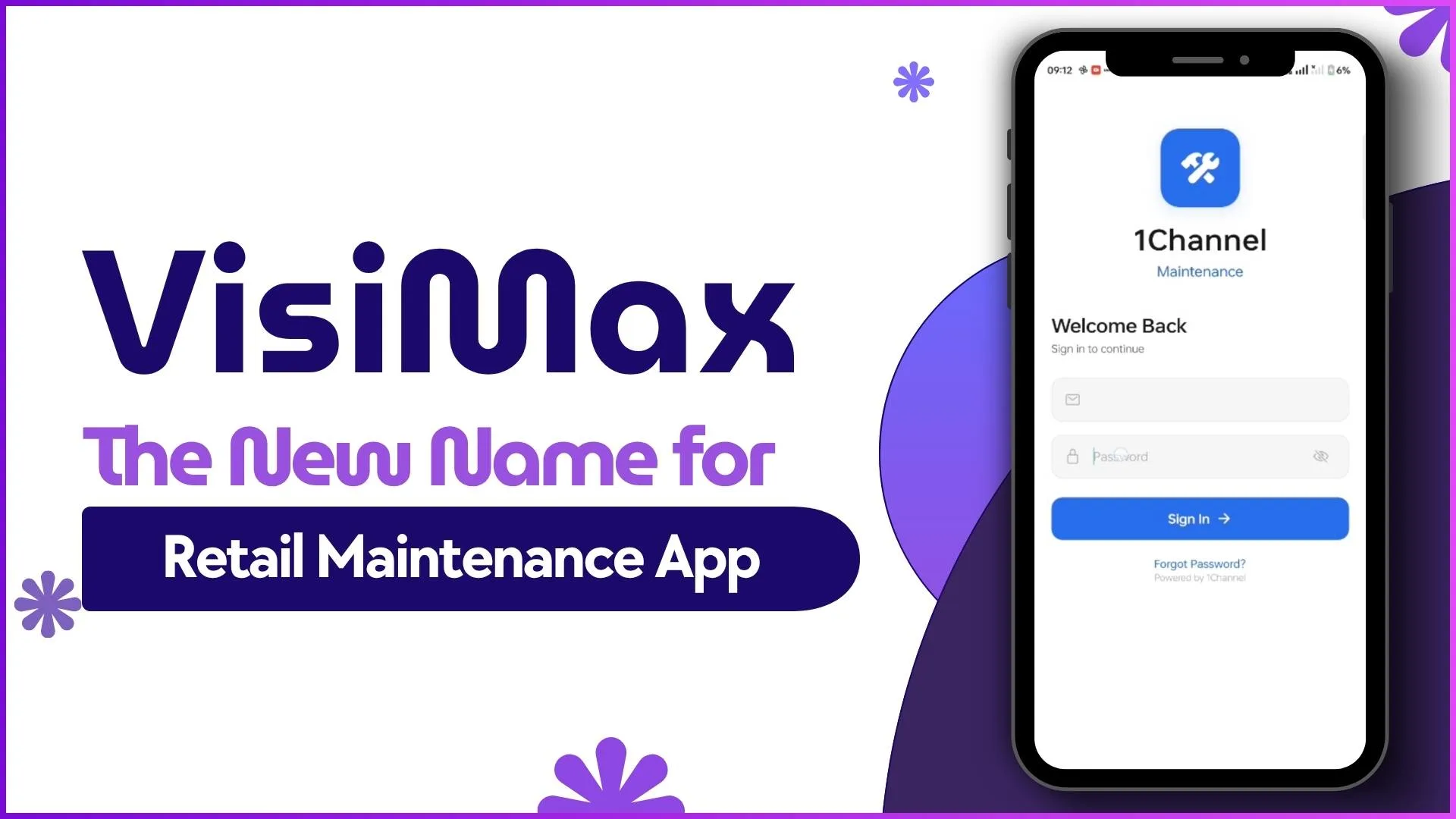
The seven mistakes below are where it usually goes missing. Each one has a fix in VisiMax, 1Channel's app for retail maintenance, visual merchandising and store audits.
| Mistake | What it costs | The fix |
|---|---|---|
| Every region writes its own checklist | Scores from two regions can't be compared | Templates built once, with weights and a passing score |
| Nobody owns a store's audit | Some stores are audited twice, others never | Assignments by store and auditor |
| Ticks with no evidence | Findings can't be checked or defended | Photo, audio and rule-checked number questions |
| Audits lost in weak signal | Re-visits and missing results | Offline auditing that syncs once |
| Scores go out unchecked | Wrong numbers reach rankings | Quality check before the score is final |
| Findings never become repair jobs | The problem stays in front of shoppers | Findings raise tickets on approval |
| Scores can't be compared | Nobody sees which region is slipping | Regional and store-to-store summaries |
1. Every Region Writes Its Own Checklist
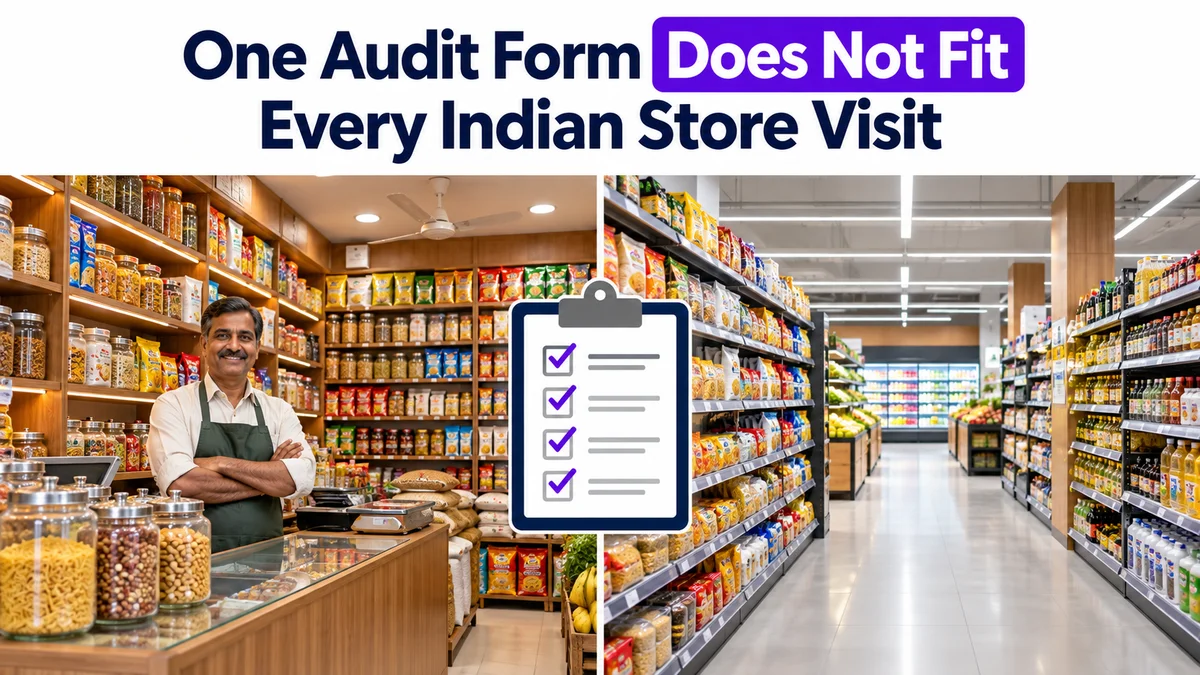
When each region builds its own audit sheet, the same kind of store is judged against different questions. A score of 80 in one region and 80 in another mean different things.
How to fix it: build the audit once in the portal as a template, with sections, categories, question weights and a passing score. Sections such as signage and branding, fixtures, hygiene and product display then carry the same weight everywhere the template is used.
A different kind of store can have its own template. What matters is that the same kind of store gets the same one everywhere.
2. Nobody Owns the Audit for a Given Store
Audits handed out on calls or in group chats leave gaps. Busy stores get audited twice, and stores far from the route get skipped.
How to fix it: assign each audit by store and by auditor, and bulk-upload the assignments for large programmes. Everyone knows which audits are theirs.
3. Ticks Are Accepted Without Evidence
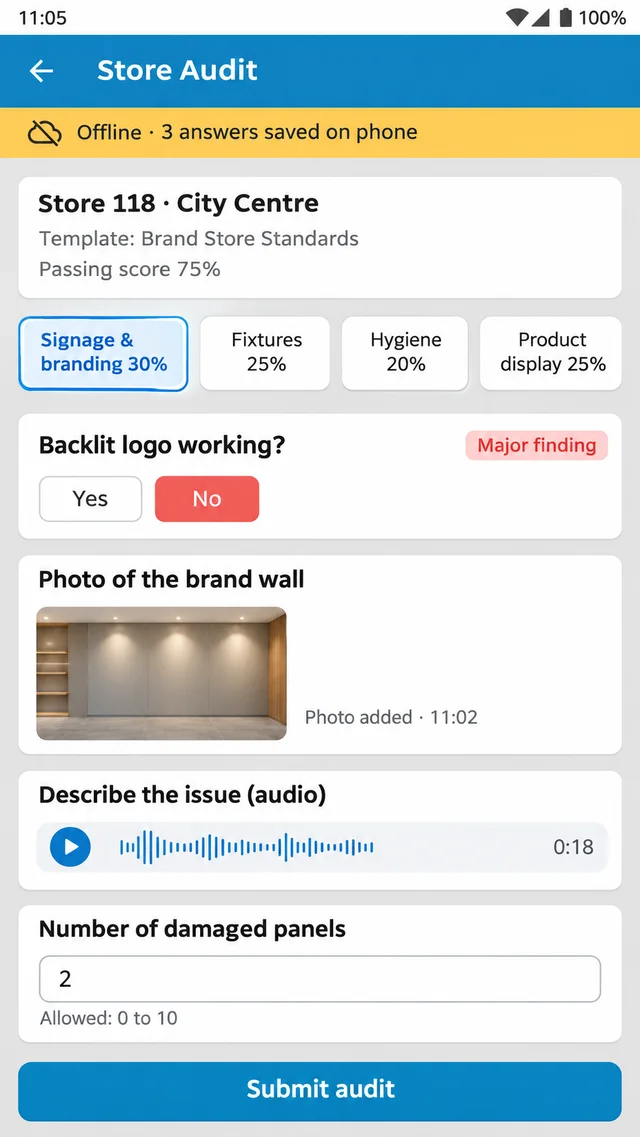
A tick against "backlit logo working" proves nothing once the auditor has left. If the result is challenged, there is nothing to show.
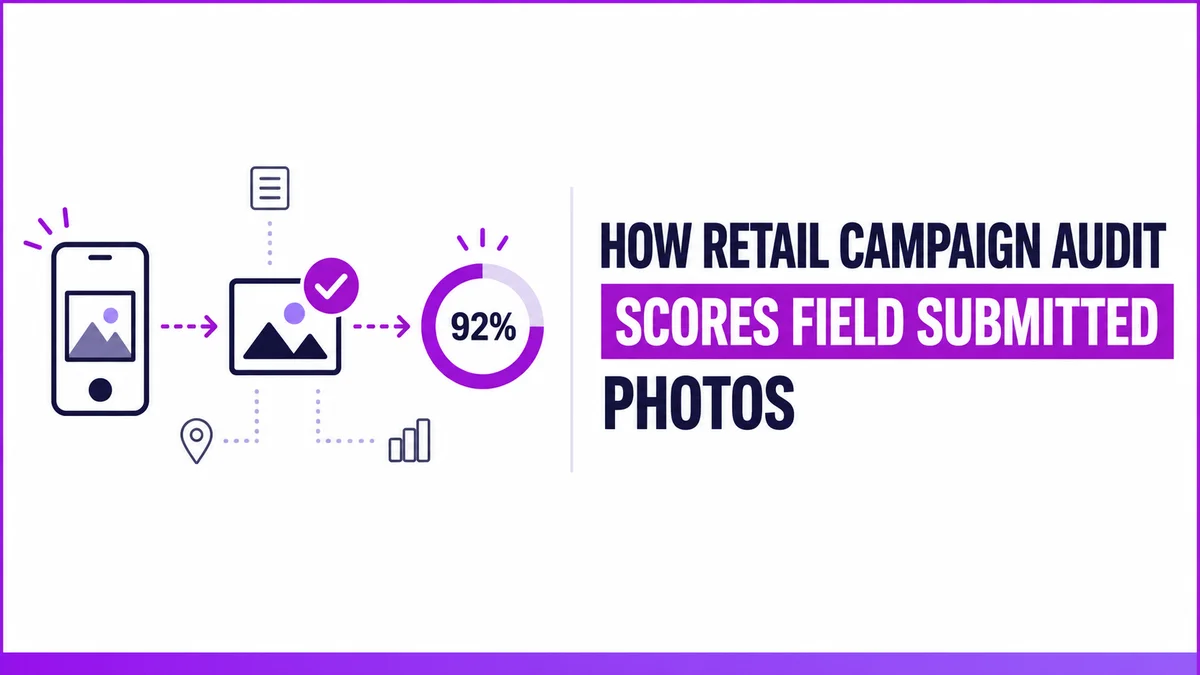
How to fix it: use question types that carry proof. Photos, audio recordings and numbers checked against a set minimum and maximum sit alongside choices, text and dates.
4. Audits Go Missing Where the Network Drops
Mall basements and large-format stores often have weak signal. Half-filled audits get lost, and auditors either redo them or leave gaps.
How to fix it: let auditors work in the app offline. In VisiMax, drafts survive the app being closed, and queued work syncs in order once the phone is back online, never twice.
From Checklist to Closed Ticket in One App
VisiMax, 1Channel's app for retail maintenance, visual merchandising and store audits, runs weighted store audits on the phone, offline, with photos and audio. Every answer is reviewed before the score is final, and findings raise their own repair tickets.
Explore 1Channel's Store Audit & Compliance →5. Scores Go Out Before Anyone Checks the Answers
If the auditor's answer becomes the score straight away, every mistake made on the phone flows into reports and store rankings.
How to fix it: run a quality check on every audit. A reviewer can correct a value, mark an answer compliant or not, and approve, reject or send the audit back. The score follows the corrected answer, and email alerts can go out when an audit is submitted.
6. Findings Never Become a Repair Job
The audit report lists a dark logo and a damaged fixture. Someone is meant to raise a repair, and often nobody does.
How to fix it: let findings raise their own tickets. Major and minor findings raise maintenance tickets on approval, with no retyping. Each ticket then moves through approval, costing, execution with photo proof and a quality check before it closes.
7. Scores Can't Be Compared Across Stores
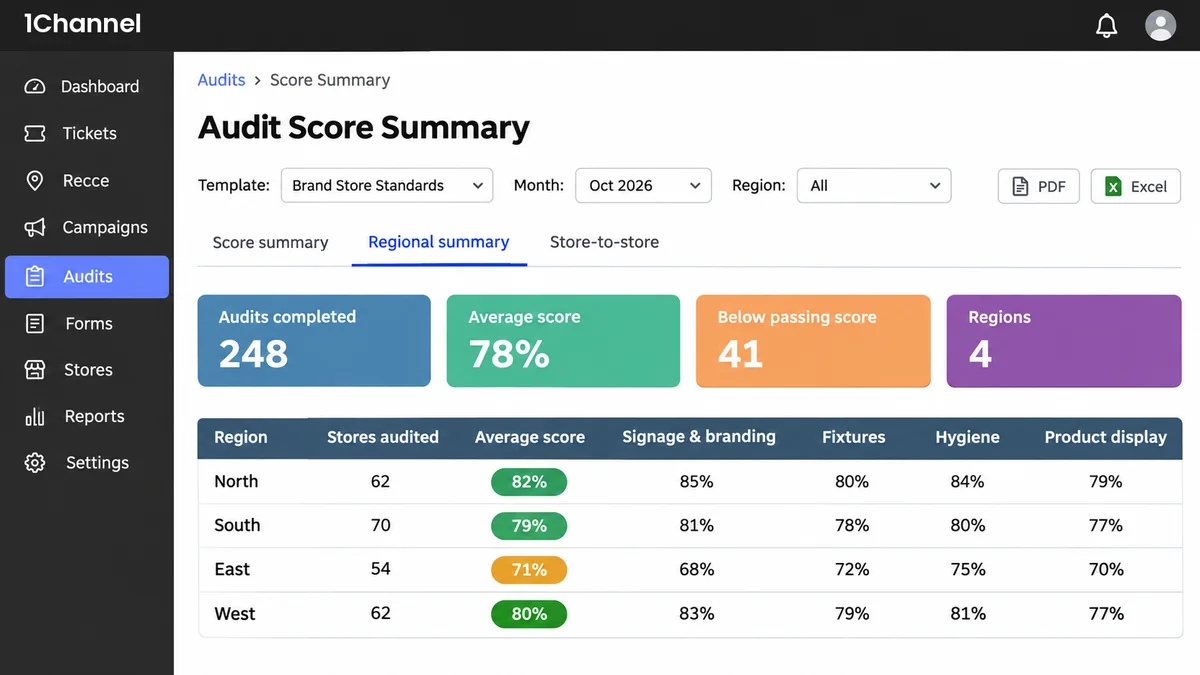
Store-by-store scores in separate files don't show which region or category is slipping.
How to fix it: use the score summary, the regional summary and store-to-store comparison by category. Any audit can be shared as a PDF with its photos and recording links, or every submission exported to Excel.
Which Mistake to Fix First
Start with mistake 6. A finding that raises its own ticket is the difference between an audit report and a fixed store.
Then fix the template and the quality check, so the findings feeding those tickets are consistent and correct.
Note: Software screens may vary based on your business structure and configured workflows.