A rep marking a campaign task "done" in the field app isn't the same as the campaign being executed to brand standard. Retail execution software needs its own layer that compares what was actually delivered against what was supposed to happen, visit by visit.
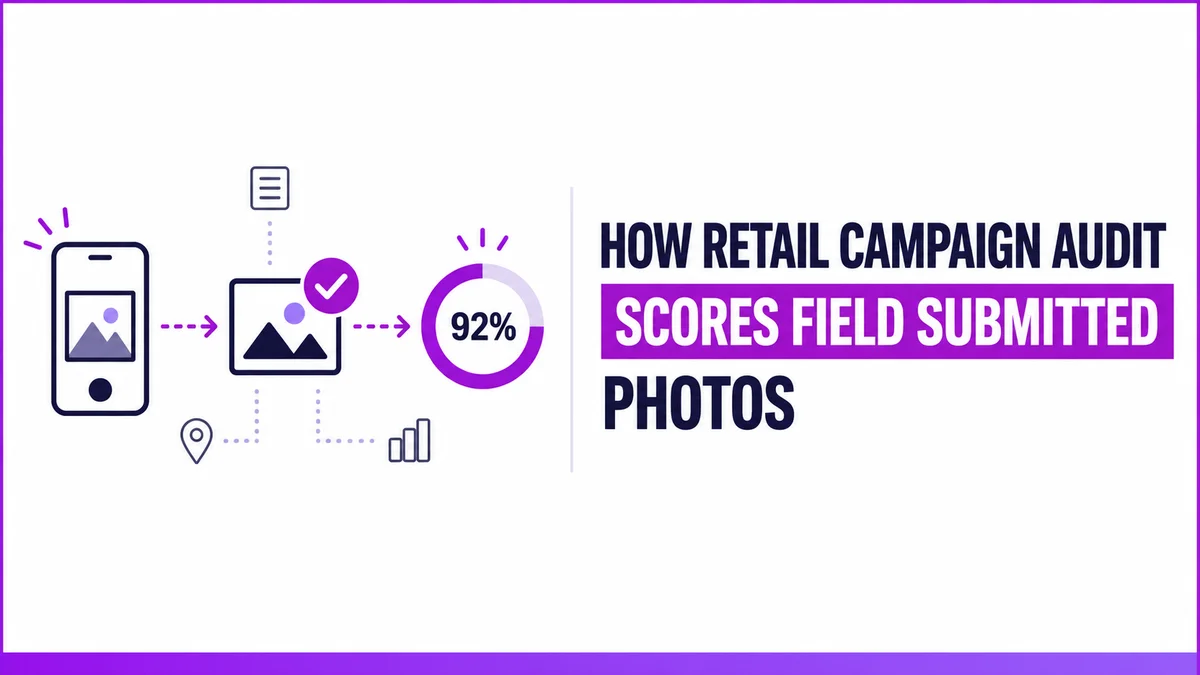
1Channel's Campaign Audit is where that comparison happens. Every completed campaign and POSM visit flows back here for a manager to review the submitted photo against a reference image and a written guideline, then assign a score.
Finding the Visits That Need a Look
The Campaign Audit filter screen narrows a large dataset down to what actually needs review:
- From Date / To Date, Select State, Select City (a scrollable list, not a plain dropdown), User, and a Range filter
- Results grid: Store details, Employee Name, Visit Date, Store Image, and an Audited (Y/N) flag
- Search is a global, case-insensitive match across every visible column
One client's filtered dataset ran to 3,000+ entries, which is exactly why the State, City, and Range filters exist before anyone starts scoring individual rows.
What Gets Scored, Visit by Visit
Opening a row brings up the scoring table:
| Column | What It Captures |
|---|---|
| Campaign | Which campaign the visit was logged against |
| Parameter | The specific thing being checked (e.g. a shelf placement rule) |
| Weight (%) | How much this parameter counts toward the overall score |
| Pic of Success | The reference "ideal" image the submission is judged against |
| Guideline | The written standard, e.g. "100 = 4 units of Brand X visible with the required tag" |
| Score / Comment | Editable fields the auditor fills in |
The submitted photo sits alongside the reference image for a direct side-by-side comparison, so scoring is a judgment against a stated standard rather than a guess.
How 1Channel Supports Campaign Scoring
This is the exact screen 1Channel's Visual Merchandising & POSM Management runs this comparison on, with the reference photo, guideline, and weighted parameters all in one view instead of scattered across spreadsheets and WhatsApp threads.
See Every Campaign Scored Against Its Own Standard
See how 1Channel's Visual Merchandising & POSM Management scores every field visit against its own weighted parameters and reference photo, not a generic checklist.
Explore Visual Merchandising & POSM →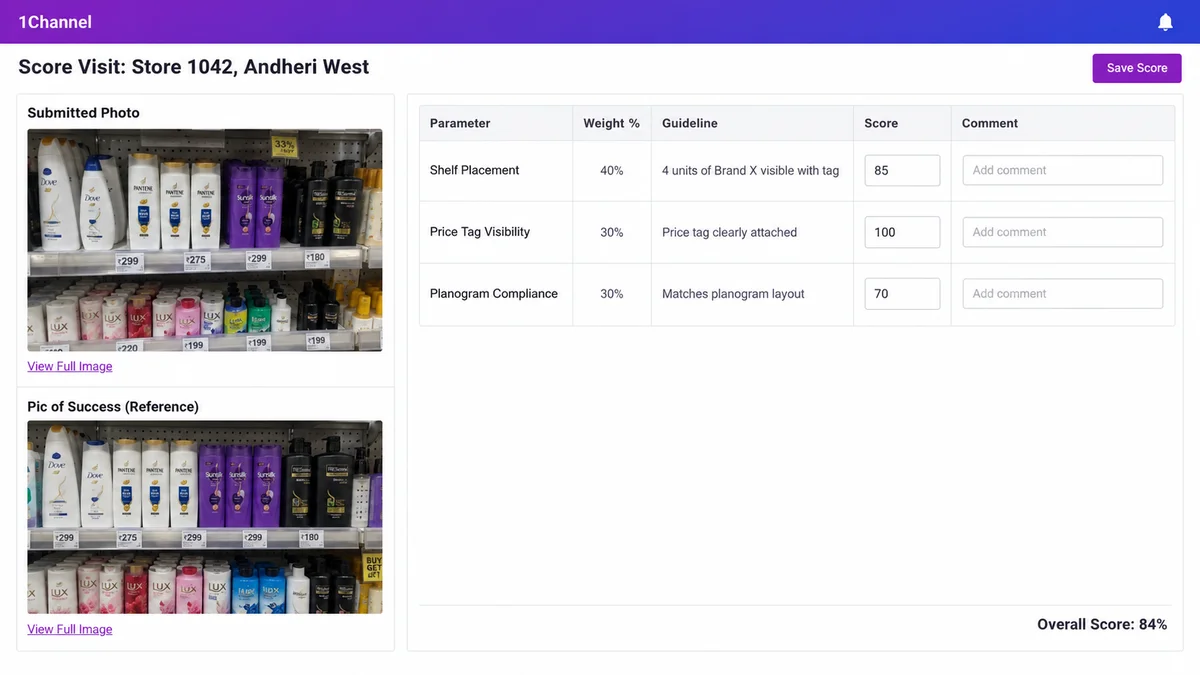
When One Visit Covers Two Campaigns
If an outlet has two campaigns running at the same time, the same visit's audit table doesn't collapse into one score. It shows multiple line items instead, one row per campaign-and-parameter combination, each scored independently.
That matters for accountability: a strong score on one campaign can't mask a weak score on another running at the same store on the same day.
FAQs
1. What's the difference between the Campaign Audit list and the scoring modal?
The list is a filterable overview of every submitted visit, searchable by store, city, state, employee, and date. The scoring modal is where one specific visit actually gets evaluated, with the Campaign, Parameter, Weight %, Pic of Success, Guideline, Score, and Comment table.
2. How does an auditor actually score a submitted photo?
By comparing the field-submitted photo side by side against the reference Pic of Success image and the written guideline, then entering a percentage score and a comment for that parameter.
3. What happens if an outlet has two campaigns running at the same visit?
The audit table doesn't merge them into one score. It shows a separate row for every campaign-and-parameter combination from that visit, each scored independently.
4. Can a manager find a specific outlet without knowing its exact name?
Yes. Search works as a global, case-insensitive substring match across every visible column, so a partial match can surface relevant rows beyond an exact store name.
5. How large can a Campaign Audit dataset get?
One client's filtered dataset ran to 3,000+ entries, which is why the State, City, and Range filters exist before anyone starts scoring individual rows.
Note: Software screens may vary based on your business structure and configured workflows.