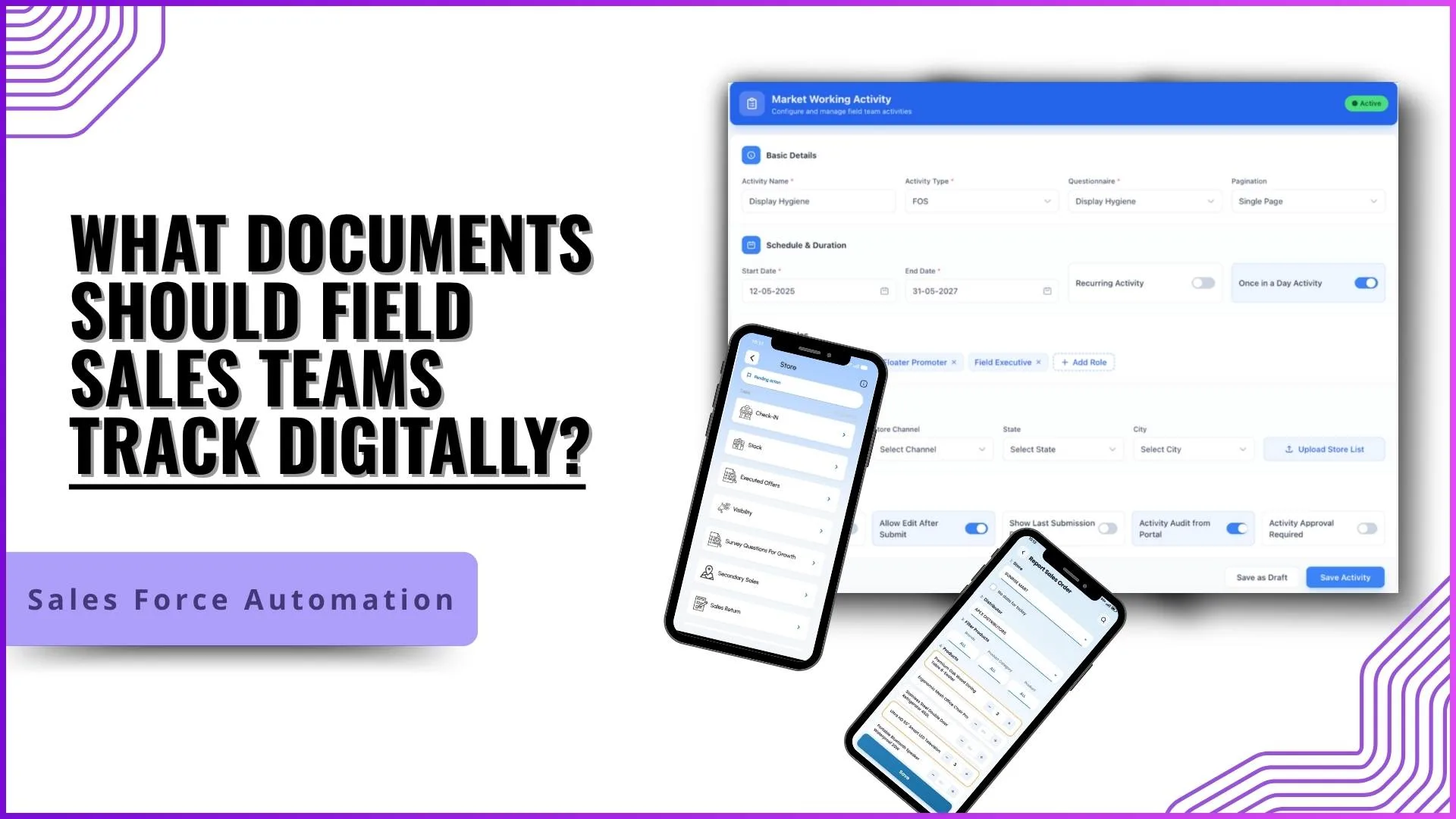
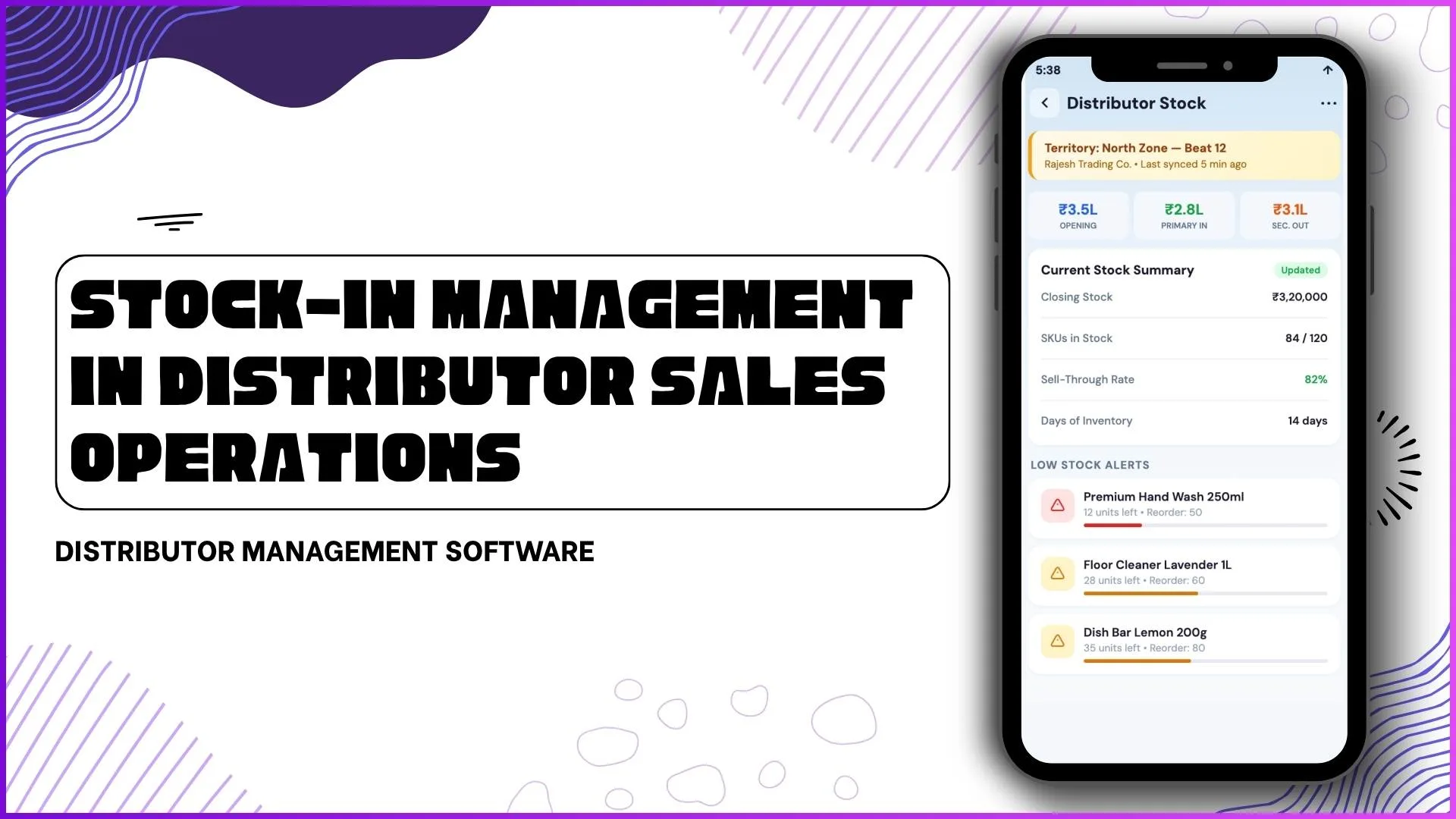
In field sales and retail operations, manual document collection has long been a time-consuming process. Teams often depend on paper forms, spreadsheets, physical proofs, and delayed approvals that slow down reporting and reduce visibility. The bigger question for growing businesses is: can SFA replace manual document collection?
Based on the provided SFA software document and application screens, the answer is yes across most field workflows, SFA can significantly replace and streamline manual document collection through digital forms, role-based approvals, media uploads, and centralized reporting.
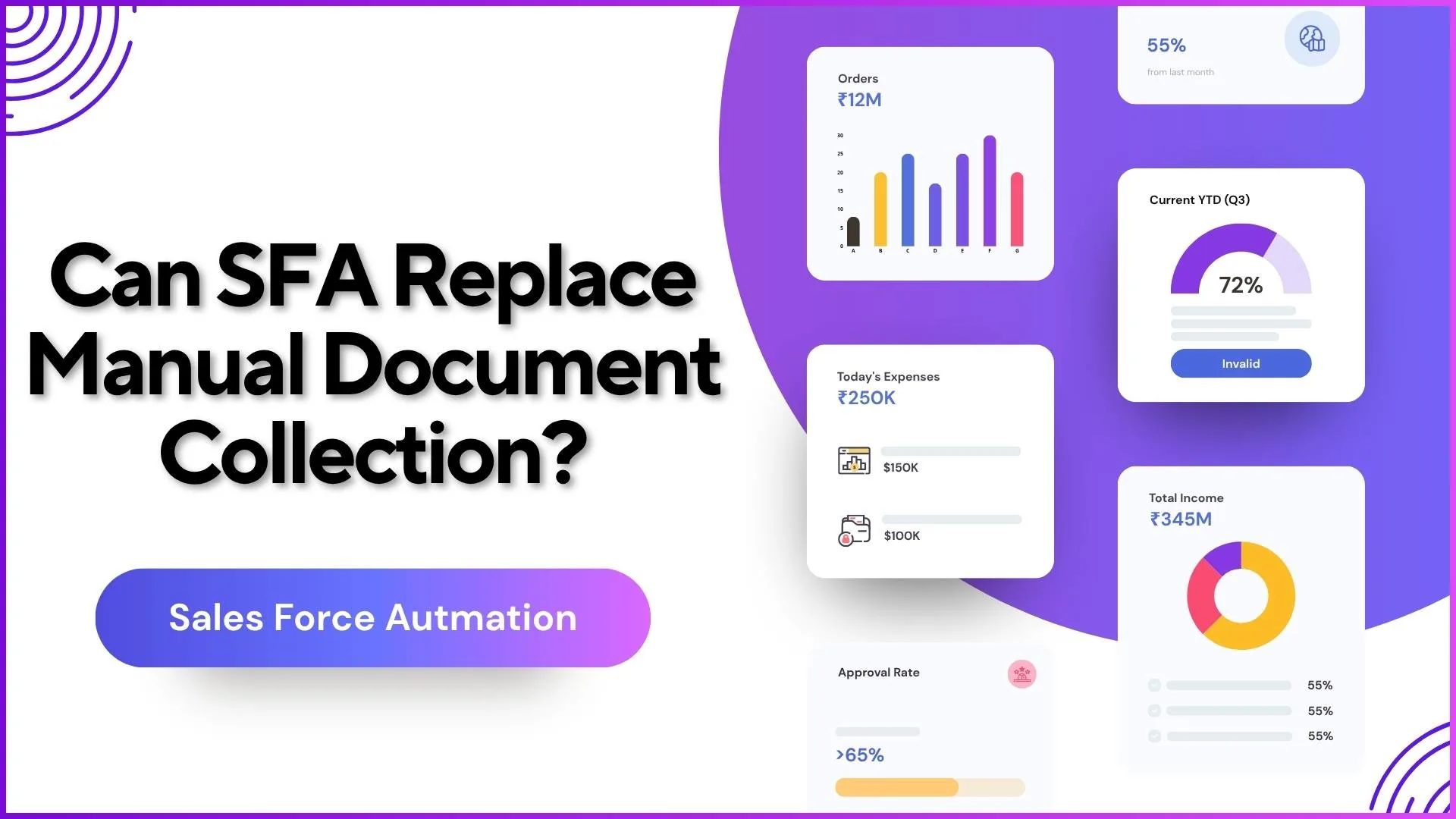
Why Manual Document Collection Creates Operational Gaps
Manual processes in field execution usually involve:
- paper-based store visit forms
- physical attendance sheets
- manual stock and sales sheets
- image collection via separate apps
- reimbursement slips and approvals
- delayed manager verification
- disconnected reporting records
This creates delays between data capture, verification, and reporting.
For businesses managing promoters, sales reps, field auditors, or distributors, this often results in:
- delayed market visibility
- missing store-level data
- approval bottlenecks
- duplicate entries
- higher human error
The uploaded SFA workflow clearly shows that these tasks are digitized within a single ecosystem.
Digitize Field Activity Documentation
1Channel's Field Activity Management Software enables teams to capture store visits, surveys, compliance checks, and media proofs digitally in real time, replacing manual paperwork with structured workflows and instant visibility.
Explore Field Activity Management Software →How SFA Replaces Manual Document Collection
1) Digital Form-Based Data Collection in the Field
The strongest replacement for manual documents is questionnaire-driven data capture.
From the mobile app screens, field employees can directly fill store-level questions such as:
- Is store operational?
- Brand poster available?
- Store facade seen?
- Click picture of header board
This replaces printed survey sheets and physical audit forms.
Example from the provided screen flow:
- image upload fields
- open text responses
- conditional questions
- structured survey flow
- save and submit actions
The software document confirms this through Questionnaire Management and Market Working Activity, where admins create structured questionnaires with multiple answer types like open-ended, radio buttons, dropdowns, and matrix questions.
This alone replaces a large portion of manual documentation.
2) Document Uploads Through Mobile Screens
The provided mobile screen flow clearly shows image-based documentation.
For example:
- "Click Picture of Header board"
- "Add Image"
- store signage evidence
- POSM proof capture
This removes the need for:
- WhatsApp image sharing
- separate camera uploads
- email-based proof collection
- physical photo reports
Instead, proof is attached directly to the activity record.
This creates timestamped and store-linked documentation.
3) Automated Attendance & Identity Proof Collection
Manual attendance sheets are one of the biggest paperwork-heavy processes.
The uploaded SFA content shows attendance is digitized through:
- attendance module
- reference image validation
- AI-based face match
- location-based attendance
- approval workflow
This replaces:
- physical attendance registers
- manual sign-in sheets
- paper attendance corrections
The software also supports attendance photo reports and downloadable audit trails.
That means even compliance-related documentation moves into digital workflows.
4) Sales, Stock & Order Documentation
The Report Sales Order mobile screen is another strong example.
Users can directly report:
- store name
- distributor
- product
- quantity
- SKU-wise order quantity
This replaces manual order books and sales forms.
The uploaded document also supports:
- stock report
- upload sales from stock
- SKU price management
- store-level stock records
This is especially useful for distributor-led businesses where paperwork usually becomes difficult to track.
5) Claims, Leaves & Internal Documents
SFA is also replacing internal employee paperwork.
The document clearly includes:
- leave approvals
- claim approvals
- attendance regularization
- reimbursement workflows
This means manual documents like:
- leave forms
- travel reimbursement slips
- claim approvals
- physical manager sign-offs
can be digitized.
6) Centralized Document Management
One of the strongest points from the uploaded file is the Document Management module.
It allows uploading:
- PDFs
- internal files
- user-access documents
- downloadable references
This replaces manual sharing through:
- emails
- physical printouts
- local folders
- ad hoc file sharing
So yes, even supporting documents move into the SFA workflow.
Where Manual Collection May Still Exist
SFA can replace most operational document collection, but not always 100%.
Some businesses may still use manual documents for:
- legal contracts
- compliance paperwork
- external vendor forms
- government documentation
- signed invoices
However, for field sales execution, store audits, attendance, stock reporting, and approvals, SFA drastically reduces manual dependency.
Why This Matters for Business Visibility
The desktop screens provided especially:
- Activity Quality Check
- Visit Report
- Market Activity Report
- Field Audit Management
show that every submitted record becomes instantly visible to managers.
This means documentation is no longer "collected later."
It is captured at source and visible in real time.
That is the biggest shift from manual systems.
How 1Channel SFA Helps Replace Manual Document Collection
With 1Channel SFA software, businesses can digitize field documentation through mobile-first workflows, structured questionnaires, image proof capture, attendance validation, claims approvals, and centralized reporting dashboards.
From store visits to sales orders and field audits, every activity can be recorded, reviewed, and approved within a single system reducing paperwork and improving operational visibility.
Replace Manual Documentation with SFA
1Channel Sales Force Automation provides end-to-end digital workflows for field teams to capture, verify, and report activities without manual paperwork through mobile apps, approval systems, and real-time dashboards.
Explore Sales Force Automation →FAQs
Can SFA fully replace paper-based field reporting?
Yes, for most field workflows like store audits, surveys, attendance, sales orders, and visit reports, SFA can replace paper-based reporting with digital records.
Does SFA support image-based proof collection?
Yes, the provided mobile screens clearly show image upload fields for store audits and signage proof.
Can managers verify submitted documents?
Yes, the system includes activity quality check, approval workflows, and visit reports for verification.
Is attendance documentation also digital?
Yes, attendance, photo verification, AI-based validation, and approval workflows are part of the SFA process.
Does SFA help with reimbursement and claim documents?
Yes, claims and leave workflows are included with approval-based digital submission.