Every year, October to January is the busiest stretch for FMCG brands in India. Diwali, the wedding season, Christmas and New Year, then Pongal and Makar Sankranti arrive one after another.
Winter adds its own lift, in categories like skin care, hot beverages and health supplements.
Field teams are pushed to add outlets through all of it, and fast is where checks get skipped. AuthBridge's Third Party Risk Files 2026 found that 9.8% of FMCG distributor applications failed FSSAI licence checks.
Those are distributors, who submit documents. A new outlet added from a rep's phone can go in with little more than a name and a number.
An outlet that exists only on paper inflates coverage and sits in a beat plan nobody can visit. Here are five checks an SFA uses to keep fake outlets out.
1. Approve Every New Outlet Before It Goes Live
If a rep can add an outlet and order against it straight away, nobody checks that the store is real.
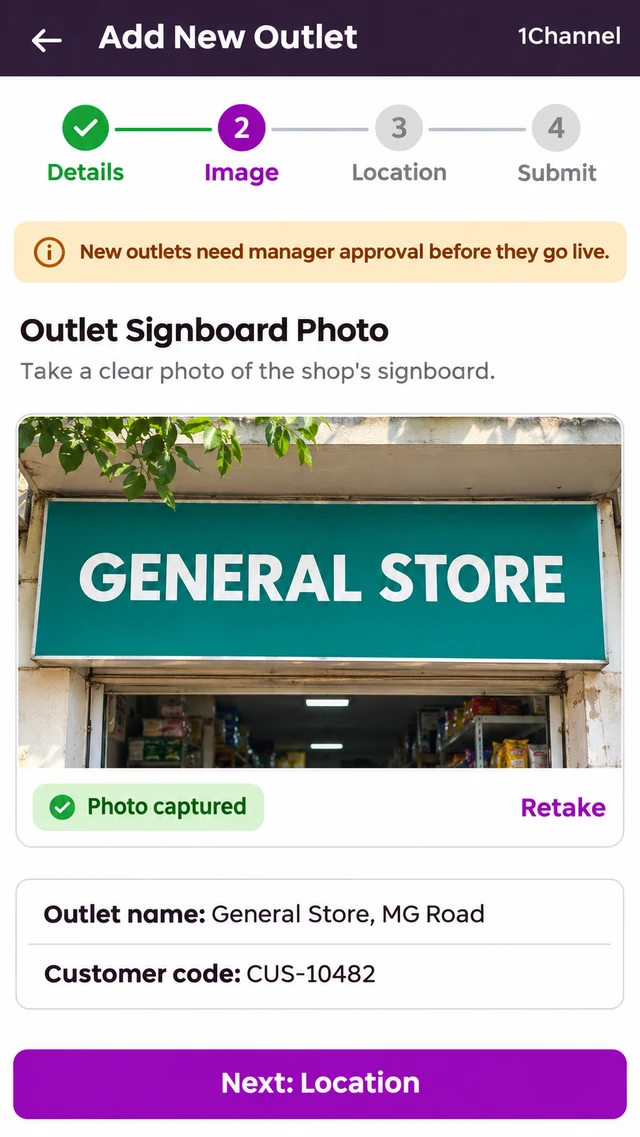
New outlets go through a four-step registration in the field app, and a banner on the first step tells the rep the outlet needs manager approval. In the admin portal, Approve Store holds new and edited outlets until they are cleared.
| Step | What the rep captures |
|---|---|
| Details | Outlet details, including the customer code |
| Image | A photo of the outlet signboard |
| Location | The outlet's GPS location |
| Submit | Sent to a manager for approval |
2. Capture the Signboard at Registration
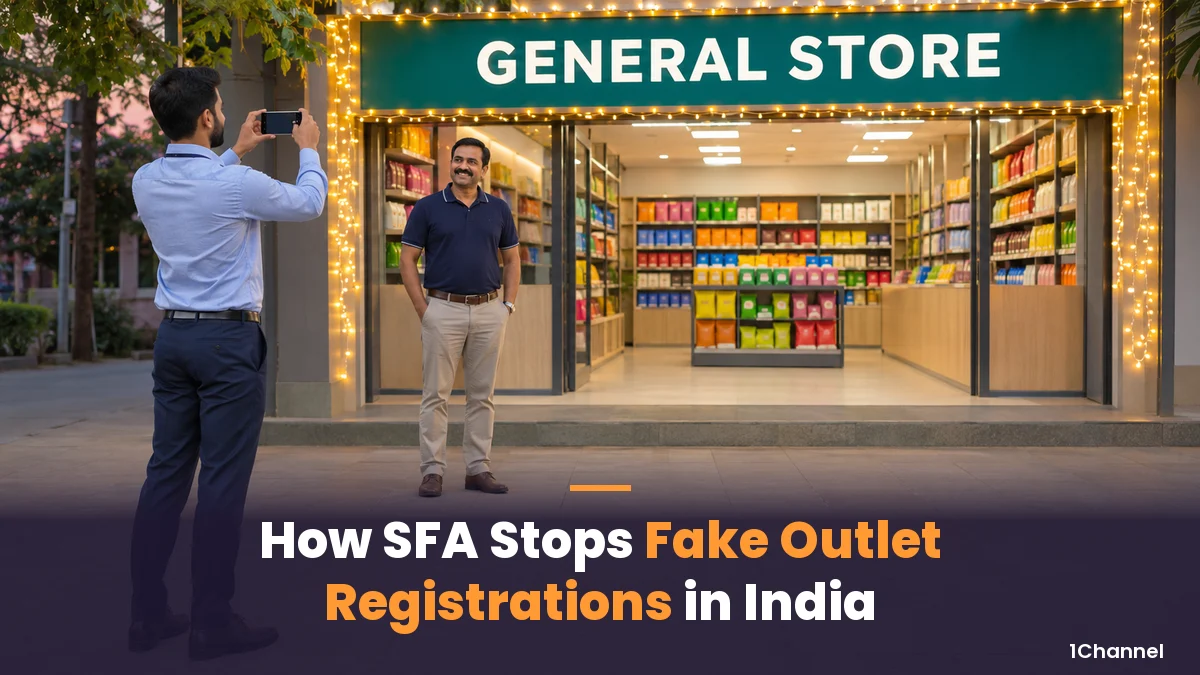
A name typed on a phone proves nothing. A shop with a real signboard is much harder to invent.
Step 2 asks for a photo of the signboard, so every new outlet arrives with a picture of the shop, not just a name.
3. Pin the Outlet on the Map
Without a location, an outlet can be registered from anywhere, and nobody can find it later.
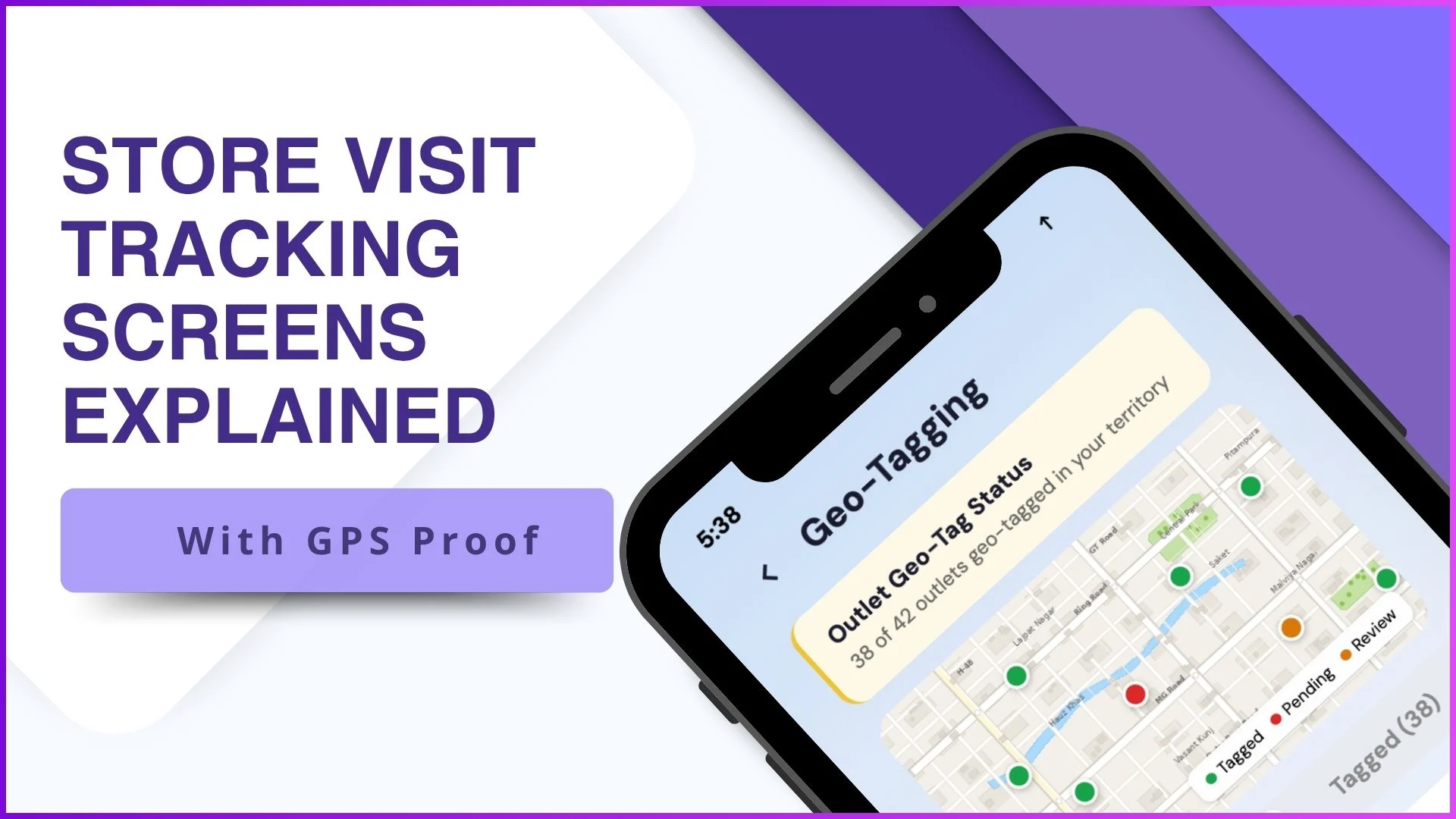
Step 3 captures the outlet's GPS location. That pin is what later visits to the outlet are checked against.
4. Tie Every Visit to the Outlet's Geofence
An approved outlet can still be visited only on paper.
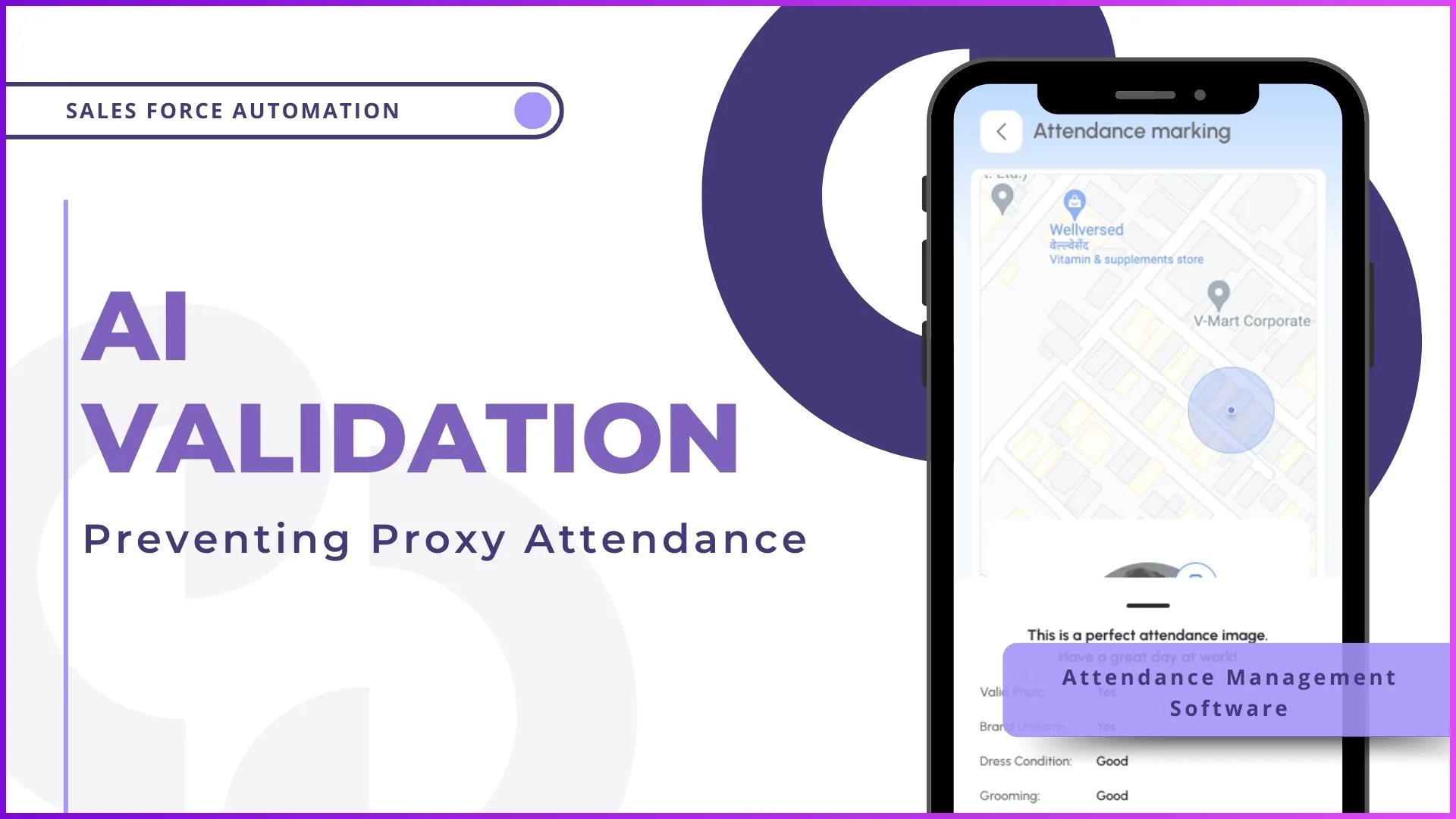
Each outlet can be given a geofence, so a rep can check in only from inside the outlet's mapped area. If the rep can't reach the store, the call is logged as a telephonic visit instead.
Each outlet is also mapped to one rep at a time, so one person is always answerable for it.
Every New Outlet, Verified Before It Counts
1Channel's SFA asks for a signboard photo, GPS location and manager approval before a new outlet goes live, then checks visits against the outlet's geofence.
Explore 1Channel's Sales Force Automation →5. Match the Signboard Against the Outlet Master
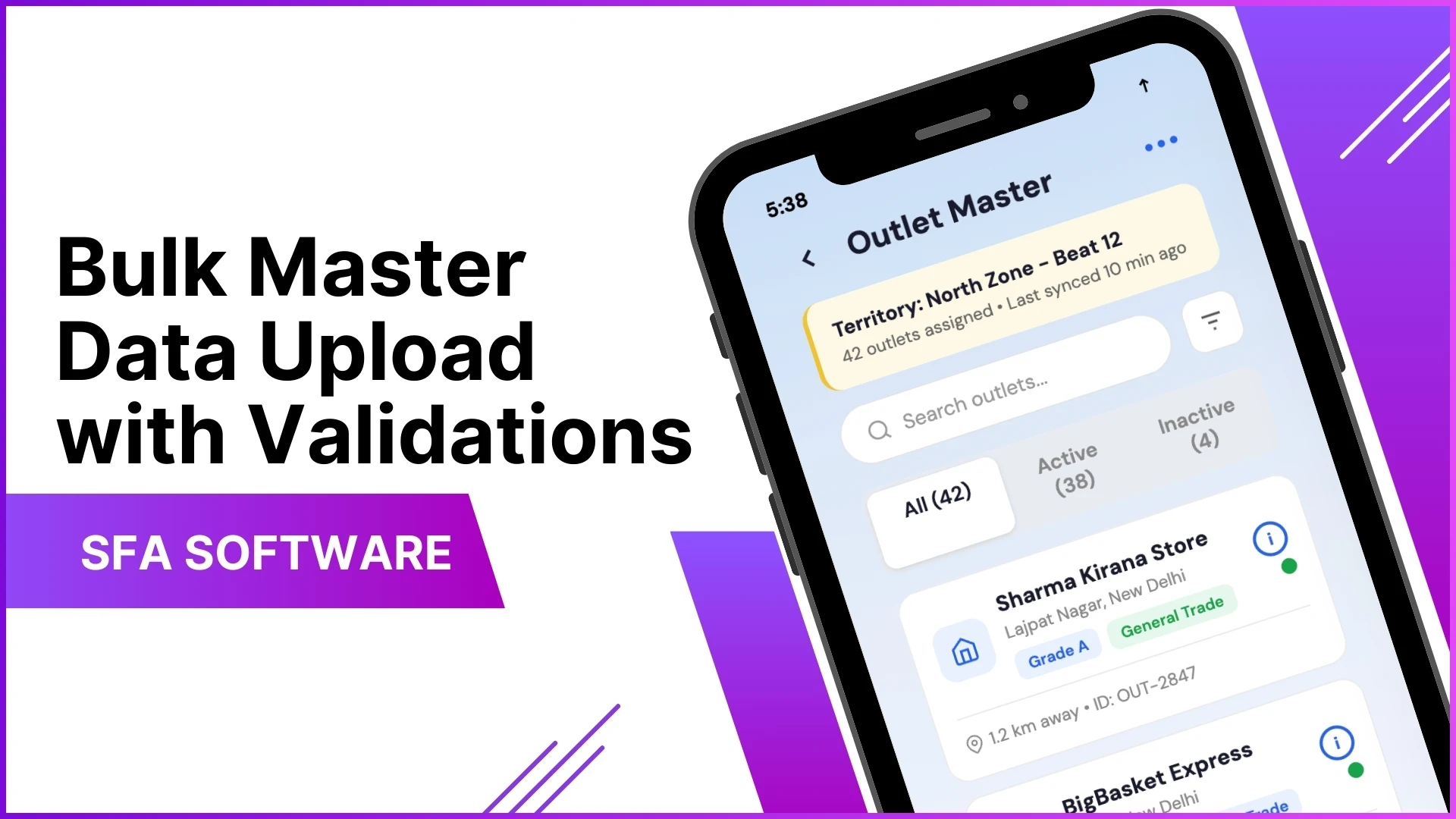
Duplicates are harder to spot: the same shop registered twice, or a name that doesn't match the board outside.
The SFA can be configured to read the signboard photo with image recognition and compare it with the outlet name in the master. Matches below a level the business sets go to a review team.
Before You Approve a New Outlet
Whether it's an FMCG kirana, a consumer durables dealer, a pharma chemist or a building materials store, ask:
- Does the signboard in the photo match the outlet name entered?
- Does the GPS pin sit where the address says it should?
- Is the outlet mapped to one rep, on a beat that rep covers?
- Could the same shop already be in the master under another name?
- Has a manager, not the rep, approved it?
Frequently Asked Questions
1. What counts as a fake outlet?
An outlet in the master that isn't a real, trading shop, or a real shop registered twice.
2. Who approves a new outlet?
A manager. The outlet stays pending after the rep submits it, and edited outlets go through Approve Store too.
3. What does a rep need to register an outlet?
Outlet details with the customer code, a photo of the signboard and the outlet's GPS location.
4. Can a rep check in from outside the outlet?
Not where a geofence is set. A rep who can't reach the store logs a telephonic visit instead.
5. Is the signboard match automatic?
Only where it's configured. Image recognition reads the photo, compares it with the outlet name in the master, and weak matches go to review.
Note: Software screens may vary based on your business structure and configured workflows.