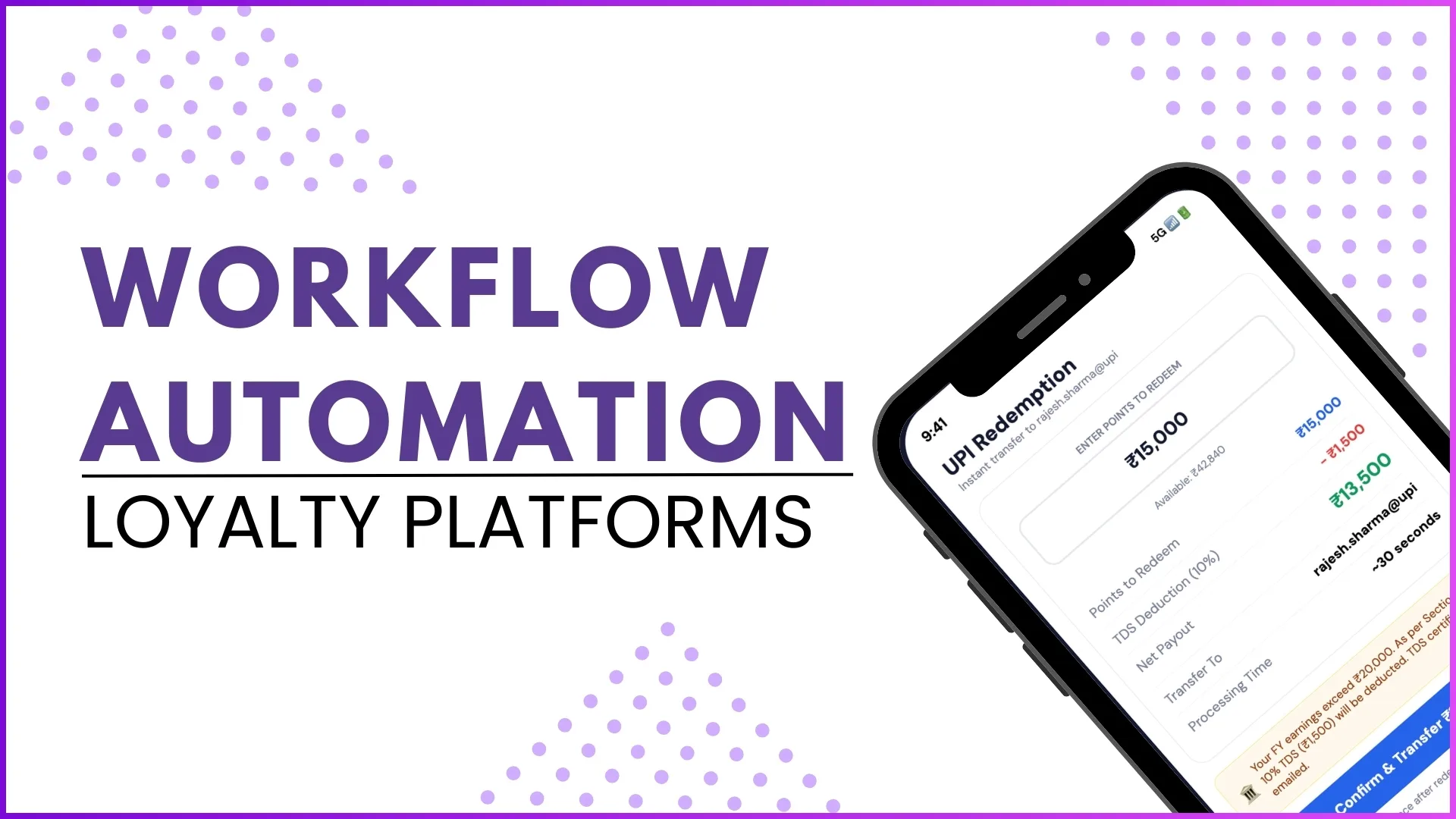
Loyalty platforms are designed to manage partner engagement, reward programs, and transaction tracking at scale. As these programs grow, manual processes quickly become inefficient and error-prone. This is where workflow automation becomes essential.
Workflow automation allows loyalty platforms to automatically trigger actions when specific events occur in the system. Instead of relying on manual intervention, the platform can send notifications, allocate points, update external systems, or initiate approval processes automatically. This ensures faster execution, consistency, and a better experience for all stakeholders involved in the loyalty program.
In this blog, we explore how workflow automation functions inside loyalty platforms and how it supports program management, engagement, and operational efficiency.
What is Workflow Automation in Loyalty Platforms?
Workflow automation refers to the ability to define rules that trigger actions based on specific system events or conditions.
Within a loyalty platform, workflows are configured through a backend panel where administrators can define:
- Trigger events
- Conditions for execution
- Automated actions such as notifications, integrations, or approvals
When the defined conditions are met, the system automatically performs the configured action without requiring manual intervention.
This capability allows loyalty programs to run smoothly while ensuring that participants receive timely updates and rewards.
Key Components of a Workflow
A workflow generally consists of three core elements:
1. Trigger Event
The trigger is the event that starts the workflow.
Examples include:
- A purchase being submitted
- A nomination being approved
- A transaction being updated
- A partner registration being completed
Once the event occurs, the system checks whether the defined conditions are satisfied.
2. Conditions
Conditions define when the workflow should execute.
For example:
- Purchase status equals Approved
- Nomination is Approved
- Transaction value meets a defined threshold
These conditions ensure that workflows are executed only when the required criteria are met.
3. Automated Action
After the trigger and conditions are satisfied, the workflow performs a predefined action. These actions can include:
- Sending SMS notifications
- Sending email alerts
- Triggering webhooks
- Allocating reward points
- Initiating approval processes
This automated chain of actions reduces manual effort and ensures that loyalty operations run consistently.
Example: Sending Approved Nomination Data to External Systems
In some loyalty programs, approved nominations may need to be shared with external systems such as CRM platforms.
A workflow can be configured to handle this automatically:
Trigger: Nomination gets approved
Action: Send nomination details to an external CRM system via integration
Instead of manually transferring data, the system automatically pushes the information to the external platform, ensuring real-time synchronization.
Example: Sending SMS Notifications After Purchase Approval
Communication is an important part of loyalty engagement. Workflow automation can trigger SMS notifications once certain transactions are approved.
Trigger: Purchase status updated to Approved
Action: Trigger webhook → Call SMS vendor API → Send notification
The SMS template may include information such as the purchase value or approval confirmation. This ensures that participants receive immediate updates about their transactions.
Example: Automated Reward Point Allocation
Reward point allocation is one of the most critical processes in loyalty programs. With workflow automation, this can be completely automated.
Trigger: Purchase approved by the sales team
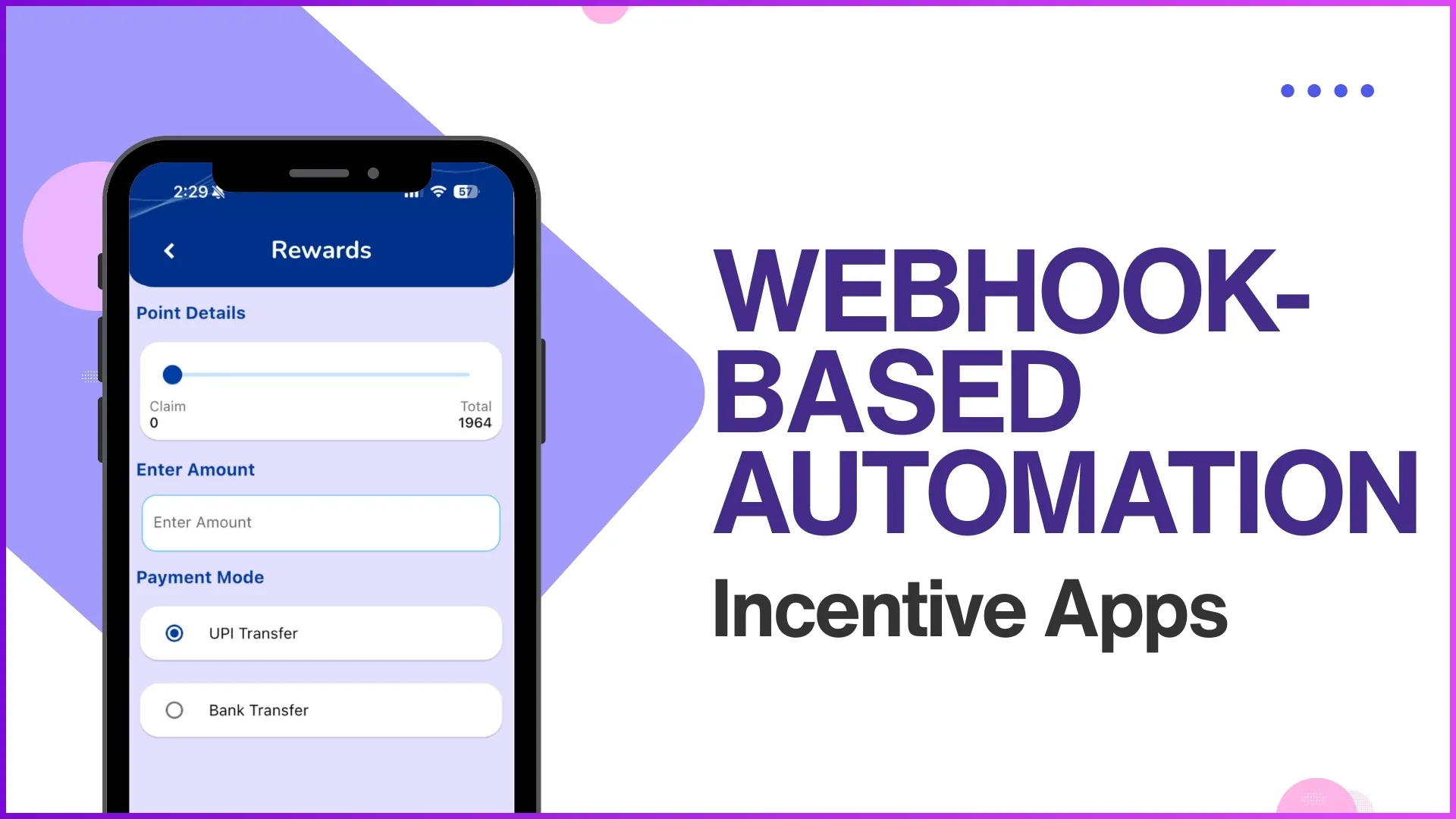
Action: Webhook triggers point allocation
Once the purchase is verified and approved, the workflow automatically allocates points to the participant. This ensures that rewards are issued accurately and without delay.
Automating Communication and Approvals
Workflow automation also simplifies program management by automating communication and approval processes.
For example, workflows can be configured to:
- Send emails to participants after transaction approval
- Notify administrators when certain actions occur
- Trigger approval workflows for specific activities
- Initiate system updates after transaction processing
This reduces the dependency on manual follow-ups and ensures that every action in the loyalty program follows a defined process.
Backend Workflow Configuration
Most loyalty platforms provide a backend configuration panel where administrators can manage workflows.
From this panel, teams can:
- Configure system workflows
- Manage approvals
- Define automated notifications
- Integrate with external APIs using webhooks
- Monitor system transactions and reports
The backend platform also allows teams to manage program configurations such as partners, users, sales teams, and customer records while maintaining complete visibility into loyalty operations.
Benefits of Workflow Automation in Loyalty Programs
Implementing workflow automation provides several advantages for organizations running loyalty initiatives.
1. Faster Program Execution
Automated workflows eliminate delays caused by manual approvals or actions.
2. Reduced Operational Effort
Routine processes like point allocation, notifications, and integrations are handled automatically.
3. Improved Accuracy
Automation reduces human error and ensures consistent program execution.
4. Better Participant Experience
Partners and participants receive real-time updates and rewards without waiting for manual processing.
5. Seamless System Integrations
Webhooks allow loyalty platforms to connect with external systems such as CRM platforms, SMS vendors, or other enterprise tools.
How 1Channel Enables Workflow Automation in Loyalty Platforms
1Channel Loyalty provides a comprehensive backend system that allows organizations to configure workflows, automate notifications, and integrate external services with ease.
Through its workflow configuration panel, businesses can automate processes such as reward allocation, approval management, and communication triggers.
This allows loyalty programs to run efficiently while ensuring that every transaction, nomination, or purchase is processed according to predefined business rules.
By combining automation with strong backend visibility, the platform helps organizations manage loyalty operations while improving partner engagement and operational efficiency.
Automate Your Loyalty Program Workflows
1Channel's Loyalty Management Software powers workflow automation with configurable triggers, automated notifications, webhook integrations, and comprehensive backend controls. Streamline operations and improve partner engagement.
Explore Loyalty Management Software →FAQs
1. What is workflow automation in a loyalty platform?
Workflow automation allows loyalty platforms to automatically perform actions such as sending notifications, allocating points, or triggering integrations when specific events occur.
2. How do workflows improve loyalty program operations?
Workflows reduce manual work, speed up transaction processing, and ensure that all program activities follow consistent rules.
3. What types of actions can workflows automate?
Workflows can automate actions such as sending SMS or email notifications, allocating reward points, triggering webhooks, and initiating approval processes.
4. What role do webhooks play in workflow automation?
Webhooks allow the loyalty platform to trigger external systems or APIs automatically when a specific event occurs.
5. Can workflow automation support integrations with other systems?
Yes. Workflows can trigger integrations with external systems such as CRM platforms or communication vendors to ensure seamless data exchange