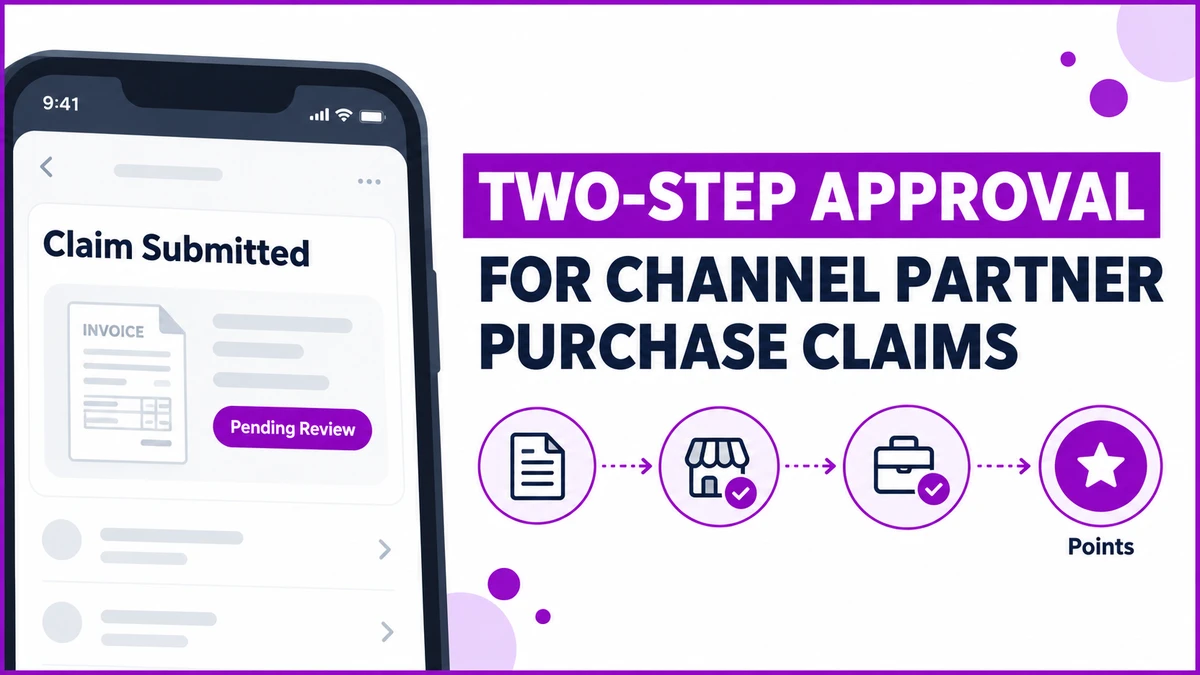
A purchase claim lands in the loyalty app with a photographed invoice attached, waiting for someone to look at it.
Channel partner and influencer loyalty programs in Egypt route that claim through retailer approval first, then a sales-team sign-off, before a single point gets credited.
The pattern shows up most in Building Materials and Hardware, FMCG, Consumer Durables, and Retail and Modern Trade channel programs.
It appears wherever a brand rewards people outside its own payroll, not just its direct employees.
This post covers how the approval chain is configured, what a retailer actually sees in their own queue, and where a claim can get stuck.
What a Purchase Claim Needs Before It's Paid
Not every point-earning mechanism needs a human check. A sales feed from a distributor's own ERP arrives pre-verified, and a QR scan validates itself against the product record.
A manual purchase claim is different. A partner photographs an invoice and submits it themselves, so the brand has no independent confirmation the purchase actually happened.
That gap is exactly what the approval chain closes, before any monetary value moves.
How the Two-Step Approval Flow Works
A claim starts with a short form: purchase date, the product bought, purchase value, governorate, and a searchable Purchased From field tagging the retailer involved.
An invoice image is mandatory, and the purchase date itself is restricted, commonly to the last 15 or 30 days, so a stale claim can't resurface months later.
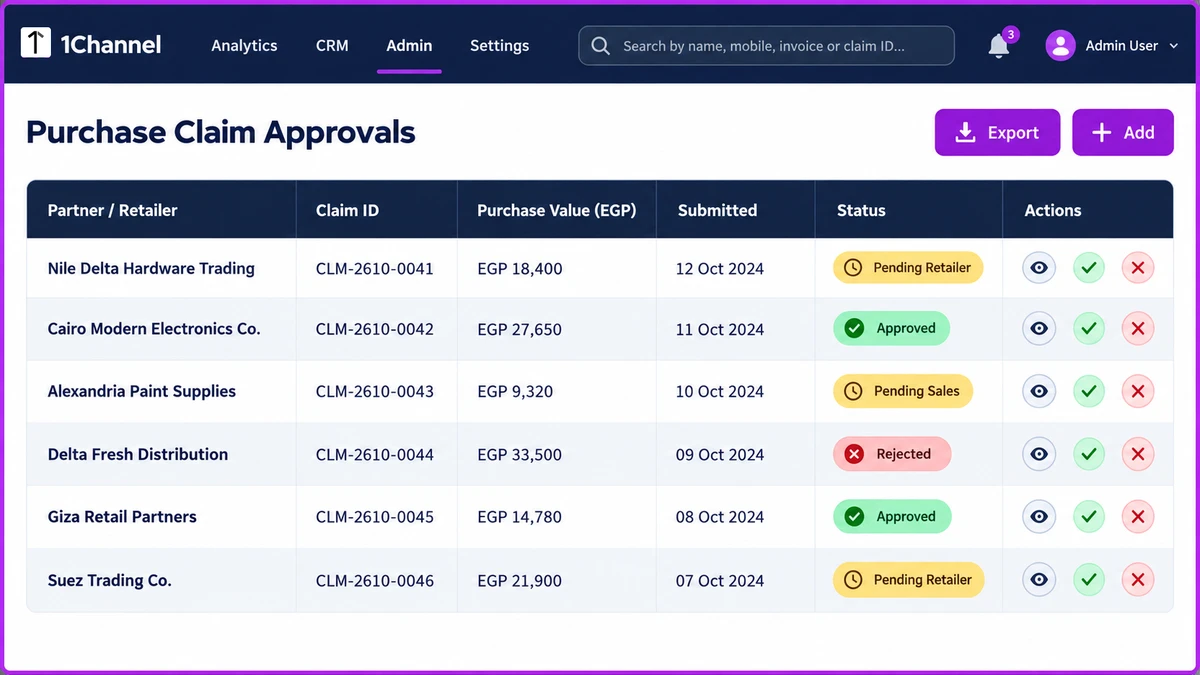
Level one belongs to the retailer the claim is tagged to.
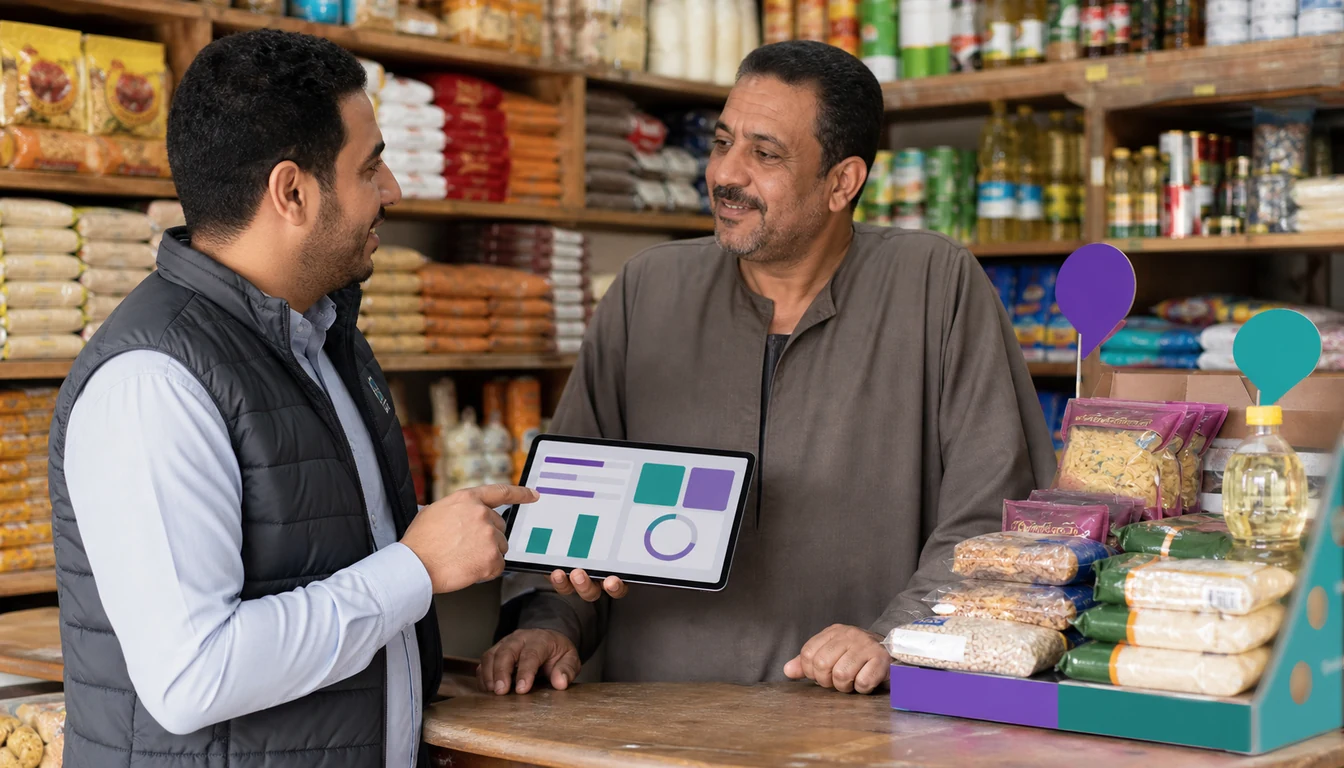
The same mobile app gives that retailer an approvals-only view, showing the invoice image and the claimant's details side by side.
Level two belongs to the brand's own sales team, who give the final sign-off inside the admin portal once the retailer has already cleared it.
Points are only credited after that second approval, calculated on the approved purchase value, not the amount originally claimed.
Whether approval is required at all is itself a program setting. Some brands choose direct, unapproved crediting instead, trading a check for speed.
A Hardware Retailer's Claim Clears Both Steps
Nile Delta Hardware Trading, a building-materials retailer in Greater Cairo, submits a claim for EGP 18,400 of paint and fittings bought for a client project.
The invoice photo and the Purchased From field tag the claim to Alexandria Paint Supplies, the distributor the retailer actually bought from.
The distributor's own approver reviews the invoice within the day and approves it. The brand's sales team confirms the amount the next morning.
Points land in Nile Delta Hardware Trading's account roughly 24 hours after the original submission, against the approved value.
A Claim That Stalls at Retailer Review
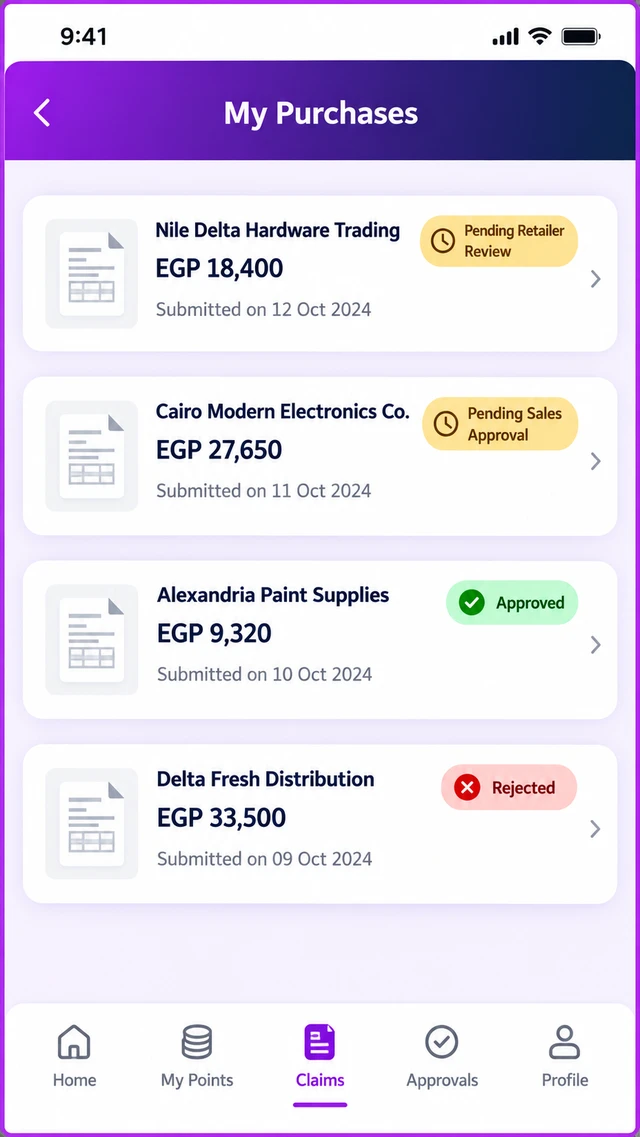
Cairo Modern Electronics Co. submits a claim for a consumer-durables purchase, but the Purchased From field points to a distributor it has no active relationship with that quarter.
The retailer sees the mismatch in its approvals queue and rejects the claim rather than approving it on trust.
No points are credited, and the claim never reaches the sales team's own queue at all. The rejection happens at the first checkpoint.
The partner can resubmit with the correct distributor tagged, restarting the same two-step chain from zero.
How 1Channel Routes Purchase Claims Through Both Approvals
1Channel's loyalty platform captures the claim form, invoice image and retailer tag in one submission, then routes it through the retailer and sales-team queues above automatically.
Each stage is logged, so a rejected claim, a stalled approval and a credited one are all visible without chasing anyone for status.
See Purchase Claim Approvals in Action
Walk through how invoice capture, retailer approval and sales-team sign-off work together to keep every channel-partner purchase claim accountable, start to finish.
Explore QR & Invoice Loyalty →A Decision Checklist for Configuring Purchase-Claim Approval
- Decide whether manual purchase claims need approval at all, or whether direct crediting fits the program better.
- Set a claim age limit, commonly 15 or 30 days, so a stale invoice can't be submitted months late.
- Confirm every retailer in the chain has app access with an approvals-only view, not just the claimant.
- Make the invoice image mandatory, never optional, since it is the only independent evidence of the purchase.
- Decide whether points calculate on the claimed value or the approved value, if the two ever differ.
- Review rejected claims periodically to spot a retailer relationship that keeps mismatching.
Note: Software screens may vary based on your business structure and configured workflows.