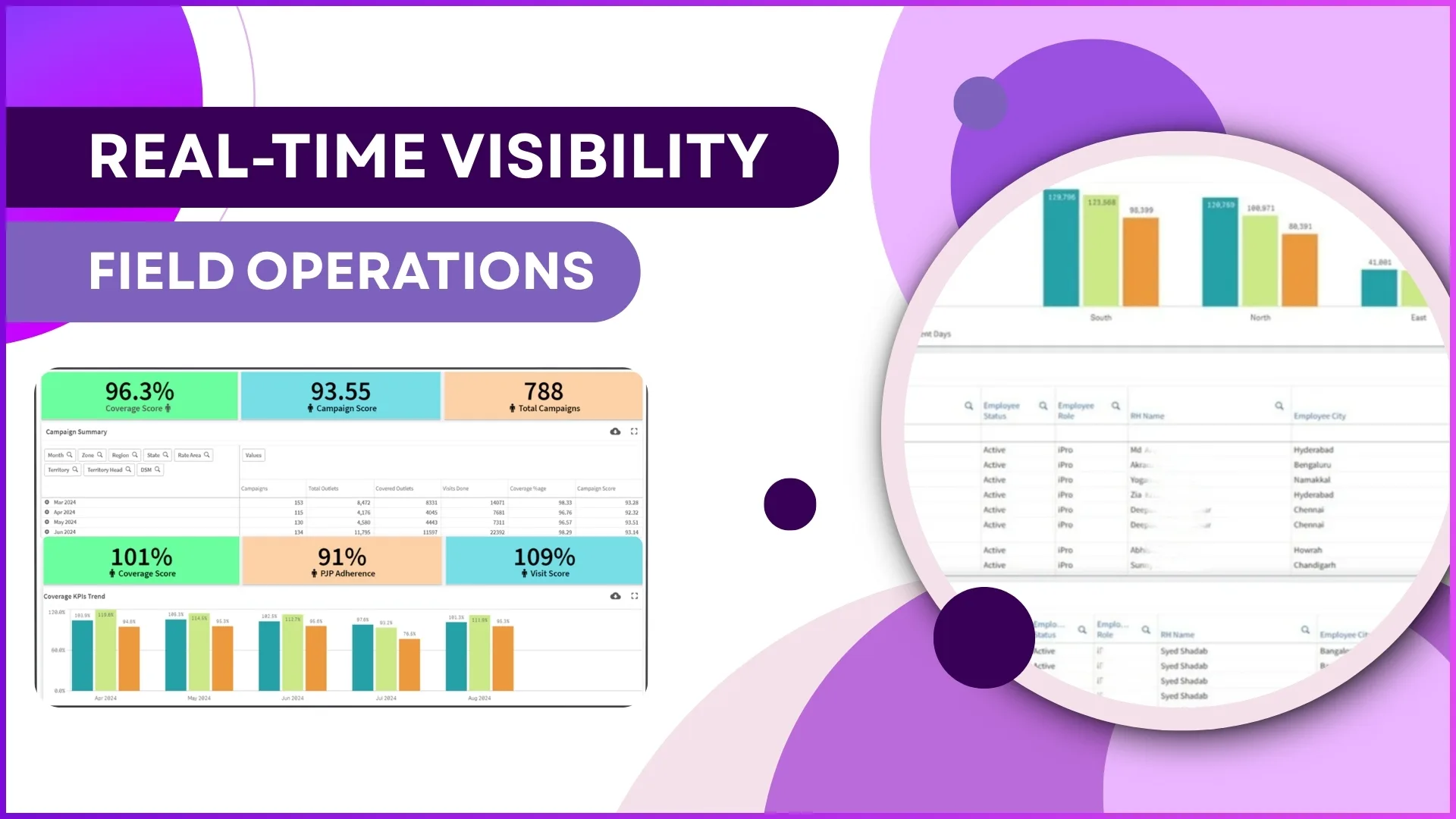
An FMCG distributor in Selangor assigns 12 field reps to cover 320 retail outlets across Klang Valley every week. Each rep has a daily beat plan specifying which outlets to visit on which day. On paper, the plan covers every outlet at least once a week. But at the end of the month, 47 outlets report that they have not seen a sales rep in over two weeks. Product shelves in those outlets are running low, competitor brands have taken over shelf space, and the distributor has no clear record of what went wrong.
The root cause is not that the reps were lazy. It is that the organisation had no structured way to compare what was planned against what was executed. Visit plans existed in spreadsheets. Actual visits were tracked through WhatsApp check-ins. Nobody connected the two until complaints arrived from retailers.
A Market Visit Plan Report inside a cloud-based SFA platform solves this by creating a single, automated view that shows exactly what was planned for every rep, every day, and every outlet, and then compares it against what actually happened. This is the foundation of disciplined field execution.
Table of Contents
What a Market Visit Plan Report Contains
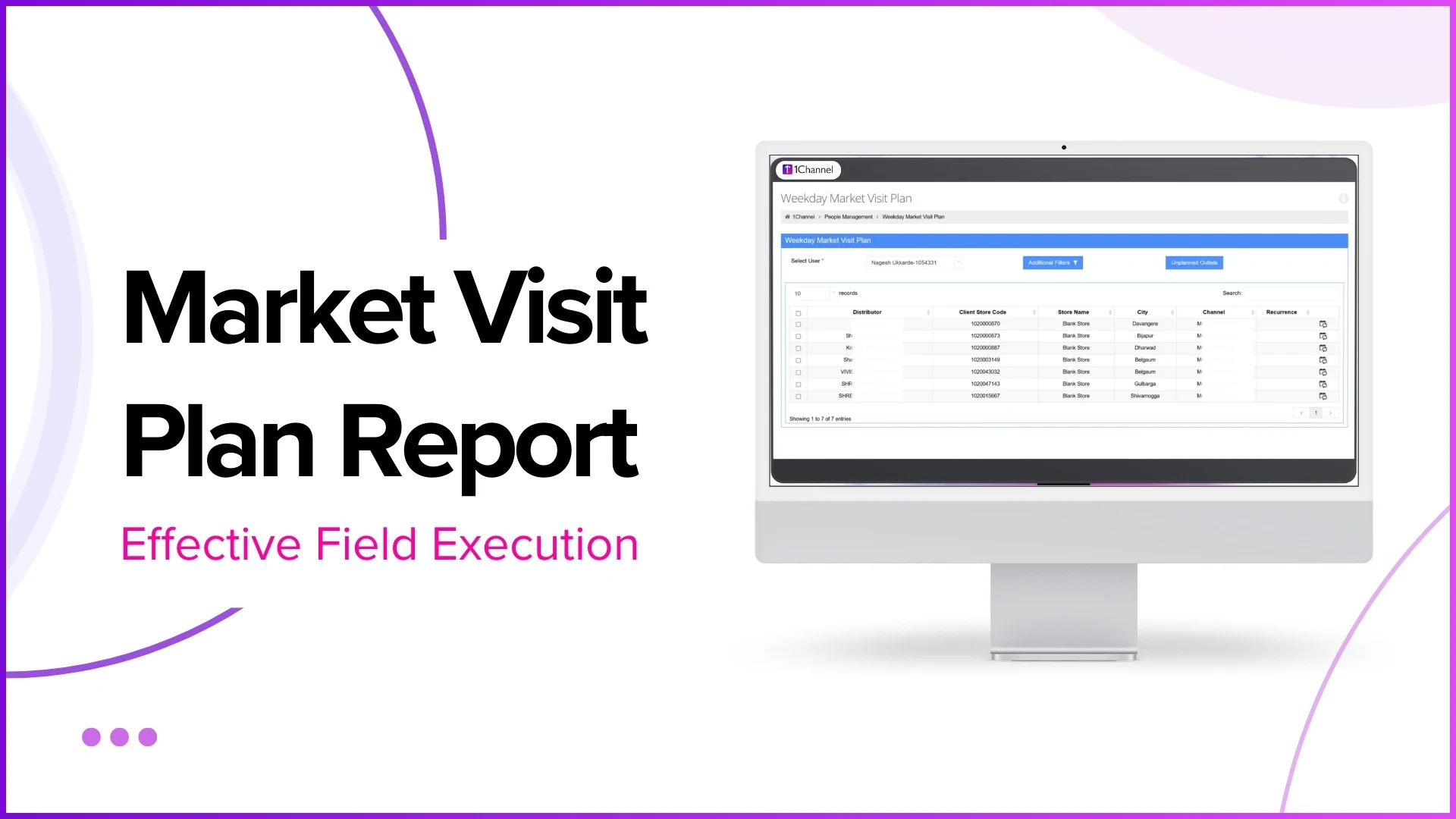
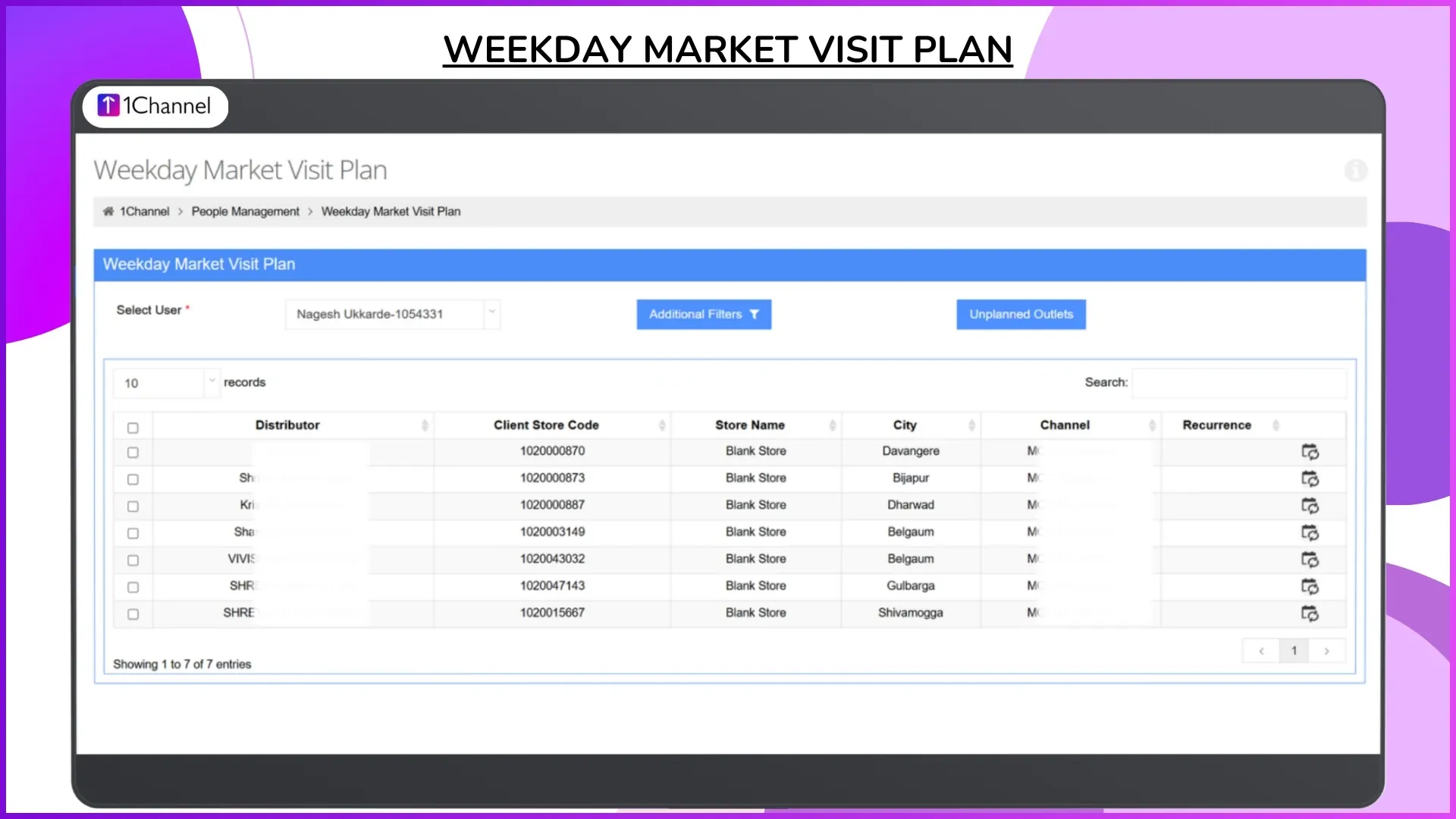
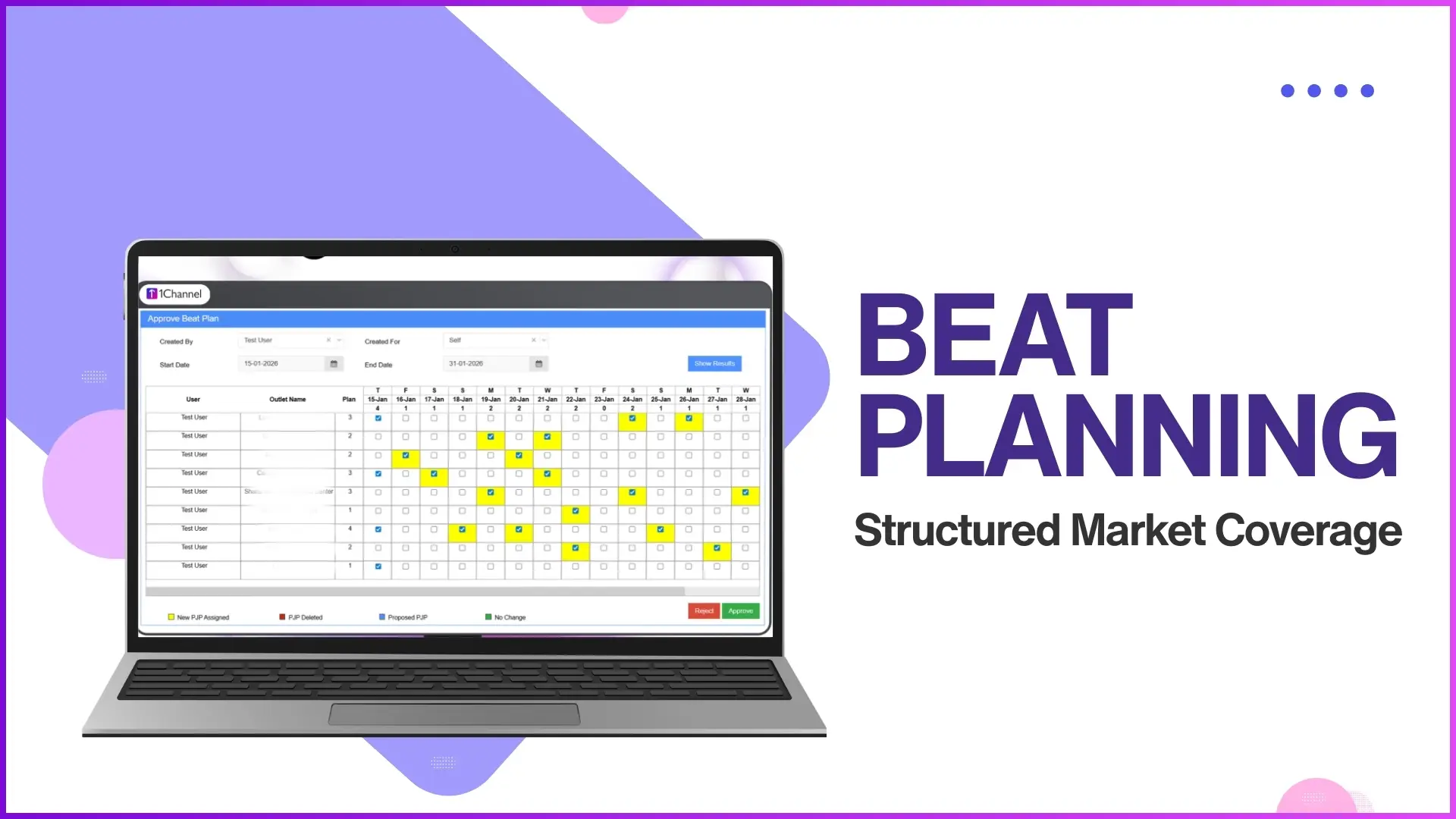
The Market Visit Plan Report is a structured download from the SFA admin portal that consolidates all planned store visits for field employees over a selected date range. Unlike ad hoc visit logs or daily check-in data, this report focuses specifically on what was planned before the day started.
The report typically includes the following data points for each planned visit:
- Employee details including name, code, and assigned role
- Planned visit date for the specific outlet
- Outlet information including store name, code, city, channel, and category
- Beat assignment showing which beat or territory the outlet belongs to
- Distributor mapping linking the outlet to its assigned distributor (where applicable)
The report can be generated for any date range up to 31 days, filtered by city, channel, category, or other configured parameters, and downloaded in Excel format for offline analysis or sharing with regional managers.
How Market Visit Plans Are Created in the SFA System
Before the report can track anything, visit plans need to exist in the system. Cloud-based SFA platforms support multiple methods for creating and uploading market visit plans, each suited to different organisational structures.
Beat-based planning
The most common approach divides a territory into beats, where each beat is a group of outlets in a defined geographic area. For example, a rep covering Petaling Jaya might have beats for SS2, Damansara Utama, and Kelana Jaya, with each beat assigned to a specific day of the week. When a beat is scheduled, all outlets inside that beat are automatically included in the day's visit plan.
Store-level planning
For teams that need more granular control, individual outlets can be assigned to specific reps on specific dates. This is useful when certain high-priority accounts require fixed visit frequencies regardless of beat rotation.
Weekday-based recurring plans
The system supports recurring schedules similar to recurring calendar events. A manager can configure that a rep visits Beat A every Monday and Thursday, Beat B every Tuesday and Friday, and Beat C every Wednesday. The system automatically generates the daily visit plan based on this recurring pattern.
Bulk upload
For large teams, visit plans can be uploaded in bulk through Excel templates. The admin downloads a template, fills in employee codes, outlet codes, and dates, and uploads it. The system validates the data and creates the plan entries. This is particularly useful at the start of a new quarter or when territories are being reorganised.
Connecting Planned Visits to Actual Execution
The Market Visit Plan Report is a planning document. Its value multiplies when combined with execution data from other SFA reports. Here is how the connection works in practice.
The visit plan says Rep A should visit 10 outlets today. The visit productivity report shows Rep A checked into 8 outlets. The beat compliance report calculates that Rep A achieved 80% compliance for the day. The detailed visit productivity report shows which 2 outlets were missed and what activities were performed at the 8 visited outlets.
This comparison answers questions that neither report can answer alone:
- Was the plan realistic? If reps consistently achieve only 70% of planned visits, the plan may be assigning too many outlets per day for the territory's geography.
- Are specific outlets being skipped repeatedly? A report showing the same 15 outlets missed every week indicates a systemic issue, not random variation.
- Is the gap caused by poor planning or poor execution? If the plan is well structured but execution consistently falls short, the problem is in the field. If execution matches an unrealistic plan, the problem is in the planning.
How Malaysian Businesses Use Market Visit Plan Reports
Scenario 1: FMCG coverage across modern and traditional trade
A consumer goods company distributes products through both modern trade outlets (Aeon, Lotus's, 99 Speedmart) and traditional trade shops (sundry shops, mini-markets) across Peninsular Malaysia. Modern trade outlets require weekly visits with specific merchandising activities. Traditional trade outlets need fortnightly coverage focused on stock replenishment and order collection.
The market visit plan reflects these different frequencies. The report allows the regional manager to verify that modern trade outlets have weekly visit entries while traditional trade outlets have fortnightly entries. If a traditional trade outlet in Ipoh suddenly has no planned visits for three weeks, the gap is visible in the report before it becomes a lost account.
Scenario 2: Pharmaceutical field team across Northern Malaysia
A pharmaceutical company has 8 medical reps covering clinics and hospitals across Penang, Kedah, Perlis, and Perak. Each clinic has a target visit frequency based on its prescription volume. High-volume clinics require weekly visits. Medium-volume clinics need visits every two weeks. Low-volume clinics are covered monthly.
The market visit plan captures these tiered frequencies. At the end of each month, the manager downloads the report, filters by state, and checks whether the planned frequencies were met. If a high-volume clinic in George Town was planned for 4 visits in June but only received 2, the report flags the gap and the manager can investigate whether it was a planning omission or an execution failure.
Scenario 3: Consumer electronics promoter deployment
An electronics brand deploys 25 promoters across hypermarkets in Klang Valley. Each promoter is stationed at a specific outlet on specific days. The visit plan serves as the deployment schedule, and the report acts as the attendance roster for promoter management. When cross-referenced with attendance data and sales reports, the manager can see which outlets had active promoters, which had absent promoters, and how sales performance correlated with promoter presence.
Report Filters and Configuration Options
The Market Visit Plan Report is designed to be practical for teams of any size. Configurable filters ensure that managers can extract exactly the data they need without sifting through irrelevant entries.
- Date range selection up to 31 days, allowing weekly, fortnightly, or monthly views
- City or territory filter to isolate plans for a specific geographic area, such as Johor Bahru only or East Malaysia only
- Channel filter to view plans for modern trade, traditional trade, pharmacy, or any other configured channel
- Category filter to segment by product category or outlet classification
- Employee filter to review the plan for a specific rep or a specific team
All filtered views are exportable in Excel format. The exported file can be shared with team leaders for field-level review or uploaded into external analytics tools for deeper analysis.
Explore Sales Force Automation
1Channel's cloud-based SFA platform includes automated beat planning, market visit reports, beat compliance tracking, and visit productivity analytics for distributed field teams.
Explore SFA Solutions →Five Common Gaps That Market Visit Plan Reports Expose
Organisations that start using structured visit plan reports consistently discover patterns that were invisible when planning was done in spreadsheets and tracking relied on verbal updates.
- Orphaned outlets. Outlets that exist in the store master but are not assigned to any beat or any rep's visit plan. These outlets receive zero planned visits and are effectively abandoned until a retailer complains or a competitor takes over.
- Overloaded beats. Beats with too many outlets for a single rep to cover in one day. When a beat has 18 outlets but a rep can realistically visit 10, the remaining 8 are perpetually missed. The visit plan report makes this mismatch visible.
- Frequency mismatches. High-value accounts assigned the same visit frequency as low-value accounts. A pharmacy chain outlet generating RM 50,000 monthly should not have the same fortnightly visit schedule as a sundry shop generating RM 2,000.
- Unbalanced territories. One rep might have 60 outlets in their territory while another has 120, leading to inconsistent coverage quality. The report, when filtered by employee, shows the distribution clearly.
- Planning decay. Visit plans that were accurate three months ago but no longer reflect current outlet lists, because new outlets were added to the store master without being assigned to any beat. The report exposes these newly added but unplanned outlets.
Frequently Asked Questions
Does the market visit plan report show actual visits or only planned visits?
The Market Visit Plan Report shows only planned visits. To compare planned versus actual, managers use it alongside the visit productivity report and beat compliance report, which track actual check-ins, activities performed, and compliance percentages.
How far in advance can visit plans be created?
Visit plans can be created for any future date range. For recurring plans based on weekday schedules, the system automatically generates daily plans on an ongoing basis. For ad hoc plans, managers can upload or create entries for specific dates as needed.
Can the report be generated for a single rep or a single territory?
Yes. The report supports filters for individual employees, specific cities or territories, channels, categories, and other configured parameters. A manager can generate a report for a single rep's planned visits for the current week, or for all reps in Johor for the entire month.
What happens when a new outlet is added to the store master?
New outlets need to be assigned to a beat and mapped to a rep before they appear in visit plans. If an outlet is added to the store master but not assigned to any beat, it will have no planned visits. The market visit plan report helps identify such gaps by comparing the store master against planned visit entries.
Can visit plans be modified after they are created?
Yes. Managers can add, remove, or reassign outlets within existing plans through the admin portal. Changes take effect from the next planned date. Historical plan data is preserved for audit and comparison purposes.
Final Suggestions
If your organisation is setting up or refining its market visit planning process, consider these practical steps:
- Audit your outlet universe first. Before creating visit plans, ensure that your store master is current. Remove closed outlets, add new ones, and verify that every active outlet is assigned to a beat and a rep. Unassigned outlets are invisible to the planning system.
- Match visit frequency to outlet value. Not every outlet deserves the same visit cadence. Use sales data and outlet classification to assign weekly visits to high-value accounts and fortnightly or monthly visits to lower-value ones. The system supports tiered frequencies by outlet type.
- Review the report weekly, not monthly. Monthly reviews catch problems too late. A weekly download of the visit plan report, compared against the week's beat compliance data, allows managers to adjust plans while the month still has weeks remaining.
- Use recurring schedules where possible. Manual plan creation for every day of every week is unsustainable for large teams. Configure weekday-based recurring plans and let the system generate daily entries automatically. This reduces administrative overhead and ensures planning consistency.
- Share the report with team leaders. When team leaders can see the planned visits for their direct reports, they take ownership of execution quality. The Excel export makes it easy to share filtered views without giving portal access to field-level staff.
Market visit planning is where field execution begins. The quality of a day's visits depends on the quality of the plan behind them. For Malaysian businesses managing distributed sales teams across multiple states, channels, and outlet types, a structured market visit plan report is the simplest way to ensure that planning translates into execution. Get in touch to see how 1Channel's SFA platform automates visit planning and compliance tracking for your field teams.