When a Malaysian loyalty program has 80 partners, a backend operator can onboard each one by hand. The form takes four minutes, the activation goes out the same day, and the audit trail stays clean.
When the partner count crosses 500, the same workflow starts breaking. The operator misses a column on one record, mistypes a phone number on another, and the activation backlog stretches into the next week.
Bulk partner upload exists to absorb the volume without the breakage. This walks through what the workflow actually does, how it runs end to end, and the patterns that keep the rollout clean.
Table of Contents

What Bulk Partner Upload Means in a Loyalty Program
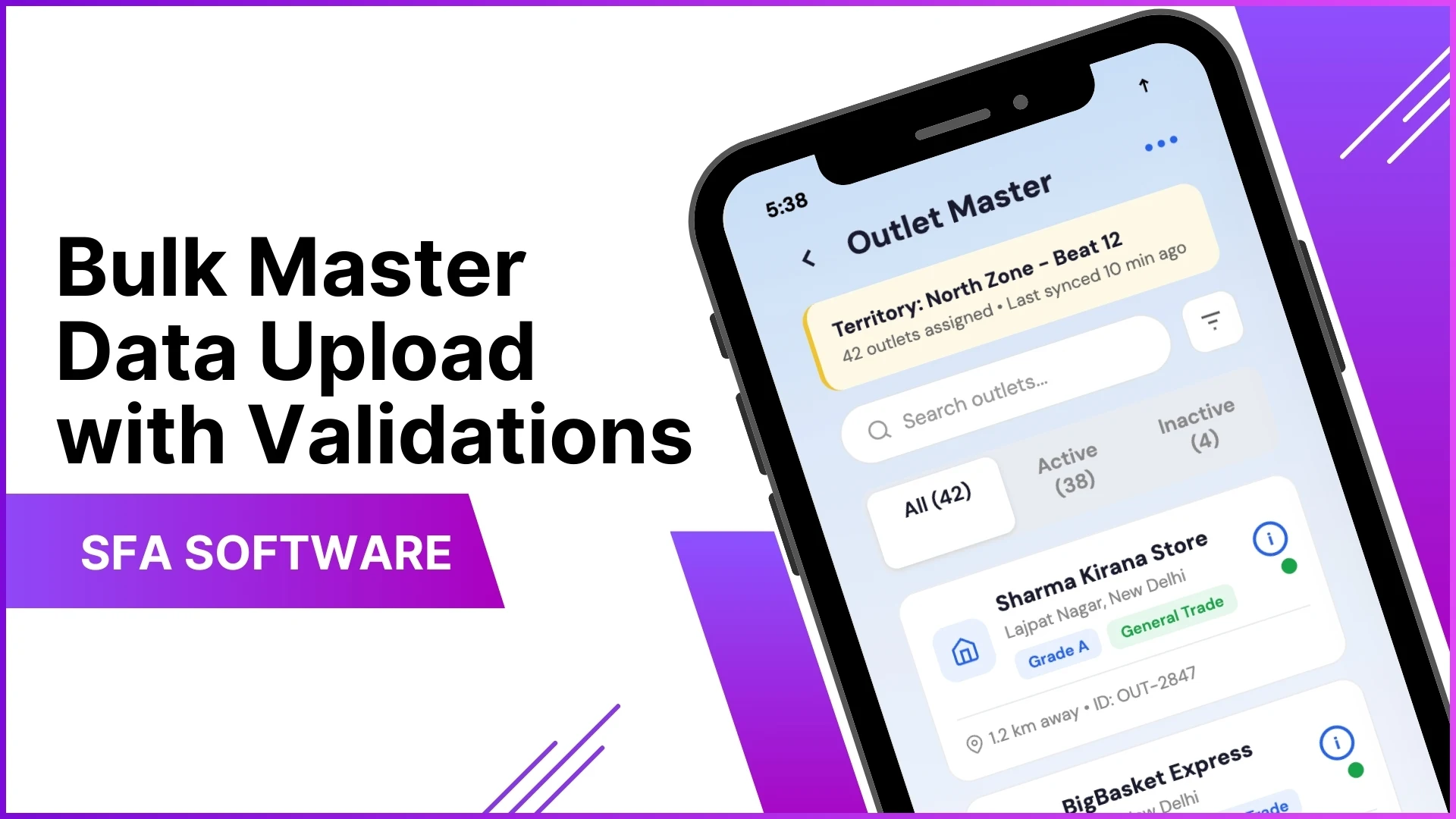
Bulk partner upload is the loyalty platform's capability to add or update hundreds of partners in a single submission instead of one form at a time.
The data lands through a structured Excel template the operator fills offline and uploads to the backend portal. The cloud platform validates every row before any record posts to the live database.
What was a daily form-fill becomes a weekly file-upload. The operator spends time on data quality, not on data entry.
How the Workflow Runs
Five steps cover the full bulk upload workflow:
- Admin opens the backend portal. The bulk upload module sits inside the loyalty admin console, separated from single-partner entry by role permissions.
- Operator downloads the upload template. The template carries every field the system needs, with column headers, format hints, and dropdown lists baked in. Wrong fields cannot be added.
- New partners get uploaded in bulk. The operator pastes the cleaned list, hits upload, and the cloud platform validates each row. Errors surface as a downloadable report; clean rows commit.
- Existing partners get edited in bulk. The same template supports updates. Phone-number corrections, category reclassifications, and address moves can all post in one cycle.
- Login access activates automatically. Each new partner gets credentials, an activation link, and a welcome message dispatched by the platform without operator intervention.
Where the Pattern Shows Up in Malaysian Programs
The bulk upload module gets used most heavily during three moments: launch, scale, and category restructuring.
Launch covers the initial cohort of 200 to 2000 partners going live in one window. Scale covers the quarterly waves of new partner intakes. Restructuring covers mass updates when categories, regions, or scheme eligibility rules change.
Why It Matters at Scale
A loyalty program with 5000 partners cannot run on individual forms. Even at one minute per record, an annual refresh of 2000 partners costs 33 hours of operator time, before validation errors and rework.
Bulk upload compresses the operational cost without sacrificing the audit trail. Every change is logged, every error is recoverable, and the backend stays in sync with the field reality.
How 1Channel Loyalty Runs Bulk Partner Upload
1Channel loyalty runs the bulk partner upload through its cloud loyalty platform. The admin console exposes the template, the validator, the audit log, and the activation pipeline in one workflow.
1Channel's AI engine reads the upload patterns for anomalies. A batch with an unusual category mix, a region with duplicate phone numbers, or an SKU mapping that does not match the partner master: all surface as soft alerts before the commit.
New template fields, validation rules, role permissions, and activation triggers go live the same day they are approved, with an automated dry-run preview against a sample partner batch.
Explore Channel & Influencer Loyalty Software
1Channel's cloud loyalty platform absorbs bulk partner intakes with AI-driven validation and automated activation flows.
Explore Channel & Influencer Loyalty →Common Pitfalls When Rolling Out Bulk Upload
Four pitfalls quietly derail bulk upload rollouts:
- Skipping the template. Operators who paste their own column order or rename headers break the validator. The fix: lock the template and treat it as the contract.
- No dry-run before live commit. A 2000-row upload with a column-shift error costs more to clean than to prevent. Run the dry-run on every new batch source.
- Silent activation messages. Welcome messages landing in spam folders quietly stall onboarding. Configure SPF/DKIM and monitor the bounce report after every batch.
- Bulk edit without versioning. A mass edit that overwrites partner records with no rollback path is one mistake away from a recovery operation. Enable record-level version history before opening bulk edit to operators.