HR teams managing field sales operations process leave applications constantly: monthly earned leaves, public holidays, sick leaves, casual leaves, and the long tail of policy exceptions. Manual tracking breaks at scale. Automatic leave allocation handles the rules engine: how many leaves accrue each month, who carries them forward, and how the balance updates in real time inside the SFA portal.
Table of Contents
How the Allocation Engine Works
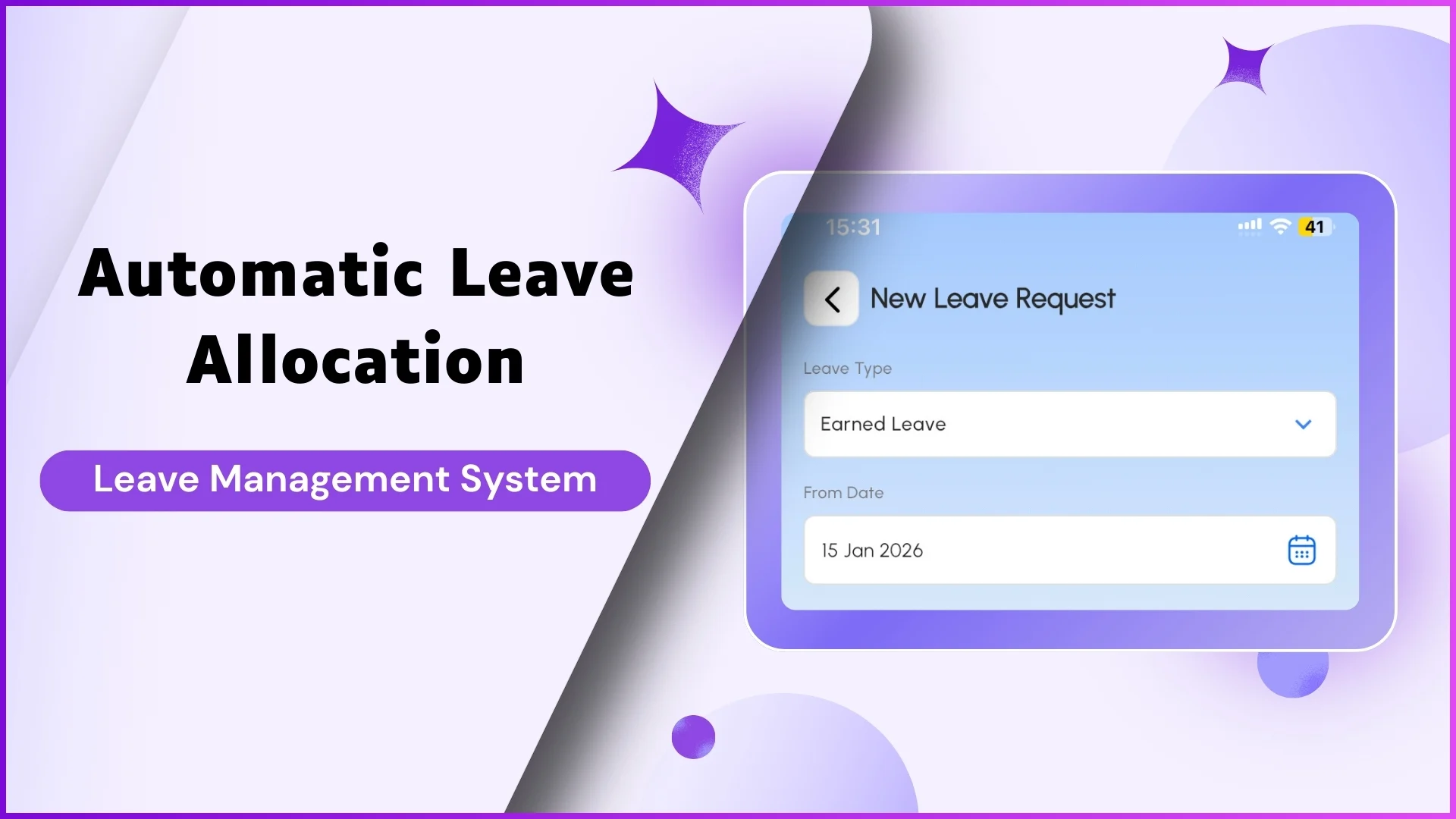
The engine sits in the Leave Management section under HR Management. The admin defines each leave type, sets the monthly accrual rate, and configures carry-forward rules. From that point on the system handles the math. On the configured date each month, the engine credits the allocated leaves to each user's balance automatically. Carry-forward kicks in at year-end, transferring permitted leaves into the next cycle while lapsing those that exceed the limit. Manual top-ups remain possible for special cases through the bulk upload screen, but they stay as exceptions rather than the routine.
Defining the Leave Types and Policies
Leave Management lets admins build a clean policy library. Common types include Earned Leave, Casual Leave, Sick Leave, and Paid Leave, with rules on who is eligible, when leaves accrue, and whether they encash at year-end. Policy is layered: a company-wide baseline can be overridden by role-specific rules when a field rep and an Area Manager need different allocations. Holiday calendars sit alongside, so the rep's app shows the country's public holidays in one consolidated view. Editing a policy mid-year is supported, with the change applying prospectively from the next accrual cycle.
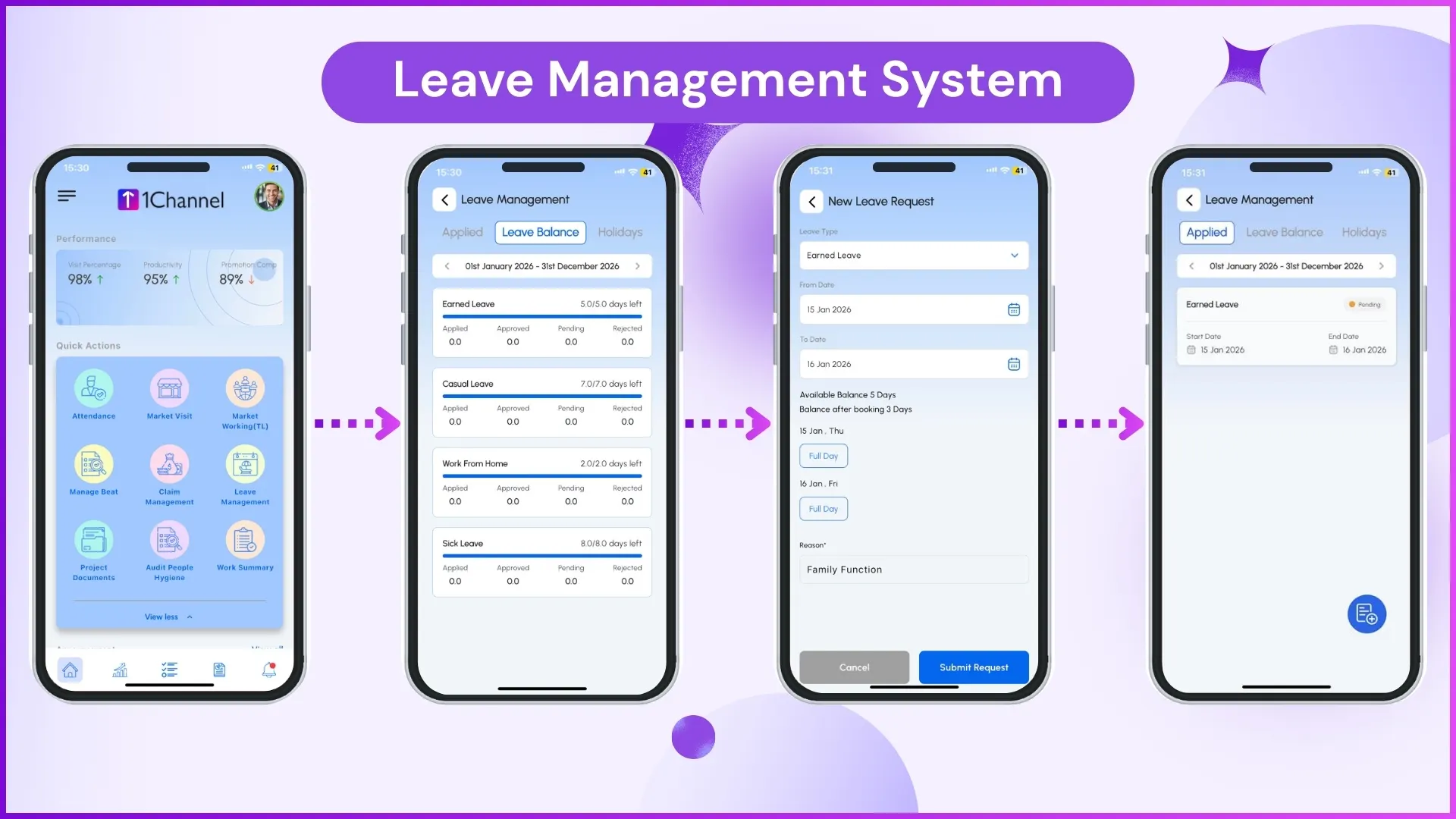
The Request and Approval Flow
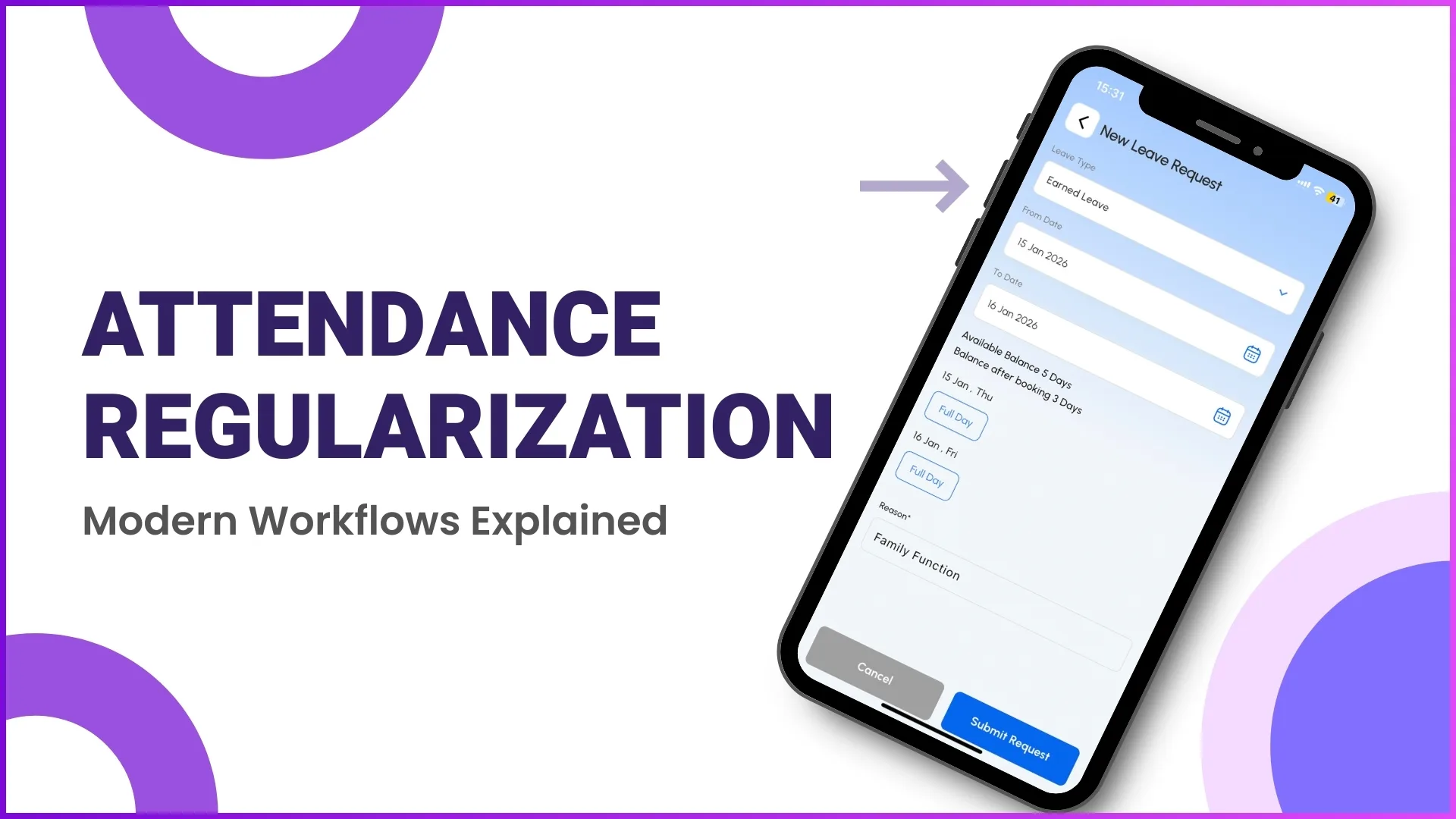
When a rep applies for leave from the app, the system reads the user hierarchy and routes the request to the reporting manager. The manager sees the request alongside the user's remaining balance, the leave type, and the date range. Approval debits the balance instantly. Rejection leaves the balance untouched and notifies the rep with the reason. Multi-level approval can be turned on for senior roles or extended leave windows, with each tier visible to the next.
Explore Leave Management Software
1Channel's cloud leave management module automates accrual, approval routing, and balance tracking for Malaysian sales operations of any size.
Explore Leave Management →Reports That Keep Payroll Aligned
The Download Leave Balance report exports every user's running balance for any date range. The leave approval log captures every action with timestamps, approver names, and policy references. Together they give the payroll team a clean view at month-end: leaves taken, leaves remaining, exceptions flagged. The data is downloadable to Excel directly from the portal so the payroll cycle does not stall waiting for HR reconciliation.
Decision Checklist Before Turning It On
Confirm the following before activating automatic allocation across the team:
- Each leave type has a documented policy with accrual rate and carry-forward rules.
- Role-specific rules are mapped where field reps and managers carry different allocations.
- The reporting manager hierarchy is up to date so requests route to the right approver.
- A test cycle has run for at least one accrual period with a small user group.
- The holiday calendar for the year is uploaded and visible in the app.
- Payroll integration touchpoints are confirmed and the export format is agreed.