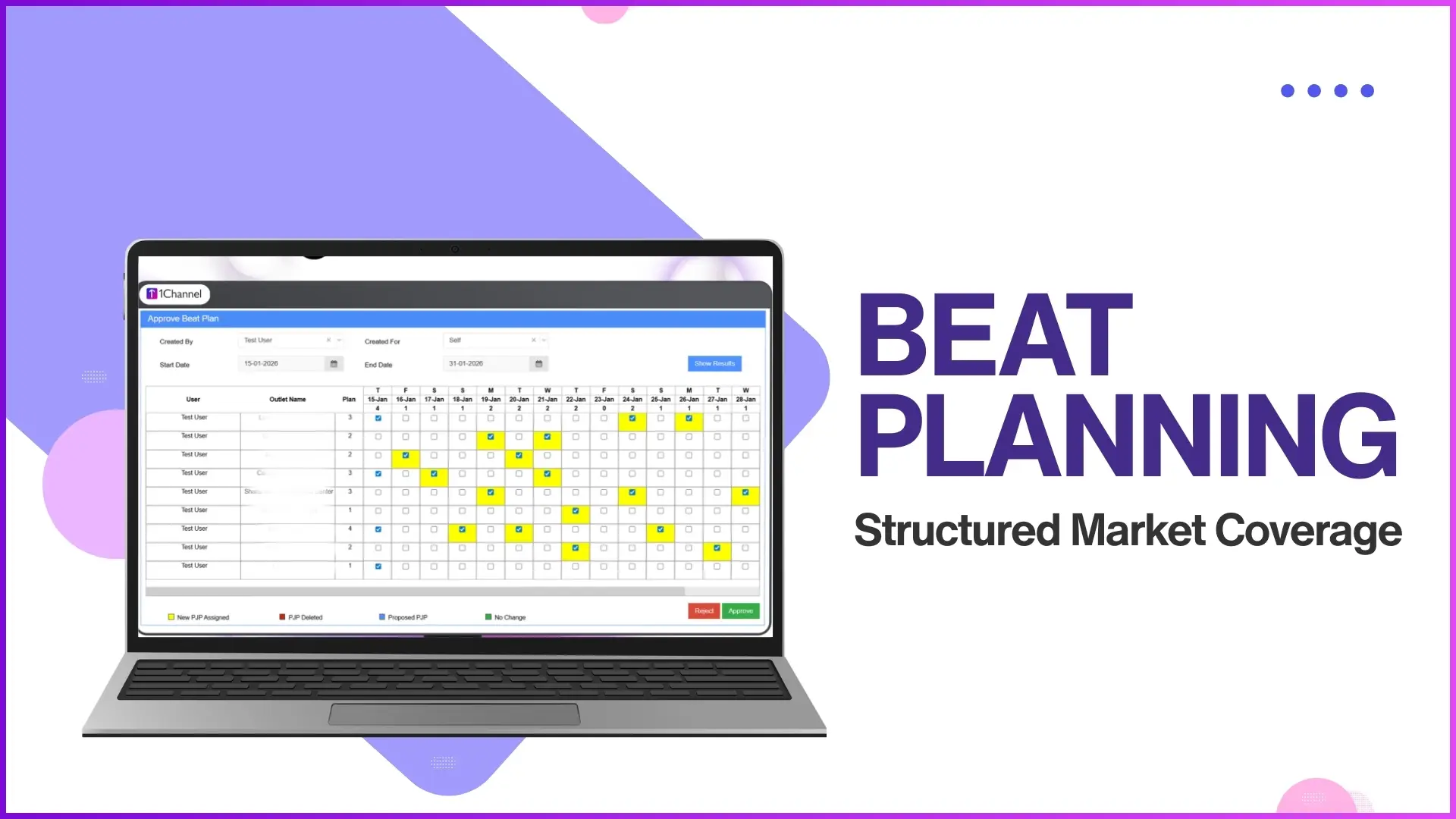
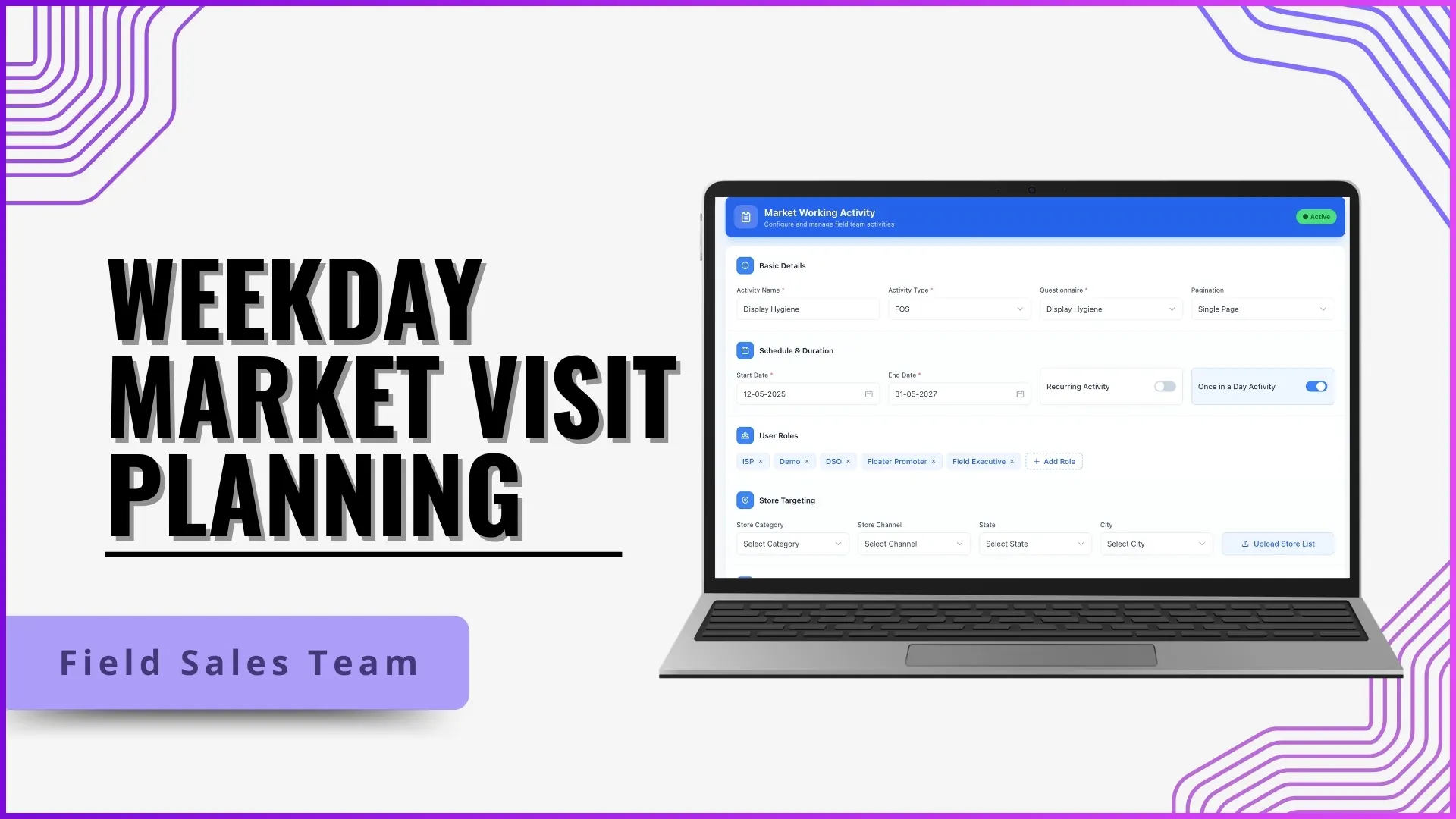
A planned visit lands in the right store at the right time on the right day. An unplanned visit shows up somewhere off the beat and quietly punches a hole in the day's coverage. The store that should have been covered does not get the rep. The rep that drifted does not pick up a planned order. The dashboard still shows attendance and visit count, but the substance of the day, beat compliance, is gone. Tightening visit discipline is about closing that gap on the cloud SFA, not about adding more reporting.
Table of Contents

What Counts as an Unplanned Visit
An unplanned visit is any store call that was not part of the rep's approved beat plan for that day. The visit may be productive on its own, the rep happens to drop in on a store that orders. But it is unplanned in the sense that the operations team did not allocate that store to that rep for that weekday. Over a month, the count of unplanned visits is the most reliable measure of how far the field has drifted from the planning matrix. The cloud SFA logs every visit and flags the unplanned ones automatically against the active beat plan.
Where Unplanned Visits Come From
Unplanned visits rarely come from a single cause. The cloud SFA's analytics typically isolate three patterns the operations team can act on.
Outdated Beat Plans That No Longer Match the Territory
A beat plan set at the start of the quarter does not always reflect store openings, closures, or counter additions that happened since. When the plan goes stale, reps fill the gap with their own calls, and unplanned visits climb. The platform's automation flags beat plans that have not been refreshed against the live store master, so the operator knows when to redo the planning before the drift compounds.
Reps Chasing Familiar Orders Outside the Beat
Reps build relationships with high-value stores in adjacent beats and keep returning to them even after the territory is reassigned. The cloud SFA detects this drift by comparing each rep's visit pattern against the active beat plan and surfacing the recurring off-beat stops. The AI then ranks the drift by impact, so supervisors focus on the high-volume cases first rather than spreading attention thin.
Soft Approvals on Last-Minute Plan Changes
When a supervisor approves an ad-hoc plan change without checking against territory allocation, the change opens the door to an unplanned visit chain. The platform tightens this by routing every plan change through an automated approval workflow that validates the store against the territory master before the change goes live on the rep's app.
How 1Channel Locks Beat Plans Into Place
1Channel's cloud SFA manages beat discipline through the platform's Beat Plan Approval and Visit Validation modules. The beat plan is the source of truth: every rep sees only the stores allocated to them for the day, and every visit is matched against that allocation in real time. 1Channel's AI engine flags off-beat visits as they happen, ranks the deviation by impact, and routes the alert to the supervisor for action. Geo-fenced visit validation closes the second gap by confirming the rep is physically at the planned store before the visit counts. The audit log retains the full trail of plan, approval, visit, and outcome for compliance reviews. The result is a field that operates on the beat plan, not around it.
Explore Territory Management Software
1Channel's cloud territory management locks beat plans against the store master and validates every visit for Malaysian field teams.
Explore Territory Management Software →Action Checklist for Tightening Visit Discipline
A practical set of moves operations can run through to bring unplanned visits down:
- Refresh the beat plan against the live store master. Any plan older than 60 days needs a review against current store openings, closures, and counter changes.
- Set the off-beat threshold on the dashboard. Below 5% of visits is the working target; above 8% signals a discipline problem that needs supervisor attention.
- Route every plan change through approval automation. No supervisor-side soft approvals; every change is checked against territory allocation by the platform before it goes live.
- Enable geo-fenced visit validation. The visit only counts when the rep is physically at the planned store, removing the option to mark unplanned visits as planned.
- Review the off-beat report weekly. Identify recurring drift patterns by rep and territory, and use them as coaching input rather than as punitive triggers.