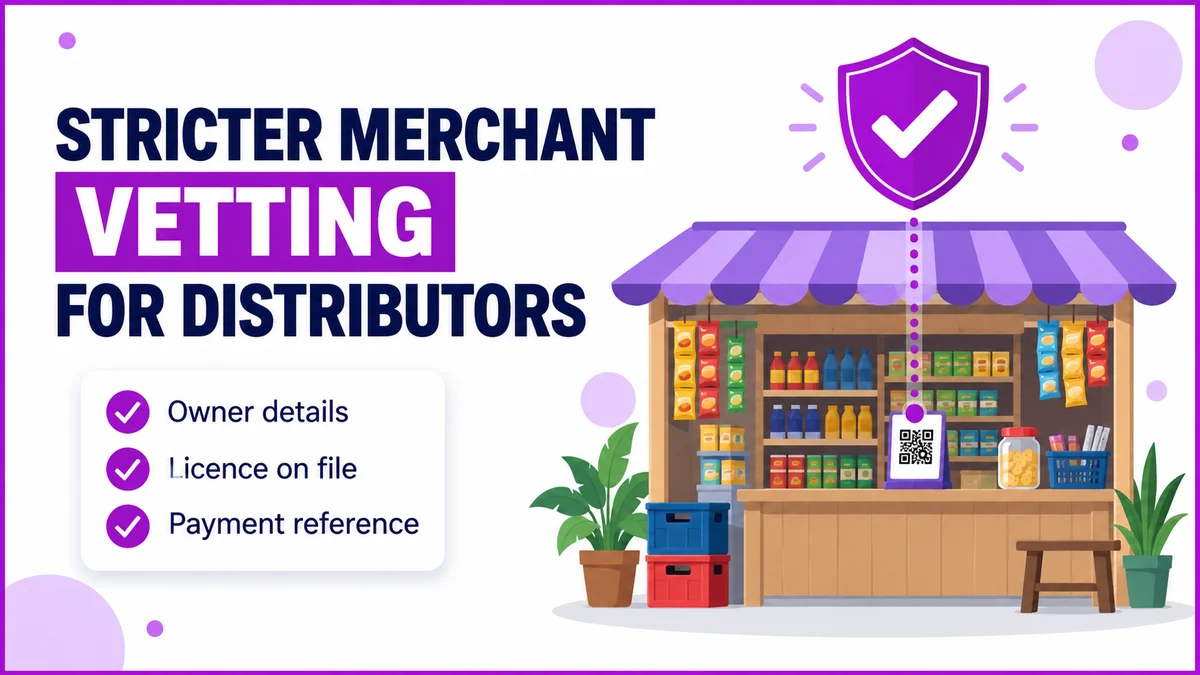
Field sales sits at the bottom of a chain that usually runs Company, Super Stockist, Distributor, Retailer. No single person along that chain should clear every transaction alone.
That checkpoint discipline matters most for FMCG, Pharma, and Consumer Durables distributors.
A new account, a credit override, or a return each need a second set of eyes before moving forward.
A distribution management system builds these checkpoints as a configurable workflow, not a fixed rule buried in code.
This post covers how an approval chain is assembled, where these chains surface for a field team, and why draft and publish versioning protects orders in progress.
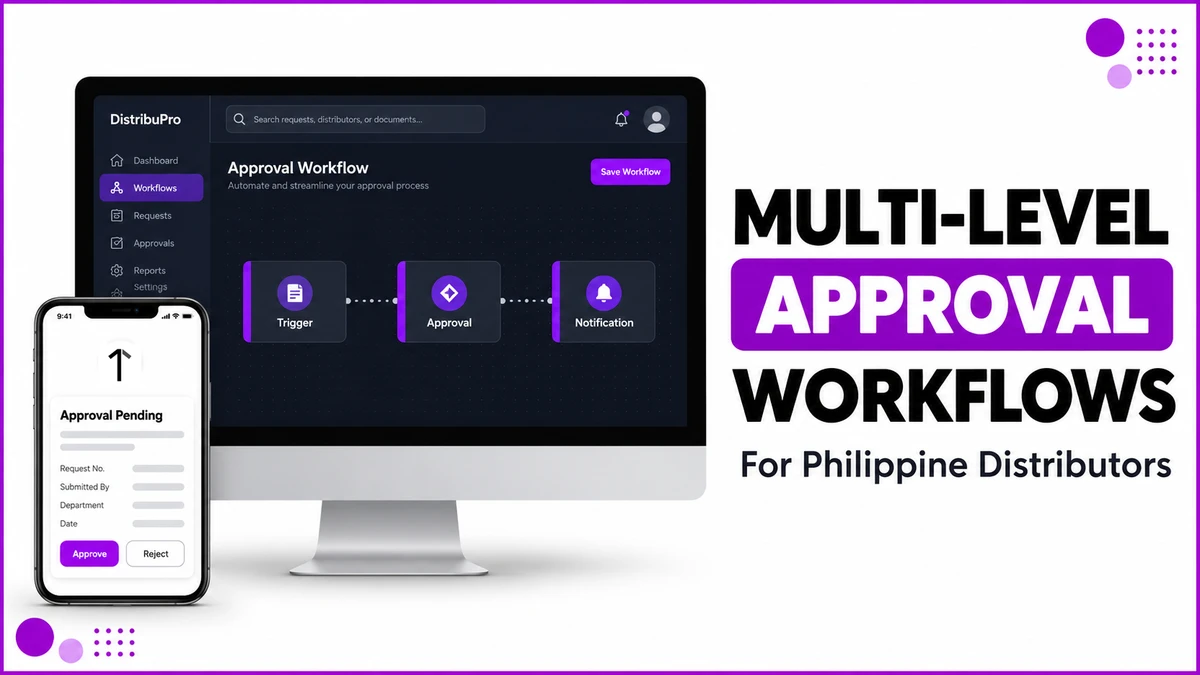
How a Multi-Level Approval Chain Is Built
Workflows live in their own module, built as a drag-and-drop canvas of connected nodes: a Trigger, one or more Approval steps, and a Notification.
Each Approval node carries a Level Name, an Approver Type (a role or the creator's manager), a minimum approval count, and a Max Hours limit.
A single Approval node can chain up to seven levels.
Two toggles decide how strict the chain is: Block Transactions Until Approved, and Require All Levels rather than just one.
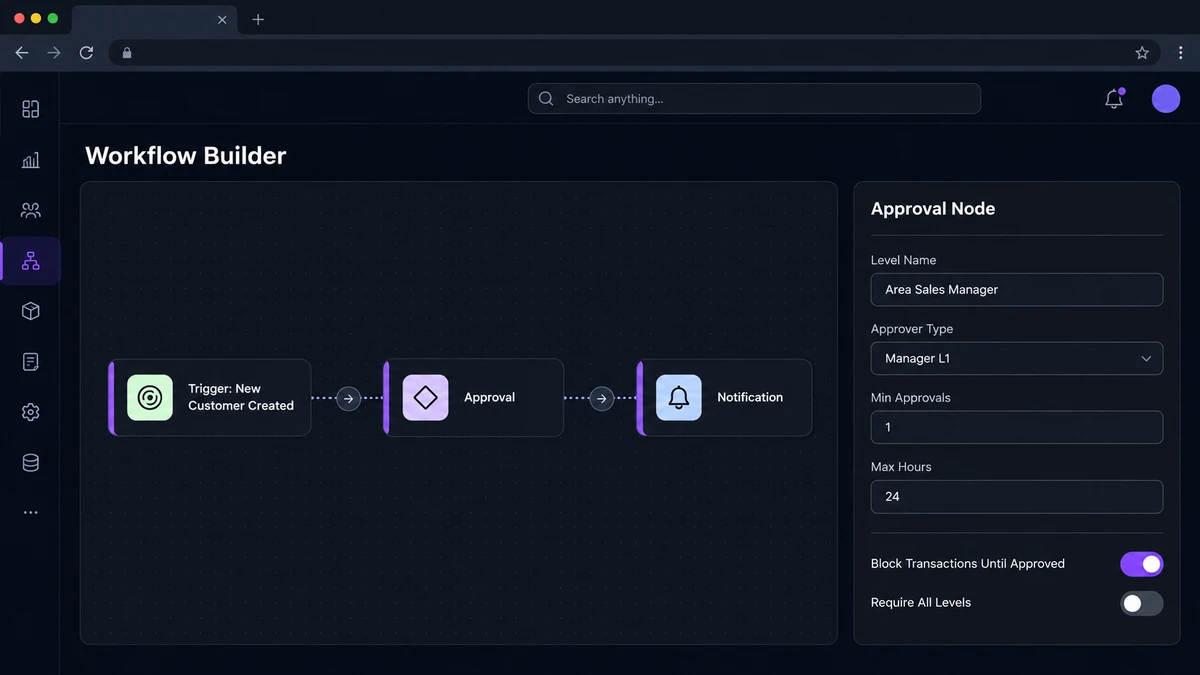
A distributor onboarding new sari-sari accounts across Metro Manila sets a two-level chain. Level 1 routes to the area sales manager with a 24-hour Max Hours limit.
Level 2 escalates to the regional head only if Level 1 lapses without a decision.
Where These Chains Show Up in Daily Operations
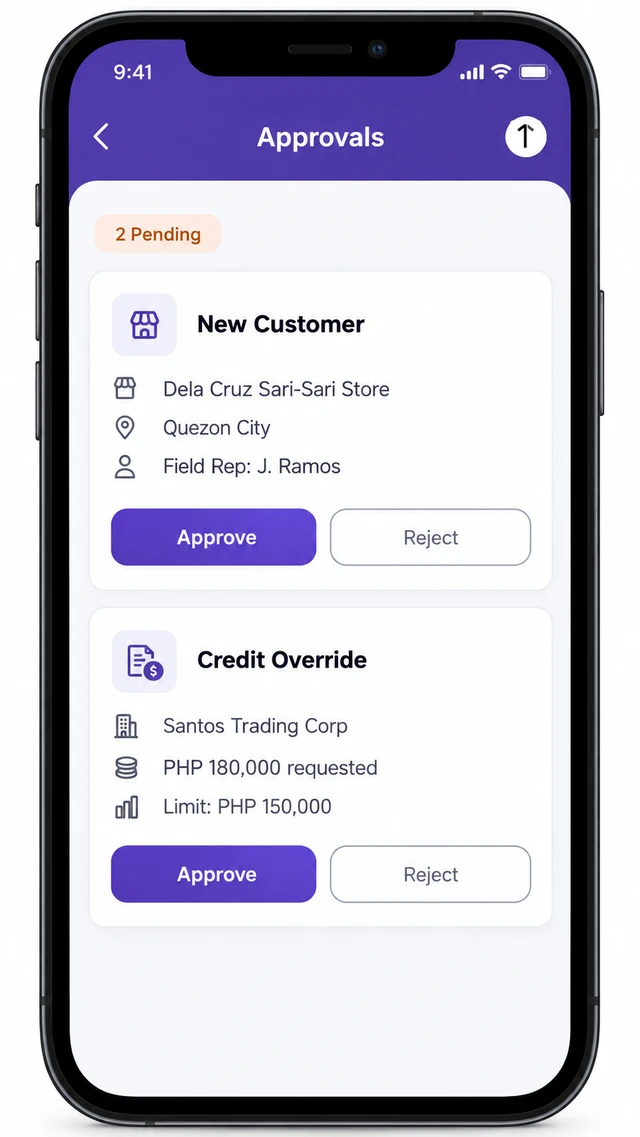
New Customer Approval
A field rep adds an outlet from the mobile app after a site visit. Under a Block Transactions Until Approved chain, the account cannot place its first order.
It waits until an area manager clears it, so the checkpoint sits before the very first sale rather than after.
Credit-Limit Overrides
The order-entry screen checks a customer's available credit as line items are added. Once it is exceeded, the rep is flagged.
The order then routes to a credit controller instead of failing outright. A modern-trade account in Cebu carries a ₱150,000 credit limit.
When a ₱180,000 order comes in ahead of the ber-months stock build, it holds for approval rather than being rejected at the counter.
Returns Moving Back Up the Hierarchy
A retailer's return is logged by the field rep on their behalf, since most retailers never log into the system directly.
It then needs approval from the party one level up, such as a distributor's return clearing through its super stockist, before a credit note is issued.
| Trigger | Who approves | Blocked until cleared |
|---|---|---|
| New outlet added from the field | Area sales manager | First order placement |
| Order exceeds available credit | Credit controller | Dispatch of that order |
| Return logged against a past order | Next tier up (e.g. Super Stockist) | Credit note issuance |
Draft and Publish Keep Live Approvals From Shifting Mid-Route
An edited workflow saves as a Draft first. The version already running keeps handling live approvals untouched until the new one is explicitly Published.
That separation matters for a field team already mid-route.
A rep who checked in against yesterday's rules should not have an order rejected today over a chain someone tightened an hour earlier.
Version history and a runs log keep every change traceable back to who published it and when.
How 1Channel Routes Every Approval to the Right Person
1Channel's workflow builder ties every trigger, approval level, and notification to the roles already set up in Masters.
A chain then reflects the actual reporting line, not a spreadsheet someone updates by hand and forgets to share. Escalation timers, blocked-transaction toggles, and a full runs log stay visible to admins, so a stalled approval is easy to trace back to whichever level is holding it.
Route Approvals Without Losing Track of Who Signed Off
Set up multi-level approval chains for new outlets, credit overrides, and returns in one cloud workflow builder built for distributors across the Philippines.
Explore Workflow Automation →Common Mistakes to Avoid
- Leaving Max Hours unset, so a stalled approval never escalates and an order sits untouched for days.
- Turning off Block Transactions Until Approved "temporarily" and forgetting to switch it back on.
- Setting Require All Levels when only one approver was ever meant to sign off, adding a step nobody asked for.
- Editing a live workflow directly instead of saving a Draft first, so an in-progress approval changes rules mid-route.
Note: Software screens may vary based on your business structure and configured workflows.