A training record is only worth something if it shows the person was actually there.
Across the Philippines, with field teams spread over separate islands, that proof has to work in four very different settings.
That matters for FMCG, Pharma, Retail and Modern Trade, and Consumer Durables teams that train promoters and sales reps in different cities.
A field LMS handles this by giving each session type its own attendance rule, instead of one sign-in sheet for everything.
This post covers the four rules, how they play out for Philippine field teams, and what the attendance records look like afterwards.
Four Session Types, Four Attendance Rules
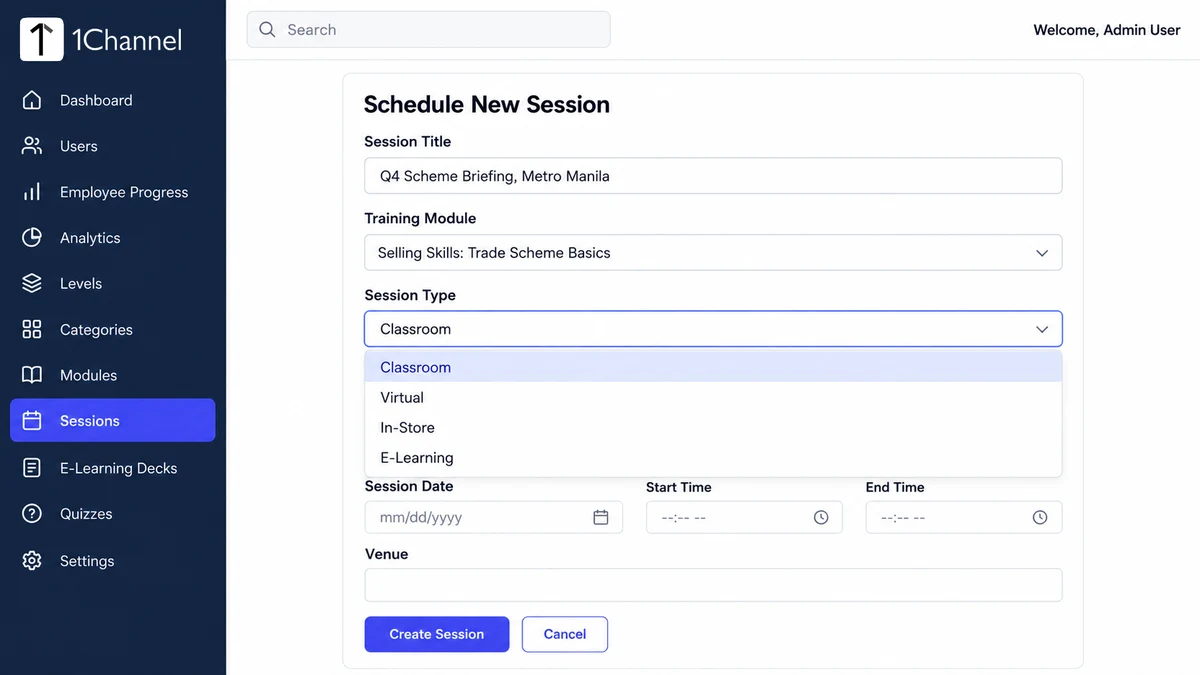
An admin schedules every session from the Admin Portal, and the Session Type decides what happens next: Classroom, Virtual, In-Store or E-Learning.
The form changes with the choice, and so does who marks attendance and how.
| Session type | Who marks attendance | How it is marked |
|---|---|---|
| Classroom | Employee | Marks attendance at the venue during the scheduled window, with a photo captured at that moment |
| Virtual | Employee | Clicks the Google Meet, Zoom or Teams link in the app, which marks attendance and opens the call |
| In-Store | Trainer | Trains the employee at their store, photographs them and marks attendance from the trainer's own login |
| E-Learning | System | Marks attendance automatically once time spent on the content passes a configured minimum |
Self-Marked Sessions: Classroom and Virtual
In a classroom session the employee marks their own attendance, and the app captures a photo at that moment.
Each record therefore carries its own evidence, instead of a signature on a shared sheet.
A pharma company runs a product-launch session in Manila for reps travelling in from other parts of Luzon.
Each rep marks attendance on arrival, and anyone who did not turn up shows as Missed afterwards.
A virtual session works through the meeting link. It appears in the employee's app, and clicking it both marks attendance and opens the live call.
That suits Visayas and Mindanao teams who cannot all travel to one room.
A trainer in Manila can brief promoters in Cebu and Davao on one call, and attendance is recorded as each person joins.
Marked Without the Employee: In-Store and E-Learning
An in-store session runs the other way round. The trainer goes to the employee's store and trains them there.
Afterwards the trainer photographs the trainee and marks attendance from the trainer's own mobile login.
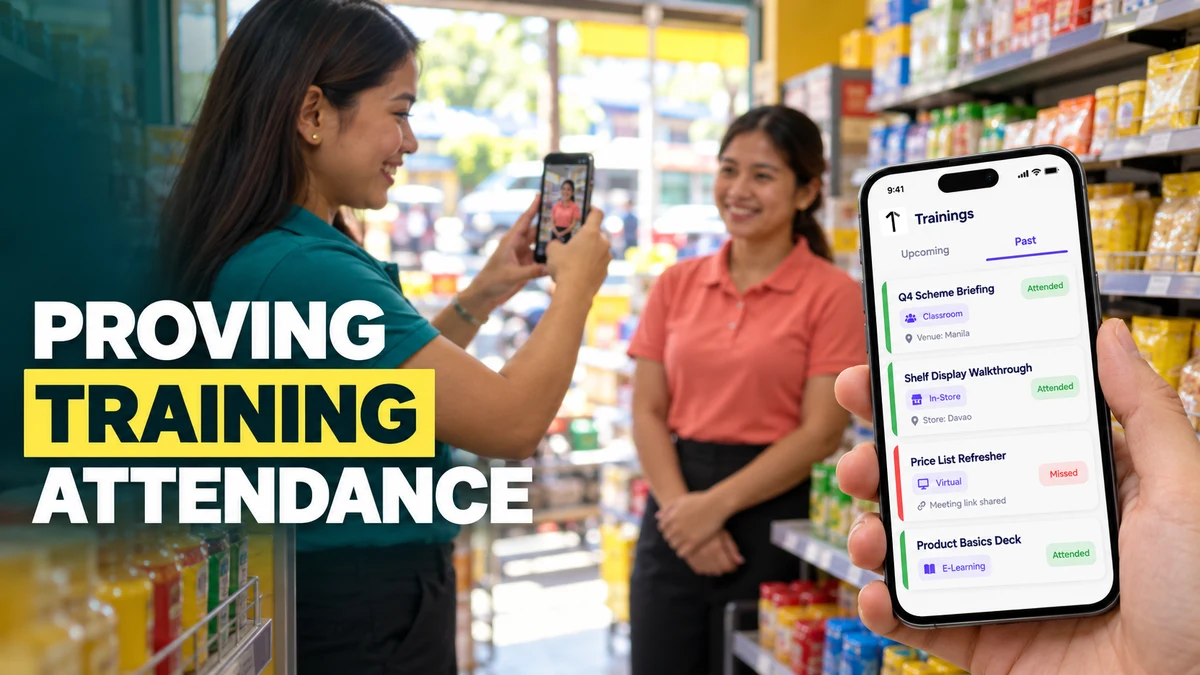
A trainer covering Davao visits a promoter at a modern trade grocery and walks through a new shelf display.
The trainer then photographs the promoter at the aisle and marks them as attended.
E-learning sessions need nobody to mark anything. Attendance is recorded automatically once the employee's time on the content crosses a configured minimum.
The content can be images, PDF documents or YouTube video links arranged in a deck.
If the minimum is set to five minutes, a rep who opens a PDF card and closes it after thirty seconds is not marked as attended.
What the Attendance Records Show
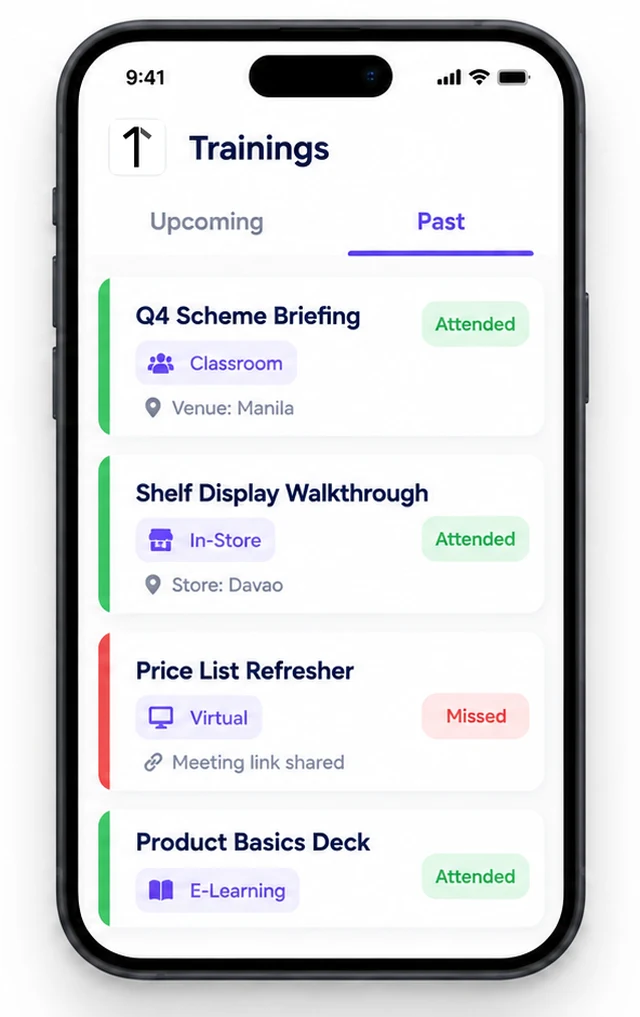
On the employee's phone, the Trainings screen splits into Upcoming and Past.
Past cards carry a green Attended or a red Missed pill, plus a badge for the session type.
Ahead of the ber months, when scheme and display training has to land fast, a Missed pill shows who still needs the session.
Managers see the same records rolled up in the Admin Portal.
The Dashboard compares Attendance Rate against a configurable target and flags it Below Target when it falls short.
The Employee Progress screen shows each person's attendance percentage beside their certificates and badges.
The Trainer Performance report lists sessions conducted, students taught and average attendance for every trainer.
How 1Channel Records Attendance Without Sign-In Sheets
1Channel's Sales Team LMS sets the attendance rule per session type when the session is scheduled, so there is no paper register to chase.
Every status then feeds the same dashboard, employee progress screen and trainer report.
Turn Every Session Into a Verified Attendance Record
Run classroom, virtual, in-store and e-learning training for field teams across the Philippines, with attendance recorded by the right method for each session.
Explore Sales Team LMS →Implementation Snapshot: A Four-Session Rollout
- Create the Category and Module for the topic, and tag the Module with the right Level.
- Schedule the session and pick the type that matches how the team will actually attend.
- For e-learning, add the PDF, image or YouTube cards and confirm the configured minimum time.
- Assign trainers to in-store visits so they can photograph trainees and mark attendance.
- Review the Dashboard Attendance Rate and the Trainer Performance report after each training cycle.
Note: Software screens may vary based on your business structure and configured workflows.