Across Saudi Arabia, every Field LMS level sits behind exactly three possible criteria types, and an admin can only choose from that fixed list. This post covers what those three measure, how they combine before a level actually changes, and what a new hire sees while they wait.
This kind of structured onboarding ladder matters most in FMCG distribution, Pharma, Retail & Modern Trade and Consumer Durables field teams, wherever a new hire needs to clear real milestones before representing the brand alone.
A Closed List of Three Criteria
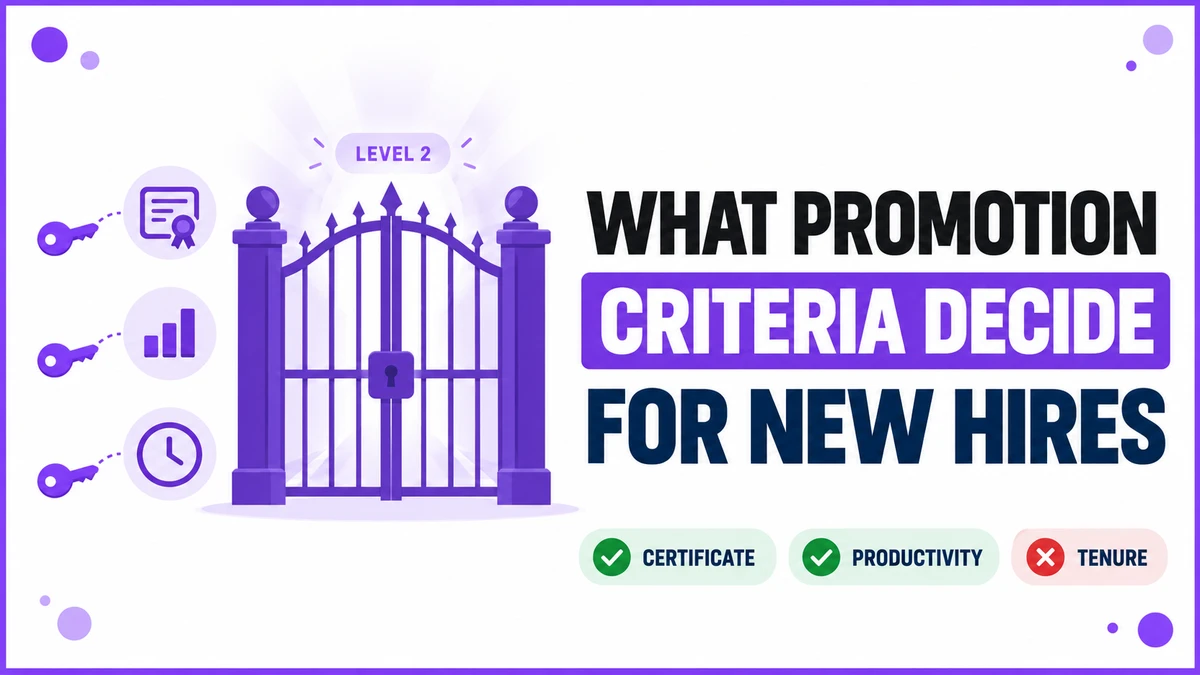
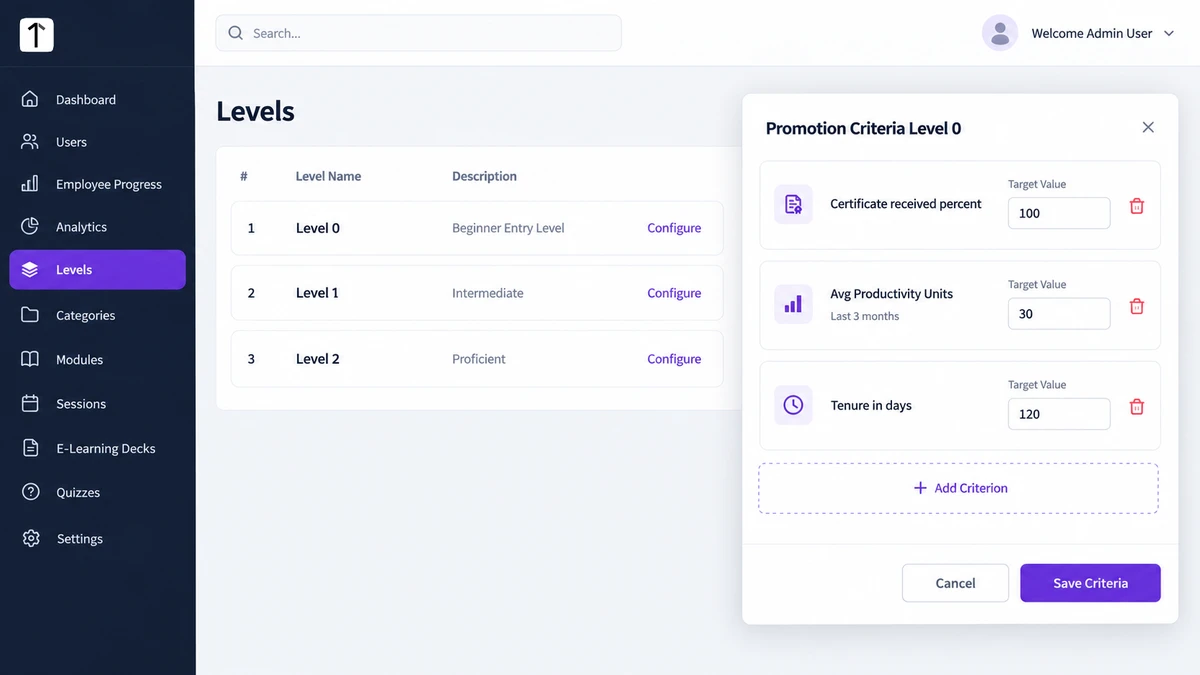
Admins configure promotion criteria per level from the Levels screen, not per employee. Three criterion types exist, and that list is closed. Admins select from it; they can't define a new type.
| Criterion Type | What It Measures | Example Target |
|---|---|---|
| Certificate received (%) | Share of the level's required certificates the employee holds | 100% |
| Avg. Productivity Units | Average output over a configurable lookback period | 30 units over the last 3 months |
| Tenure (in days) | Days the employee has held their current level | 120 days |
A level can carry one criterion or all three together. Each one gets its own Target Value, set once when the level is configured, the same for every employee who reaches that level.
Every Criterion Has to Clear, Not Just Most
Promotion runs automatically once an employee's real metrics satisfy every criterion attached to their current level, not a majority of them. No supervisor signs off on the move.
All levels in the ladder have to exist upfront, Level 0 through however far the structure goes, even though any one employee only occupies one level at a time.
When All Three Line Up
Level 0 in a typical setup requires 100% of required certificates, 30 average productivity units over the last 3 months, and 120 days of tenure. A trainee who clears all three around the same point promotes to Level 1 the moment the system next checks.
When One Criterion Lags
A different trainee holds 100% of certificates and has passed 125 days of tenure, comfortably past both targets. Their productivity average sits at 22 units against a target of 30.
That trainee stays at Level 0. Two criteria cleared is not the same as three, and the system doesn't partially promote anyone.
What a New Hire Sees While They Wait
On the admin side, the Employee Progress Tracking screen lists every employee's Current Level alongside a Next: Level N label and a Promotion Status column showing how close they are.
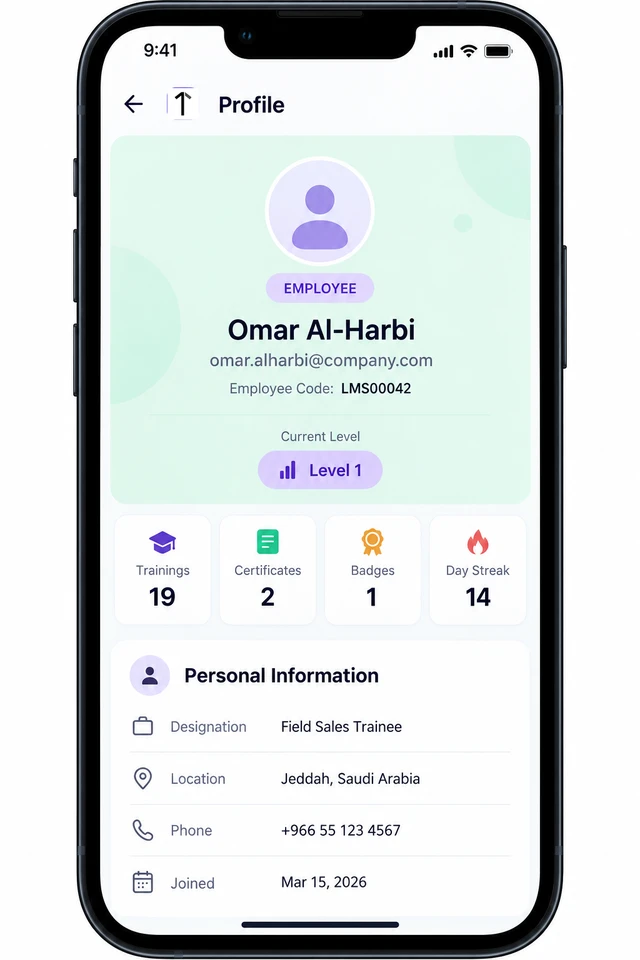
A new hire's own Profile screen in the mobile app shows a simpler view: their current Level badge, a stat row of Trainings, Certificates, Badges and a day streak, and nothing beyond that until the badge itself changes.
Badges, Certificates and the Criteria Behind Them
Badges are tied directly to level progression. Every level in the ladder has its own badge, awarded automatically the moment that level's criteria are met, the same mechanism driving the promotion itself.
Certificates work differently. They're issued after quiz or module completion, not level promotion, and they're an optional, per-client feature rather than something every Field LMS deployment has turned on.
How 1Channel Automates Promotion for New Hires
1Channel checks every configured criterion against an employee's real activity, certificates earned and time in level, without anyone running the numbers by hand.
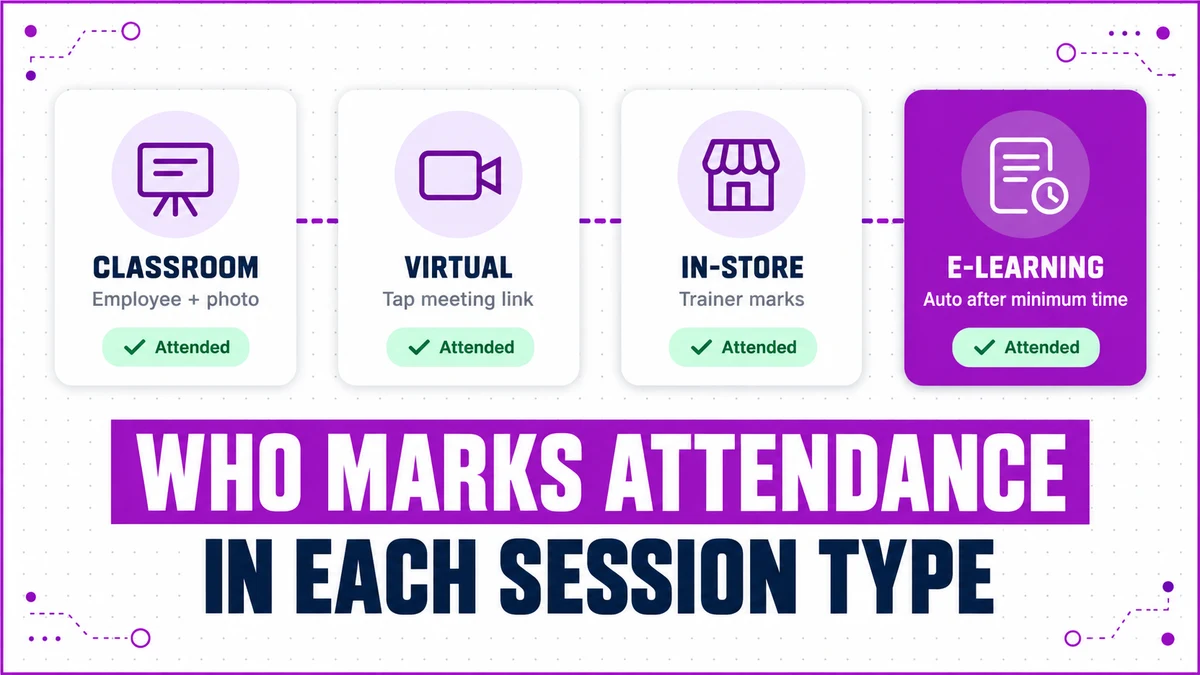
The same Field LMS data that drives a promotion also feeds the attendance records trainers and employees mark for every session type.
Automate Every New Hire's Path to the Next Level
See how 1Channel's Field LMS checks certificates, productivity and tenure automatically, so new hires in Saudi Arabia move through a ladder your team configures once.
Explore Sales Team LMS →Frequently Asked Questions
Can an admin add a custom promotion criterion?
No. Admins choose from three fixed types, Certificate received, Avg. Productivity Units and Tenure. The list itself can't be extended.
What happens if an employee clears two of three criteria?
Nothing changes yet. Promotion only fires once every criterion attached to that level is satisfied, not most of them.
Does a supervisor have to approve the promotion?
No. Once the configured criteria are met, the system promotes the employee automatically on its next check.
Do all employees at the same level share identical targets?
Yes. Criteria are configured per level, not per person, so every employee sitting at Level 0 is measured against the same three targets.
What happens once an employee reaches the top level?
Promotion stops there. A level left without configured criteria has no next step defined, so it acts as the ladder's ceiling.
Are badges and certificates driven by the same criteria?
No. Badges follow level progression directly. Certificates come from quiz or module completion and are a separate, optional feature.
Note: Software screens may vary based on your business structure and configured workflows.