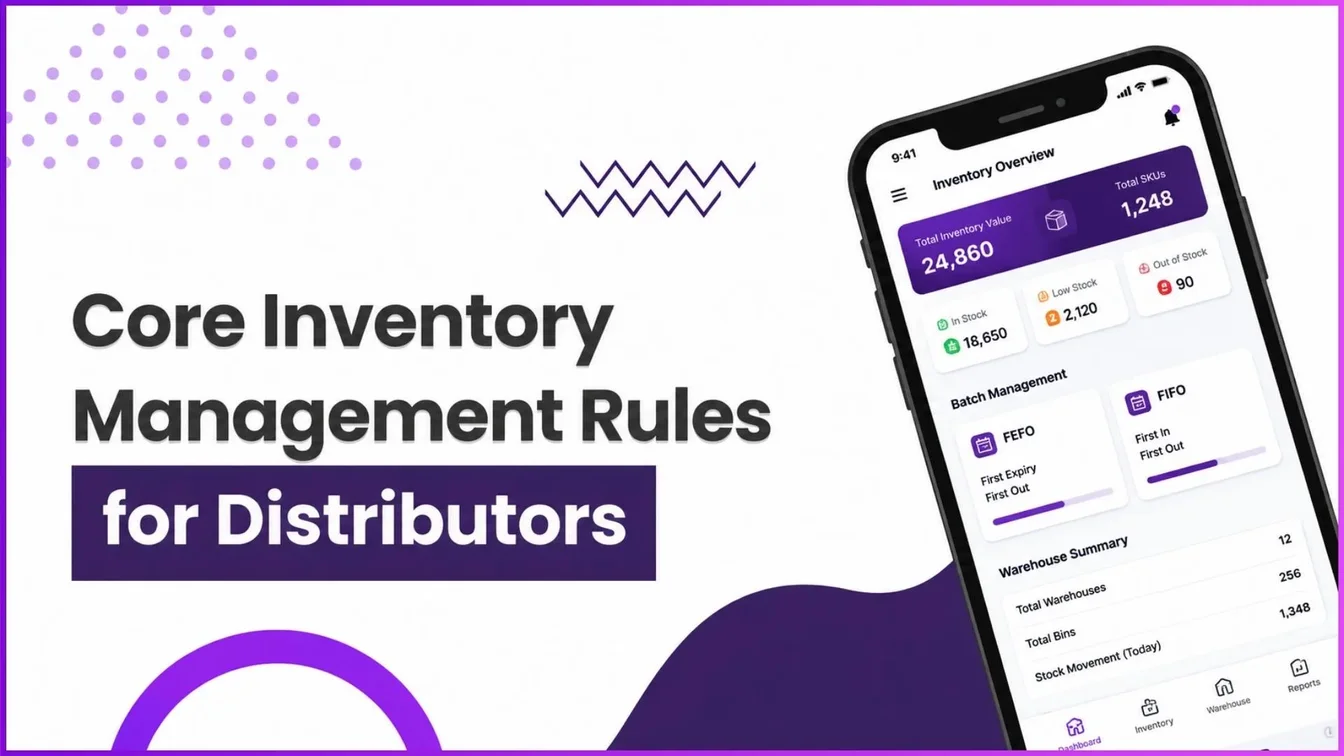
A Distribution Strategy Group analysis published September 22, 2026 found that 60% of publicly traded distributors have referenced AI in recent earnings calls, and a McKinsey survey of 300 distributors ranked inventory management and logistics optimization as the two areas where they expect AI and analytics to have the greatest impact, though only 11% have fully adopted the technology so far.
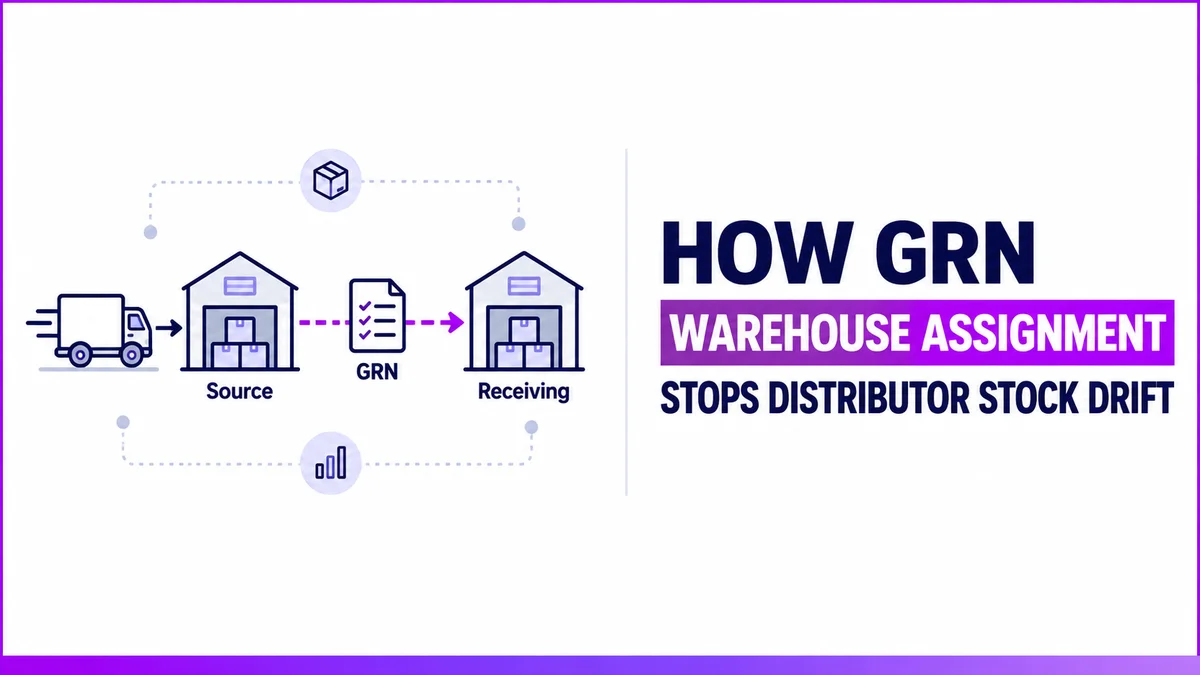
For a distributor running more than one warehouse, that gap often starts at the exact moment goods are received, not somewhere deep in a forecasting model. 1Channel's DMS tracks warehouse assignment at the GRN step, the point where incoming stock either gets attributed to the right location or starts drifting from what the system shows.
Where Multi-Warehouse Stock Counts Go Wrong
When a delivery is logged against the wrong warehouse at receipt, the Inventory Management dashboard shows stock sitting somewhere it isn't.
A sales rep books an order against that "available" stock, and there's nothing there to fulfil it with. Dispatch then either pulls from a warehouse that's actually empty, or misses stock sitting in a warehouse the system doesn't know has it.
What a GRN Actually Records
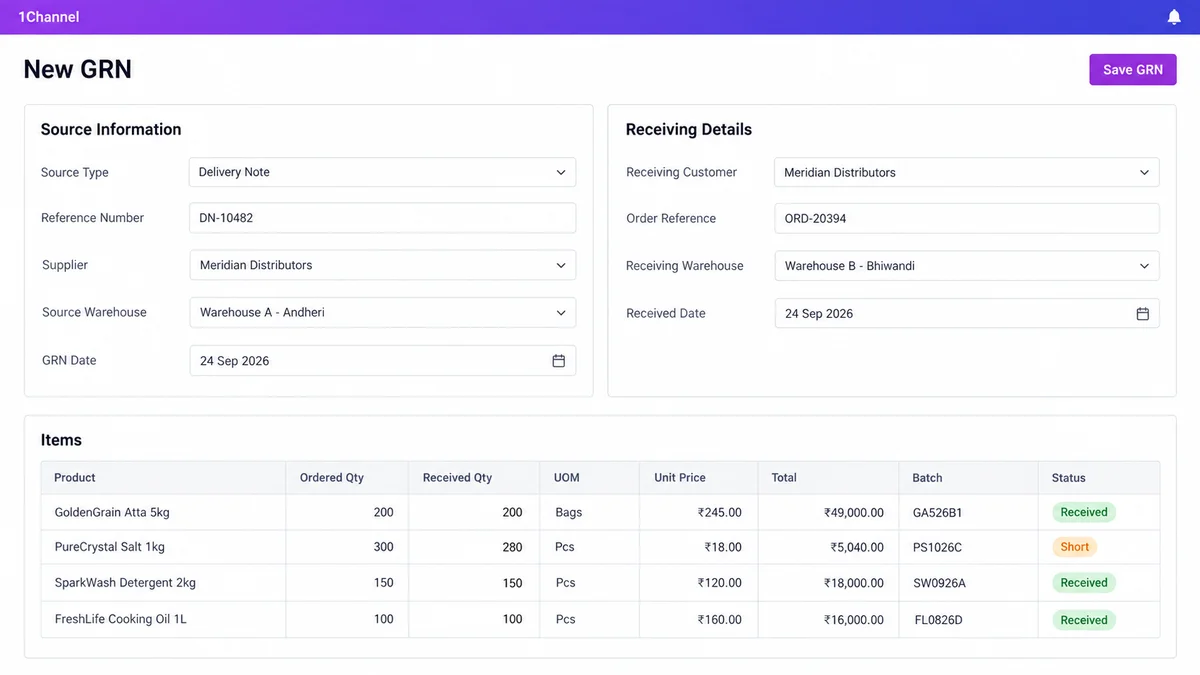
Every Goods Receipt Note splits what it captures into two distinct blocks, not one combined "warehouse" field:
| GRN Section | Fields Captured |
|---|---|
| Source Information | Source Type, Reference Number, Supplier, Source Warehouse, GRN Date |
| Receiving Details | Receiving Customer, Order Reference, Receiving Warehouse, Received Date |
| Items | Product, Ordered Qty, Received Qty, UOM, Unit Price, Total, Batch, Status |
Source Warehouse is where the delivery is coming from. Receiving Warehouse is where it's physically landing. Keeping the two separate is what makes multi-warehouse tracking possible.
From Receipt to Dispatch, in Three Steps
- GRN received — Source and Receiving Warehouse are logged as separate fields. If Received Qty falls short of Ordered Qty, the shortfall is settled through a credit note instead of a physical return.
- Stock counted per warehouse — the Inventory Management dashboard's per-warehouse total updates from the Receiving Warehouse field, not the Source Warehouse.
- Dispatch draws from that count — dispatch can auto-allocate stock across warehouses using FIFO, FEFO, or LIFO, but only accurately if the warehouse was assigned correctly back at GRN.
FAQs
1. What's the difference between Source Warehouse and Receiving Warehouse on a GRN?
Source Warehouse is where the delivery originated from. Receiving Warehouse is where it's physically being received. Recording them separately is what lets a distributor track stock accurately when goods move between locations instead of staying in one warehouse throughout.
2. What happens if the received quantity is less than what was ordered?
The shortfall doesn't require a physical return. It's settled through a credit note, and the sender is notified of the shortfall, so the discrepancy is resolved without a reverse shipment.
3. Does warehouse assignment affect how dispatch works?
Yes. Dispatch can auto-allocate stock across warehouses using FIFO, FEFO, or LIFO, but that allocation is only accurate if the warehouse assigned at GRN reflects where the stock is actually sitting.
4. Can a distributor see stock broken down by warehouse?
Yes. The Inventory Management dashboard shows total sellable stock per warehouse, and that number is built directly from what's recorded as the Receiving Warehouse on each GRN.
5. Does this only matter for distributors with multiple warehouses?
It matters most for multi-warehouse distributors and super stockists. A single-warehouse operation has nowhere for stock to be misattributed to; once a second location is added, the Source/Receiving split is what keeps the numbers accurate.
How 1Channel DMS Handles Warehouse Assignment
1Channel's DMS captures Source Warehouse and Receiving Warehouse as separate fields at every GRN, ties per-warehouse stock totals directly to what's recorded at receipt, and carries that data through to dispatch-time batch allocation, so warehouse-level stock numbers reflect what's actually on the shelf.
Explore Inventory Management →Note: Software screens may vary based on your business structure and configured workflows.