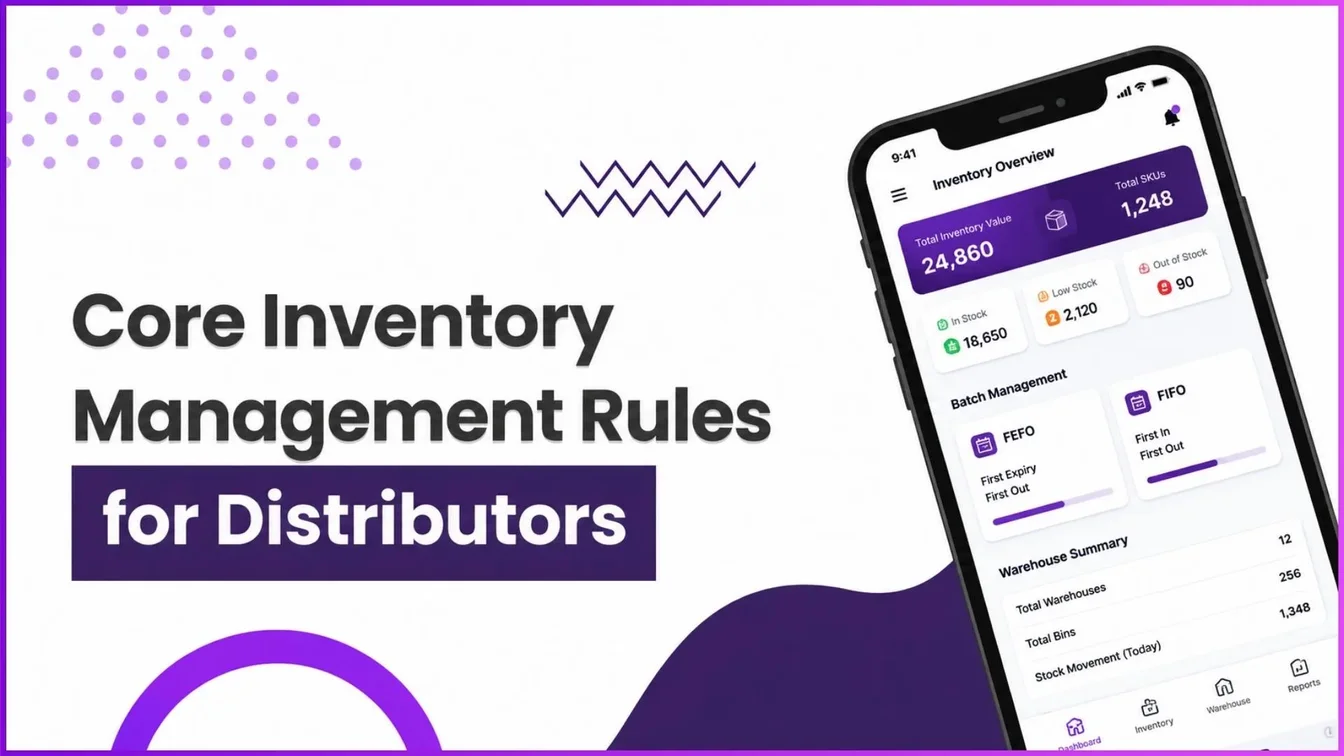
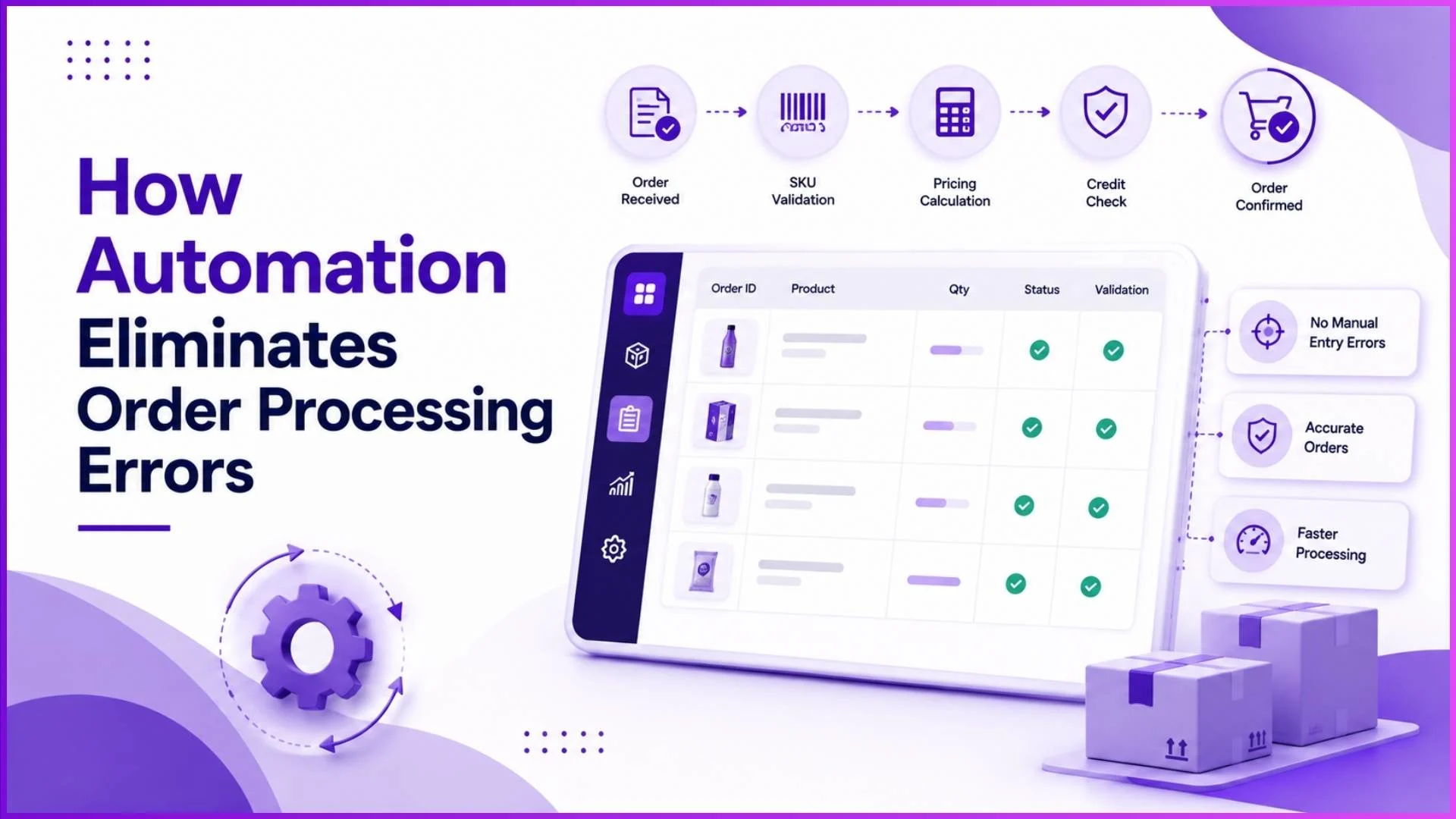
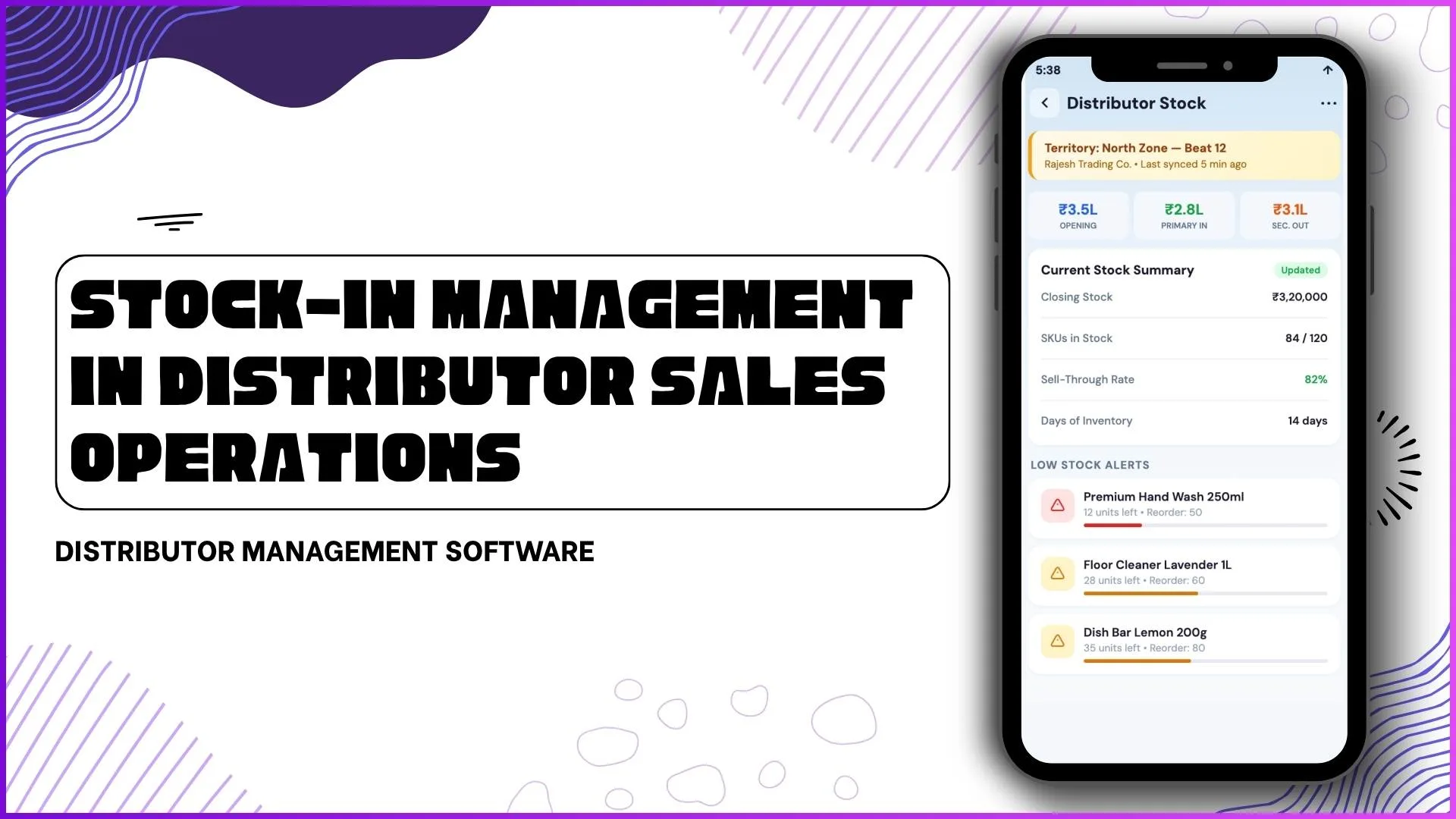
A distributor's DMS decides which batch ships first using one of four rules: FIFO, FEFO, LIFO or Manual. That decision is not made once and forgotten.
It gets applied a second time, separately, when the order is actually dispatched from the warehouse.
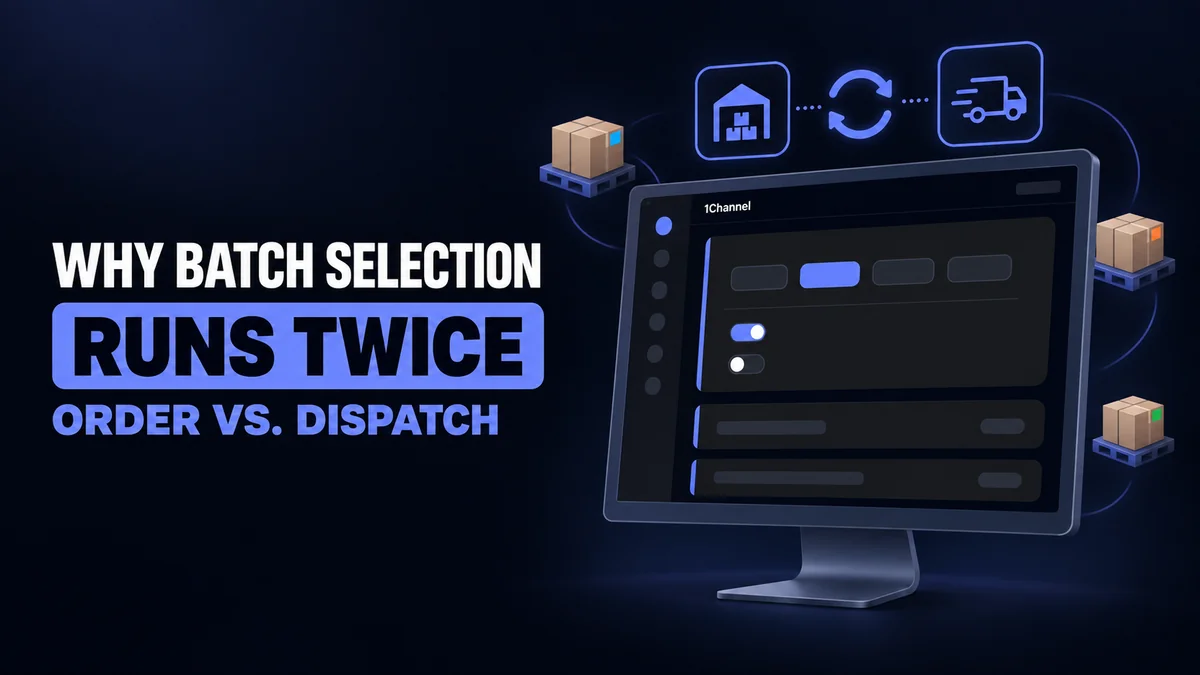
Four Ways to Decide Which Batch Ships First
| Mode | What it picks |
|---|---|
| FIFO | The oldest manufactured batch first |
| FEFO | The batch with the earliest expiry date first (marked "Recommended" in the settings screen) |
| LIFO | The newest manufactured batch first |
| Manual | The user selects the batch by hand |
There is no single correct mode. A distributor moving fashion accessories may prefer FIFO. One moving cosmetics or food is usually better served by FEFO.
Setting the Rule, and Limiting Who Can Change It
The Batch Selection Settings screen, under Settings, holds three controls:
- Default Batch Selection Mode: the mode applied when nobody overrides it, chosen from the four above
- Enabled Selection Modes: which of the four modes a user is even allowed to pick from during order creation. An admin can restrict this to just FEFO, for instance, and hide the rest
- Auto-Select Batches: a toggle that allocates a batch automatically the moment a quantity is entered in the order wizard, instead of waiting for the user to choose
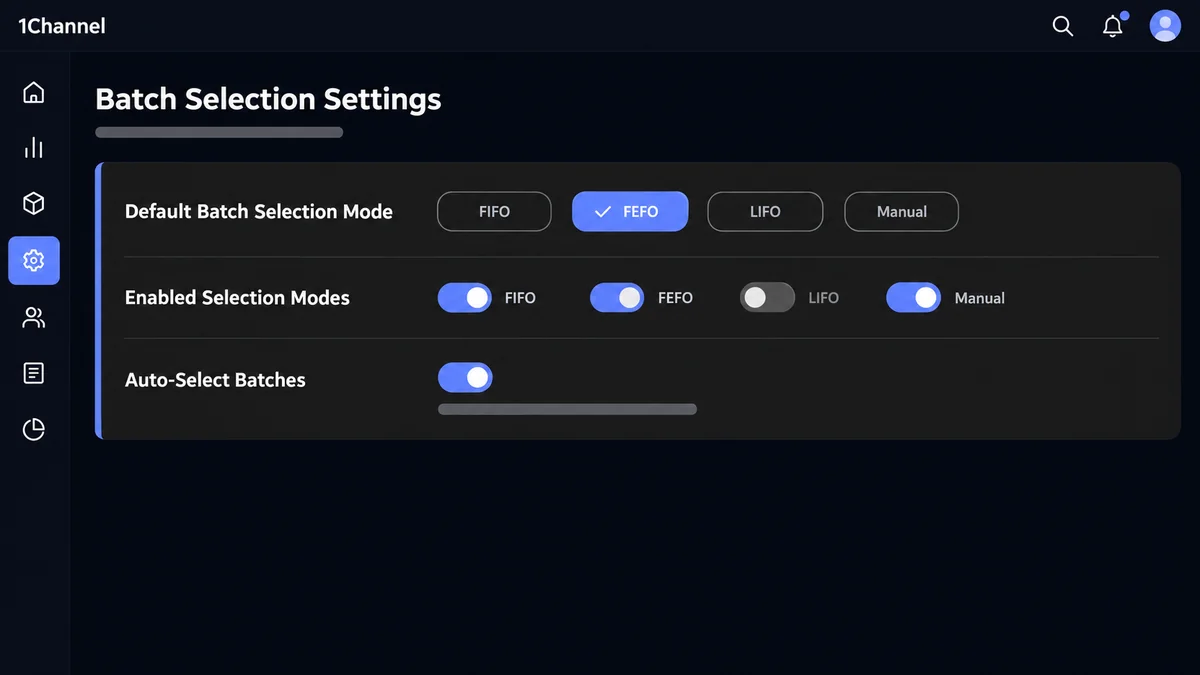
Together, these three settings decide how much discretion a warehouse team actually has, versus how much the system decides for them.
Why the Same Rule Runs Twice
The mode set on this screen is not a one-time stamp on the order. It gets used at two separate points.
- At order creation. When a quantity is entered against a batch-tracked SKU, Auto-Select Batches (if enabled) allocates a batch immediately, using the configured mode.
- At dispatch. When the order is marked dispatched from a warehouse, the system auto-allocates stock again, by FIFO, FEFO or LIFO per the same configured mode, this time across warehouses.
The two stages are not redundant. The first is a provisional pick made against one warehouse's stock at booking time. The second is what actually leaves the shelf, checked again once the order is ready to move, potentially pulling from a different warehouse than the one it was booked against.
Worked example: A personal care distributor stocks Meridian Hair Care 200ml in two warehouses. Warehouse A holds a batch expiring in 45 days; Warehouse B holds a batch expiring in 110 days.
An order for 500 units is booked against Warehouse A, and FEFO auto-selects the 45-day batch at that point. By the time the order is marked for dispatch, Warehouse A's stock has thinned out from other orders booked in between.
Dispatch re-runs FEFO across both warehouses and allocates the remaining Warehouse A stock plus the balance from Warehouse B, rather than blocking the order or leaving a warehouse manager to work it out by hand.
See the Original LinkedIn Post
This piece expands on a question we posted on LinkedIn. Read the original post, including the carousel, here:
Common Mistakes to Avoid
- Leaving Enabled Selection Modes wide open. If all four modes stay available, a warehouse team under pressure will default to whatever is fastest, not what the SKU actually needs.
- Assuming the order-time pick is final. It is only what was available when the order was booked. The dispatch-time run is what actually determines the batch that ships.
- Turning off Auto-Select without a manual process to replace it. Manual mode without a defined process just moves the guesswork back to whoever is packing the order.
- Using the same default mode for every SKU. FEFO suits expiry-sensitive stock; FIFO or LIFO can suit SKUs where expiry is not a concern.
Configuring Batch Rules Once, Trusting Them Twice
1Channel's DMS lets an admin set the batch selection mode once, restrict which modes a warehouse team can override it with, and trust the same rule to run again automatically at dispatch.
Explore Batch & Expiry Management Software →Note: Software screens may vary based on your business structure and configured workflows.