In-store execution is where retail strategy turns into customer experience. From product placement and promotional material visibility to campaign compliance and shelf audits, every store visit directly impacts brand visibility and sales outcomes.
However, managing execution across hundreds or thousands of outlets is complex without a structured system.
This is where in-store execution tracking becomes essential.
It helps retail teams monitor campaign rollouts, verify store-level compliance, track field activities, capture visual proof, and measure performance through dashboards and audits.
Based on the workflow and system structure provided in the source material, in-store execution tracking creates a closed-loop process from campaign setup to field execution and final reporting.

What Is In-Store Execution Tracking?
In-store execution tracking is the process of monitoring how retail campaigns, merchandising assets, and field activities are executed at the outlet level.
This includes tracking:
- POSM deployment (posters, standees, tent cards, signage, shelf branding)
- Store visit completion
- Merchandising compliance
- Campaign coverage
- Shelf visibility checks
- Field image capture
- Audit and approval workflows
- Exception reporting
- Performance analytics
The objective is simple: ensure what was planned at the head office is actually executed correctly in stores.
As outlined in the provided workflow, execution begins with campaign and POSM setup, then flows into outlet assignment, field capture, audit validation, and dashboard reporting.
Why In-Store Execution Matters in Retail Operations
Retail execution gaps often occur between planning and field reality.
A campaign may be launched across 5,000 stores, but without visibility into execution, teams cannot answer critical questions such as:
- Were all planned outlets covered?
- Were POS materials actually deployed?
- Were shelves set up according to guidelines?
- Which stores are non-compliant?
- Which field reps completed their assigned visits?
In-store execution tracking solves these operational blind spots.
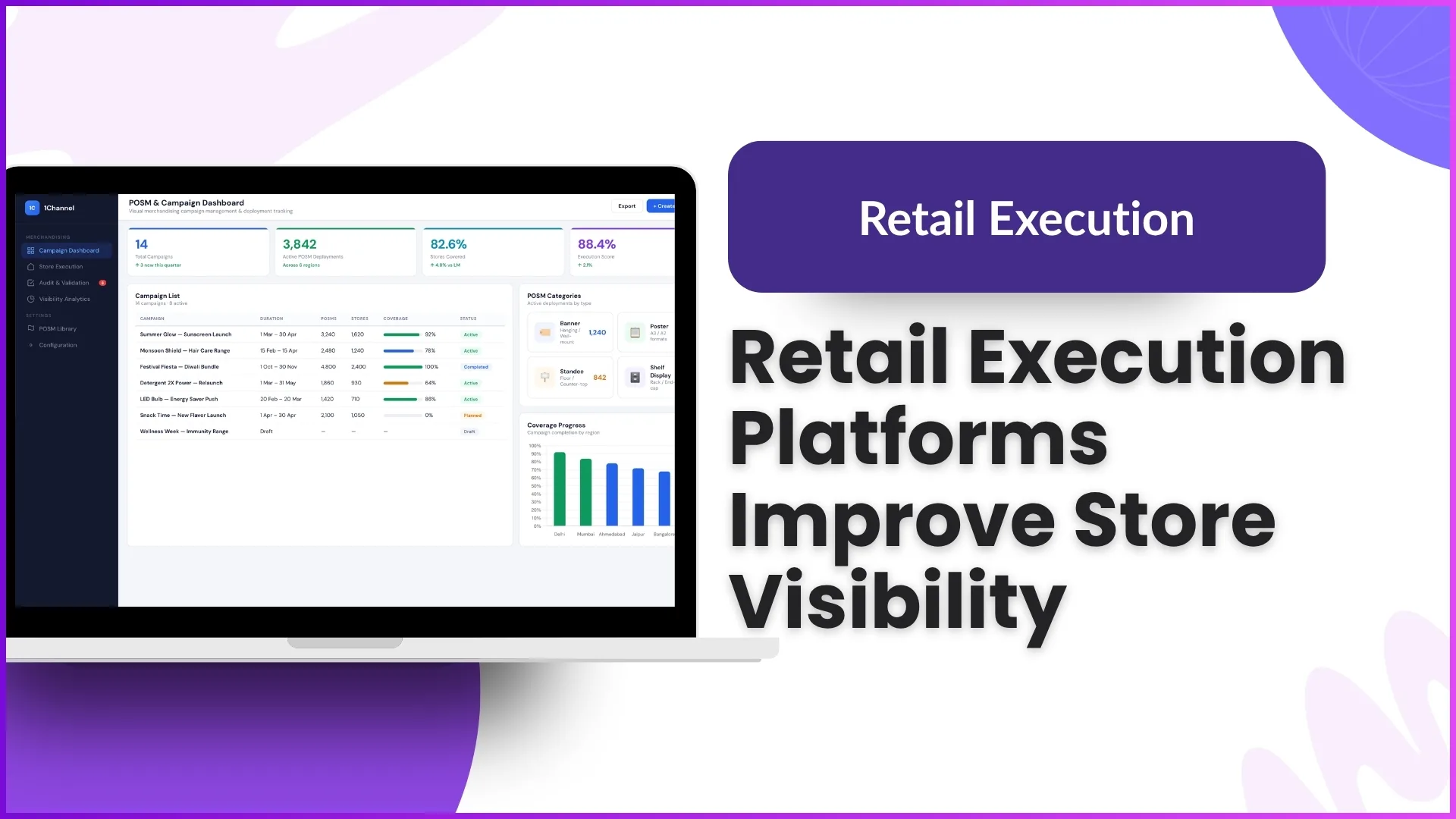
The visibility dashboards and campaign coverage screens in your provided workflow clearly show how businesses can monitor KPIs like:
- planned vs covered outlets
- pending visits
- compliance score
- visibility percentage
- region-wise coverage
- outlet-level status
This creates better accountability and faster decision-making.
How the In-Store Execution Workflow Typically Works
Based on the provided software workflow, the process follows a structured execution cycle.
1. Campaign and POSM Setup
The first step begins at the desktop dashboard.
Teams define:
- campaign name
- campaign duration
- validation rules
- store list
- POSM list
- category and deployment type
POSM categories may include:
- banners
- posters
- standees
- digital signage
- shelf branding
- tent cards
Once mapped, the campaign is pushed live for assigned outlets.
This aligns well with your desktop screens:
- Campaign Management Dashboard
- POSM Management & Mapping
2. Store-Level Campaign Execution
On the mobile app, field users receive campaign tasks for assigned outlets.
The workflow shown in the mobile screens includes:
- store visit details
- campaign checklist
- task progress
- visit instructions
- image submission
- activity completion
The guided visit flow ensures no steps are missed.
For example:
- start visit
- check campaign guidelines
- capture POSM images
- submit report
- complete visit
This is clearly reflected in:
- Field User Dashboard
- Campaign Execution
- Store Visit & Activity Tracking
and directly matches the source workflow.
3. Image-Based Proof of Execution
A key part of in-store tracking is visual proof.
Field users capture real-time store images for validation.
The workflow supports:
- image capture
- retake / confirm
- thumbnails
- GPS tagging
- timestamp logging
- outlet mapping
This helps validate whether brand assets were placed correctly.
The source material repeatedly highlights image capture as proof of campaign execution and merchandising completion.
This corresponds directly with your screen:
- Image Capture & Submission
4. Multi-Level Audit Workflow
One of the strongest parts of the provided workflow is the L1, L2, and L3 audit structure.
After field submission, entries move into an audit queue.
Auditors validate:
- image compliance
- shelf placement
- campaign visibility
- completion accuracy
- evidence quality
- score allocation
This ensures field submissions are not just recorded, but verified.
The workflow supports:
- reviewer comments
- approve / reject
- quality score
- supervisor-level checks
This maps strongly to:
- Merchandising Audit
- Audit / Task Completion
and is explicitly explained in the source document.
Exception Handling for Real-World Store Conditions
Retail operations are rarely linear.
Sometimes stores may be:
- closed
- under renovation
- inaccessible
- missing campaign materials
- unable to complete shelf setup
The provided workflow smartly includes exception handling.
Instead of forcing false submissions, users can log:
- reason for non-completion
- remarks
- evidence photo
- bypass approval
This keeps reporting accurate.
Your mobile screen:
- Exception Handling
fits this exact flow from the document.
Real-Time Visibility Through Dashboards
Execution tracking becomes valuable when it turns activity into measurable insights.
The desktop dashboard structure you shared includes metrics such as:
- visibility %
- coverage %
- compliance %
- total visits
- planned vs completed
- pending outlets
- region performance
- outlet execution score
These dashboards help retail leaders instantly identify:
- low-performing regions
- incomplete campaigns
- non-compliant outlets
- delayed field teams
- campaign coverage gaps
This aligns directly with the provided campaign coverage and advanced dashboard workflows.
Benefits of In-Store Execution Tracking
Better Campaign Visibility
Track whether store-level execution matches planned strategy.
Faster Issue Resolution
Spot incomplete visits and compliance failures in real time.
Higher Field Accountability
Every task is linked to user activity and timestamps.
Improved Audit Accuracy
Multi-level checks improve reporting reliability.
Better Retail Performance Insights
Dashboards help optimize campaign ROI and field productivity.
How 1Channel Retail Merchandising Helps Improve In-Store Execution Tracking
1Channel Retail Merchandising enables retail teams to manage the full in-store execution lifecycle through a connected workflow that includes campaign setup, POSM mapping, field visit tracking, image-based proof capture, multi-level audits, exception workflows, and advanced visibility dashboards.
With desktop and mobile workflows working together, teams can monitor campaign coverage, store compliance, and field productivity in real time while ensuring accurate execution across every outlet.
This helps businesses reduce execution gaps, improve retail visibility, and maintain stronger control over brand presence in the market.
Improve In-Store Execution Tracking
1Channel Retail Merchandising Software provides end-to-end execution tracking with campaign management, POSM deployment, field audits, image capture, compliance dashboards, and real-time visibility across all retail outlets.
Explore Retail Merchandising Software →FAQs
What is in-store execution tracking in retail?
It is the process of monitoring store-level campaign execution, merchandising compliance, and field activities using mobile workflows, audits, and reporting dashboards.
Why is image capture important in retail execution?
It provides visual proof that POS materials, shelf placement, and campaign assets were deployed correctly.
What is POSM tracking?
POSM tracking monitors promotional materials like posters, banners, standees, and shelf branding across retail outlets.
How do audits improve store execution?
Audits validate field submissions, ensure compliance, and improve the accuracy of campaign reporting.
Can execution tracking help with campaign coverage?
Yes, it helps track planned vs completed outlet visits, regional coverage, and pending execution gaps.