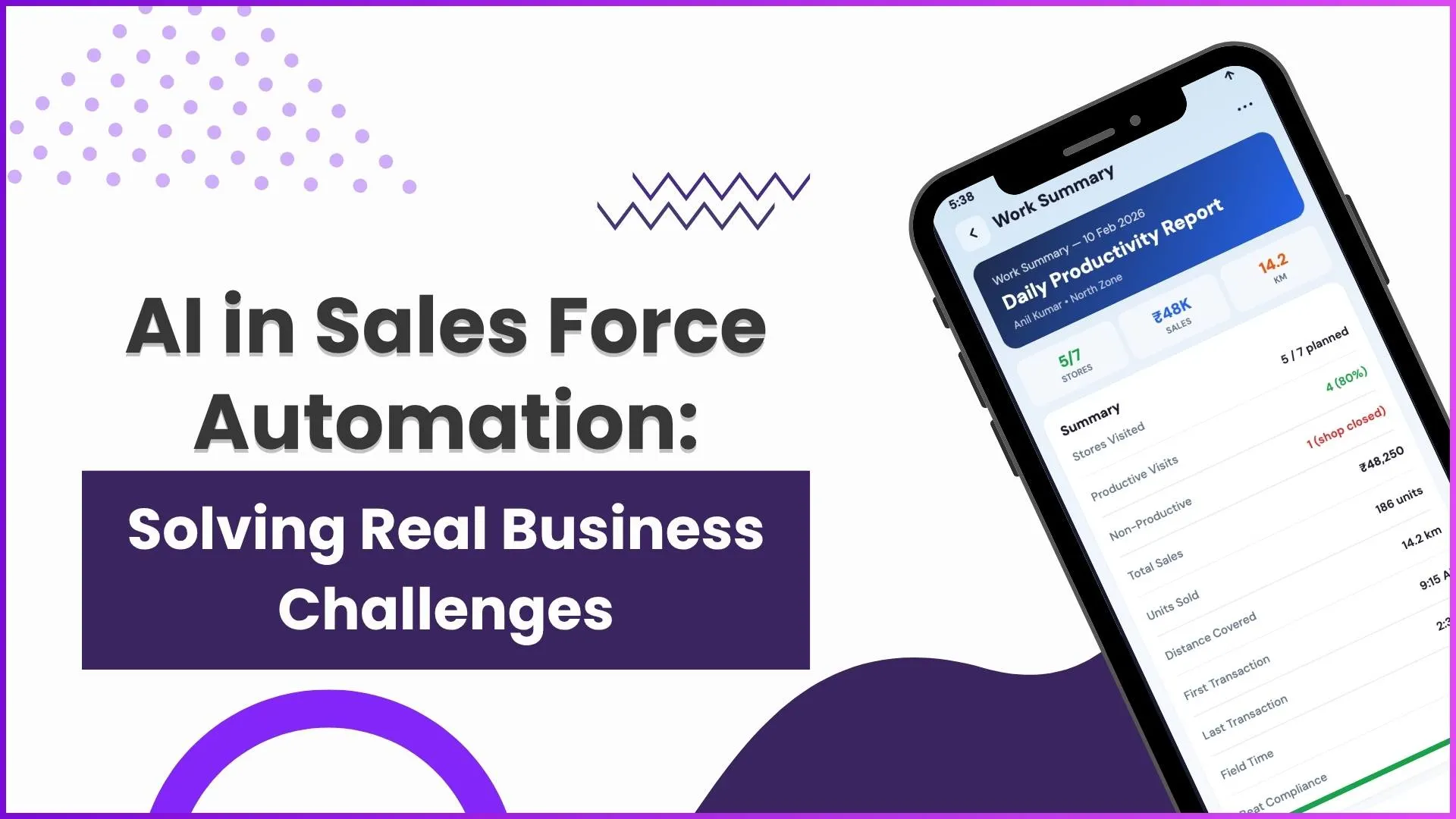
Modern distribution operations involve multiple moving parts, field sales teams, distributors, retailers, warehouses, inventory, orders, payments, and reporting. Managing these activities manually can make it difficult to maintain visibility, coordinate teams, and track business performance.
A Mobile DMS helps distribution businesses connect field activities with backend operations through a single digital system. It allows users to manage customer visits, place orders, track targets, access inventory information, and monitor business performance directly through mobile and connected platforms.
From attendance marking and beat planning to order processing and analytics, a Mobile DMS creates a structured workflow that helps businesses manage everyday distribution activities more efficiently.
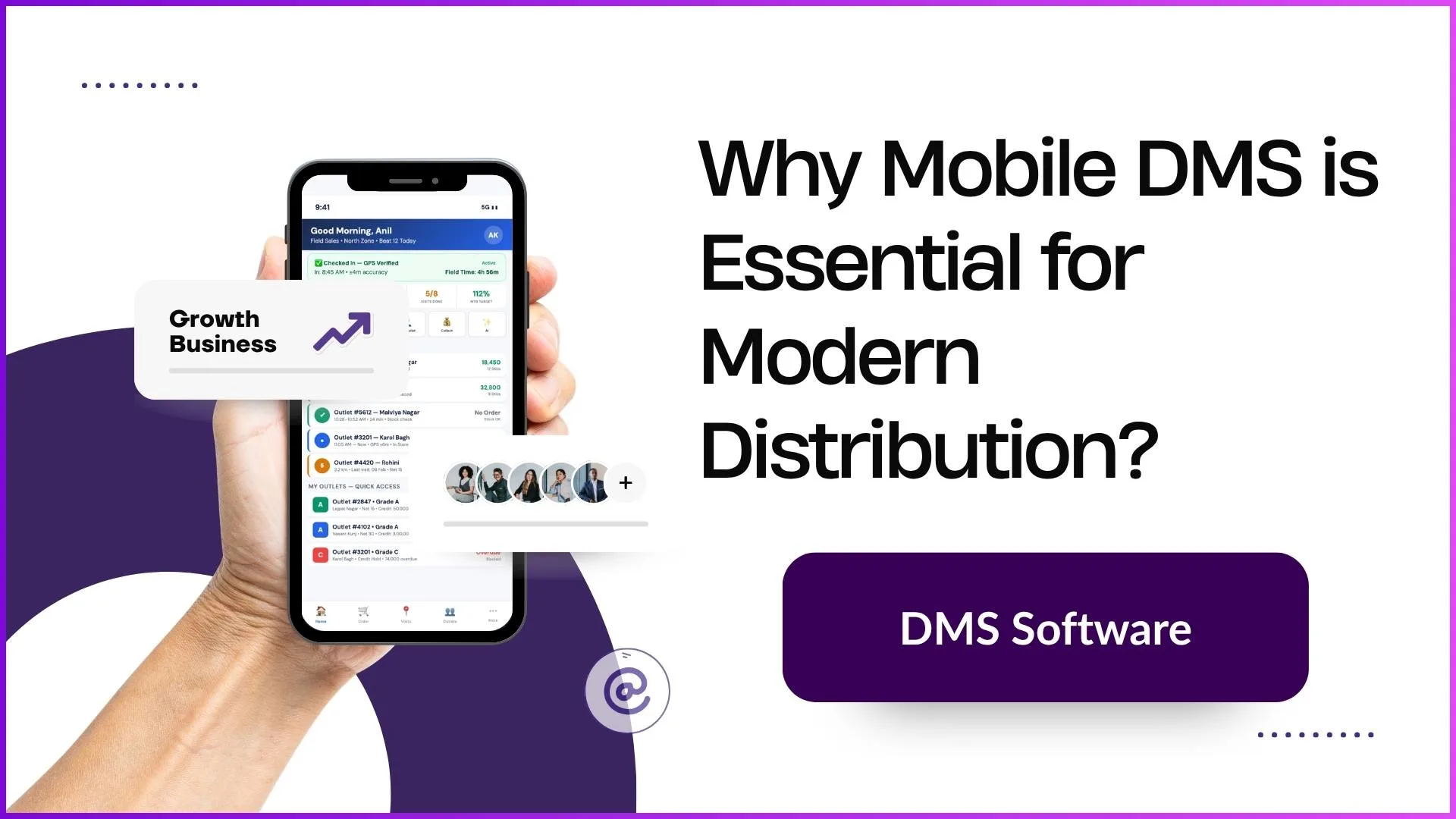
What is Mobile DMS?
A Mobile DMS is a distribution management system that connects mobile users with core distribution operations.
It enables field teams and distribution partners to perform activities such as:
- Attendance marking
- Customer visits
- Outlet management
- Order creation
- Customer registration
- Target tracking
- Sales monitoring
- Inventory visibility
- Return processing
- Performance analysis
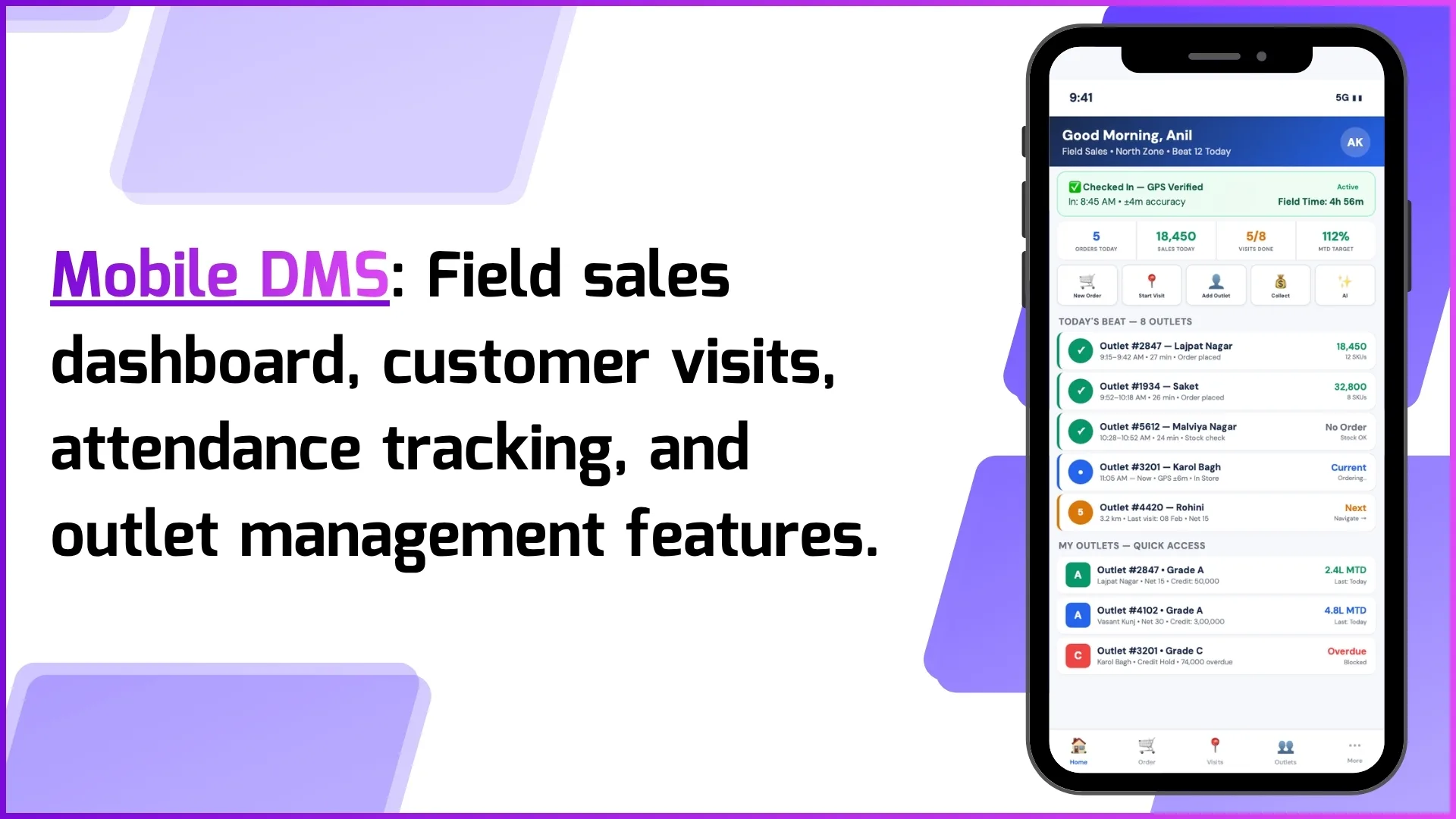
For example, when a field user starts their day, they can mark attendance, view assigned beats, check customer details, complete visits, and place orders directly through the mobile application.
Explore 1Channel Distributor Order Management
Explore Distributor Order Management →Why Mobile DMS is Essential for Modern Distribution
1. Brings Field Operations Under Better Control
Field sales teams play an important role in distribution. Without proper tracking, businesses may not have complete visibility into daily activities such as customer visits, outlet coverage, and order generation.
Mobile DMS helps businesses manage field activities through features like:
- Attendance marking
- Beat planning
- Visit tracking
- Customer location access
- Productivity monitoring
Example:
A field user logs into the mobile application and marks attendance. The system can capture location details during attendance. The assigned beat appears on the home page, allowing the user to start planned customer visits.
During the market visit, the user can:
- View customers
- Call customers
- Navigate to customer locations
- Update outlet information
- Place orders
- Process returns
This creates a structured field workflow.
2. Helps Manage Customer Relationships Digitally
Customer management is a key part of distribution operations. Mobile DMS allows businesses to manage retailers, distributors, and other customer types digitally.
Users can access:
- Customer details
- Customer activity
- Order history
- Customer dashboards
- Customer location information
Field users can also add new customers directly through the mobile application.
Example:
If a salesperson visits a new retailer, they can use the “Add New Customer” option from the mobile application and create customer details directly instead of depending on manual processes.
Once created, the customer becomes available for future activities like ordering and tracking.
3. Makes Order Management Faster and More Accurate
Order management is one of the most important distribution processes. A Mobile DMS allows users to create and manage orders digitally.
The order process includes:
- Selecting customer
- Selecting warehouse
- Choosing payment type
- Adding products and quantities
- Checking pricing
- Checking schemes
- Checking stock availability
- Checking credit limits
Example:
When a distributor receives a retailer order, the user can create the order by selecting the customer, warehouse, products, and quantities.
Before completing the order, the system checks:
- Available stock
- Applicable schemes
- Pricing rules
- Credit limits
After order placement, stock allocation can happen automatically if enabled, and delivery notes can be generated for further processing.
4. Provides Real-Time Inventory Visibility
Inventory management is essential for maintaining smooth distribution operations. Mobile DMS connects order activities with inventory information.
Businesses can monitor:
- Current stock levels
- Stock movement
- Warehouse stock
- In-transit inventory
- Batch details
- Expiry information
Example:
A distributor receives an order for a product. Before confirming the order, the system checks whether the required quantity is available.
For batch-managed products, businesses can configure selection methods:
- FIFO, oldest manufactured batch first
- FEFO, earliest expiry date first
- LIFO, newest manufactured batch first
For example, with expiry tracking enabled, the system can automatically allocate products that are closer to expiry first.
5. Improves Beat Planning and Customer Coverage
Distribution businesses need proper planning to ensure field teams visit the right customers at the right time.
Mobile DMS supports:
- Beat creation
- Salesperson assignment
- Outlet mapping
- Visit scheduling
- Recurring visit planning
Example:
A company creates beats such as:
- Udyog Vihar Phase 3
- Udyog Vihar Phase 4
- Udyog Vihar Phase 5
Each beat can have assigned field users and mapped outlets.
The salesperson can view planned visits and complete activities based on the assigned schedule. Recurring visits can also be created for regular customer coverage.
6. Helps Track Sales Targets and Achievements
Sales teams often work with defined goals. Mobile DMS helps businesses configure and monitor targets.
Targets can be created based on:
- Product sales
- Category sales
- Sales volume
- Sales value
- Customer visits
Businesses can also decide when achievement should be counted:
- Order placement
- Dispatch
- Invoice generation
Example:
A company creates a monthly product target from the 1st to the 30th. The system tracks which orders contributed toward achieving that target and displays achievement progress.
This helps sales teams understand their performance during the target period.
7. Gives Faster Access to Analytics and Reports
Distribution businesses require accurate reporting to understand performance.
Mobile DMS provides access to dashboards and reports including:
- Sales performance
- Order analysis
- Customer sales
- Inventory reports
- Scheme performance
- Field force reports
Example:
A manager can open analytics and review:
- Total sales
- Total orders
- Active customers
- Visits completed
- Average order value
- Sales trends
Reports can also be filtered and exported according to business requirements.
8. Reduces Manual Work Through Automation
Distribution processes often require approvals, notifications, and repetitive actions.
Mobile DMS supports workflow automation for:
- Approvals
- Notifications
- Data updates
- Customer creation
- Order processes
Example:
If an organization wants order approval before processing, a workflow can be configured where the order moves through approval levels.
Approval can be assigned based on:
- Roles
- Hierarchy
- Multiple approval levels
The system can also support escalation rules and rejection handling.
9. Improves Pricing and Scheme Management
Distribution businesses often require different pricing structures for different customers and locations.
Mobile DMS supports pricing management based on:
- Customer-specific pricing
- Customer-type pricing
- Geography-based pricing
Example:
A product may have different pricing for different regions. One price list can apply to one geography while another price list applies to another customer group.
The system automatically applies the correct pricing based on configured rules.
10. Supports AI-Based Assistance for Quick Information Access
A Mobile DMS can include AI assistance to help users quickly find information and understand system functions.
Users can ask questions directly through the assistant.
Example:
A user can ask:
- “Show my pending orders”
- “How to place an order?”
- “Show orders for Civil Lines”
The assistant helps users access required information without manually searching through different sections.
Key Benefits of Mobile DMS for Distribution Businesses
Better Field Visibility
Businesses can track attendance, visits, customer activities, and sales performance.
Faster Order Processing
Users can create and process orders digitally with stock, pricing, and credit checks.
Improved Inventory Control
Businesses get better visibility into stock movement, warehouse inventory, and batch tracking.
Better Customer Management
Retailers, distributors, and other customer types can be managed from a connected system.
Data-Based Decision Making
Reports and analytics help managers understand business performance.
How Mobile DMS Connects Distribution Operations
A Mobile DMS creates a connected distribution workflow:
Field Visit → Customer Interaction → Order Creation → Stock Check → Dispatch → Invoice → Payment → Reporting
For example:
A salesperson visits a retailer, places an order through the mobile application, the distributor processes the order, inventory gets updated, and management can monitor performance through dashboards and reports.
This creates better coordination between field teams, distributors, and management.
Why Businesses Should Adopt Mobile DMS
Modern distribution requires faster execution, better visibility, and accurate information flow.
A Mobile DMS helps businesses manage:
- Field operations
- Customers
- Orders
- Inventory
- Targets
- Reports
- Automation
By connecting mobile users with the complete distribution system, businesses can create a more organized and controlled distribution process.
How 1Channel Helps Businesses with Mobile DMS
1Channel provides a Mobile DMS solution that helps businesses manage distribution operations through connected mobile and digital workflows.
The platform supports:
- Field activity management
- Customer management
- Order processing
- Inventory tracking
- Analytics
- Reporting
- Workflow automation
With connected operations, businesses can improve visibility across their distribution network and manage daily activities more efficiently.
Explore 1Channel Mobile DMS App
Explore Mobile DMS App →Frequently Asked Questions (FAQs)
1. What is Mobile DMS?
Mobile DMS is a distribution management system that allows businesses to manage sales, customers, orders, inventory, and field operations through digital platforms.
2. How does Mobile DMS help sales teams?
It helps sales teams manage attendance, customer visits, beat planning, orders, and target tracking from mobile devices.
3. Can users place orders through Mobile DMS?
Yes, users can select customers, products, quantities, and place orders while checking stock, pricing, schemes, and credit limits.
4. Does Mobile DMS support inventory tracking?
Yes, it provides stock visibility, warehouse tracking, stock movement details, and batch expiry management.
5. Can Mobile DMS manage customer visits?
Yes, businesses can create beats, assign users, map outlets, and schedule customer visits.
6. Does Mobile DMS help track sales targets?
Yes, businesses can create product-based and visit-based targets and monitor achievement.
7. Can Mobile DMS automate approvals?
Yes, workflow automation supports approval processes based on roles and hierarchy.
8. Does Mobile DMS provide reports?
Yes, users can access dashboards, analytics, and multiple business reports.
9. Can new customers be added through mobile?
Yes, field users can create new customers directly from the mobile application.
10. Why is Mobile DMS important for modern distribution?
Mobile DMS helps businesses connect field operations, sales, inventory, customers, and reporting into one system for better control and efficiency.