A channel-partner reward program is only as accurate as the sales data feeding it.
That same sales data moves through Kenya's FMCG, retail and modern trade, building materials, and consumer durables channels, wherever a brand rewards retailers or distributors for performance.
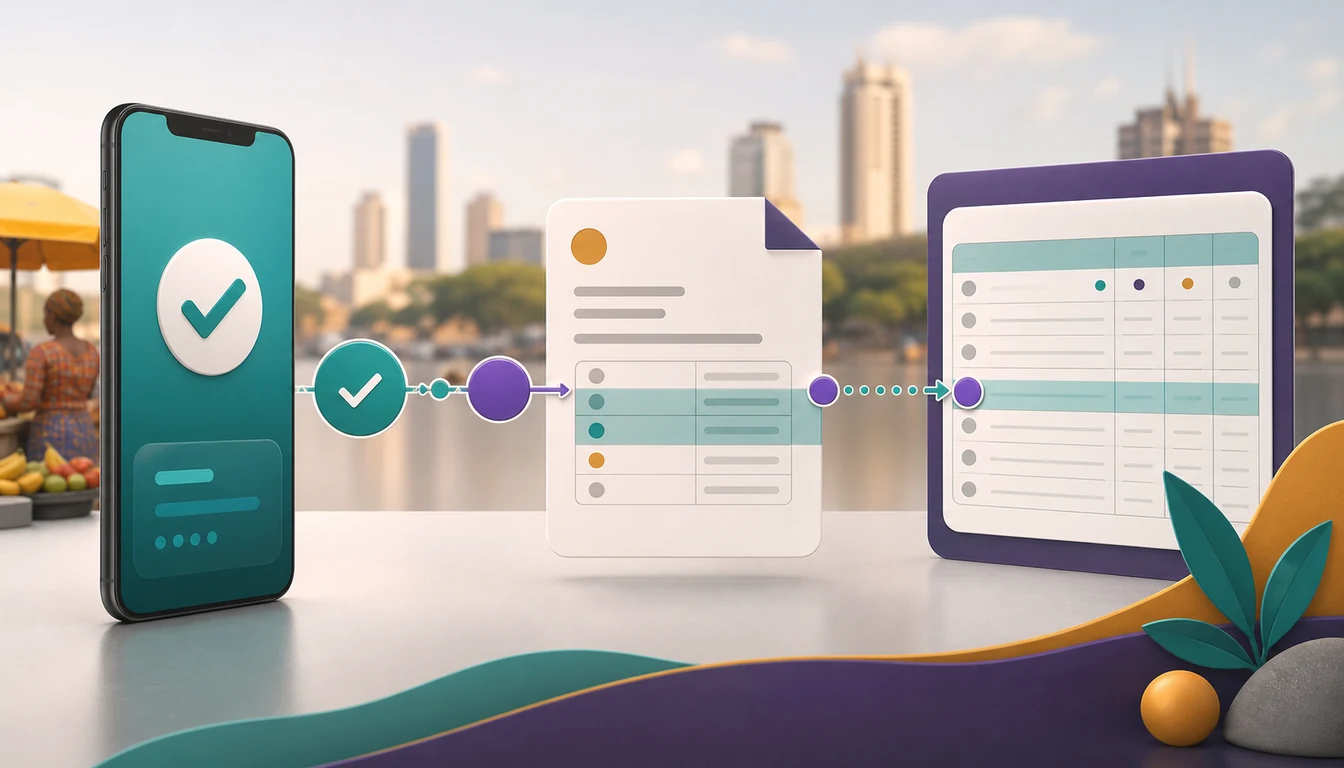
This post looks at how 1Channel pulls that sales data straight from a distributor's ERP or DMS, applies tier slabs automatically, and pays out through M-Pesa or PesaLink without a spreadsheet in between.
It also covers where a manual tally usually drifts from what a partner actually earned.
Why Manual Point Tallying Breaks Down at Scale
A spreadsheet-based rewards program usually starts simple: sales come in, someone totals them against a tier table once a month.
That holds for a handful of partners. It stops holding once a brand is running the numbers for sixty retailers across several counties.
Take a distributor paying quarterly rewards to 60 retail partners.
Finance pulls each partner's sales from the ERP, checks it against Bronze, Silver, and Gold bands by hand, and only then releases the payout.
A single misread figure pushes a retailer into the wrong tier, and nobody notices until the retailer calls to ask why their bonus is short.
By the time it's corrected, the next quarter's sales data is already waiting to be tallied the same way.
How Sales Data Feeds Automatic Tier Calculation
In 1Channel's loyalty platform, a partner's sales never need re-entering by hand.
A scheduled SFTP feed pulls sales figures straight from the brand's ERP or DMS on a set cadence, commonly monthly.
Each record lands against the right partner automatically, tagged with the sale amount, source distributor, and invoice date.
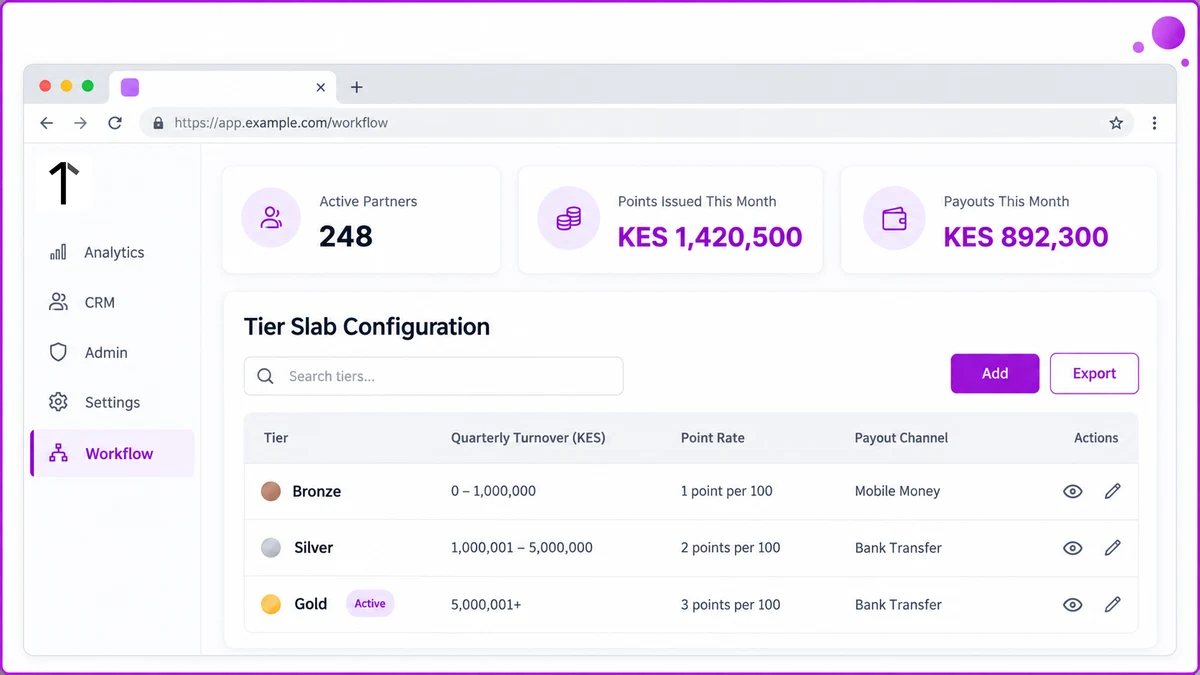
Tier slabs are configured once in the Admin Portal, each with its own point rate, quarterly cap, and payout channel.
| Tier | Quarterly Turnover (KES) | Point Rate | Payout Channel |
|---|---|---|---|
| Bronze | 150,000 to 480,000 | Base rate | M-Pesa Till |
| Silver | 480,000 to 620,000 | Higher rate | M-Pesa Till or PesaLink |
| Gold | 620,000 and above | Highest rate, capped per quarter | PesaLink batch |
Take a retailer whose quarterly turnover crosses from KES 450,000 into KES 610,000.
That crosses the Silver threshold, and the system applies the Silver point rate to the new total the moment the sales feed lands, no manual review needed.
Paying Out the Moment a Tier Is Hit
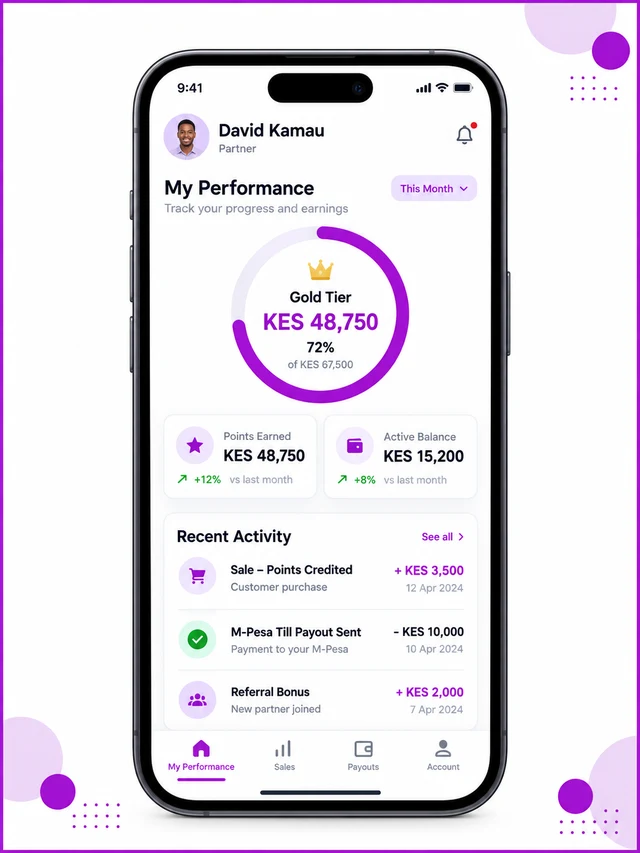
Point allocation and payout both run as workflows inside the platform: a trigger, and an action.
A schedule-based trigger checks tier thresholds on a set day each month; an event-based one can fire the moment a sale posts.
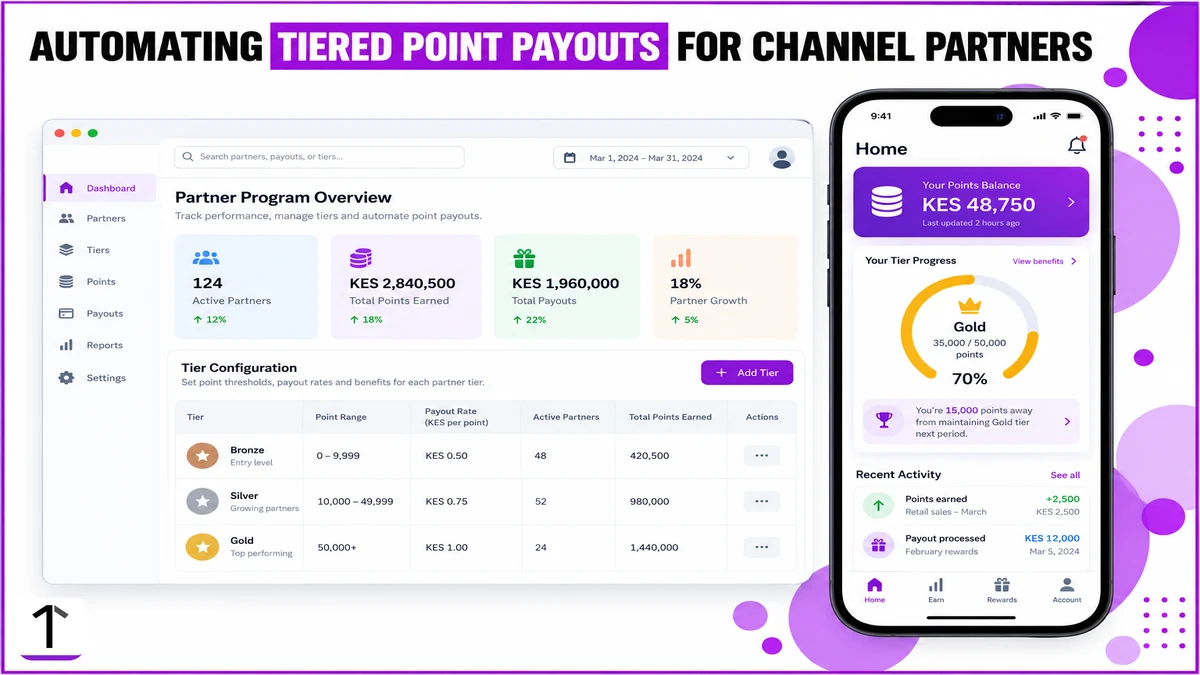
Once points are credited, the same workflow can trigger the payout itself, an M-Pesa Till settlement for a duka owner, or a PesaLink batch transfer for a sub-stockist's bank account.
The partner sees the updated balance and tier progress in the app the same day, with a confirmation SMS alongside it.
Nobody in finance has to run a report before the payout goes out.
How 1Channel Automates Channel-Partner Point Payouts
1Channel's retailer loyalty platform connects the sales feed, the tier engine, and the payout run on one cloud backend.
A tier slab changed in the Admin Portal applies to the very next sales cycle, on web or mobile, with no separate release.
Turn Each Sales Cycle Into an Automatic Payout
See how 1Channel's retailer loyalty platform pulls ERP or DMS sales data, applies tier slabs, and triggers M-Pesa or PesaLink payouts automatically, so finance never has to tally a quarter by hand.
Explore Retailer Loyalty Program →Implementation Snapshot
- Sales feed: ERP or DMS data lands on a scheduled SFTP cadence, tagged to each partner automatically.
- Tier slabs: Bronze, Silver, and Gold bands configured once in the Admin Portal, each with its own point rate and quarterly cap.
- Point credit: applied the moment a sales cycle closes, with no manual cross-check against the tier table.
- Payout: an M-Pesa Till settlement or a PesaLink batch triggered automatically once points are credited.
- Visibility: partners see their updated balance and tier progress in the app the same day.
None of this needs a new spreadsheet each quarter. It's the same sales data, moving once instead of being re-typed three times.