A miscaptured field order shows up in three wrong places at once: the wrong dispatch queue, the wrong incentive calculation, and the wrong stock count. The mobile app the rep uses at the counter is the single point where all three downstream numbers either pick up their accuracy or lose it. Order capture in a cloud SFA is not a typing exercise. It is a validated transaction that the platform checks against price, scheme, stock, and credit before it commits.
Table of Contents
What Order Capture Means on a Field App
Order capture is the moment the rep records a customer purchase on the field app. The cloud SFA stores the line items, applies the eligible scheme, runs a stock and credit check, and produces a confirmed order ID that flows into the distributor's dispatch system. The capture replaces the older flow of paper notes and hand-keyed entries at the depot, which used to drop orders, mis-price line items, and delay dispatch by a full day. The automation collapses all of that into a single in-store transaction.
What the Field App Checks Before the Order Goes In
A captured order moves through five validation layers in seconds before the platform issues the confirmation. Each layer guards a separate data plane.
Product and SKU Availability
The app filters the catalogue to SKUs the distributor actually stocks, so the rep cannot book an item that will not ship from the assigned warehouse.
Live Stock Visibility
The platform pulls real-time inventory from the distributor warehouse and warns the rep when a line item is short, suggesting a substitute SKU automatically.
Scheme and Pricing Rules
The cloud platform applies the right slab, combo offer, or discount based on the customer tier and order quantity, with no manual override needed at the counter.
Credit and Outstanding Check
The app blocks the order if the customer has unpaid invoices past the credit limit, or routes the entry into a credit override approval workflow.
Final Confirmation and Ledger Write
Once the four layers pass, the platform commits the order, generates the dispatch instruction, and the rep gets a confirmation receipt on the app within seconds.
How 1Channel Streamlines Order Capture in the Field
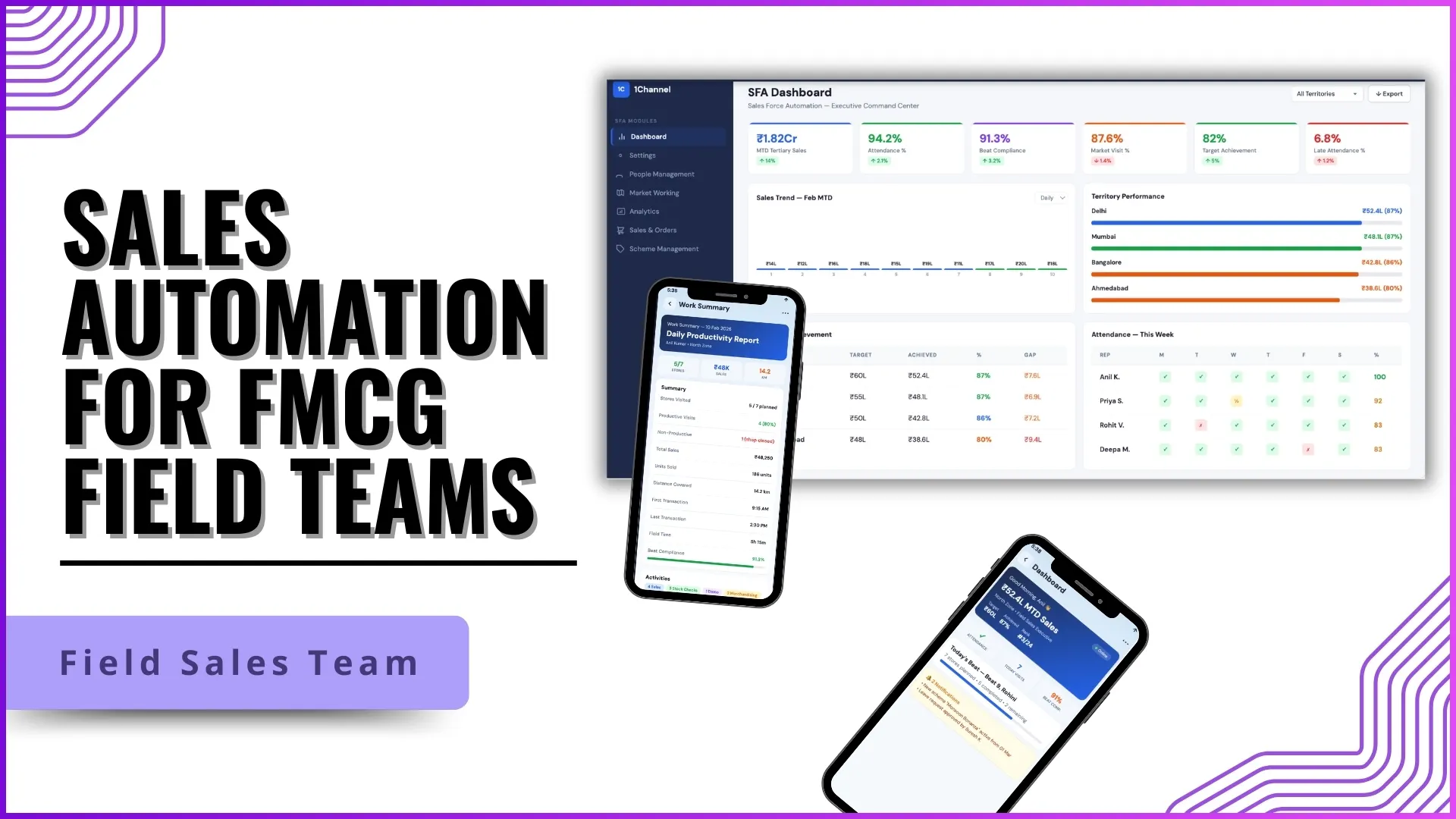
1Channel runs order capture through its cloud SFA's Mobile Order module. The catalogue, scheme master, stock view, and credit policy all sit on the same platform, so the validation layers run together without external lookups. 1Channel's AI-assisted scheme engine picks the most beneficial combination of slabs and offers for each customer at the moment of capture, which removes the back-and-forth the rep used to do at the counter. The cloud platform syncs every captured order to the distributor order management queue and the secondary sales ledger automatically, so the manager dashboard reflects the order within the same minute. Offline capture is supported through the app, with 1Channel reconciling the offline transactions automatically the moment the device reconnects.
Explore Distributor Order Management Software
1Channel's cloud distributor order management connects field capture, dispatch, credit, and stock for Malaysian sales operations from one platform.
Explore Distributor Order Management →Action Checklist for Cleaner Order Capture
A short list of practical moves operations can make to keep captured orders clean from day one:
- Lock the SKU catalogue to each distributor. Reps should only see what they can actually book against the warehouse they are tied to.
- Push real-time stock to the app on every sync. Out-of-date stock causes the highest number of disputed orders downstream.
- Make schemes platform-driven, not memory-driven. The cloud SFA should apply the best eligible offer automatically; the rep should not be guessing at the counter.
- Enforce credit checks at the capture step. Catching the issue while the rep is still at the store is cheaper than reversing dispatch later.
- Audit the offline capture queue weekly. Orders captured offline can drift if reconciliation runs slow or misses a device for a full sync cycle.