An approval landing on the right manager's desk closes in hours. The same approval routed up the wrong chain can sit for days while it gets reassigned, escalated, or quietly forgotten. The reporting hierarchy inside the cloud SFA decides which path every request takes. Approval workflows that ignore the hierarchy create the slow, opaque process that frustrates the field. Approval workflows tied to the hierarchy create the audit trail and the turnaround time the operations team can actually report on.
Table of Contents
Approval Workflows in a Hierarchical SFA
A hierarchical approval workflow is a cloud configuration that routes every request, including attendance correction, leave application, expense claim, activity completion, and beat plan change, to the manager who sits one or more steps above the requester in the reporting structure. The platform reads the hierarchy from the user master, looks up the requester's reporting manager, and pushes the request into that manager's queue automatically. The automation removes the manual hand-off that used to happen over email or chat.
Why the Reporting Line Decides Approval Accuracy
The manager directly above the requester knows the most about the request. They see the beat the rep covers, the leave history of the team, and the expense patterns by month. A skip-level manager or an unrelated approver lacks that context, so the approval becomes either rubber-stamping or unnecessary friction. Routing through the immediate reporting manager keeps the decision with the person closest to the work, and the audit log records the approver level so compliance teams can verify the chain afterwards.
Five Approval Streams the Hierarchy Routes
The same hierarchical routing serves multiple workflow types. Each one carries its own data, but the path the request takes through the reporting tree is the same.
Attendance Regularisation
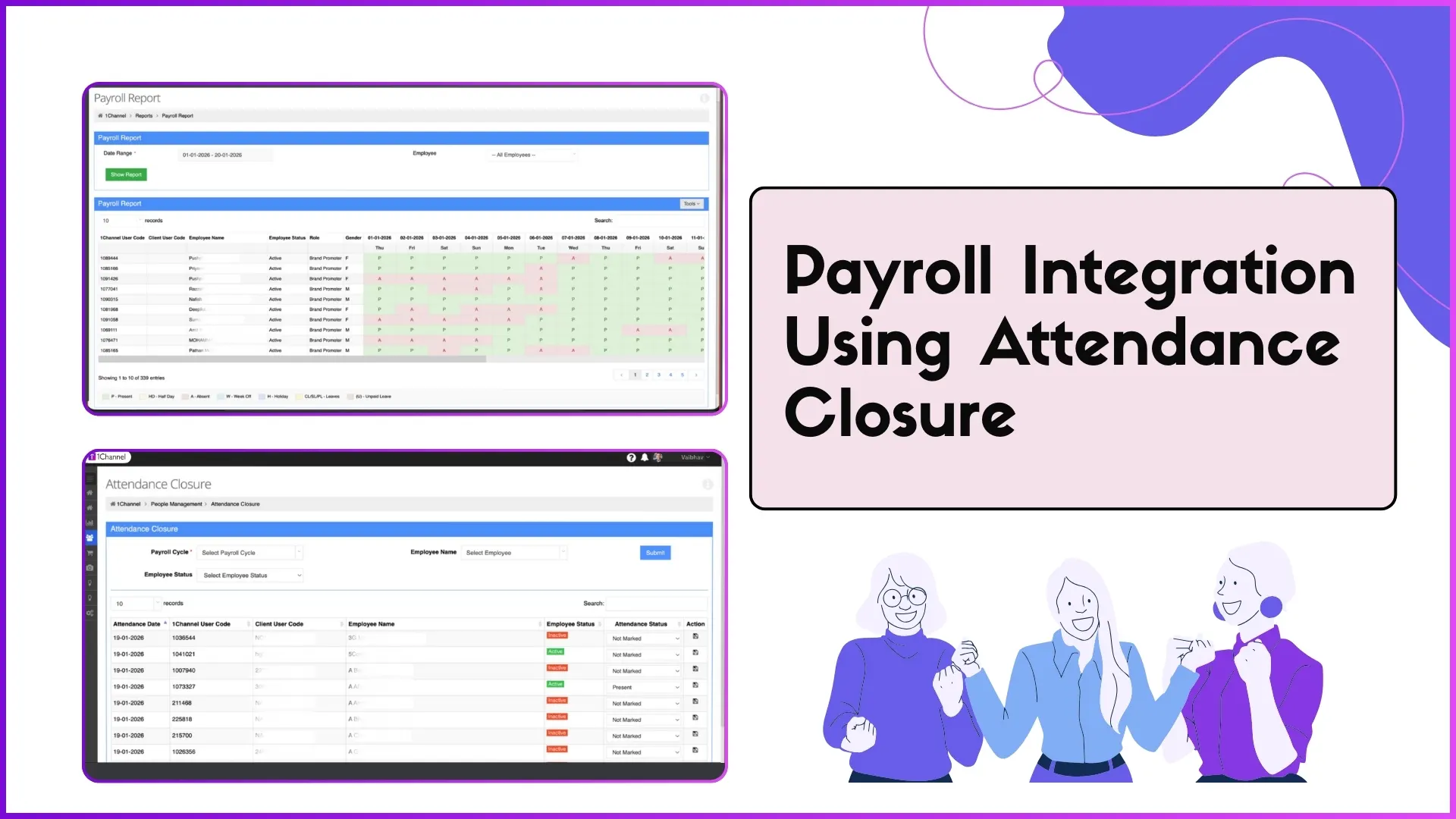
Field reps sometimes miss the punch-in window because of network drops or device issues. The regularisation request lands with the reporting manager along with the geo-fenced session log, so the manager has the context to approve or reject without a follow-up call.
Leave Applications
The cloud SFA flags balance, prior leave overlap with team members, and any blackout dates configured for the period. The reporting manager approves with full visibility into how the absence will affect beat coverage that week.
Expense Claims
The claim arrives in the manager's queue with the receipt, category, and project mapping attached. The hierarchy routes the claim through the immediate manager first, and a finance escalation rule kicks in automatically when the amount crosses a configured threshold.
Activity Completion
A rep finishing a market visit logs the activity with photos and notes. The reporting manager verifies the entry against the planned beat, with AI-assisted image checks flagging duplicate or suspect submissions before the activity counts toward target.
Beat and Market Visit Plan Changes
Beat plan edits require manager sign-off so the planning matrix stays consistent. The platform routes the change request to the manager who owns the territory, with the diff between current and proposed beat plan visible on the approval screen.
How Managers Get Visibility Without Drowning in Requests
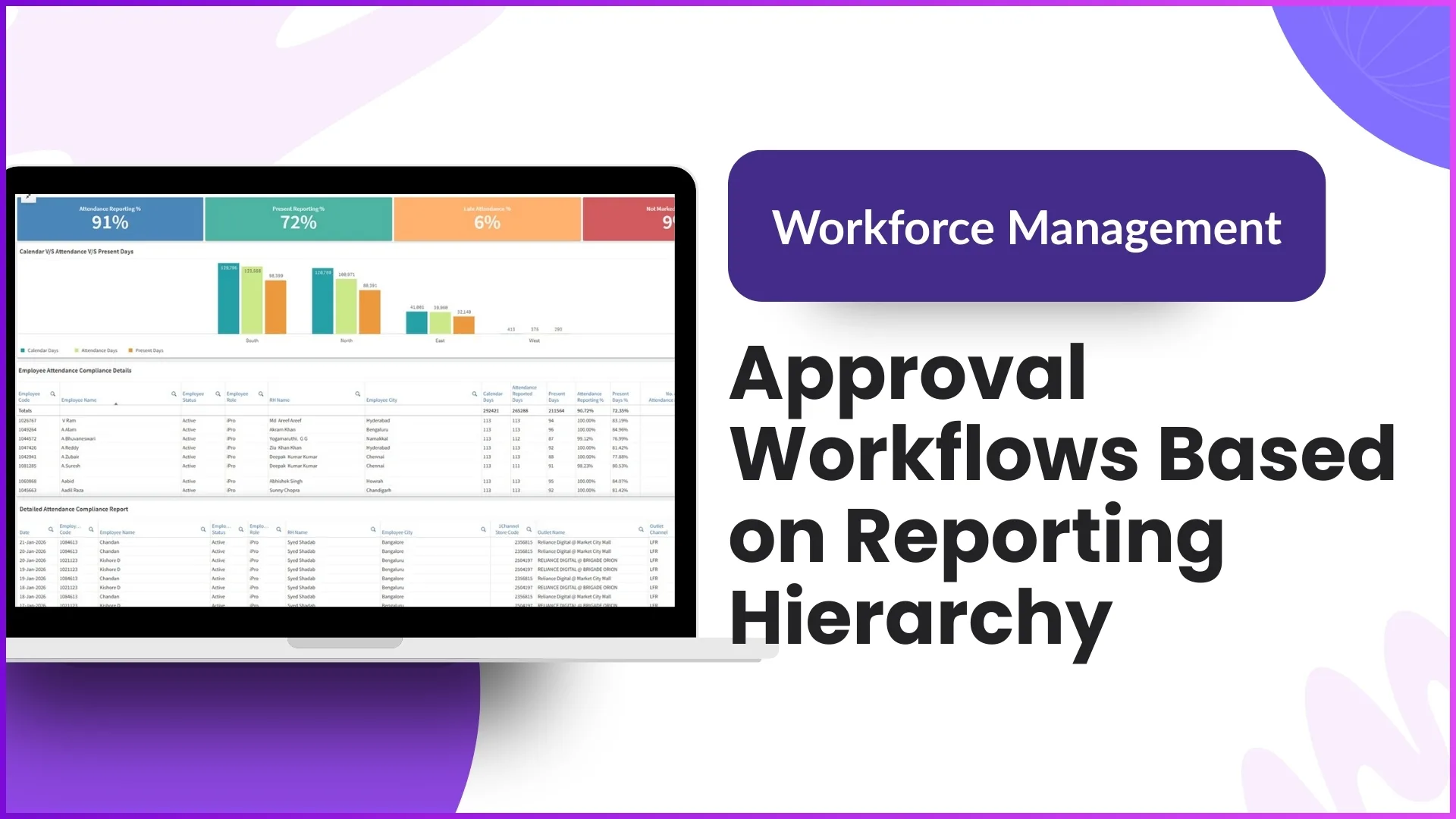
A manager covering twelve reps can see fifty approval requests a day across these streams. The cloud SFA aggregates them into a single approval dashboard, sorted by request type, age, and priority. Bulk approval is available for routine requests like standard leave or low-value claims, with single-tap action per row. The automation also prevents the queue from piling up by pushing notifications to the app and an end-of-day email summary, so requests never sit unseen until the SLA breaches.
How 1Channel Configures Hierarchical Approvals
1Channel runs hierarchical approval workflows from its cloud SFA platform's Approval Engine, configured per workflow type from the admin console. The hierarchy itself is read from the user master, so any change to the reporting structure flows through to every active approval workflow automatically. 1Channel supports multi-level approvals where the request escalates past the immediate manager for high-value transactions, and the AI-driven anomaly engine flags suspect requests, such as duplicate expense claims or repeated regularisations on the same day, before they reach the manager's queue. The cloud audit log retains the full approval chain for every transaction, including timestamps, approver IDs, and free-form comments at each level.
Explore Sales Force Automation
1Channel's cloud SFA routes attendance, leave, expense, and activity approvals through the reporting hierarchy with full audit and AI anomaly checks.
Explore Sales Force Automation →Key Takeaways
The reporting hierarchy is the spine that holds every approval workflow upright. A few points worth carrying into the next workflow design review:
- Approvals routed through the immediate reporting manager close fastest because the manager already has the operational context.
- The same hierarchical routing pattern serves attendance, leave, expense, activity, and beat plan workflows from one configuration.
- Manager dashboards plus bulk approval and AI anomaly flagging keep the queue manageable as the team scales.
- The audit log on every approval gives compliance the chain of approver IDs and timestamps without manual reconstruction.