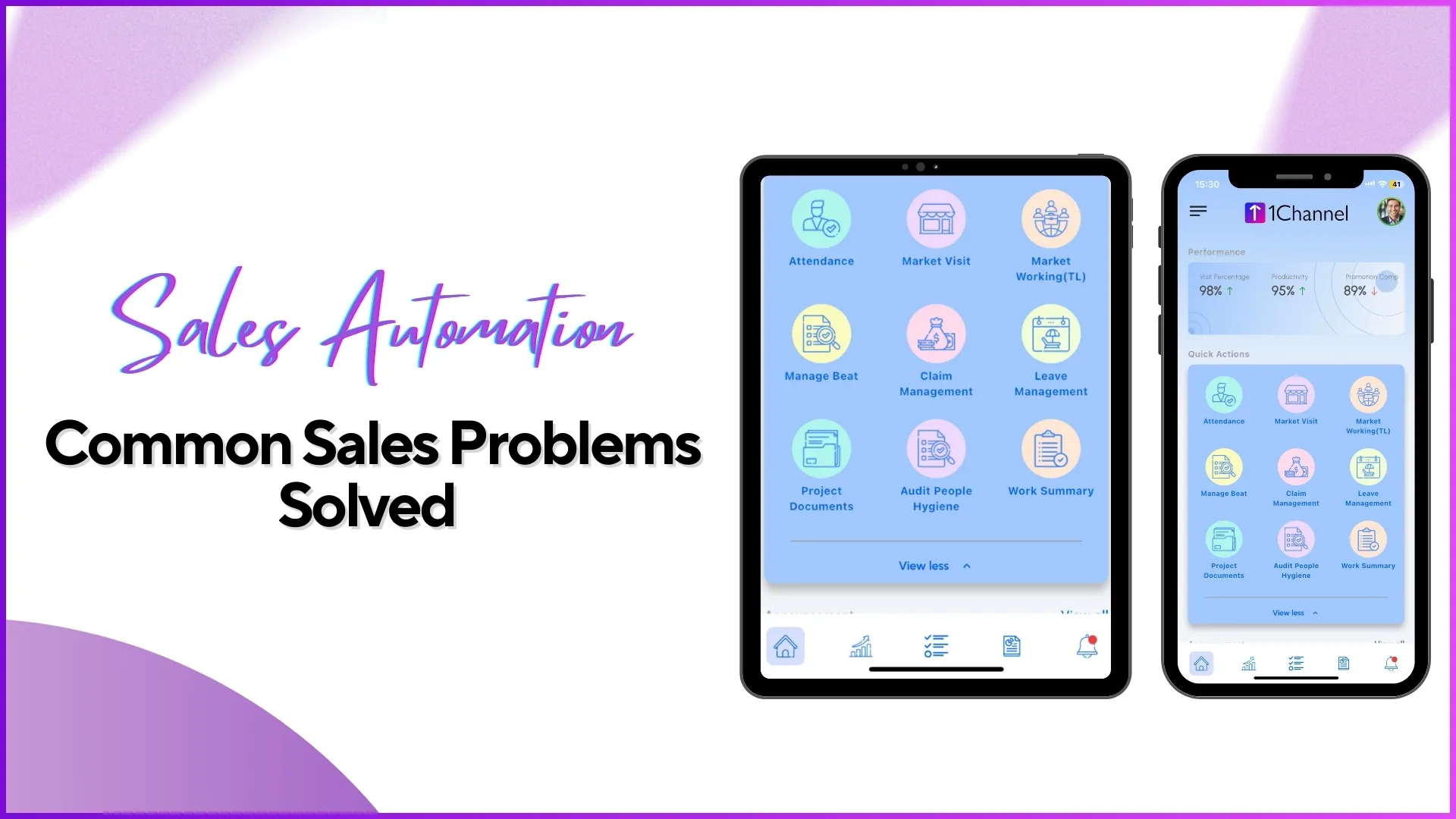
Most field sales problems are not caused by a lack of effort. They are caused by a lack of systems. Reps are working in the field, managers are reviewing data, and operations teams are processing payroll. But without a connected platform automating the flow between these activities, the same problems surface month after month: attendance that cannot be verified, store visits that cannot be confirmed, sales data that arrives late, and expenses that take weeks to process.
Cloud-based sales force automation addresses these problems not by adding more work, but by digitising the workflows that field teams already follow and connecting them into a single operational system. This article walks through the most common field sales challenges and explains how automation solves each one.
Table of Contents
Attendance That Cannot Be Trusted
The problem: Field reps mark attendance through WhatsApp messages, phone calls, or basic check-in apps that record time but not identity or location. Managers have no way to confirm whether the person who checked in is actually the assigned employee, or whether they were at the assigned location when they did so. Over time, some reps develop habits of marking attendance from home or having colleagues check in on their behalf.
How automation solves it: A cloud-based SFA platform combines three verification layers into a single attendance action. AI face validation matches a live selfie against a stored reference photo to confirm identity. GPS capture records the exact coordinates at the time of check-in. Geofencing restricts attendance marking to within a defined radius of the assigned store. If any of these checks fails, attendance is blocked and the failed attempt is logged.
The result is attendance data that managers can trust without follow-up calls. The attendance dashboard shows verified present percentages, late attendance counts, and defaulter lists updated in real time. Payroll processing uses this verified data instead of manually compiled spreadsheets.
Field Activity That Managers Cannot See Until End of Day
The problem: Without a live data connection between the field and the office, managers operate with a time lag. They find out what happened in the field only when reps return, submit reports, or respond to messages. By the time a missed visit or a coverage gap becomes visible, the day is already over and the opportunity to intervene has passed.
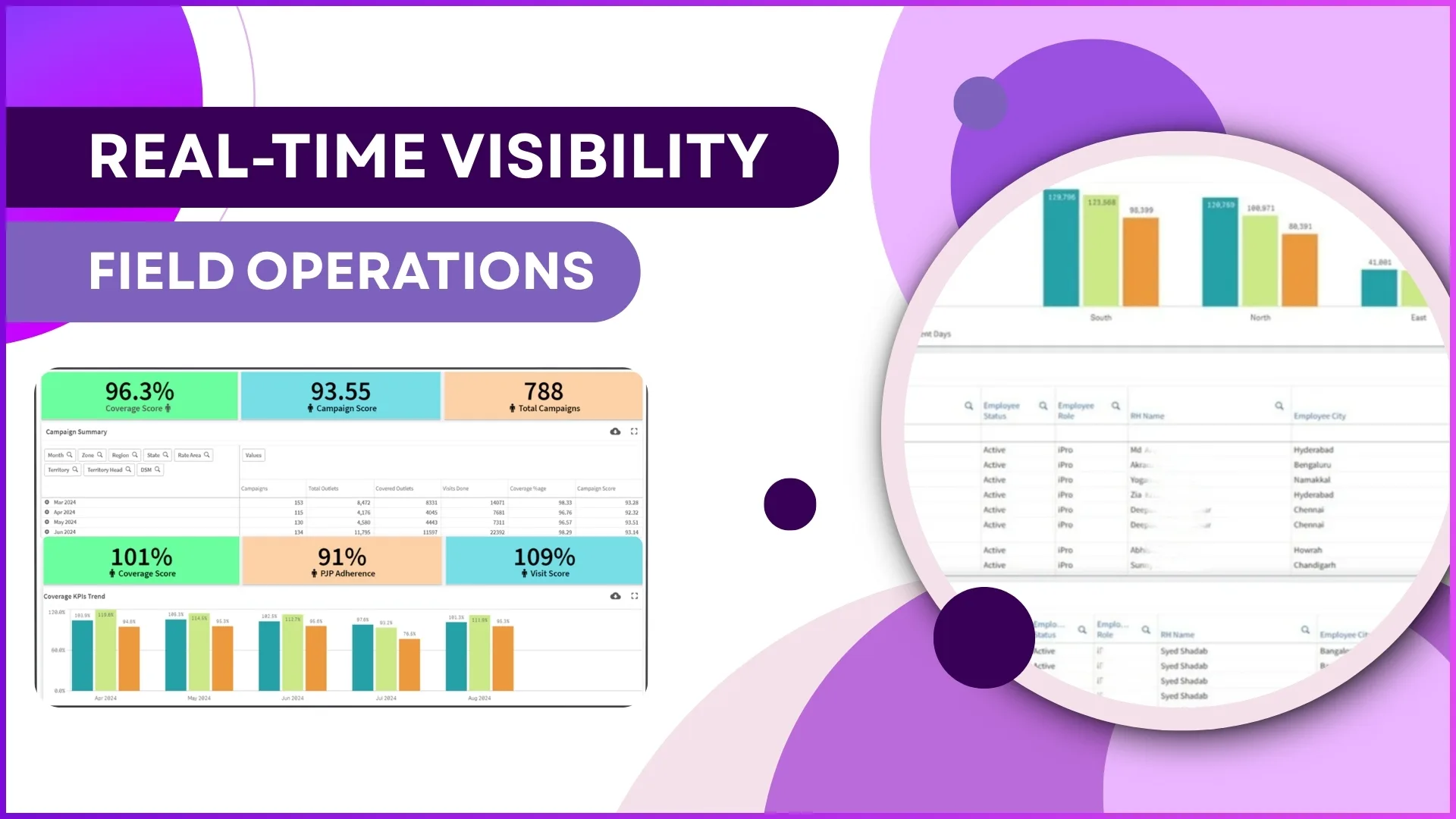
How automation solves it: Every action the rep performs in the SFA mobile app, including store check-ins, order placement, questionnaire submissions, merchandising photo uploads, and expense entries, syncs to the cloud portal in real time. The advanced dashboard displays live metrics across the entire team: present attendance percentage, market visit progress, number of orders placed, and total sales value captured so far today.
Managers in Malaysia overseeing teams across Klang Valley, Penang, and Johor can see at 10:30 AM exactly how many reps are active, how many outlets have been visited, and whether the day's execution is tracking to plan. If Penang is behind schedule, the manager can intervene before lunch rather than discovering it at 6 PM.
Store Visits That Get Missed Without Anyone Noticing
The problem: Field teams work from beat plans that assign specific outlets to specific days. But without automated compliance tracking, there is no reliable way to know which planned visits actually happened and which were skipped. Some outlets go unvisited for weeks. By the time the gap surfaces, usually through a retailer complaint or a dip in orders from that territory, the damage is already done.
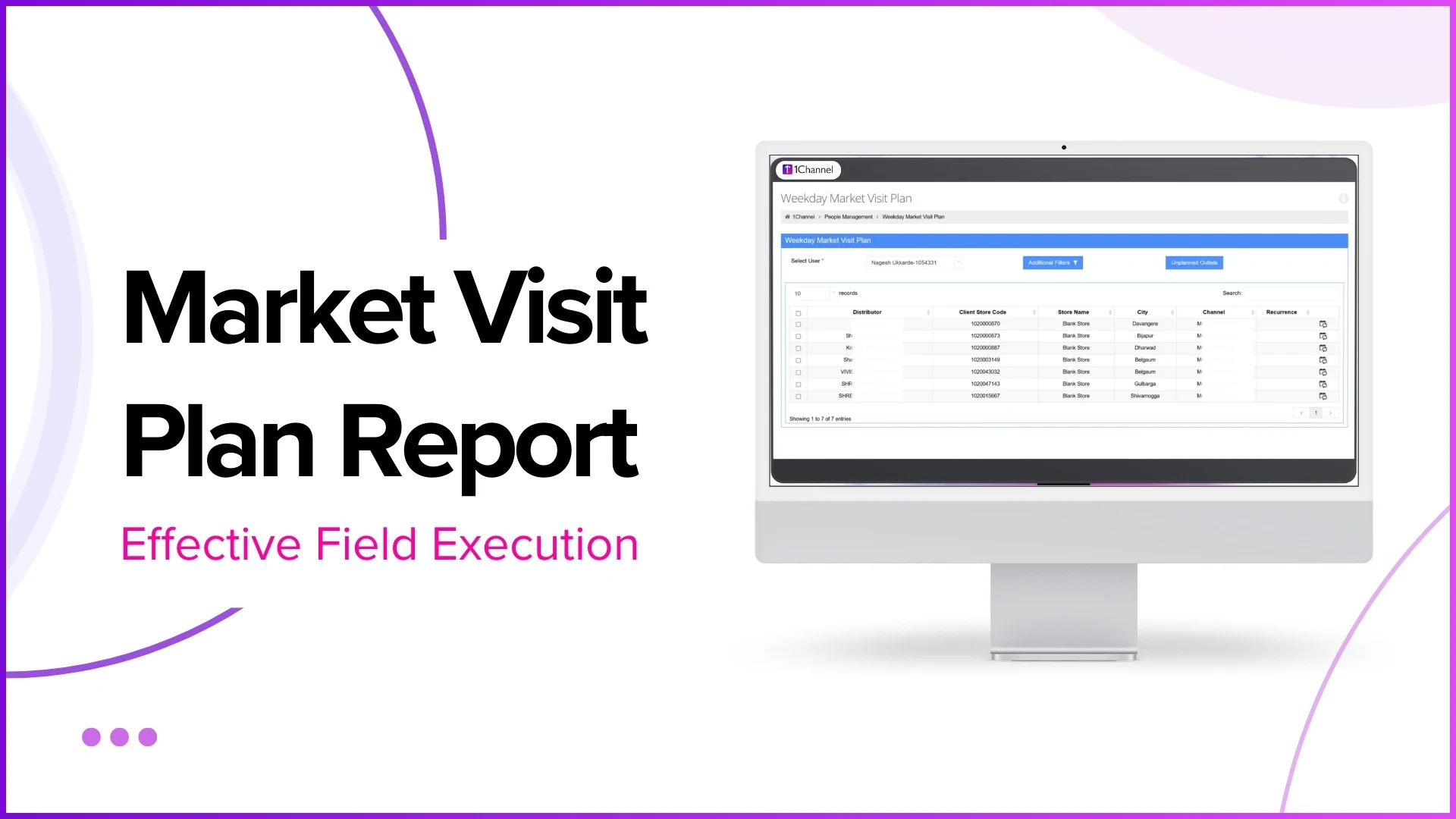
How automation solves it: The SFA platform maintains the beat plan digitally and compares it against actual check-in data every day. The beat compliance report shows the percentage of planned visits that were completed, broken down by rep, territory, and time period. The market visit plan report shows what was planned, while the visit productivity report shows what was executed.
When a rep completes only 7 of 12 planned visits on a Tuesday in Shah Alam, the gap is visible the same day. The manager can review which 5 outlets were missed, check if the rep was rerouted for a reason or simply fell behind, and take corrective action for the remainder of the week.
Visit Data Without Proof of Physical Presence
The problem: A rep checks into a store on the app but spends only 90 seconds before checking out, or checks in from a nearby location without actually entering the outlet. The system records a "visit," but the retailer never saw the rep. This problem is particularly common in dense commercial areas like Petaling Jaya or Bukit Bintang, where multiple outlets are clustered within metres of each other.
How automation solves it: Geofencing ensures the check-in happens from within the store's defined boundary, not from across the street. The system records check-in and check-out timestamps, so visits lasting less than a configurable minimum duration can be flagged. Activity logs within the visit, such as orders placed, stock recorded, or questionnaires completed, serve as evidence that the rep engaged with the outlet rather than just walking through.
The store visit report provides a complete picture for each visit: entry time, exit time, GPS coordinates, activities performed, and any photos captured. A visit with no activities and a 2-minute duration stands out clearly when reviewed alongside visits that include order capture and merchandising checks.
Sales and Stock Data That Arrives Too Late
The problem: In manually managed operations, sales reps record orders on paper or in personal spreadsheets. This data reaches the office hours or days later, often with errors in SKU codes, quantities, or pricing. Stock levels at outlets are similarly outdated, making it difficult for supply chain teams to forecast demand or identify stockouts before they become lost sales.
How automation solves it: The SFA mobile app allows reps to capture orders at the outlet level with pre-loaded product catalogues, SKU-level selection, and system-validated pricing. Orders sync to the cloud immediately after submission. Sales reports in the analytics module show SKU-wise, store-wise, and date-wise sales data with no manual compilation step.
For stock tracking, reps can record current inventory levels at each outlet during their visit. The stock report aggregates this data across all stores, giving the operations team a real-time view of where stock is running low and where excess inventory is sitting. For Malaysian FMCG distributors covering hundreds of traditional trade outlets, this eliminates the 3 to 5 day lag that manual stock reporting typically creates.
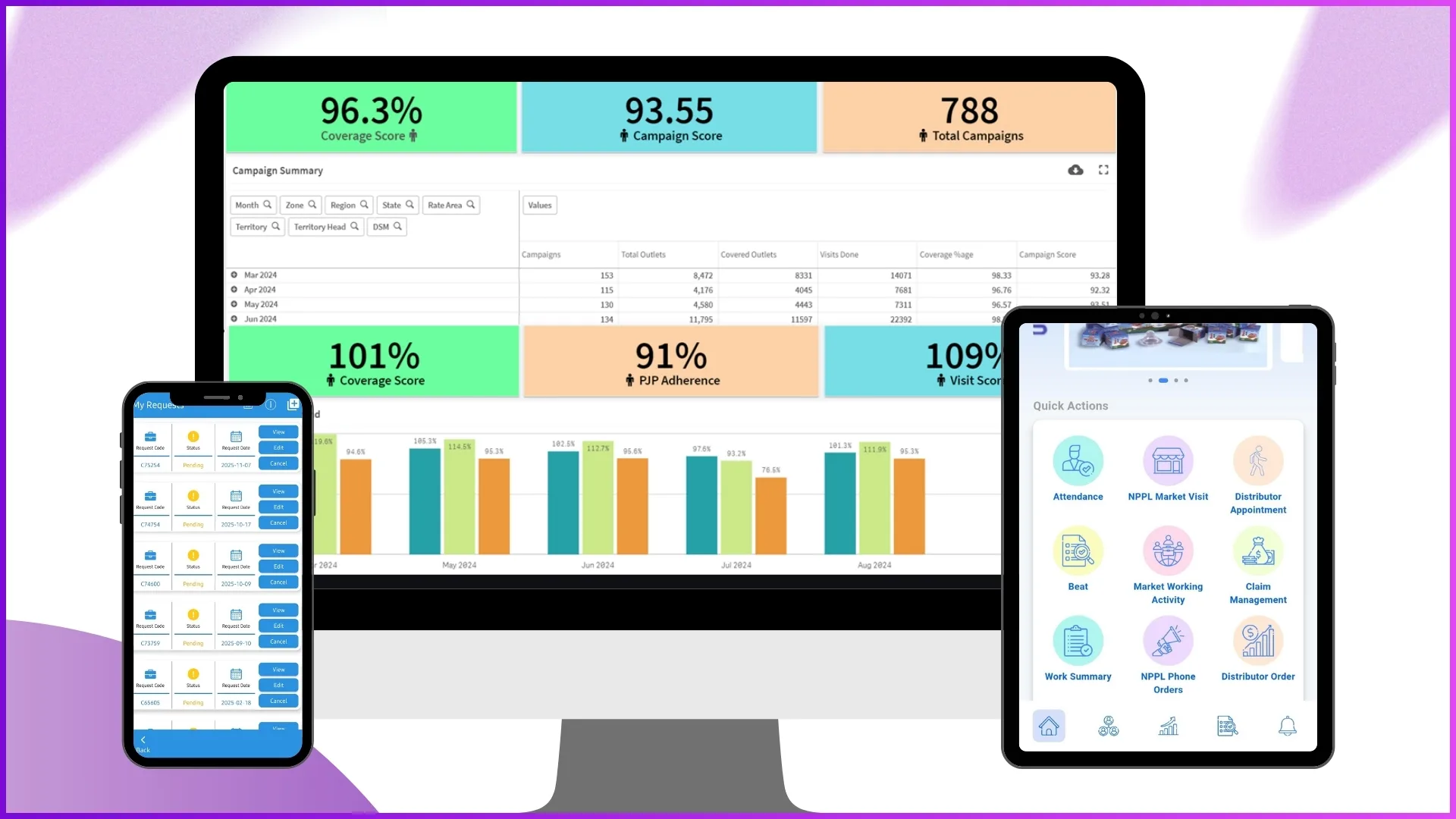
Merchandising Execution That Cannot Be Verified
The problem: Brands invest in point-of-sale materials, shelf displays, and promotional setups at retail outlets. But without a way to verify that these materials were actually deployed and maintained, merchandising becomes an act of faith. A banner might be sent to 200 outlets, but whether it was actually displayed at each one is unknown until someone physically checks.
How automation solves it: The SFA platform includes a visual merchandising module where POSM items are registered, tagged to campaigns, and assigned to specific outlets. When the rep visits the outlet, they photograph the POSM deployment as part of the visit workflow. The merchandising photo report shows image evidence of each deployment alongside the outlet, date, and rep details.
If merchandising was not completed at an outlet, the rep selects a predefined reason from the app, such as "outlet closed," "no space available," or "POSM not received." The merchandising visit tracker report shows both completed and missed merchandising activities across all outlets, giving brand managers a clear picture of execution rates without relying on verbal updates.
Expense Claims That Take Weeks to Process
The problem: Field reps incur daily expenses for fuel, tolls, meals, and parking. Without automation, these expenses are collected on paper, compiled at the end of the month, and submitted in bulk. Managers review them without context about whether the claimed expenses correspond to actual field activity. Finance teams reject incomplete claims, creating frustration and reprocessing delays. Reimbursements can take 15 to 20 working days.
How automation solves it: The expense management module allows reps to log each expense on the same day it occurs, directly from the SFA app. Each entry includes the category, amount, receipt photo, and GPS-tagged location. The system validates claims against pre-configured policy limits before they reach the manager. Approved claims flow to finance in a structured, pre-categorised format ready for processing.
Because attendance and expense data live in the same system, managers can verify that a fuel claim for a specific date corresponds to a day the rep was actually present and active in the field. This cross-referencing happens automatically, reducing both approval time and expense leakage.
Leave Requests That Bypass the System
The problem: Field reps request leave through WhatsApp or phone calls. The manager approves verbally. Nobody updates the attendance system or the beat plan. On the leave day, the attendance dashboard shows a defaulter, the beat plan shows unvisited outlets, and the payroll team has no formal record.
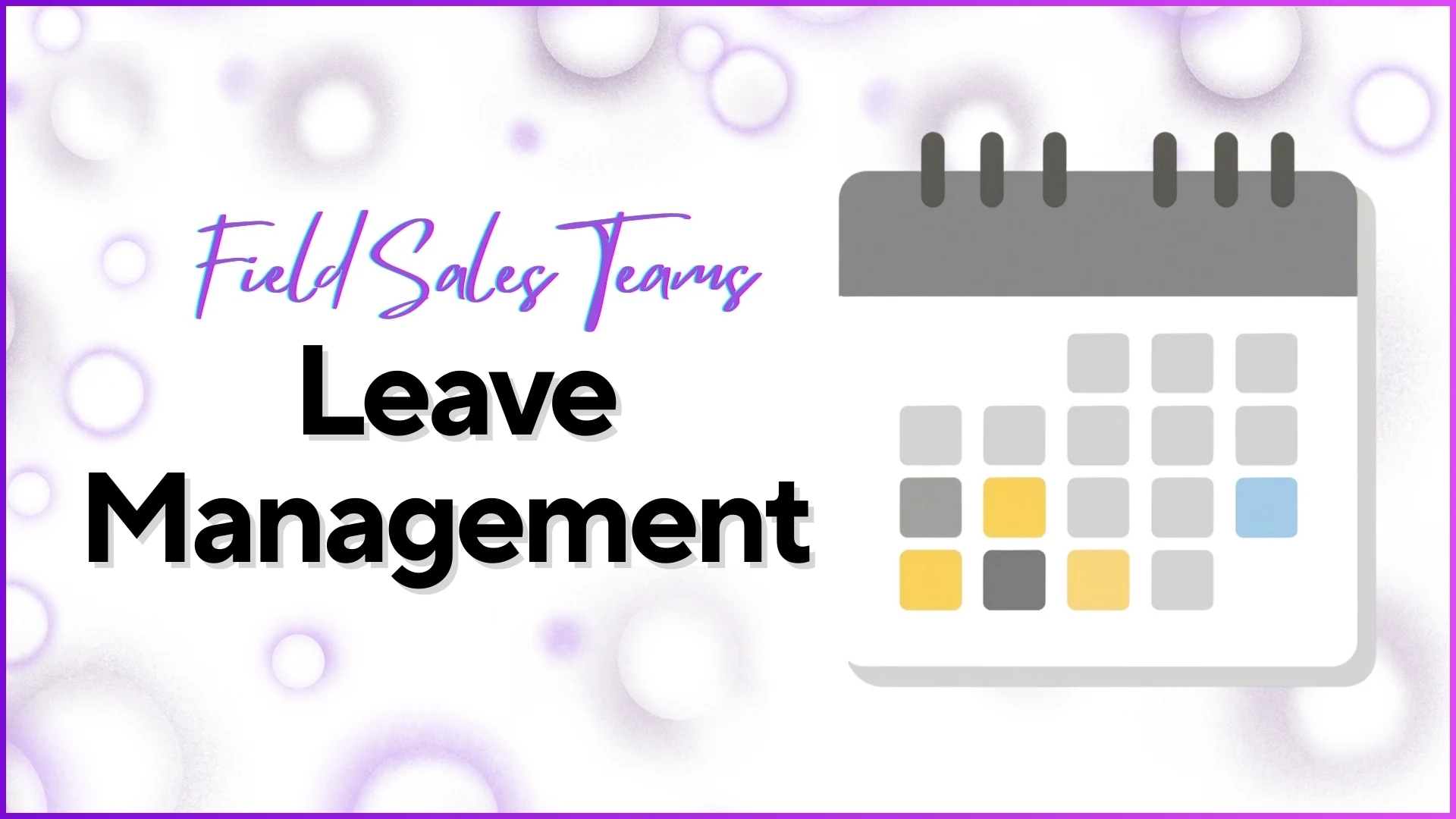
How automation solves it: The leave management module inside the SFA platform handles the complete lifecycle from application to approval to downstream updates. The rep applies through the app, the manager approves through the portal, and the system automatically updates attendance records, adjusts leave balances, and reflects the absence in coverage planning data.
In the Malaysian context, where employment law specifies different leave entitlements based on tenure and where state-level public holidays vary across Peninsular and East Malaysia, the configurable holiday calendar and leave policy settings ensure that the system aligns with local requirements without manual tracking.
Reports Scattered Across Spreadsheets and Inboxes
The problem: Performance data lives in multiple disconnected places. Attendance is in one spreadsheet, sales numbers in another, visit logs in a third, and expense records in email attachments. Building a consolidated view of team performance requires hours of manual compilation, and the result is often outdated by the time it is ready.
How automation solves it: The SFA analytics module centralises all field data into a single reporting engine. Pre-built reports cover attendance summary, visit productivity, sales by SKU, beat compliance, distance travelled, merchandising status, and more. Each report can be filtered by date range, city, territory, channel, role, or individual employee.
Beyond pre-built reports, the report builder allows admins to create custom reports by selecting dimensions, filters, and output formats. All reports are downloadable in Excel format and available in a dedicated exports section for 7 days, so multiple team members can access the same report without regenerating it.
For a regional manager overseeing operations across Selangor, Johor, and Penang, this means a single login provides access to every metric that previously required three different spreadsheets and four email threads to compile.
Everyone Seeing Data They Should Not
The problem: When field data is shared through spreadsheets and group chats, access control is effectively nonexistent. Promoters see other promoters' sales numbers. Team leaders access data for territories they do not manage. Sensitive information about outlet performance or employee attendance circulates without boundaries.
How automation solves it: The SFA platform implements role-based access control at the module level. Admins define which roles can access which sections of the portal. A team leader sees only their direct reports' data. An area manager sees only their territory. Field reps see only their own attendance, sales, and target information through the mobile app.
Permissions are granular. An admin can configure that a business development head has access to analytics and sales reports but not to visual merchandising or HR management modules. These permissions are managed through the roles configuration in settings and take effect immediately across all users.
Explore Sales Force Automation
1Channel's cloud-based SFA platform solves field sales challenges with AI-validated attendance, automated beat planning, real-time analytics, and integrated expense and leave management.
Explore SFA Solutions →No Structured Way to Collect Field Intelligence
The problem: Managers want reps to collect market intelligence during visits: competitor pricing, shelf placement observations, retailer feedback, or store hygiene assessments. But without a structured collection mechanism, this information arrives as unstructured text messages, if it arrives at all.
How automation solves it: The questionnaire management module in the SFA platform allows admins to build structured surveys with multiple question types including radio buttons, checkboxes, dropdowns, rating scales, and open-ended text fields. Questions can be organised into categories and subcategories, with conditional logic so that a "Yes" answer on one question opens a different follow-up than a "No" answer.
These questionnaires are assigned to specific user roles and can be mapped to specific outlet lists. When a rep visits a store, the assigned survey appears in their app. Responses are submitted with GPS and timestamp metadata and flow into the activity quality check module for review. This transforms ad hoc field observations into structured, queryable data that operations teams can analyse at scale.
Frequently Asked Questions
Does sales automation replace the need for managers to supervise field teams?
No. Automation provides managers with accurate, real-time data so they can supervise more effectively. Instead of spending time collecting information through calls and messages, managers can focus on analysing data, identifying issues, and coaching their teams. The system makes supervision data-driven rather than eliminating it.
Is sales automation only relevant for large teams?
Sales automation benefits teams of any size. A team of 10 reps gains the same structural advantages as a team of 500: verified attendance, tracked visits, and centralised reporting. The difference is that larger teams experience these problems at greater scale, making automation more urgent but not more relevant.
How long does it take to see results after implementing sales automation?
Operational improvements in attendance accuracy and visit tracking are typically visible within the first month, as data starts flowing through the system from day one. Analytical benefits, such as trend identification and performance pattern analysis, require 2 to 3 months of accumulated data. The system delivers value incrementally rather than requiring a full transformation before results appear.
Can sales automation work alongside existing CRM or ERP systems?
Yes. Cloud-based SFA platforms can integrate with existing systems through APIs and data exchange mechanisms. Sales data captured in the field can flow into ERP systems for order processing, while customer master data from CRM systems can feed into the SFA for field execution. The specific integrations depend on the systems involved and the organisation's data flow requirements.
What industries benefit most from field sales automation?
Any industry with distributed field teams benefits from sales automation. In Malaysia, common users include FMCG companies managing retail coverage, pharmaceutical firms with medical rep teams, consumer electronics brands deploying in-store promoters, building materials companies with distributor networks, and automotive parts businesses managing dealer relationships. The specific modules and configurations vary by industry, but the core problems of attendance verification, visit tracking, and centralised reporting are universal.
Conclusion
The problems described in this article are not exotic or rare. They exist in virtually every organisation that manages field sales teams manually or through disconnected tools. Attendance fraud, invisible field activity, missed visits, delayed sales data, unverified merchandising, slow expense processing, informal leave management, scattered reporting, and weak access controls are the default state of unautomated field operations.
Sales automation does not introduce new complexity. It digitises the workflows that already exist, adds verification layers where trust alone is insufficient, and connects data points that were previously isolated. The result is not a radically different way of working but a more accurate, visible, and controllable version of the work that field teams are already doing every day.