When a Malaysian business adopts sales force automation software, they are not getting a single tool. They are getting a platform that bundles multiple specialised modules, each handling a different aspect of field sales operations. Visit planning, GPS tracking, expense management, analytics, lead management, and training are all separate functional areas that work together inside one system.
Understanding what each module does helps businesses evaluate which capabilities they actually need and which they can activate later as their operations scale. An FMCG distributor in Selangor with 20 field reps has different priorities from a pharmaceutical company in Penang with 80 medical representatives. The tool set is the same, but the configuration and emphasis differs.
This article breaks down the major tools that make up a complete SFA platform and explains how each one contributes to field sales efficiency.
Table of Contents
The Core Tools Inside SFA Software
1. Visit planning and beat management
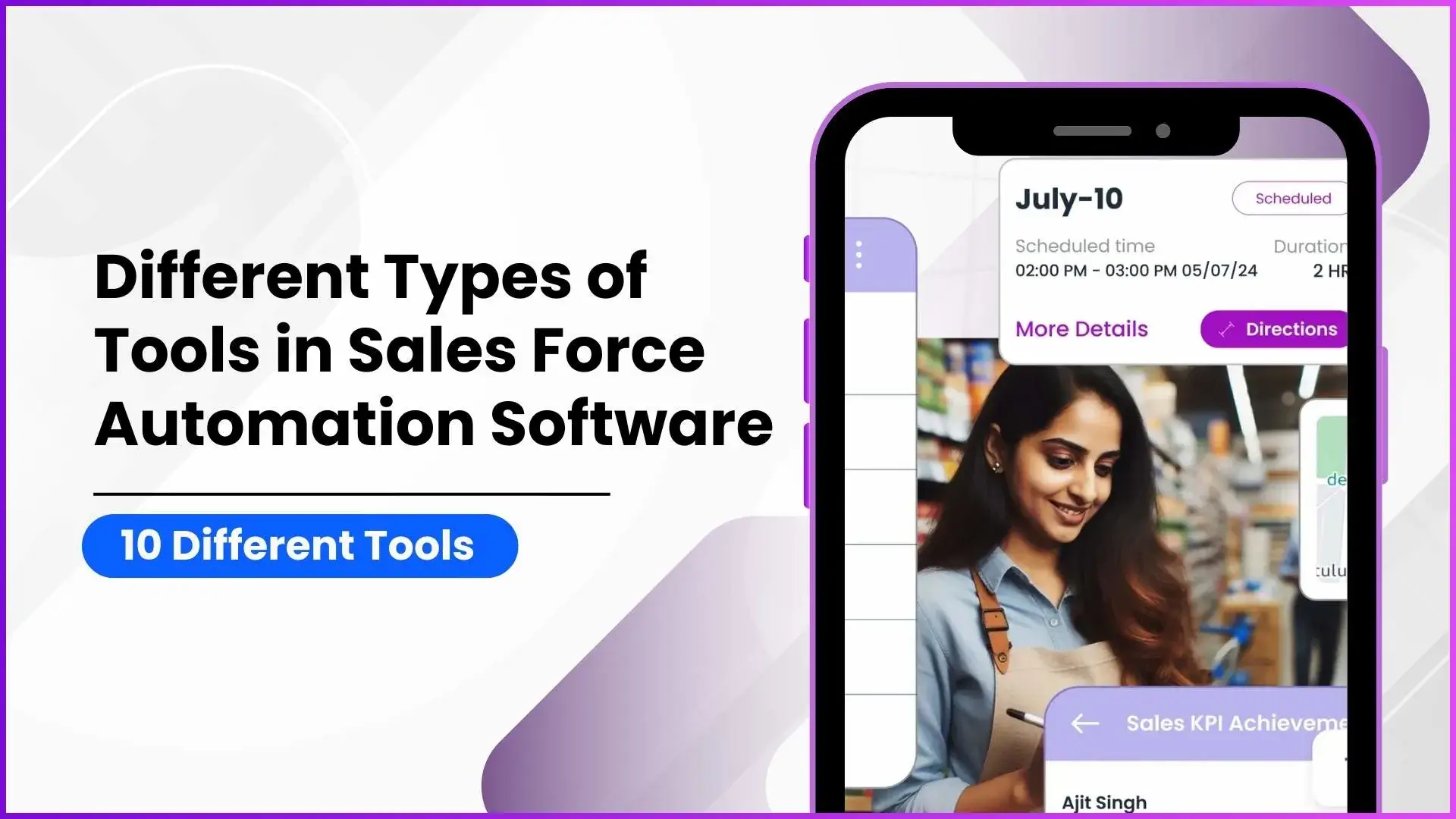
The visit planning module allows managers to create structured daily, weekly, or monthly visit schedules for each field rep. Stores, distributors, clinics, or any customer locations are assigned to specific reps on specific days through a beat plan. The plan goes through an approval workflow before it becomes active, and once approved, it appears in the rep's mobile app as their schedule for the day.
For a consumer goods company covering 200 retail outlets across the Klang Valley, this module ensures that every outlet gets visited at the planned frequency and that no two reps accidentally visit the same store on the same day. The manager uploads the plan via Excel or creates it manually through the portal, and the system handles the rest.
2. GPS tracking and location verification
The tracking module uses GPS to verify where field reps are throughout the day. Every check-in at a store is timestamped and location-tagged. The system records the distance travelled between visits, the time spent at each location, and the route taken.
Combined with geofencing, which creates virtual boundaries around store locations, the tracking module prevents fabricated visits. A rep in Johor Bahru can only check into a store if they are physically within the geofenced radius. This provides verified proof of presence without requiring phone calls or manual spot-checks from managers.
3. Attendance management with AI verification
The attendance module goes beyond simple clock-in and clock-out. When a rep marks attendance through the mobile app, the system captures their GPS location, a timestamped selfie, and runs AI face validation to confirm their identity against a stored reference photo. This prevents proxy attendance and location spoofing.
The module also handles leave management with digital approval workflows, attendance regularisation for missed entries, and attendance closure for payroll integration. For companies with reps spread across Penang, Sabah, and Sarawak, this level of automated verification replaces what would otherwise require multiple supervisors at multiple locations.
4. Analytics and reporting engine
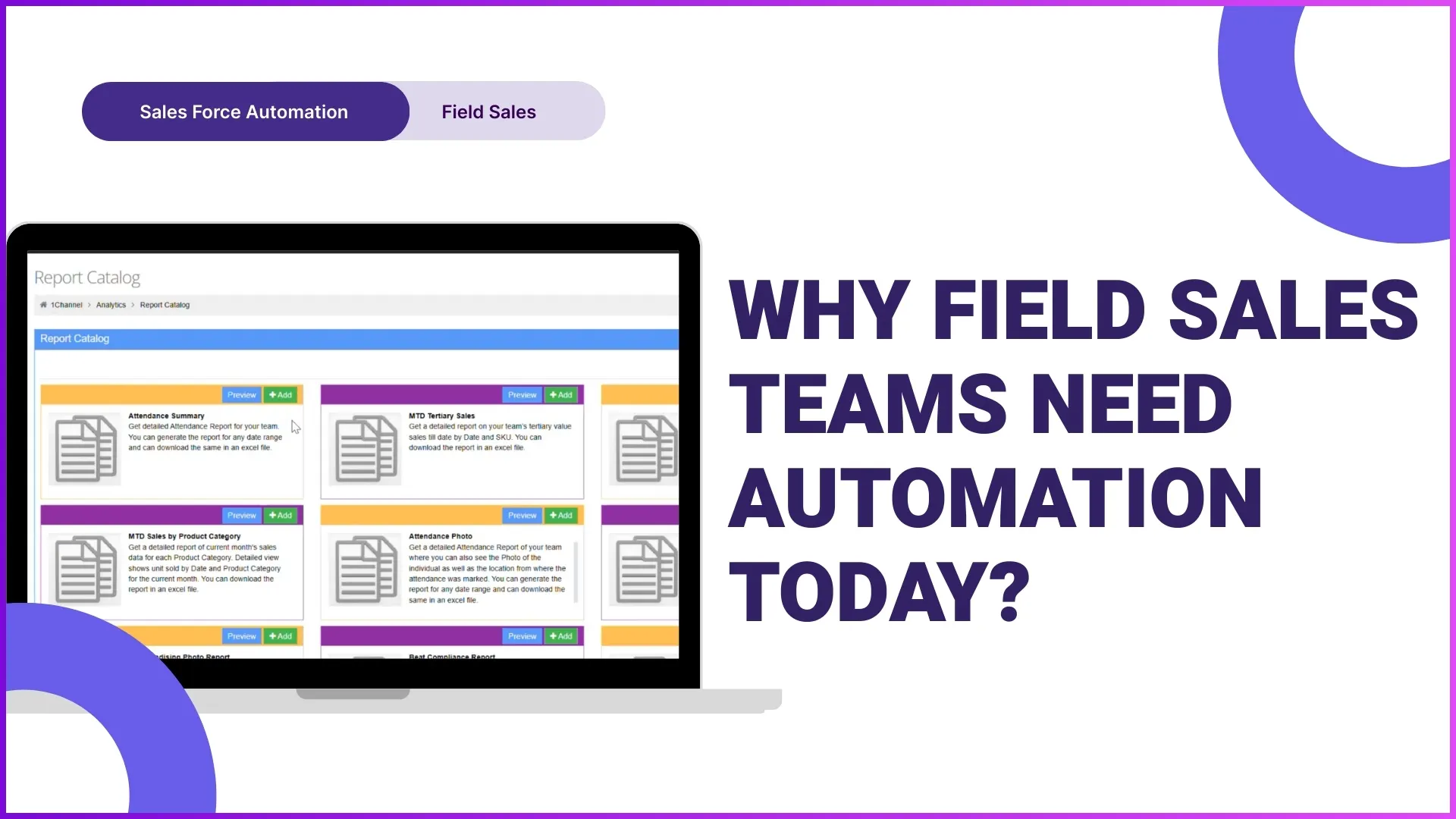
The analytics module converts raw field data into actionable reports and dashboards. A typical SFA platform includes a report catalogue with pre-built reports covering attendance compliance, beat compliance, visit productivity (by unit and by value), sales performance, stock levels, merchandising status, and distance travelled per rep.
Beyond pre-built reports, a report builder allows admins to create custom reports by selecting dimensions, filters, locations, and date ranges specific to their business needs. A sales manager at an FMCG company can create a weekly report that shows beat compliance by territory overlaid with sales value per outlet, something that would take hours to compile manually in Excel.
5. Order and stock management
The order management module enables reps to capture orders during store visits using a pre-loaded product catalogue with SKU details, pricing tiers, and scheme information. Stock levels can be recorded at each outlet, and the data syncs to the admin portal in real time.
For distributors managing secondary and tertiary sales across Malaysian retail outlets, this module provides visibility into which products are moving at which locations, which outlets are running low, and where replenishment orders need to be triggered. The product master supports brand hierarchies, product categories, and individual SKU pricing configurations.
6. Expense and claims management
Field reps incur travel expenses, parking costs, and meal allowances during their daily routes. The expense management module lets them submit claims directly from the mobile app with photo receipts. Claims go through a digital approval workflow to the reporting manager, who can cross-reference the claimed amount against the GPS-verified travel data recorded by the tracking module.
The admin configures expense heads, claim policies, and approval limits through the portal. For a company with 50 reps covering outlets across Selangor and Johor, this eliminates the end-of-month paper receipt collection and manual Excel reconciliation that previously consumed days of administrative effort.
7. Questionnaire and survey tools
The questionnaire management module allows admins to create structured surveys that reps complete during store visits. Questions can be open-ended, multiple choice, dropdown, rating-based, or matrix format. The admin assigns questionnaires to specific user roles and stores, sets active date ranges, and the surveys appear automatically in the rep's app when they check into the relevant store.
For a retail brand wanting to monitor shelf conditions, competitor presence, or customer feedback across outlets in the Klang Valley, this module collects standardised data that can be analysed across locations rather than relying on unstructured notes in WhatsApp messages.
8. AI-powered capabilities
AI features are layered across multiple modules rather than existing as a standalone tool. AI face validation runs within the attendance module. AI-powered analytics dashboards surface anomalies and patterns across field data. Conversational AI features allow reps to query their own performance data through chat. Predictive scheduling uses historical visit-to-order data to suggest optimal visit frequencies for different outlet types.
These capabilities are not add-ons bolted onto the system after the fact. They are integrated into the workflows that reps and managers use every day, making AI practical rather than theoretical.
9. Learning management system (LMS)
The LMS module handles sales team training through structured modules, multiple session formats (classroom, virtual, in-store, and e-learning), gamified quizzes, level-based progression, and badge/certificate systems. It is a complete training platform built into the SFA rather than requiring a separate training tool.
For companies that need to train promoters on new product launches, ensure compliance training is completed, or onboard new hires systematically across multiple states, the integrated LMS means training data lives alongside sales performance data. A manager can see that a promoter who scored 95 percent on the product quiz is also the top performer in sales productivity at their outlet.
10. Integration with external systems
SFA platforms are not meant to work in isolation. Integration capabilities connect the platform with CRM software for lead and pipeline management, ERP systems for inventory and finance data, accounting tools for expense reconciliation, loyalty platforms for distributor incentive programmes, and learning management systems when external training tools are already in use.
For Malaysian businesses that already use specific accounting or ERP software, these integrations ensure that field sales data flows seamlessly into existing business systems without requiring manual data re-entry.
When Does Your Business Need SFA Software
Not every business needs all ten tools from day one. But there are clear signals that manual processes have reached their limit:
- Your field team has grown past 15 to 20 people and managing them through WhatsApp and Excel is consuming more time than actual sales management.
- You have no real-time visibility into whether store visits are actually happening, and the only confirmation is self-reported data that you cannot verify.
- Sales reports arrive days or weeks late because reps compile them manually at the end of each period.
- Expense claims are submitted in paper form, take weeks to process, and there is no way to validate travel distances against actual routes.
- You are expanding into new states or regions and need a system that scales without hiring additional supervisory staff at every new location.
- Training is inconsistent because there is no centralised way to deliver, track, and verify that field staff have completed required learning.
When these friction points are daily realities rather than occasional inconveniences, the operational cost of not having SFA exceeds the cost of adopting it.
Explore Sales Force Automation
1Channel's SFA platform includes visit planning, GPS tracking, AI attendance, analytics, order management, expense control, questionnaires, LMS, and integration capabilities in a single configurable system.
Explore SFA Software →SFA software is effective precisely because it is not a single tool. It is a collection of specialised modules that each handle one part of field sales operations while sharing data across the system. The visit a rep completes feeds into attendance records, generates location data for the tracking module, captures orders for the sales module, and logs questionnaire responses for the survey module. This interconnected architecture is what makes SFA more than the sum of its parts. Get in touch to explore which modules fit your field operation.