Reading List for Consumer Durables Brands
Quick reads on retail-execution audits, offline-first field work, and running promotional campaigns for appliance and electronics brands across the Philippines.
Photo-verified showroom display and demo-unit audits for TV, refrigerator, air-conditioner and small-appliance dealers across the Philippines. Promotional-display compliance, multi-level audits, AI shelf reads and dealer scorecards on one cloud platform, reaching multi-brand showrooms from Metro Manila to provincial and island outlets.
Three jobs matter most at the appliance showroom: photo-verified display and demo-unit checks, promotional-display compliance for seasonal campaigns, and stock-visibility audits that reach dealers scattered across provinces and islands.
Trade marketing builds outlet-specific briefs in peso budgets. Outlet lists, demo-unit allocation, and accessory-wall layouts push to merchandisers covering Metro Manila, Cebu, and Davao routes as well as provincial showrooms. Campaign management tracks the rollout while proof of execution ties spend to what actually went up.
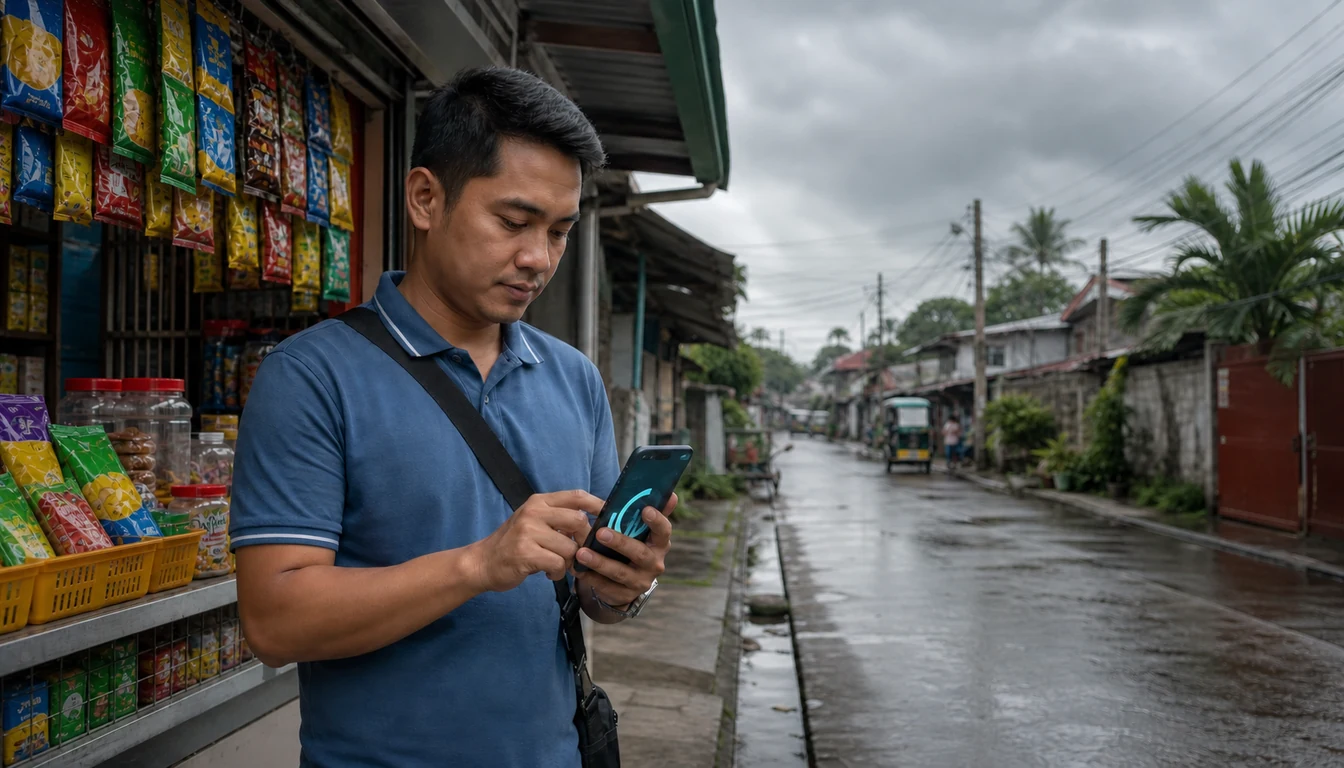
Merchandisers run showroom audits, confirm demo TVs, refrigerators, and air-conditioners power on, check cable-lock security on high-value units, and capture GPS-stamped photos. Offline-first sync holds every audit through a typhoon-hit signal drop or a dead zone deep inside a provincial showroom. Store audit compliance escalates the moment a score slips.
The retail execution platform scores facings, demo-unit visibility, accessory-wall compliance, and share-of-shelf against rival brands on the same wall. Dealer-wise dashboards roll up by outlet, city, and island group for key-account reviews.
Quick reads on retail-execution audits, offline-first field work, and running promotional campaigns for appliance and electronics brands across the Philippines.
Built for Philippine appliance dealers, modern-trade electronics counters, and single-brand showrooms. Showroom audits, demo-visibility checks, promotional-display validation, and dealer scorecards on one cloud.
Campaign briefs per dealer class log demo units, accessory-wall layouts, end-cap windows, and promotional-display kits in peso budgets. Rollout status updates live from Metro Manila to the provinces.
L1, L2, L3 audits: merchandiser self-check, supervisor review on a flag, key-account spot-check on a sample. Photo and GPS evidence forms an auditable trail on every visit.
One-page scorecard per dealer: demo power-on rate, cable-lock security, layout compliance, facings count, and share-of-shelf. Rolls up by outlet, city, and island group for review.
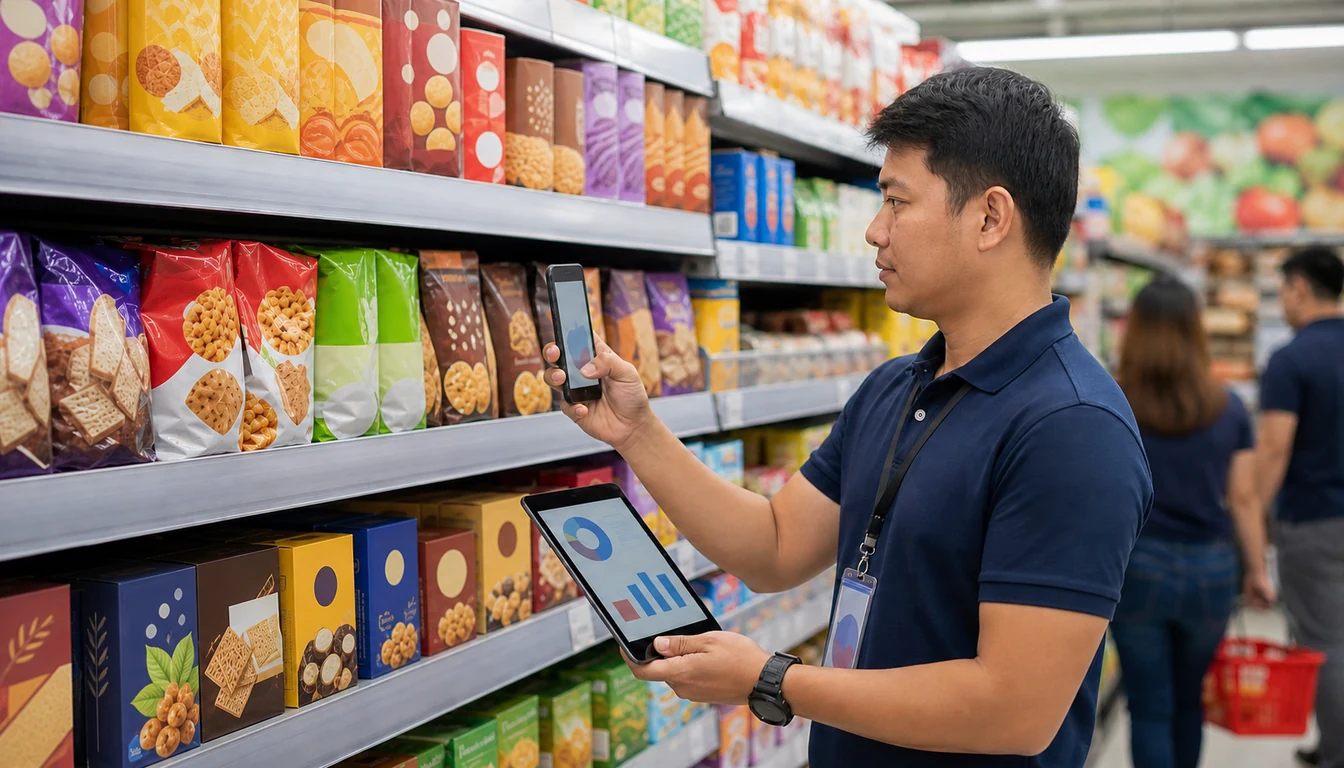
The merchandising mobile app grabs the showroom photo. AI verifies SKU facings, demo-unit model match, accessory-wall layout, and rival adjacency, trained on crowded Philippine appliance counters. Exceptions route to the supervisor.
Two 1Channel apps drive the field-to-channel workflow. Both are on Google Play and the App Store. Both run on the cloud backend that powers the admin portal.
Google Play

Apple App Store

Google Play
Apple App Store
The full cloud platform: showroom audits, layout compliance, AI shelf reads, and dealer scorecards across the whole appliance and electronics network.
Explore Retail Execution →The merchandiser app for showroom photo capture, layout audits, demo checks, and offline-first sync through typhoon disruption and provincial dead zones.
Explore Mobile App →Dealer campaigns with outlet lists, reference images, photo-evidence tracking, and exception alerts for trade marketing teams.
Explore POSM Management →Photo and GPS audit at install and verification, before-and-after capture, and reports linking brand spend to the visibility delivered.
Explore Proof of Execution →L1, L2, L3 workflows, quality scoring, auto mismatch detection, and corrective-action routing for Philippine electronics dealers.
Explore Audit Compliance →Self-service campaign setup in peso budgets, outlet-level rollouts, ad hoc support, and execution tracking against the plan.
Explore Campaign Management →Single outlet master with channel, category, and island-group attributes. Dealer onboarding, geo-classification, status tracking, and KYC workflows.
Explore Outlet Management →Outlet profiles classified by trade type, footfall band, and category mix, with store-level audit history and a full visit log.
Explore Store Management →