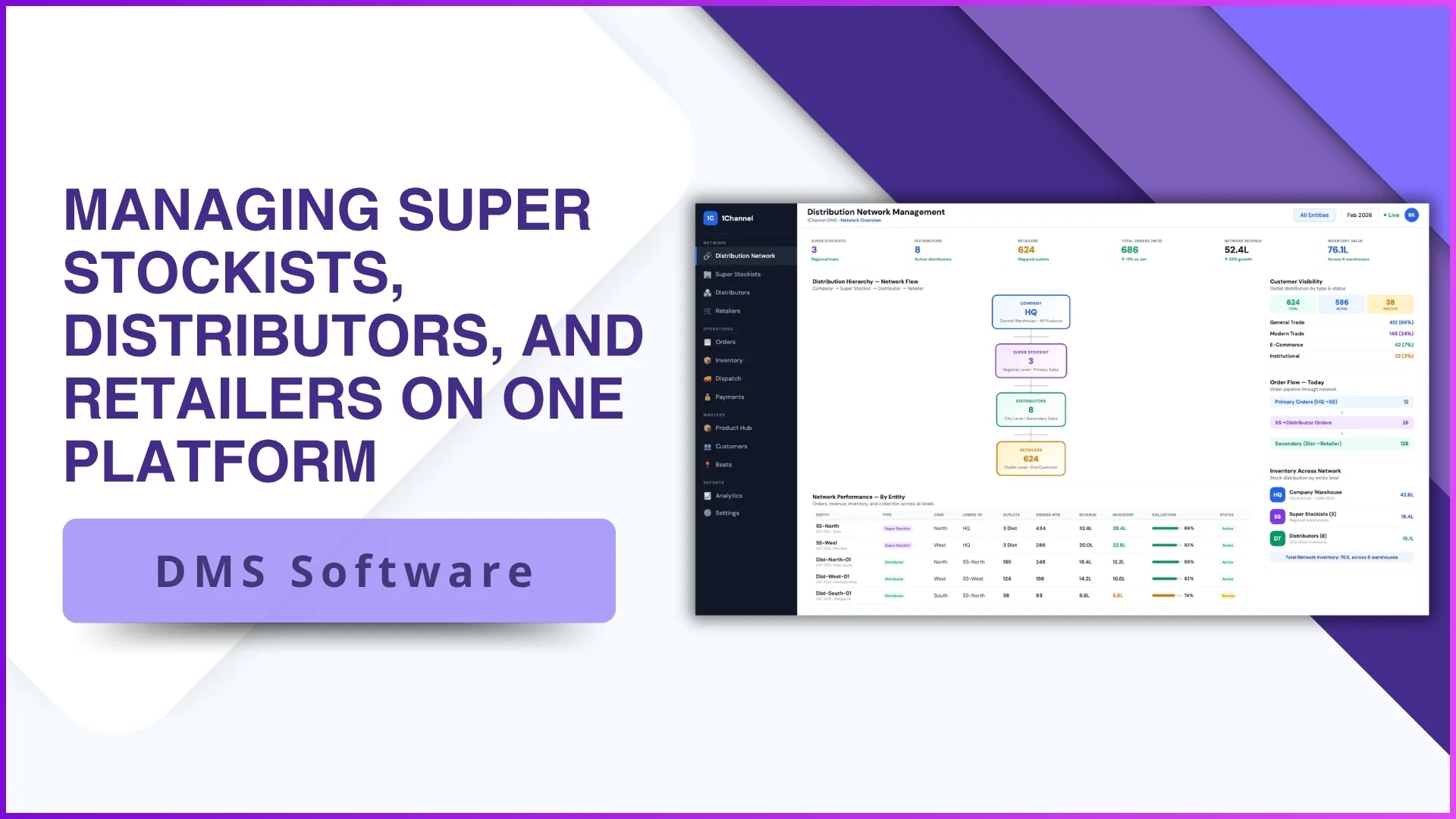
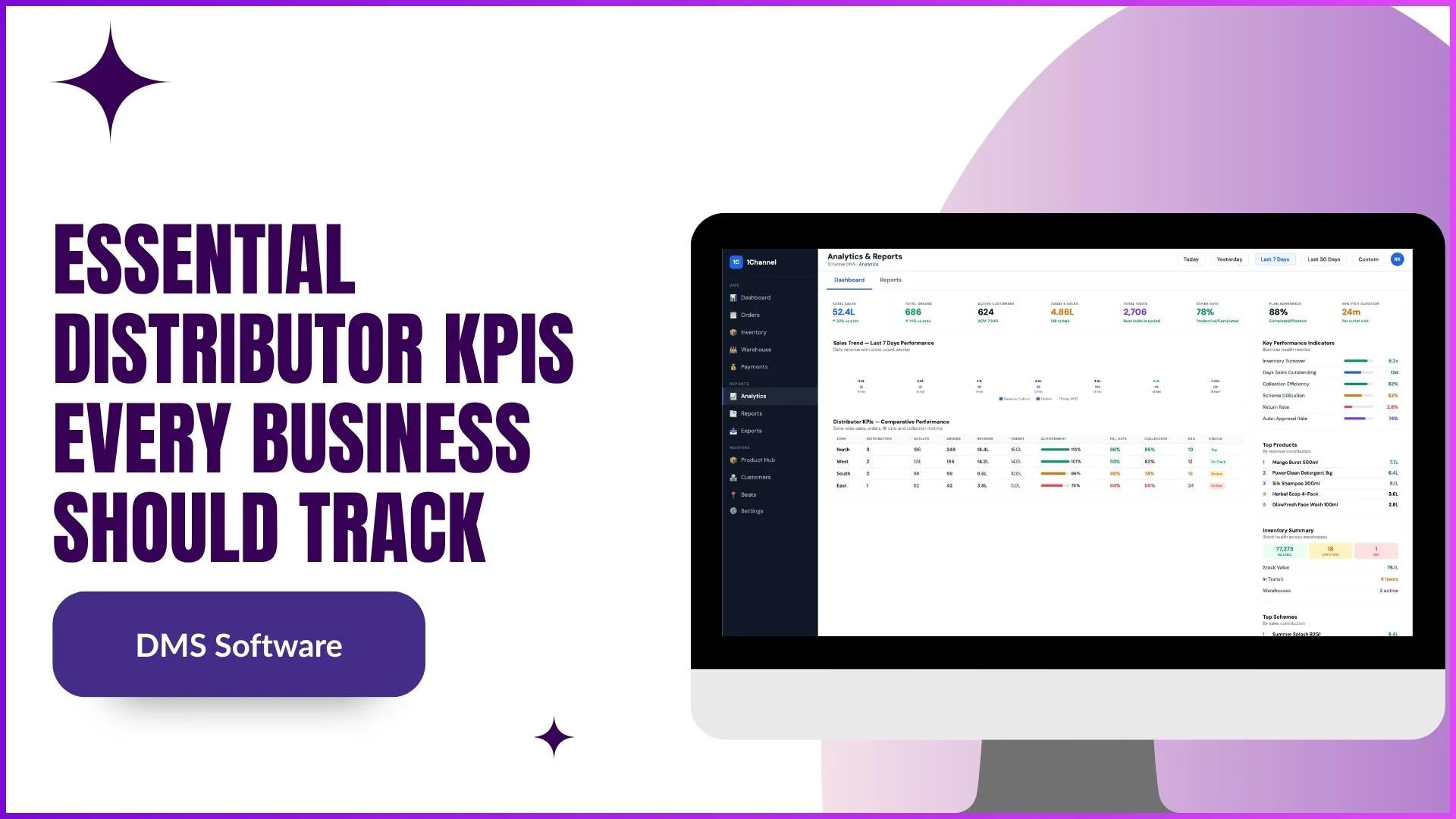
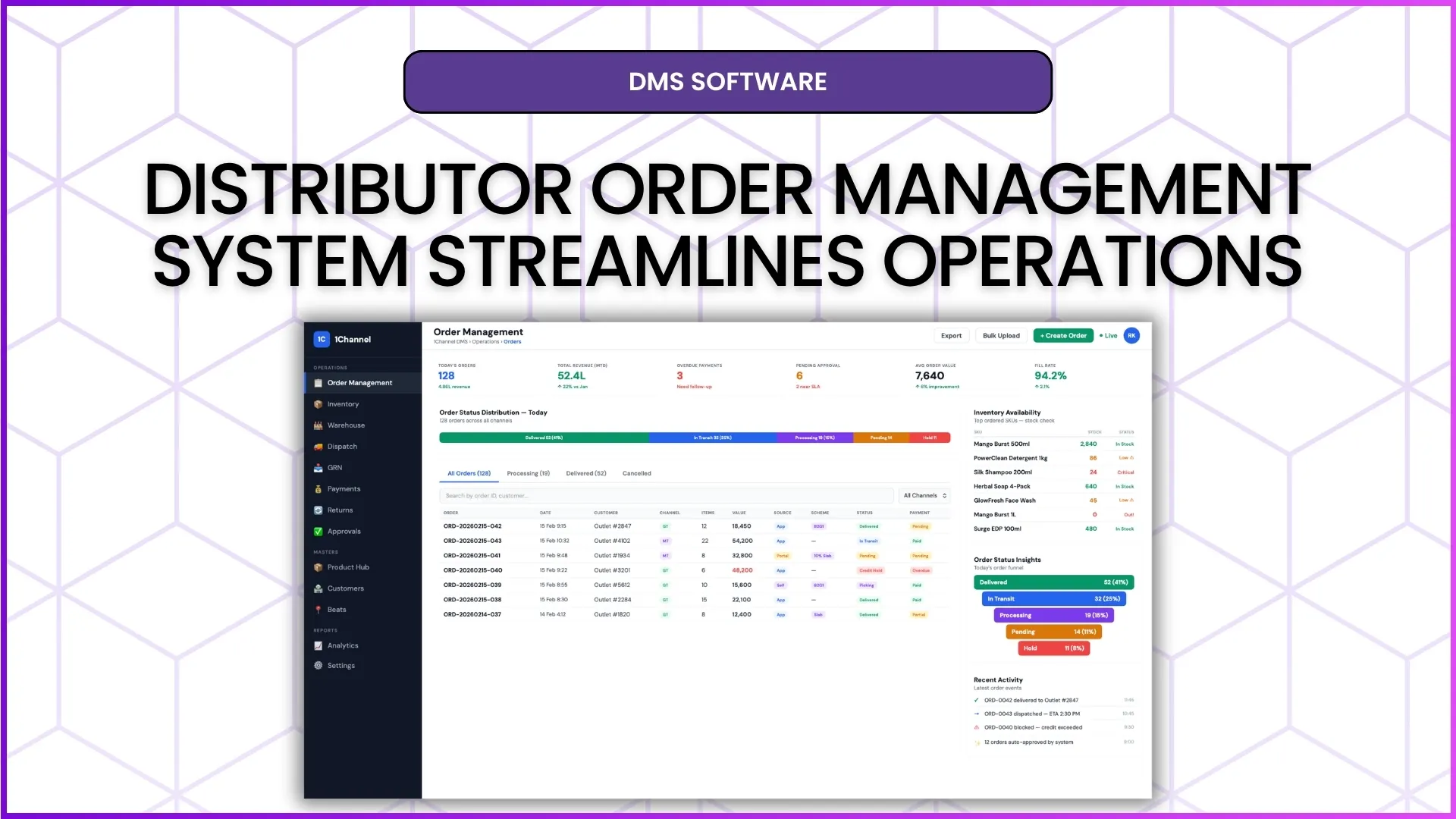
A DMS rollout is usually reported with one number: how many distributors were onboarded. For Indian brands selling through FMCG, pharma, building materials or consumer durables distributors, that number says little about use.
The numbers that matter come later: who logged in this month, which orders were invoiced, and which sales officer's distributors have gone quiet.
Each adoption problem shows up in that data well before it shows up in secondary sales.

Four DMS Adoption Problems and How They Show Up
| Problem | What the Adoption Report shows | What it costs |
|---|---|---|
| Distributors who never log in | "Not logged in this period", login status and last login, per distributor | That distributor's orders and stock stay outside the system |
| Logged in, but orders stuck | Orders received vs invoiced vs pending, and invoice % | Retailers wait, and reps stop trusting the order route |
| Adoption that depends on the sales officer | SO-wise summary of logins and orders | One territory looks live while another still runs on phone calls |
| One tier lagging behind | Super stockists, distributors and field force side by side | A gap at one level holds up every order below it |
None of these appear in an onboarding count. All four appear in one report.
How to Spot Them Early With the Adoption Report
1Channel's DMS has an Adoption Report that covers super stockists, distributors and the field force in one view:
- FTD or MTD: a toggle and date range, so a slow start shows up in the first week, not at month end.
- Logged in vs not logged in: counts and percentages for each tier, with a "Not logged in this period" banner.
- Orders placed, invoiced and pending: for each tier, so a distributor who logs in but doesn't invoice still stands out.
- Distributor by distributor: login days, last login, login status, orders received, invoiced and pending, and invoice %.
- By sales officer: an SO-wise summary, exportable to CSV or Excel.
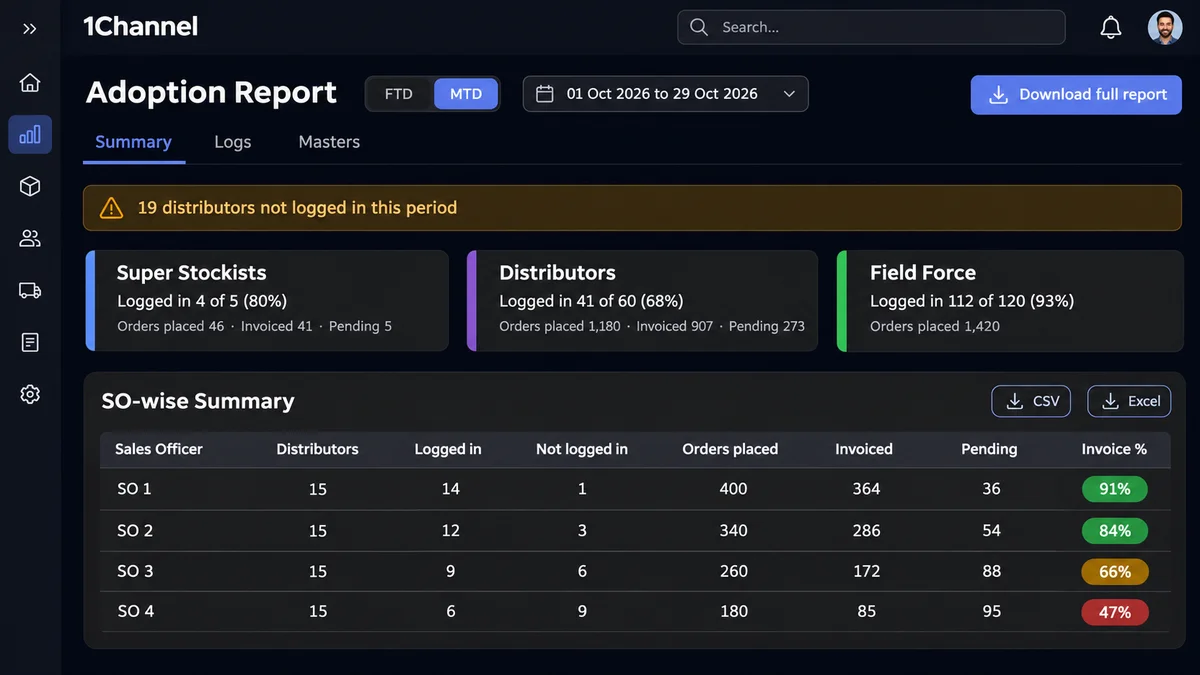
Login and order logs sit in the same report, so a figure can be checked against the activity behind it.
Know Which Distributors Actually Use the DMS
1Channel's DMS shows logins, orders and invoices for every super stockist, distributor and field user in one Adoption Report, with an SO-wise view. Distributors get their own dashboard, automatic invoices and visible scheme savings, so there is a reason to open it every day.
Explore 1Channel's Distributor Portal →How to Fix Each Problem
The usual reasons for low adoption are familiar: the DMS feels like extra work, the benefit isn't visible, and orders still arrive by phone. Each fix below removes one of them.
Never logged in: give them a reason to open it. The distributor's home dashboard opens on today's sales, pending deliveries and collections due, with low-stock items flagged. Their own business comes first, not a data-entry screen.
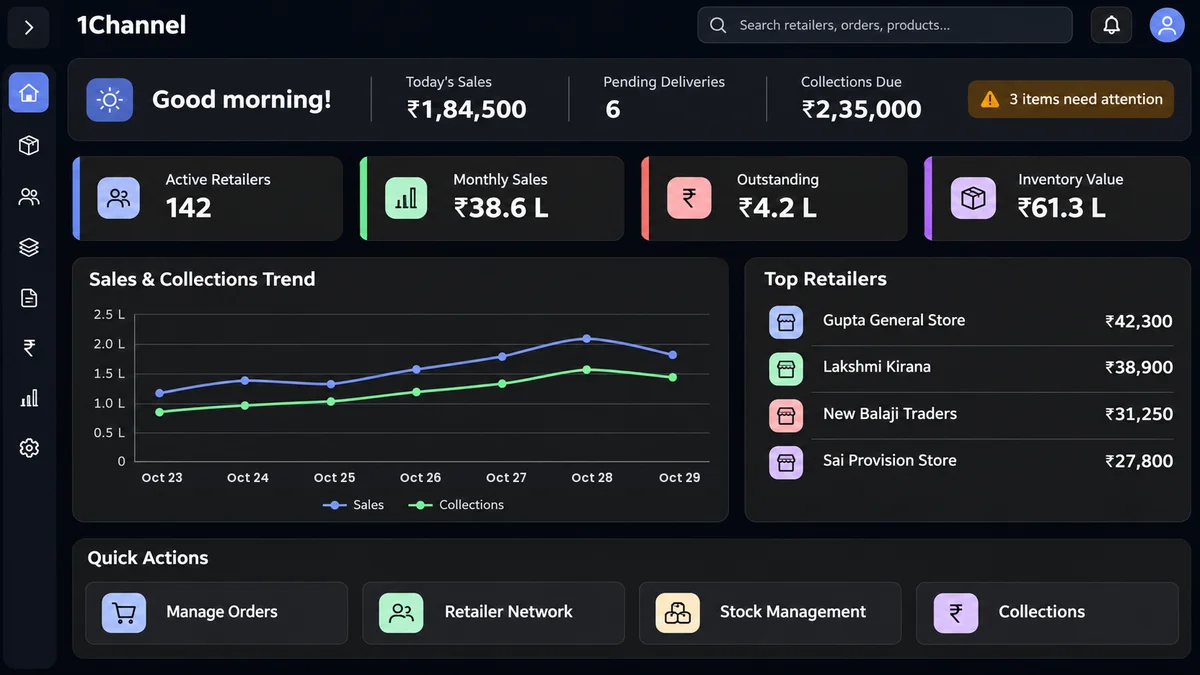
Never logged in: show the saving in their own cart. When a distributor orders from the company, the cart shows the scheme discount, their margin and "You save ₹" before the order is placed.
Orders stuck: take work out of every order. Orders from field reps arrive already tagged "Order placed via SFA mobile app". The distributor approves and confirms, the invoice is generated automatically, and dispatch can go out in parts.
Orders stuck: answer "how do I" on the spot. The Odin AI assistant answers process questions inside the portal, for example what to check before approving an order, step by step.
Depends on the SO: review it by sales officer. The SO-wise summary shows whose distributors are lagging, so follow-up goes to the person who owns the relationship.
One tier lagging: put every tier on the phone. The DMS mobile app is used by field reps, distributors and super stockists, each with screens scoped to their role, so no one needs a desk to take part.
Not ready yet: bridge the gap. The DMS can be configured to send orders to distributors who aren't on the platform as an email digest, and to accept orders and stock inward from Excel instead of line-by-line entry.
What This Looks Like in Practice
Take an illustrative brand with 60 distributors under four sales officers, three weeks after go-live. The MTD view shows:
| Sales officer | Distributors | Logged in | Not logged in | Invoice % |
|---|---|---|---|---|
| SO 1 | 15 | 14 | 1 | 91% |
| SO 2 | 15 | 12 | 3 | 84% |
| SO 3 | 15 | 9 | 6 | 66% |
| SO 4 | 15 | 6 | 9 | 47% |
The headline is 41 of 60 distributors logged in. The real finding is that 15 of the 19 who haven't sit under two sales officers.
So the brand acts on that:
- SO 3 and SO 4 visit their non-logged-in distributors with the dashboard open, not a training deck.
- Distributors with pending orders are walked through approve, confirm and invoice once.
- Those who can't switch yet are set up to receive orders by email digest while their SO works on the login.
The same report, run again at month end, shows whether it worked.
Note: Software screens may vary based on your business structure and configured workflows.