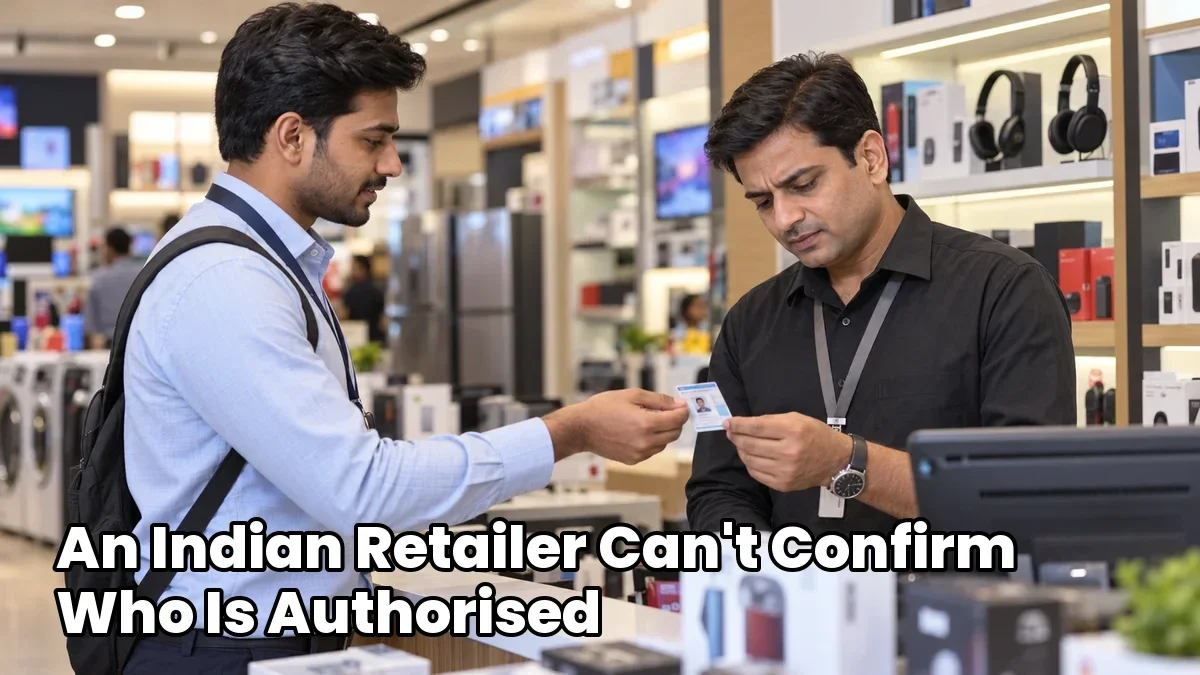
A retailer can verify a promoter's training certificate by checking it against the issuing organisation's records, matching the promoter's identity, and confirming that the training is relevant and current.
A certificate image or PDF is a starting point. The issuer's record helps establish whether it is authentic and what training the promoter completed.

Check the Certificate Details
Before accepting the certificate, review:
- Promoter's identity: Match the name and employee or agency ID with the details provided by the brand or staffing agency.
- Issuer: Identify the brand, employer, agency, or training provider that issued it.
- Training covered: Check the course name and product category.
- Completion and assessment: Review the completion date and assessment result, where provided.
- Validity: Look for an expiry date or current certificate status, if applicable.
Also check what the certificate represents. Completing a course and passing an assessment are different achievements. Neither automatically proves that a promoter can demonstrate every product or answer every customer question.
Verify the Record with the Issuer
Use the issuing organisation's official verification method. Depending on the issuer, this could involve a verification link, QR code, certificate number, or direct confirmation.
Check the verification destination first. A QR code that opens a certificate image does not independently confirm authenticity. Make sure the destination belongs to the issuer or a verification service it officially uses.
Compare the returned record with the certificate. The promoter's name, course details, dates, and status should agree.
If online verification is unavailable, contact the issuer using details obtained independently from its official website or an established brand contact. Request confirmation of the certificate and the training it covers.
Understand the India-Specific Distinction
A brand's product training certificate and a government-recognised qualification serve different purposes. Do not assume that a promoter's certificate has government recognition or will appear in a central government database.
Follow the verification process relevant to the issuer. If a certificate claims affiliation with a formal skill programme, check that claim with the named awarding organisation or programme.
Handle Warning Signs and Expired Certificates
Look more closely when you find:
- A name or employee ID that does not match.
- Dates or course details that appear altered.
- A verification record that differs from the certificate.
- An unofficial verification destination.
- An expired status or training unrelated to the assigned products.
A missing QR code alone does not prove fraud. Similarly, the presence of a QR code does not prove authenticity.
If details are unclear, keep verification pending and ask the brand, agency, or training provider to resolve the discrepancy. For an expired certificate, request current training evidence or confirmation of the issuer's validity requirements.
A short product knowledge check can also help assess readiness for the store assignment.
How 1Channel's LMS Supports Verification
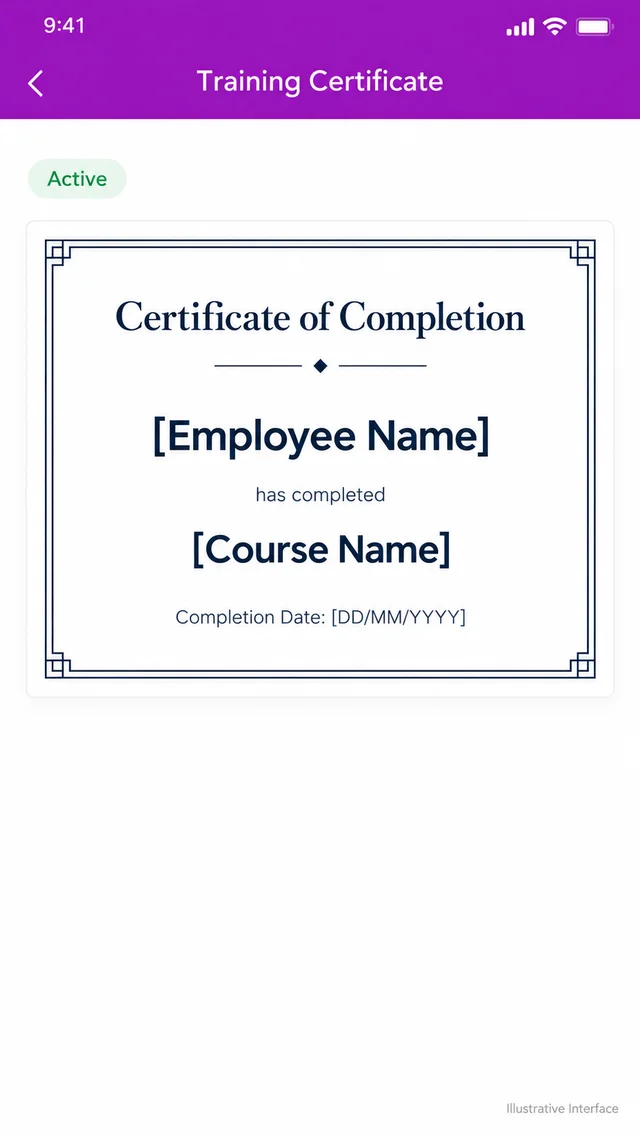
1Channel's Training & LMS offers branded certificates with public verification, supported by centralised training and assessment records. It also shows whether a certificate is Active or Expired.
These capabilities help retailers verify training credentials and help brands review the records behind them. The certificate should still be checked for relevance to the promoter's assigned products.
See Every Certificate Backed by a Verifiable Record
1Channel's Training & LMS issues branded certificates with public verification, keeps training and assessment records centralised, and shows certificate status as Active or Expired, all inside the same platform used to manage field training.
Explore 1Channel's Training & LMS →A Retailer's Final Decision Checklist
- Details match, training is relevant, and validity checks pass: Accept the certificate as evidence of the stated training.
- Information is missing or verification is unclear: Request issuer confirmation before relying on it.
- Details conflict or the certificate has expired: Request corrected or current training evidence.
Explore 1Channel's Training & LMS to manage training records and issue branded certificates with public verification.
Note: Software screens may vary based on your business structure and configured workflows.