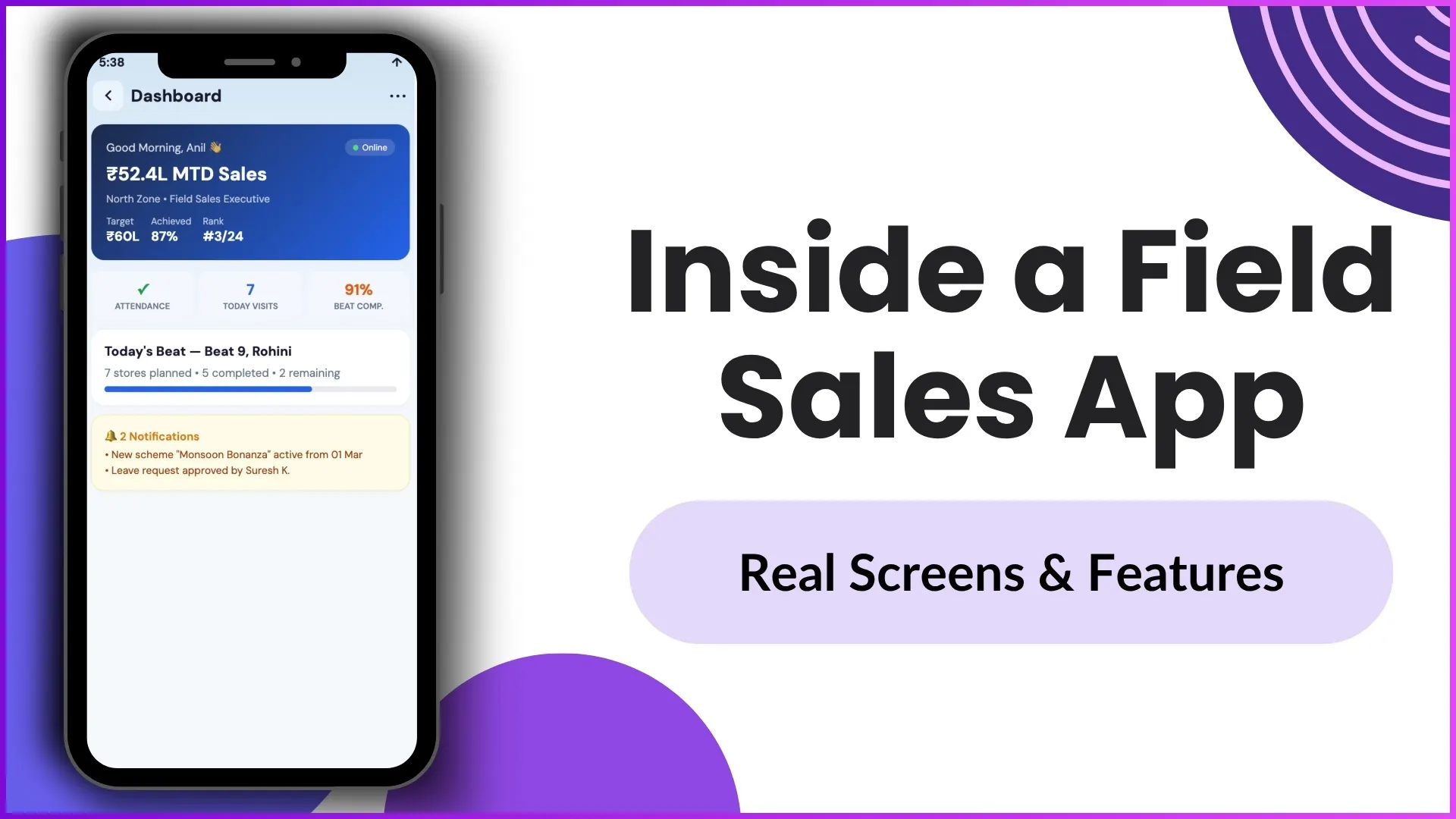
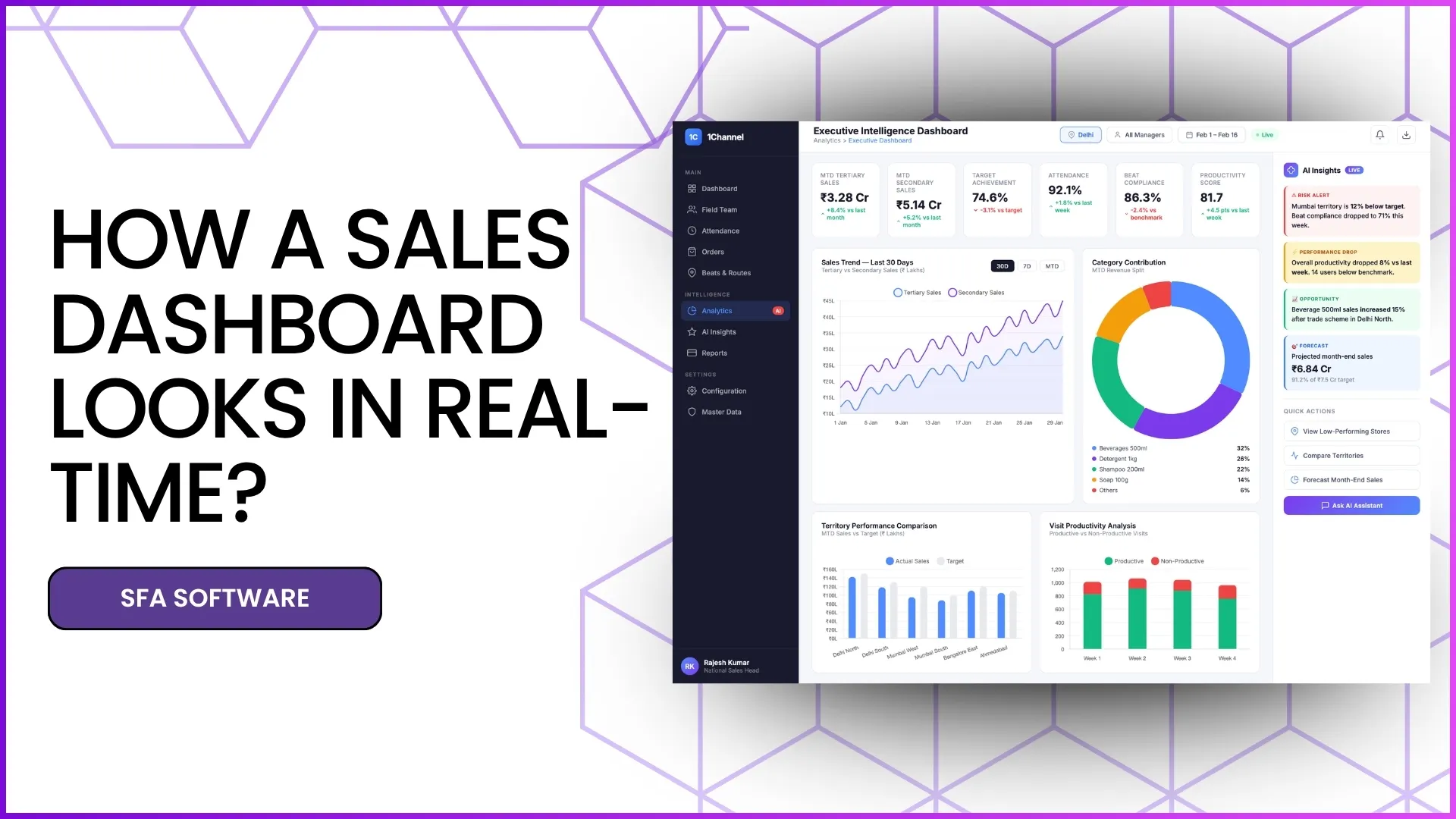
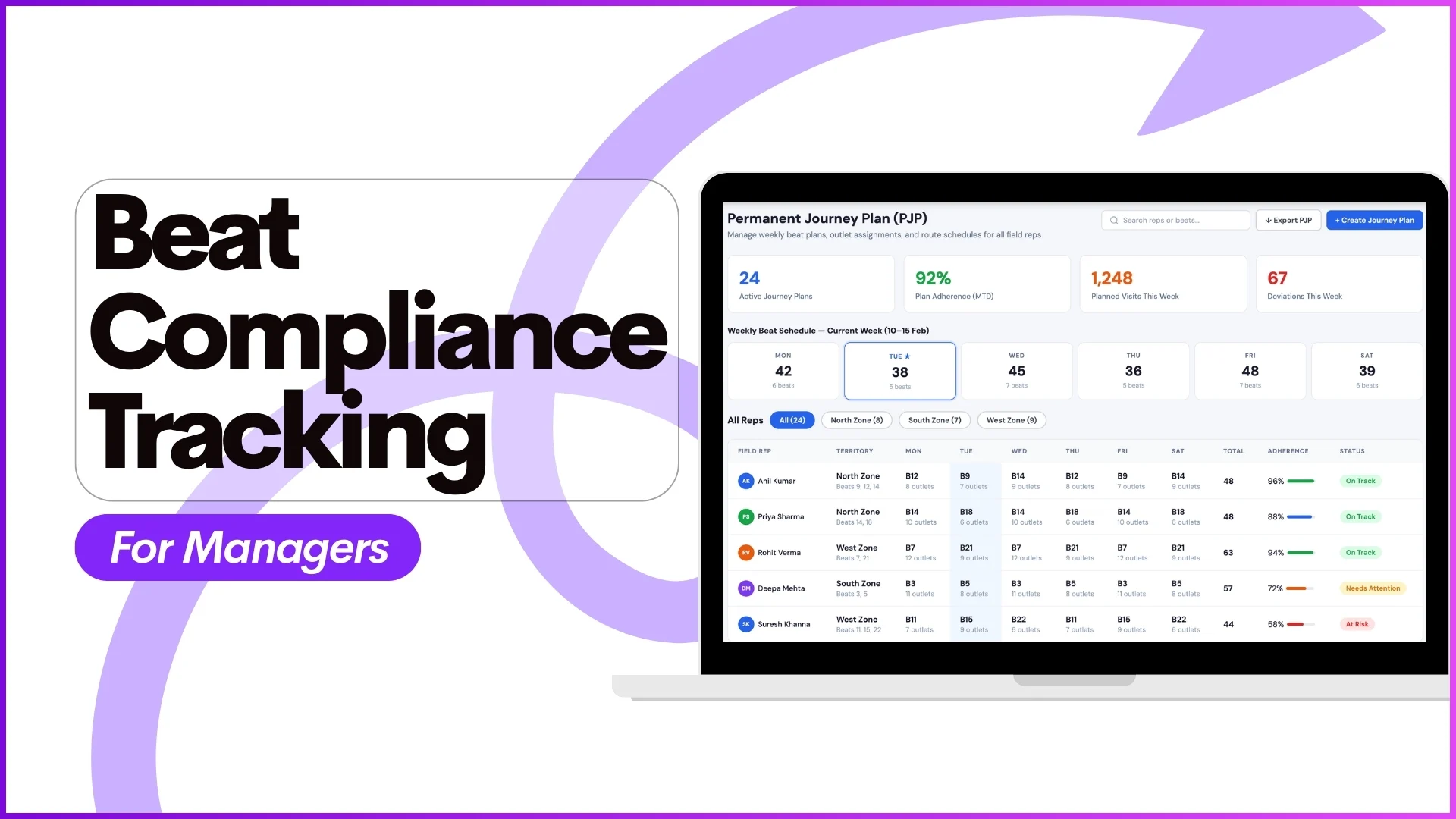
Managing leave requests for a distributed field sales team can quickly become complicated when approvals, balances, policies, and manager actions are handled manually.
For businesses with on-ground teams, delays in leave approvals often impact beat plans, market visits, attendance compliance, and workforce productivity.
This is where an SFA system can simplify the entire process.
From leave application on the mobile app to policy creation and manager approvals on the admin dashboard, an SFA platform brings everything into one connected workflow.
In this blog, let's understand how SFA simplifies leave approvals using real user app and admin dashboard screens.
Why Leave Approval Becomes Complex in Field Teams
For field sales and on-ground teams, leave management is not just an HR task.
It directly affects:
- beat planning
- attendance reporting
- market visit execution
- daily productivity
- approval hierarchy
- payroll closure
When teams operate across multiple cities, states, and reporting structures, manual approval processes often lead to:
- delayed approvals
- leave balance confusion
- policy mismatches
- approval bottlenecks
- no visibility for managers
- lack of audit trail
An SFA platform solves this by combining employee-side leave application with manager-side approval controls in a single workflow.
Explore Leave Management Software
Streamline leave approvals, policy management, and workforce planning with advanced leave management capabilities designed for field teams.
Learn More About Leave Management →1) Quick Access to Leave Management from the User App
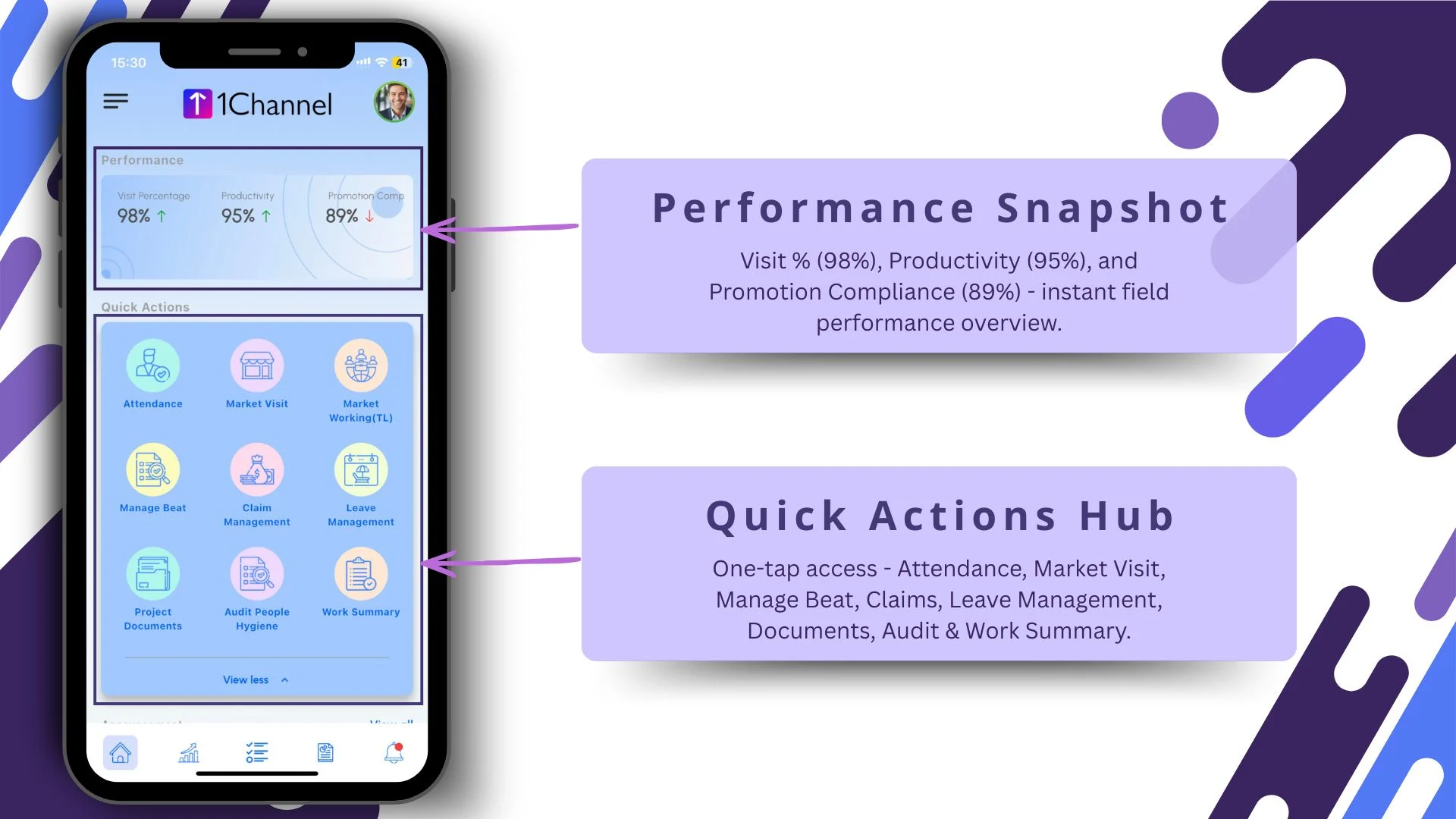
The process starts directly from the mobile application.
The first screen gives users instant access through a Quick Actions Hub, where options like:
- Attendance
- Market Visit
- Claims
- Leave Management
- Documents
- Work Summary
are available in one tap.
This means employees do not need to navigate multiple menus to request leave.
Alongside this, the dashboard also displays a performance snapshot with:
- Visit % – 98%
- Productivity – 95%
- Promotion Compliance – 89%
This helps employees review their work performance before planning leave.
2) Real-Time Leave Balance Visibility
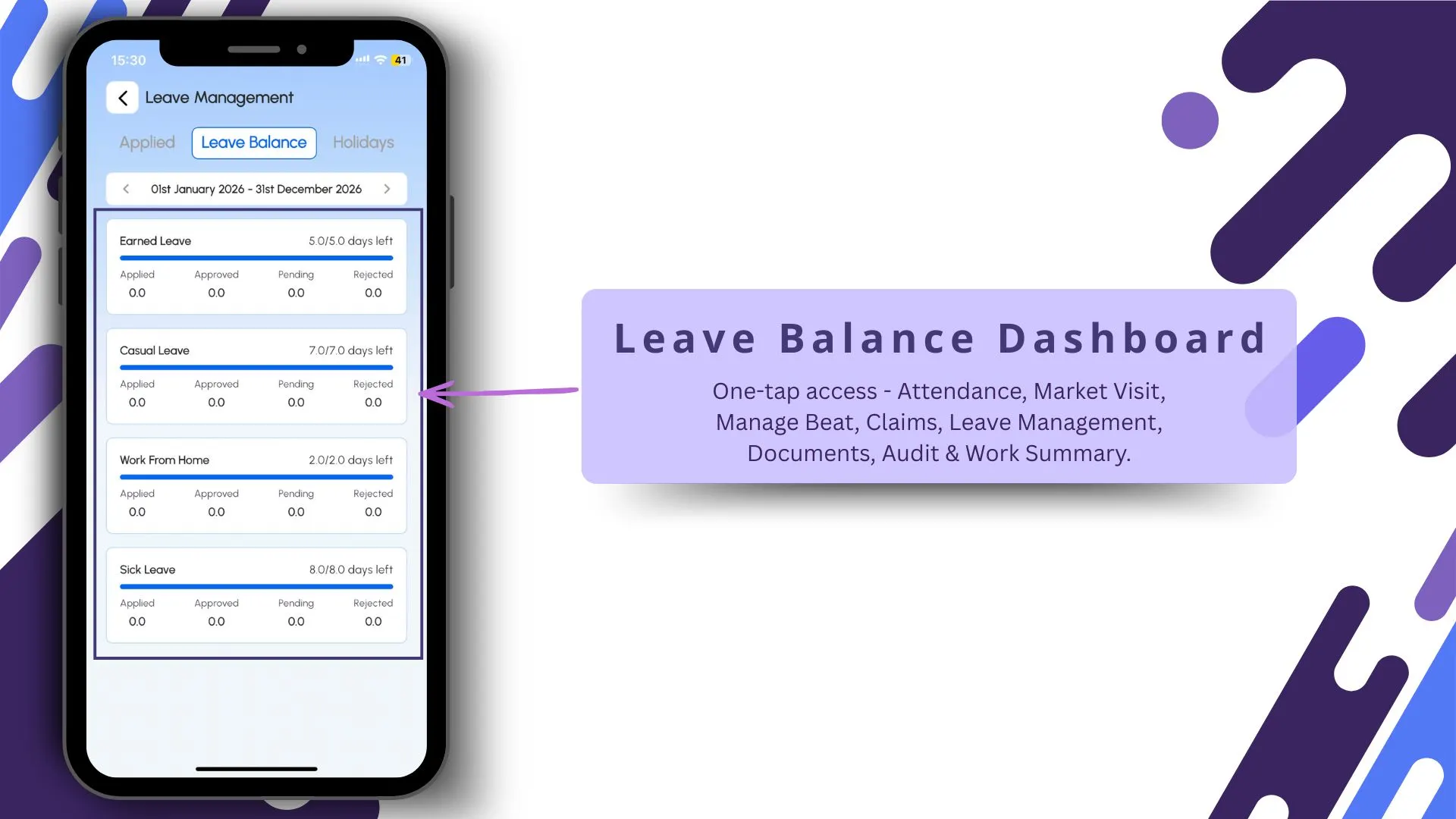
One of the biggest challenges in manual leave systems is balance confusion.
SFA simplifies this through a Leave Balance Dashboard, where users can instantly check:
- available leave balance
- leave type
- used leaves
- remaining quota
The document clearly supports this workflow where users can check how many leaves are left directly from the leave management module.
This eliminates back-and-forth communication with HR or managers.
3) Structured Leave Request Workflow
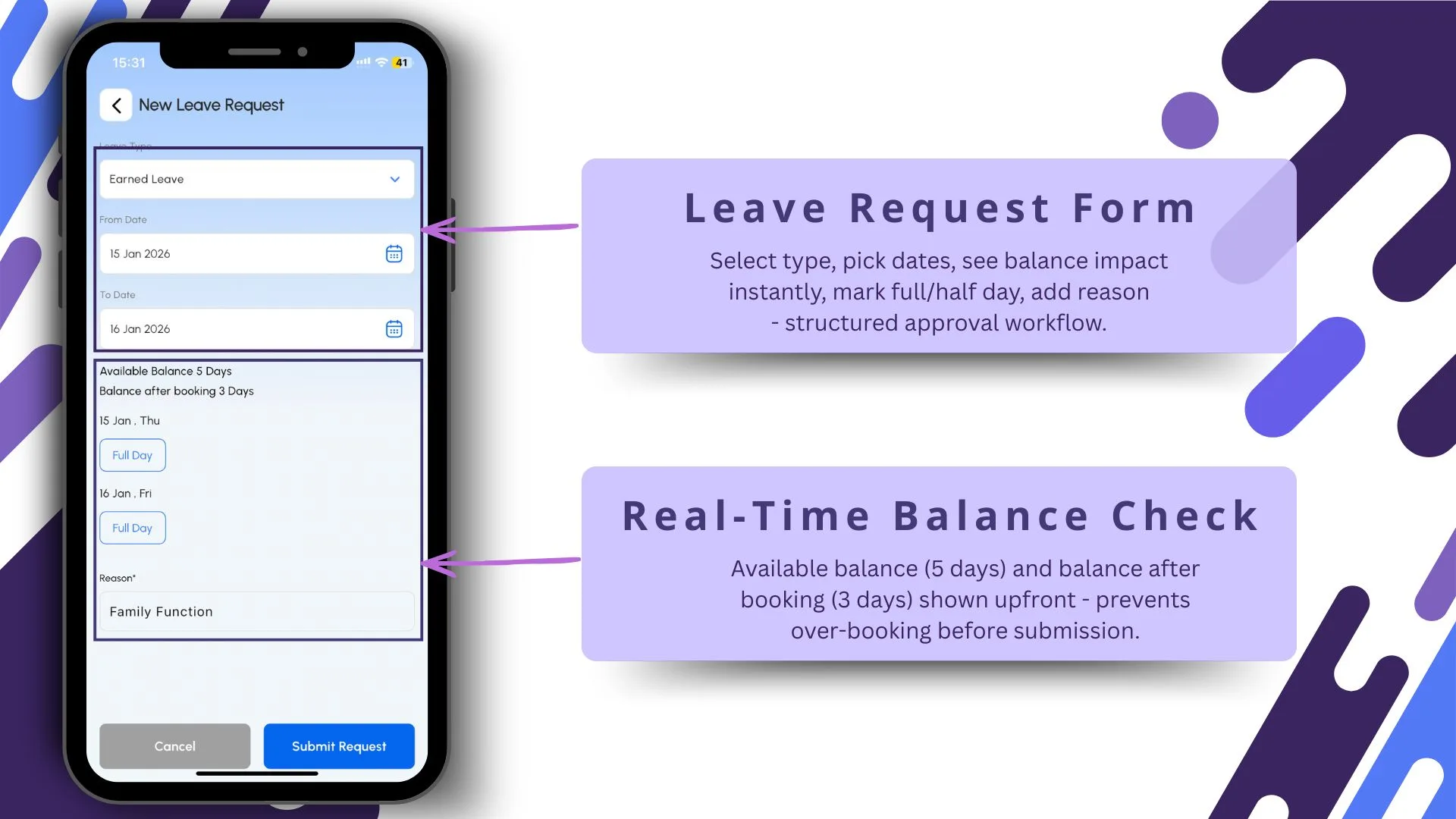
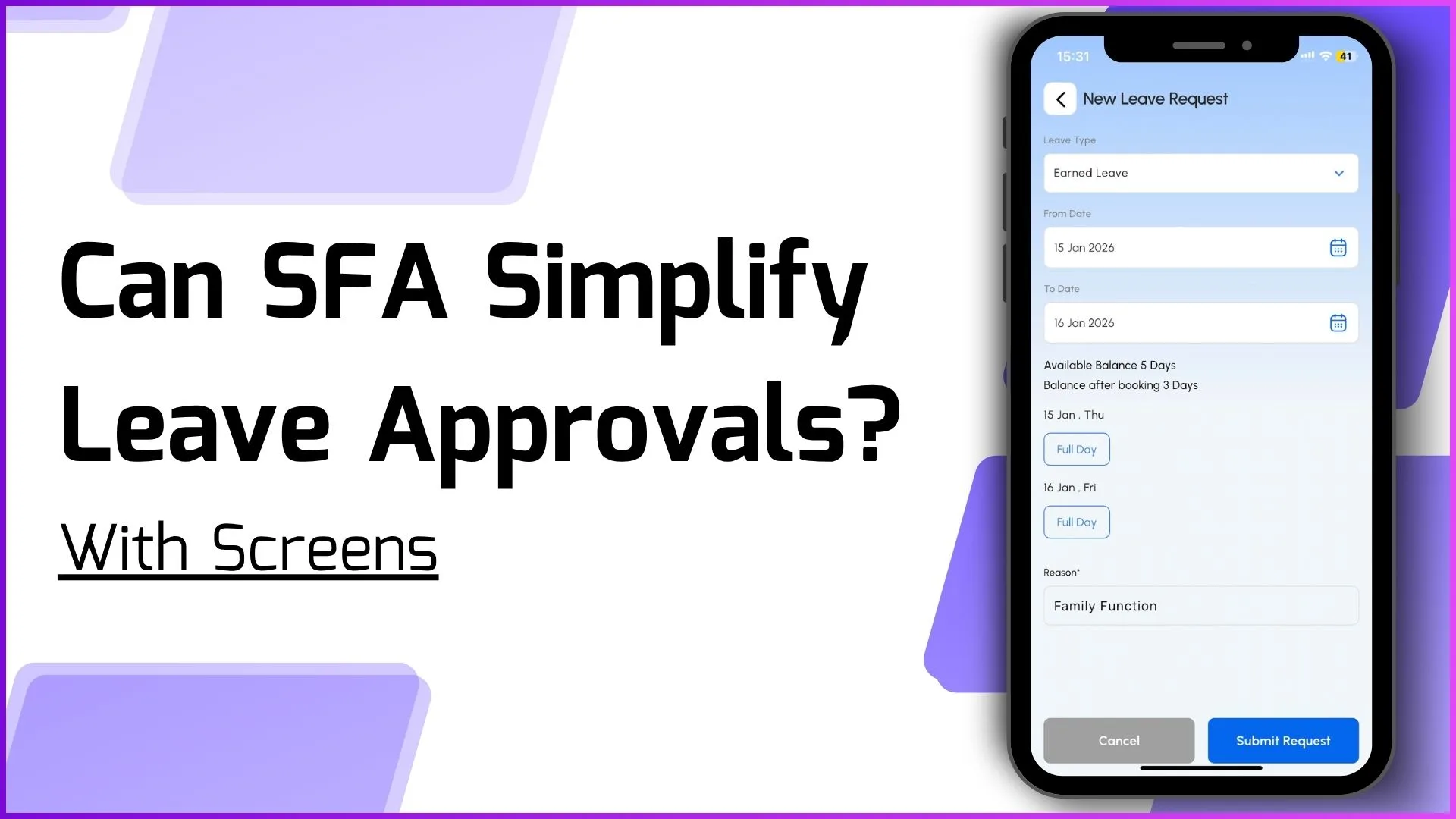
The leave request screen brings a clean and guided workflow.
Employees can:
- select leave type
- choose start and end dates
- mark full-day or half-day
- add reason for leave
- review balance impact instantly
A major advantage is the real-time balance check.
For example:
- available balance: 5 days
- post-booking balance: 3 days
This prevents over-booking before submission and ensures policy compliance.
The uploaded document confirms this structured leave application and approval flow.
4) Applied Leave Status Tracking
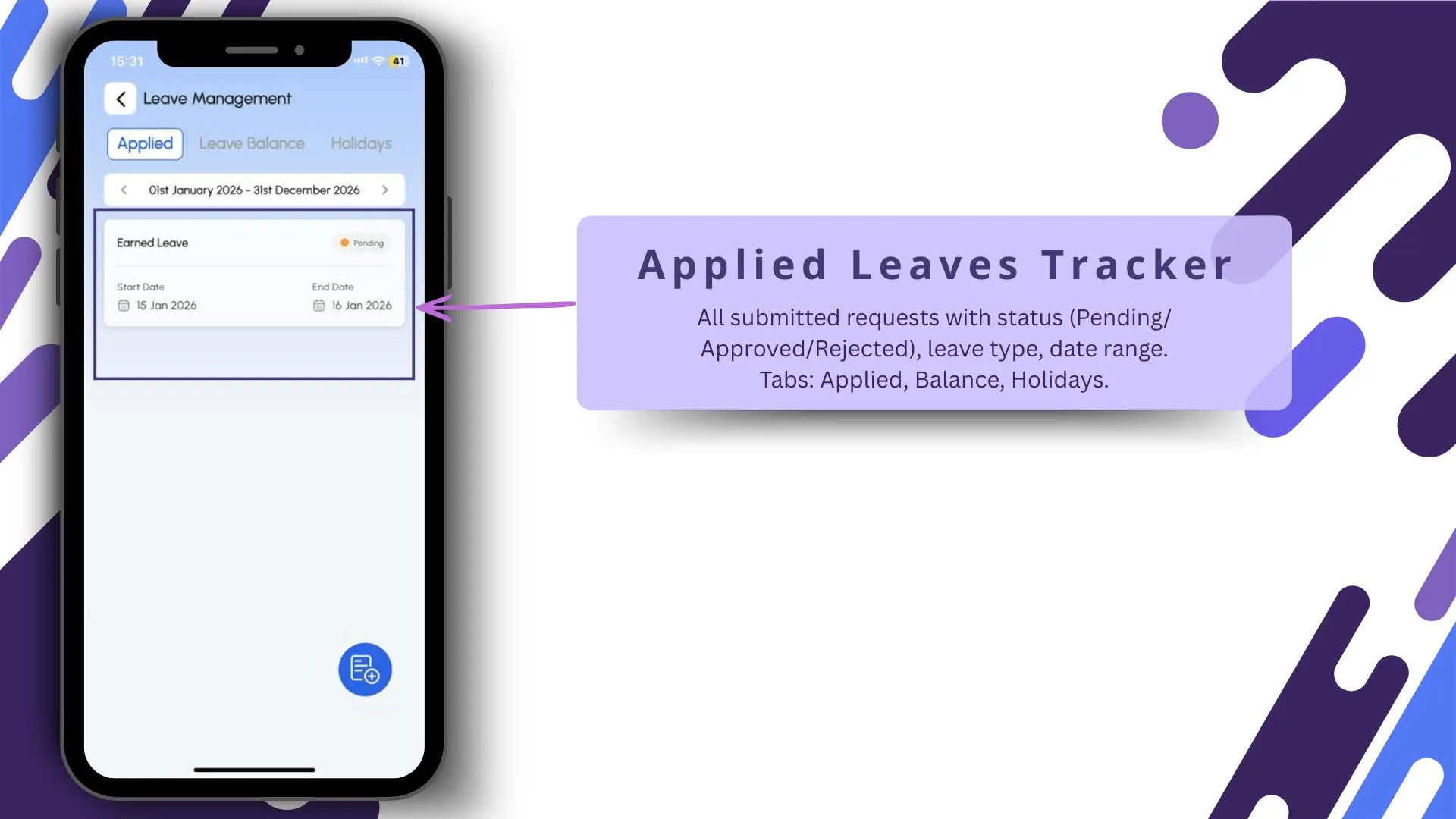
After submission, employees can track every request in the Applied Leaves Tracker.
The screen shows:
- leave type
- date range
- total days
- approval status
- pending / approved / rejected tabs
Additional tabs like:
- Applied
- Balance
- Holidays
make the entire workflow transparent.
This significantly reduces follow-up calls and manual status checks.
5) Bulk Leave Balance Upload for Large Teams
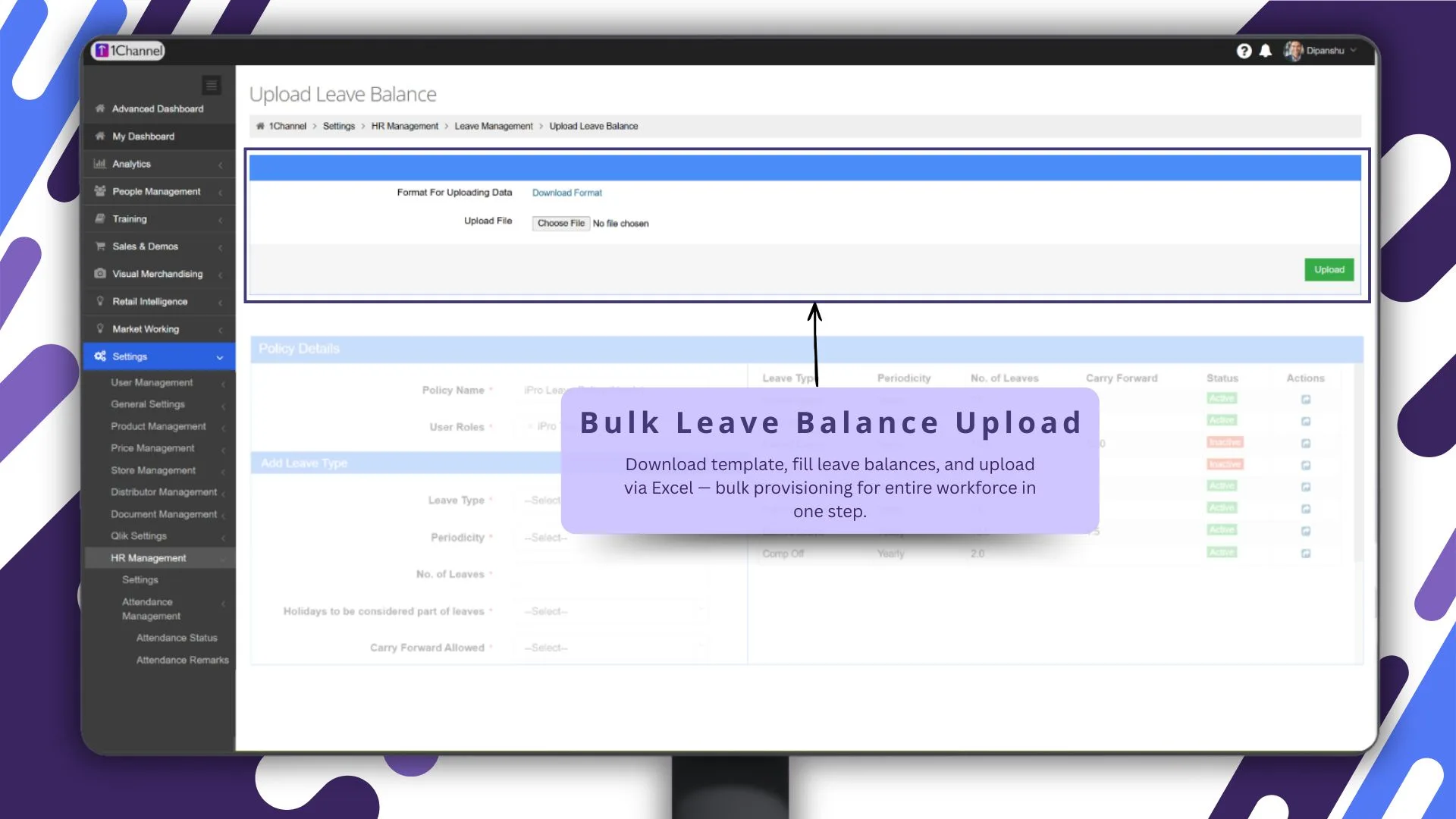
For organizations with large field teams, individual balance setup can be time-consuming.
The admin dashboard solves this with bulk leave balance upload via Excel.
Admins can:
- download template
- fill leave balances
- upload in one step
This allows bulk provisioning for the entire workforce.
The uploaded document explicitly mentions Upload Leave Balance and Download Leave Balance inside HR Management.
This is especially useful during:
- new employee onboarding
- policy resets
- yearly leave rollovers
6) Flexible Leave Policy Builder
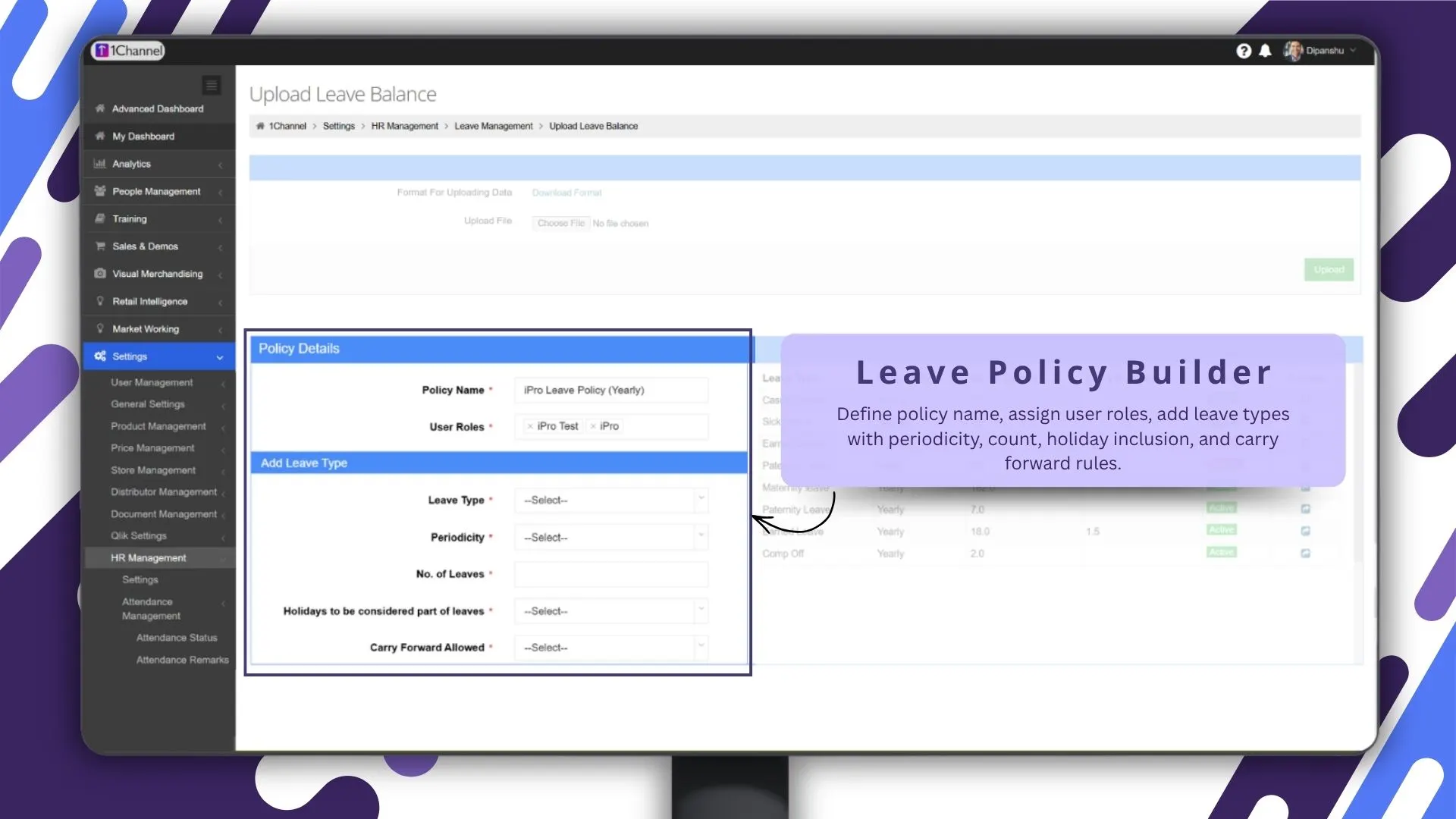
A major strength of SFA is policy flexibility.
The Leave Policy Builder allows admins to define:
- policy name
- user roles
- leave types
- monthly / yearly periodicity
- count limits
- holiday inclusion
- carry-forward rules
This is directly aligned with the uploaded document's Define Approval Policy and Manage Leave Policy features.
For example:
- earned leave auto-credit every month
- yearly carry forward
- role-based policy assignment
This makes the system scalable across teams.
7) Leave Matrix for Complete Policy Control
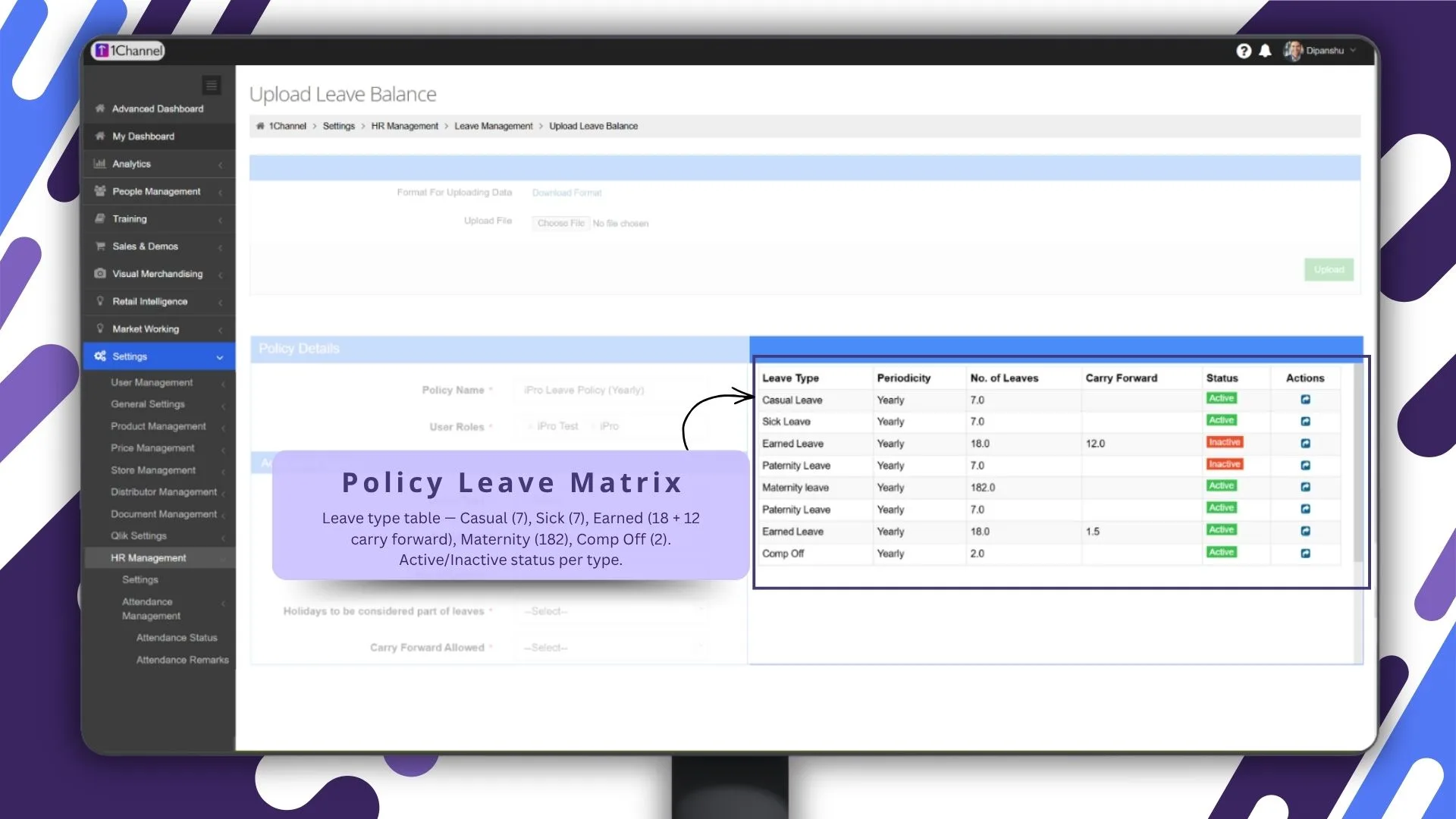
The Policy Leave Matrix gives a detailed table view of all leave categories.
Examples include:
- Casual – 7
- Sick – 7
- Earned – 18 + 12 carry forward
- Maternity – 182
- Comp Off – 2
Each leave type can be toggled:
- Active
- Inactive
The document strongly supports automatic allocation and carry-forward configuration.
This makes policy management far more organized than spreadsheets.
8) Holiday Calendar Management
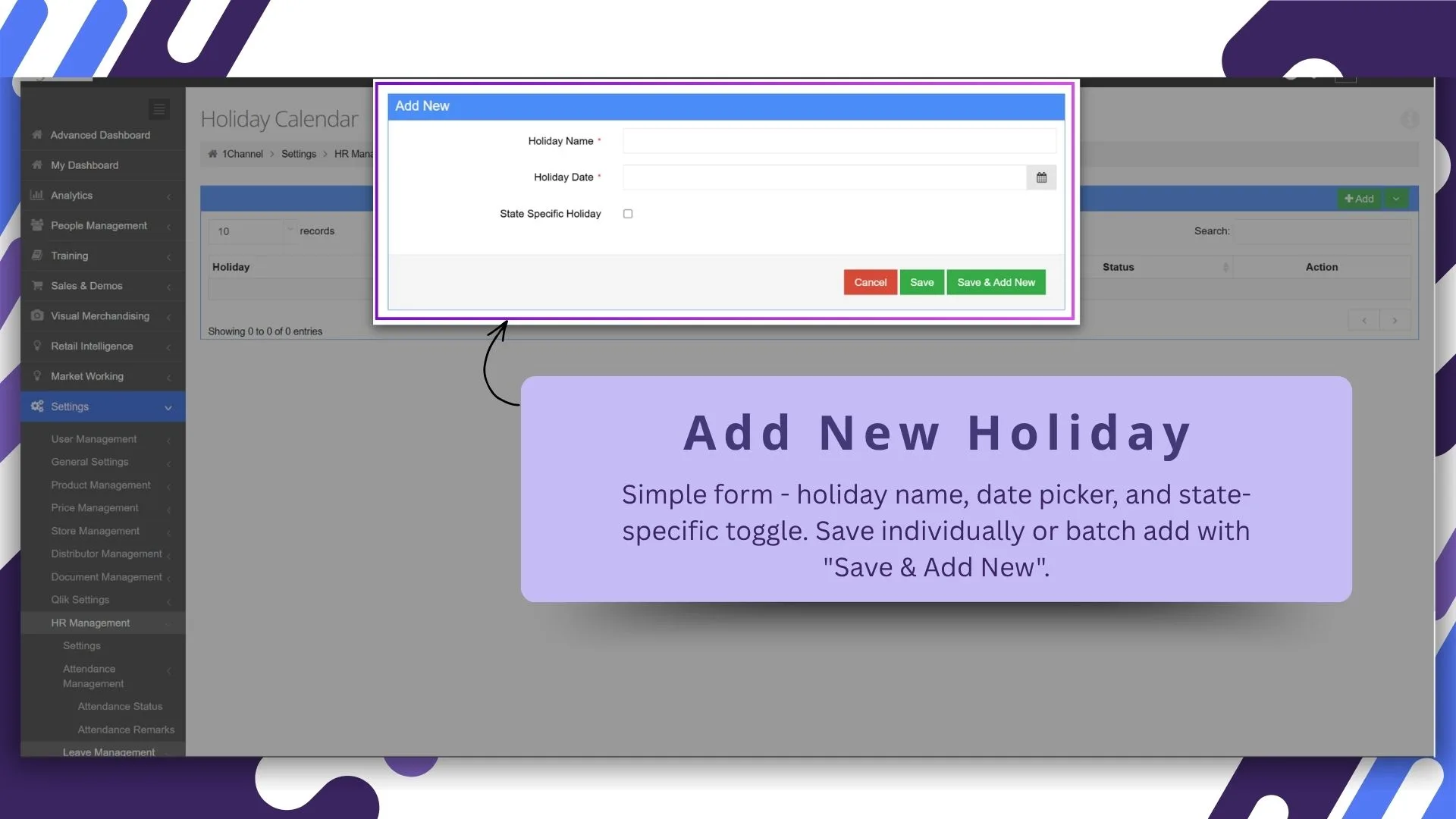
SFA also simplifies holiday configuration.
Admins can add holidays using:
- holiday name
- date picker
- state-specific toggle
The system also supports batch creation through Save & Add New.
The uploaded content explicitly includes Holiday Calendar under HR Management.
This ensures users see region-specific holidays inside the app.
9) Complete Leave Approval Dashboard for Managers
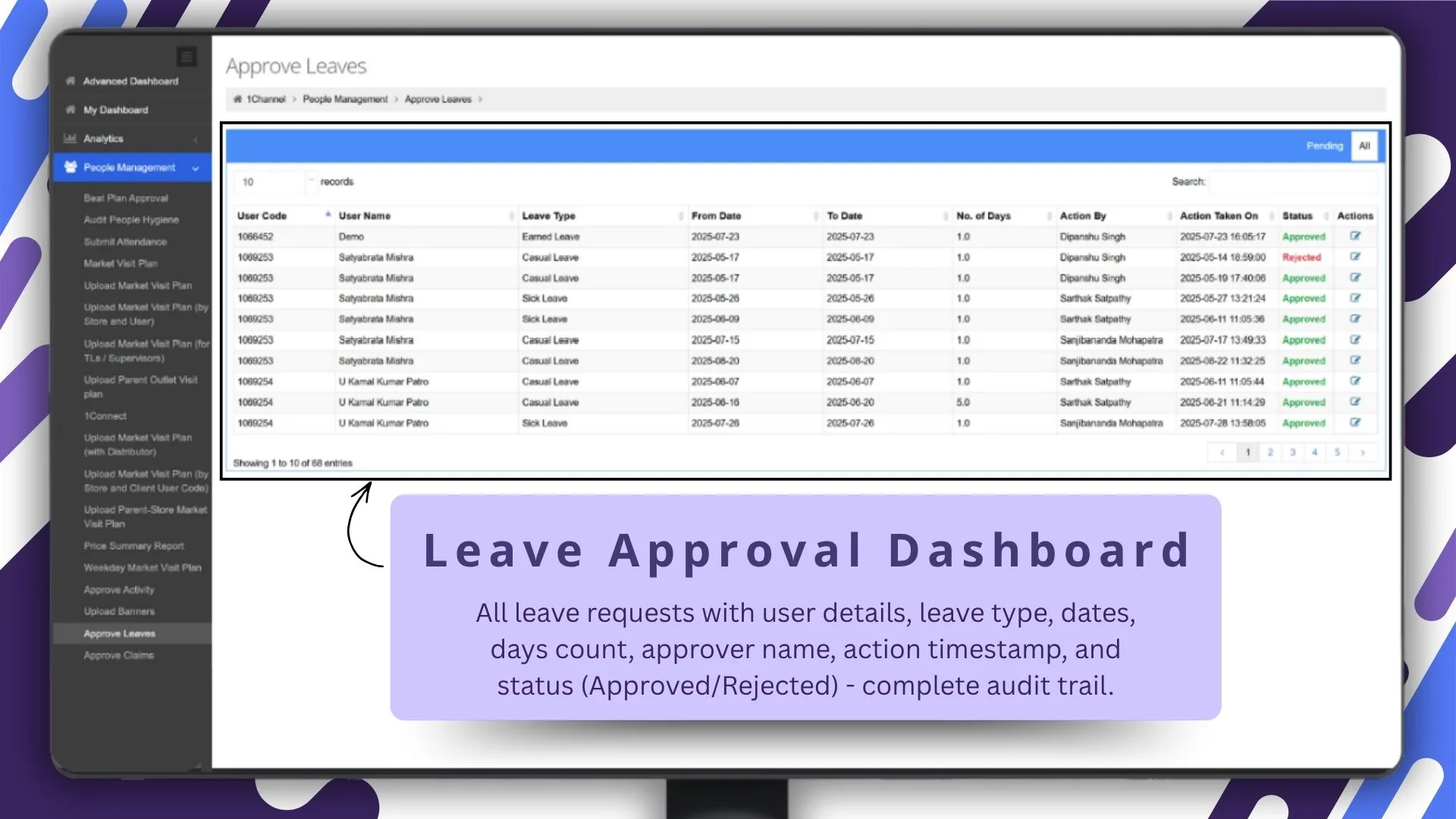
For reporting heads and managers, SFA provides a centralized Leave Approval Dashboard.
This screen shows:
- employee details
- leave type
- dates
- number of days
- approver name
- action timestamp
- status
This creates a complete audit trail.
The document directly confirms the manager-side approval flow inside Approve Leaves.
10) Pending vs All Requests Filter
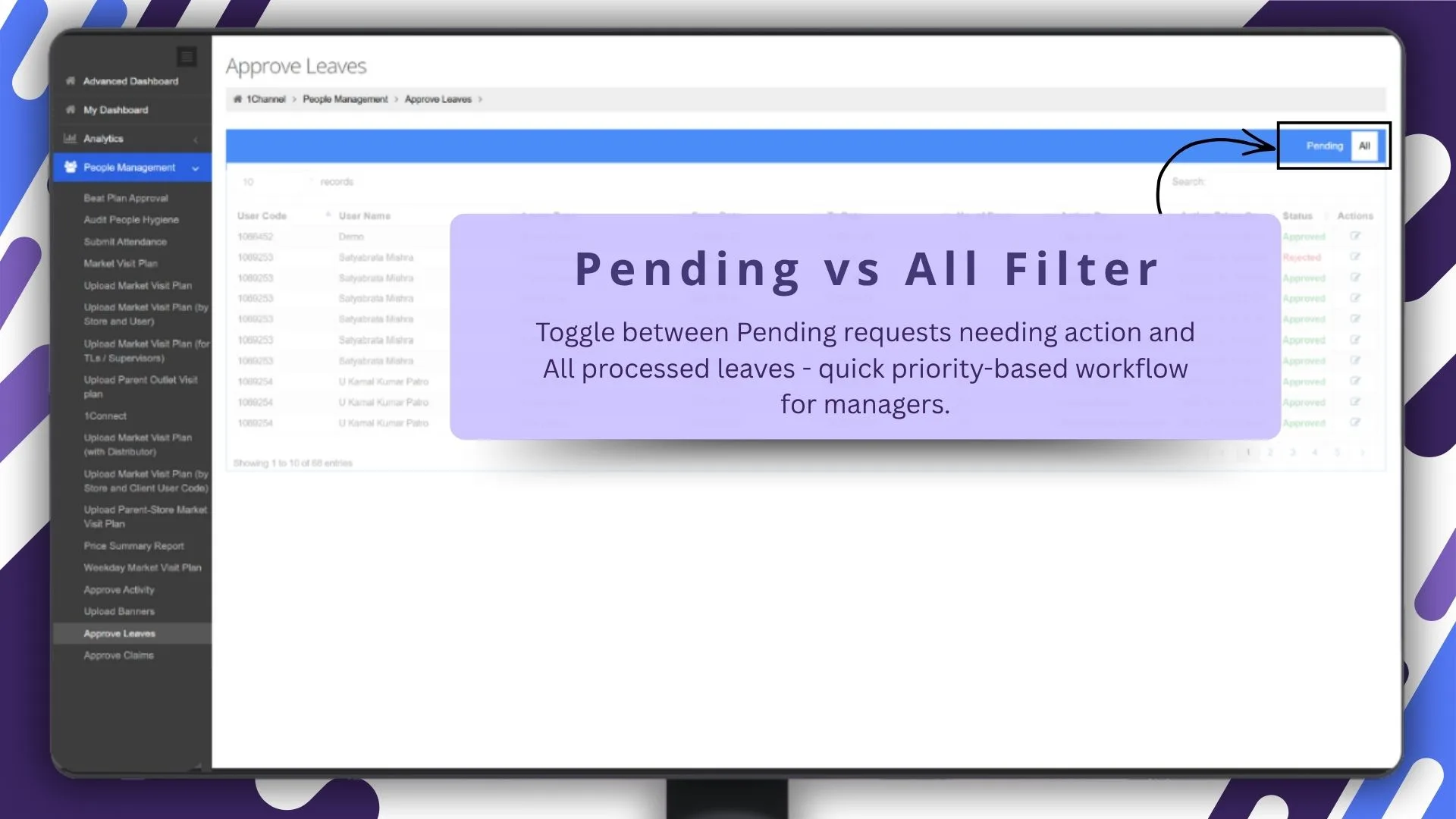
Managers often need to prioritize urgent approvals.
The Pending vs All filter helps them instantly switch between:
- pending requests requiring action
- all processed requests
This improves approval turnaround time and reduces delays.
11) Centralized People Management Module
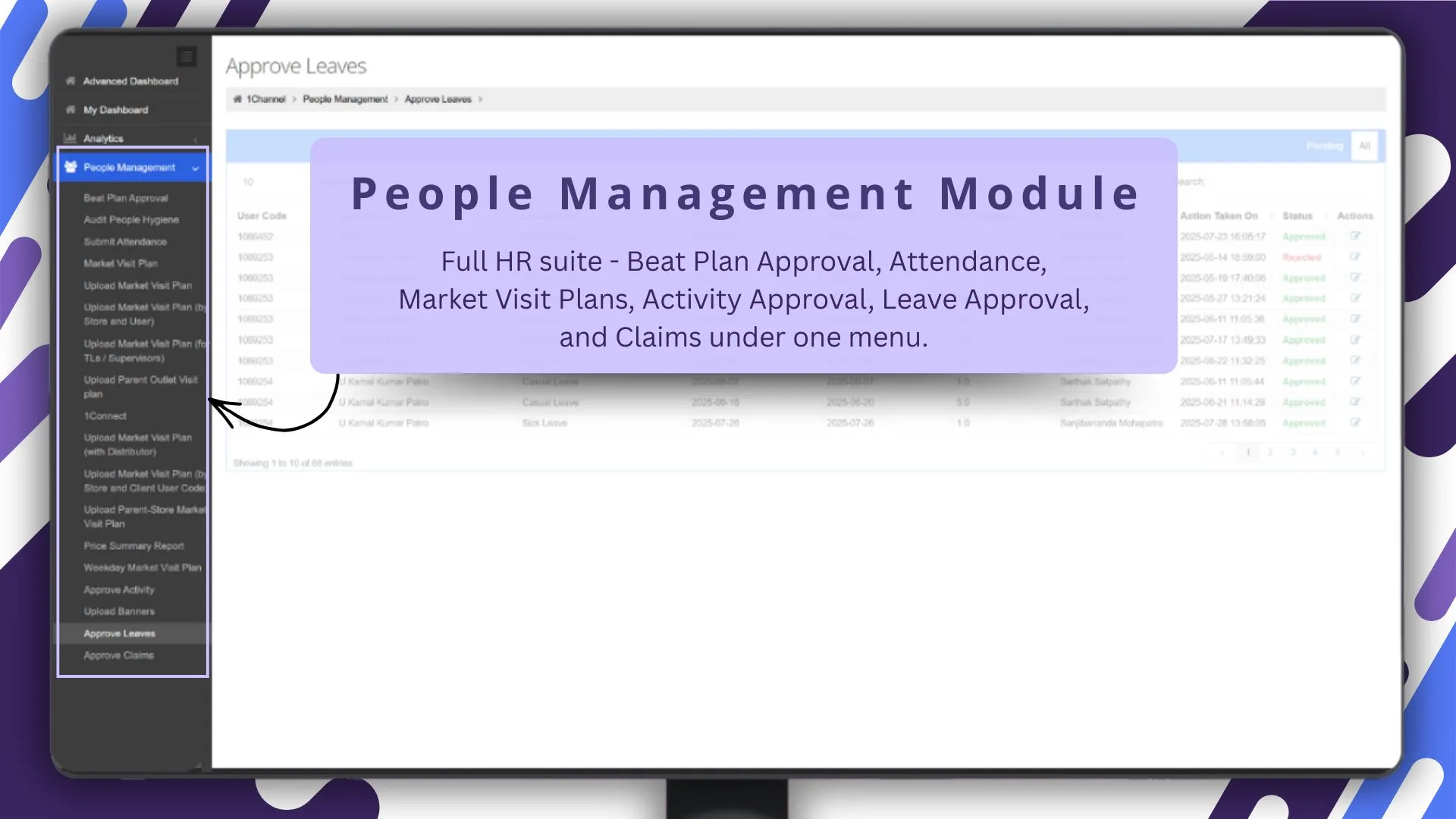
Another major benefit is that leave approval is not isolated.
It sits inside a broader People Management Module that also includes:
- Beat Plan Approval
- Attendance
- Market Visit Plans
- Activity Approval
- Claims
This creates a connected workforce management system.
The uploaded document strongly validates this module structure.
12) One-Click Approval Queue for Managers
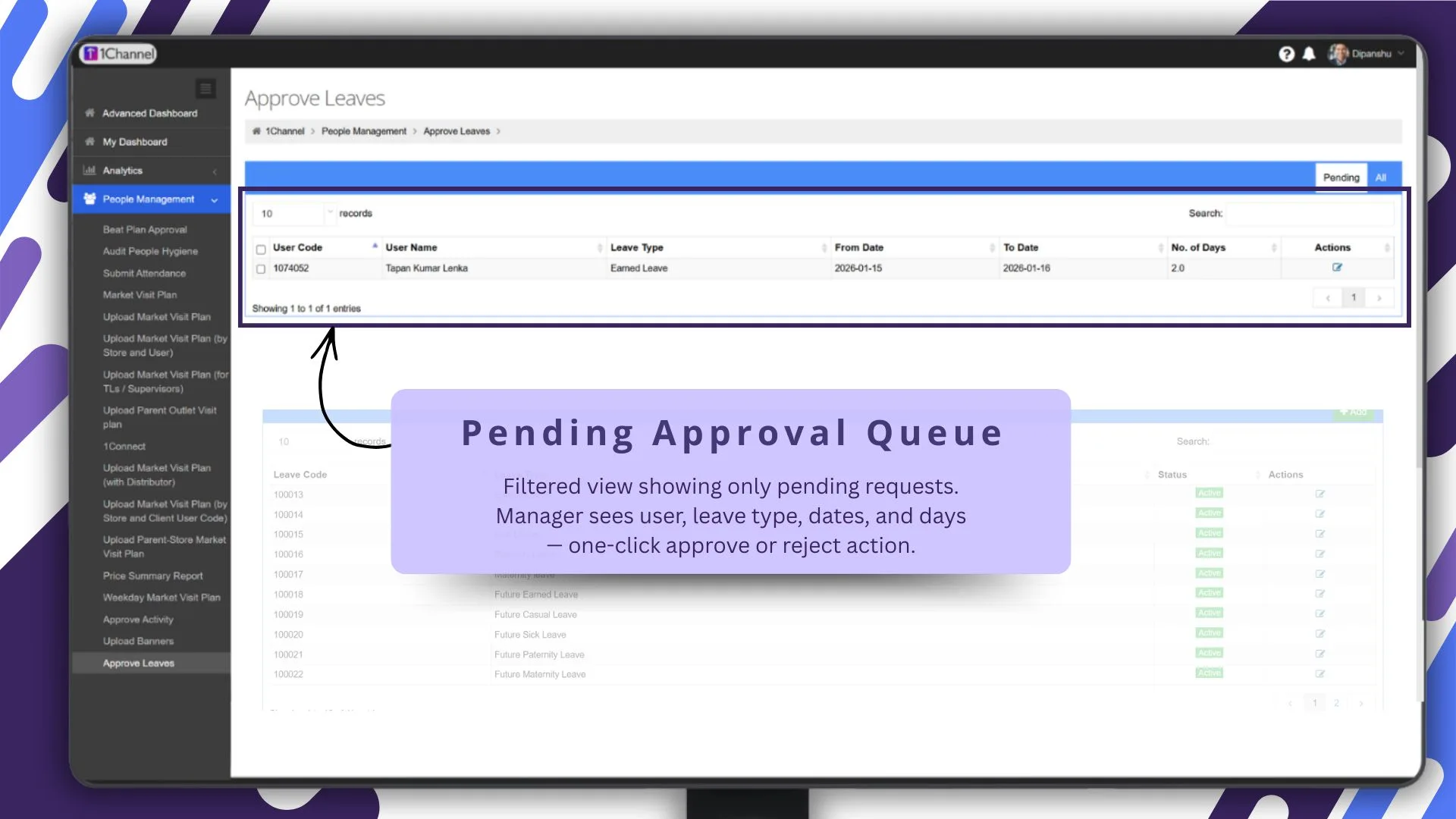
The Pending Approval Queue provides a clean list of only pending requests.
Managers can instantly view:
- employee name
- leave type
- dates
- days count
and take one-click approve or reject action.
This removes dependency on manual emails and chats.
13) Configurable Leave Types
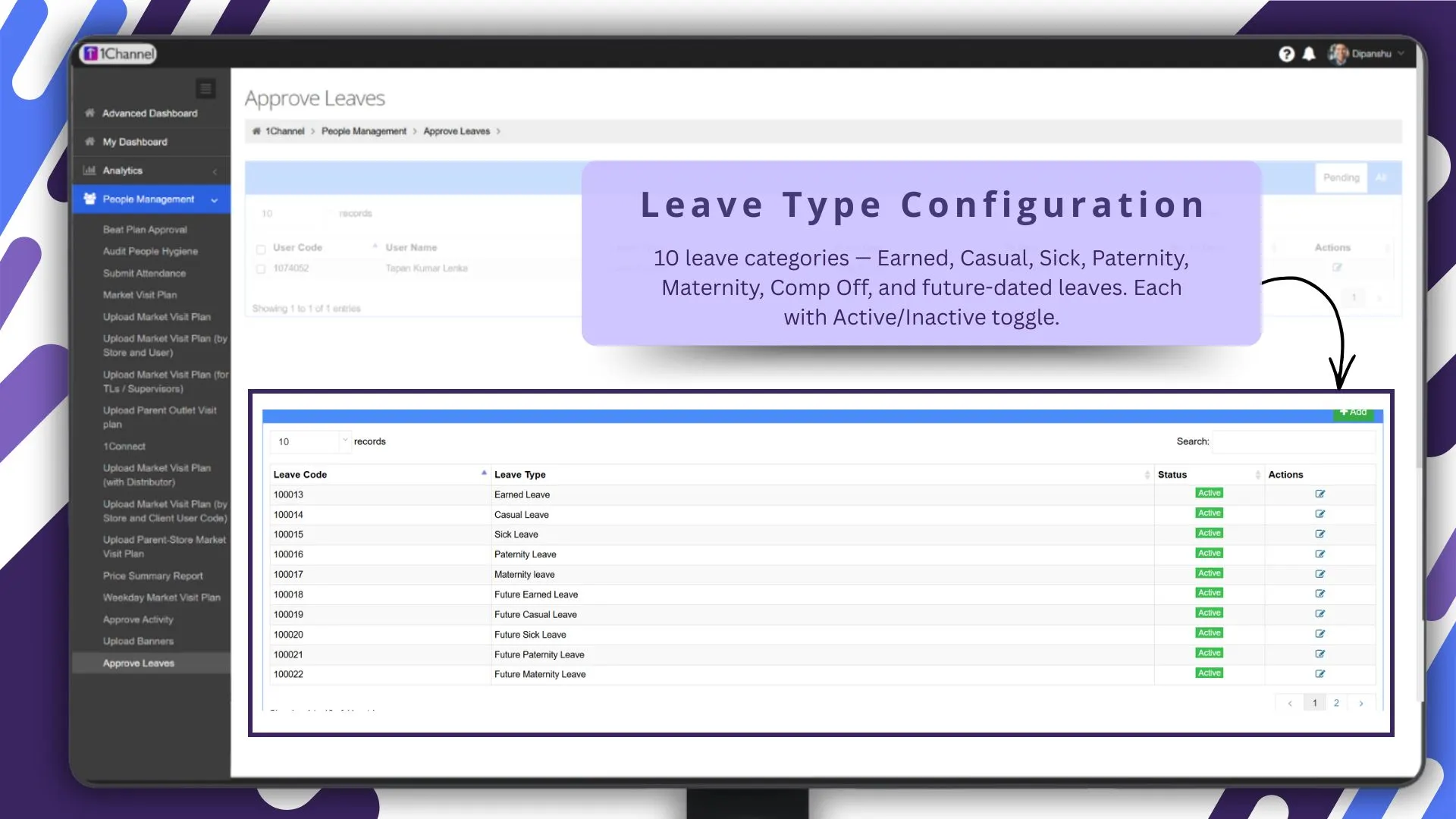
The system also supports multiple leave categories such as:
- Earned
- Casual
- Sick
- Paternity
- Maternity
- Comp Off
- future-dated leave types
Each can be enabled or disabled using Active/Inactive toggles.
This is directly supported in the uploaded document under Defining Leave Type.
(Note: Software screens may vary based on your business structure and configured workflows.)
How 1Channel SFA Helps Simplify Leave Approvals
1Channel SFA platform helps businesses manage leave workflows through an end-to-end approval ecosystem built for field teams.
From employee-side leave requests on the mobile app to policy controls, holiday calendars, and manager approval dashboards on the admin portal, the platform ensures faster approvals, better visibility, and complete compliance.
This helps businesses reduce approval delays while keeping field operations uninterrupted.
Transform Leave Management with Sales Force Automation
1Channel Sales Force Automation provides comprehensive leave management with mobile-first leave application, real-time balance tracking, flexible policy builder, manager approval dashboards, and complete audit trails to help your field teams manage leave approvals efficiently.
Explore Sales Force Automation →FAQs
Can employees apply for leave directly from the SFA mobile app?
Yes, employees can apply directly from the leave management module in the mobile app.
Can managers approve leave requests from the admin dashboard?
Yes, managers and reporting heads can approve or reject requests from the People Management module.
Does the system show leave balance before applying?
Yes, real-time leave balance and post-booking balance are visible before submission.
Can admins create custom leave policies?
Yes, policies can be configured based on leave type, role, carry-forward rules, and approval hierarchy.
Is holiday calendar management available?
Yes, admins can create state-specific holidays and batch-upload holiday calendars.