Field sales teams operate in dynamic, real-world environments where accurate data collection is essential for performance tracking, quality checks, and decision-making. One of the most effective ways to capture this ground-level information is through well-designed activity questionnaires.
Activity questionnaires help organizations standardize how field employees report store visits, merchandising status, audits, and other market activities, directly from live locations and real situations.
This blog explains how activity questionnaires for field sales are designed, structured, deployed, and evaluated, using only the concepts and features defined in the provided content document.
What Are Activity Questionnaires in Field Sales?
Activity questionnaires are structured sets of questions that field employees answer during or after store visits. These questionnaires are linked to market visits, audits, and activities and are filled directly from the mobile application at the store location.
They ensure:
- Consistent data capture
- Real-time visibility of field activities
- Location-based validation
- Standardized reporting across teams
Example
A promoter visits a retail outlet and, after check-in, is prompted to answer a questionnaire about:
- Product availability
- Merchandising execution
- Store conditions
The responses are submitted instantly and stored for review.
Questionnaire Management: The Foundation
Questionnaire creation starts within Market Working → Questionnaire Management, which includes four core components:
1. Categories
Categories define the purpose of the questionnaire.
Examples of Categories:
- Survey
- Suggestions
- Audit
A "Survey" category might be used for feedback-based questions, while an "Audit" category can be used for compliance checks.
Ready to streamline your field sales operations?
Design intelligent activity questionnaires and improve data collection with 1Channel SFA.
Explore Workforce Management Software2. Sub-Categories
Sub-categories further organize questionnaires within a category.
Example:
- Category: Audit
- Sub-Category: Merchandising Audit
This structure helps group related questionnaires logically and improves reporting clarity.
3. Questionnaire Creation
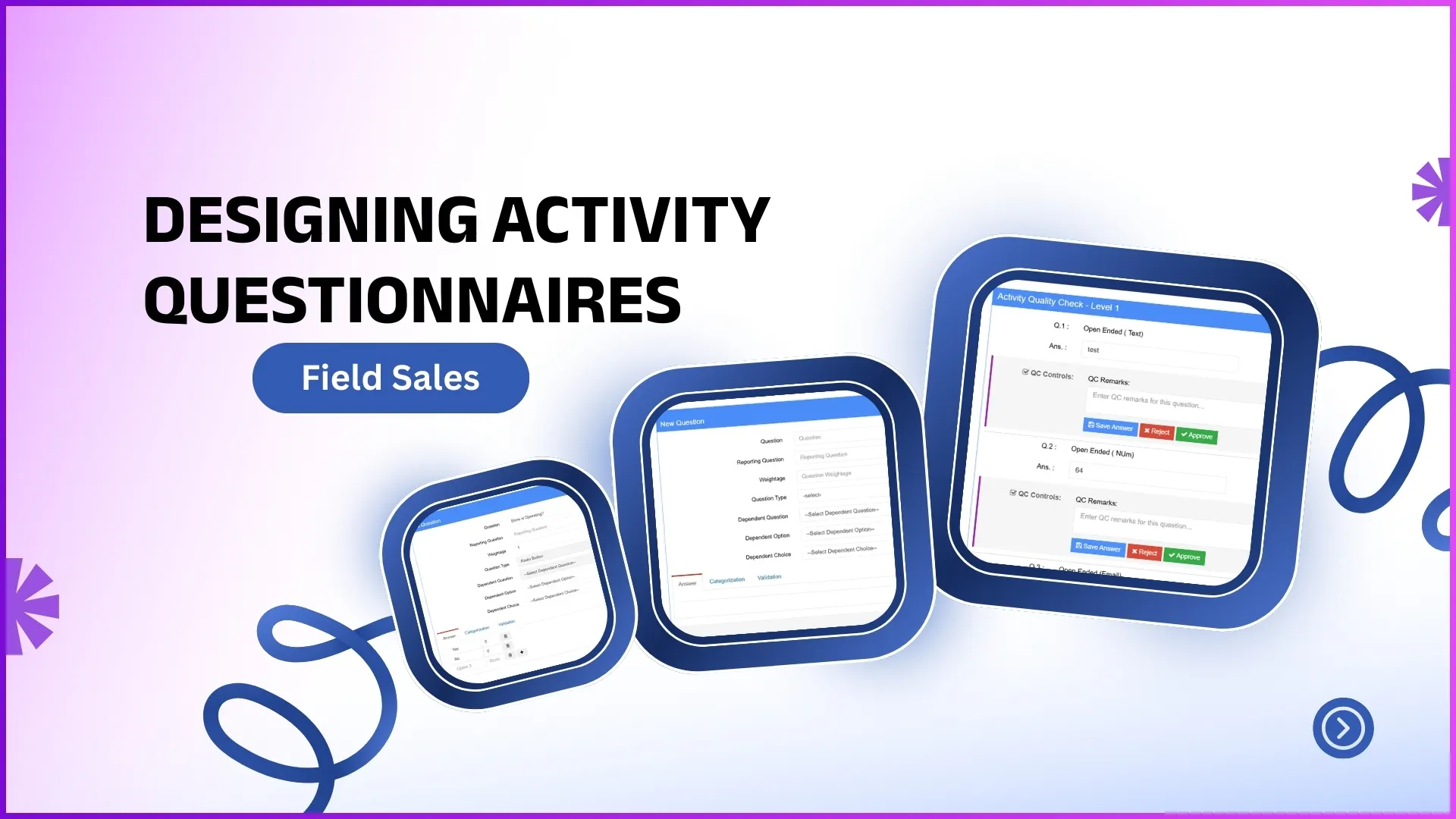
Once categories are defined, questionnaires are created by adding questions and defining their behavior.
Each questionnaire includes:
- Questionnaire Title
- Question
- Reporting Question
- Weightage
- Question Type
Question Types and Practical Examples
The system supports multiple question types to match real field scenarios.
Open-Ended Questions
Used when descriptive input is required.
Example:
"Describe the reason for no merchandising at this store."
Used when only one option should be selected.
Example:
"Is the branding material visible?"
- Yes
- No
Checkbox
Used when multiple answers can apply.
Example:
"Which POSM materials are deployed?"
- Standee
- Dangler
- Shelf Strip
Drop-Down
Used for controlled selection from a list.
Example:
"Select store category:"
- General Trade
- Modern Trade
- Distributor
Rating Question
Used to measure quality or satisfaction.
Example:
"Rate store display quality (1-5)."
Rank Order Question
Used to prioritize options.
Example:
"Rank the following factors affecting sales."
Matrix Question
Used when evaluating multiple parameters together.
Example:
Rate cleanliness, visibility, and product arrangement in one matrix.
Dependency-Based Question Flow
Questionnaires support hierarchical logic, where one answer determines the next set of questions.
Example
- Question: "Is the product available?"
- If Yes → Open questions related to stock quantity
- If No → Open questions related to reason for no stock
This ensures relevance and avoids unnecessary questions during field execution.
Managing Activities: Assigning Questionnaires to Field Roles
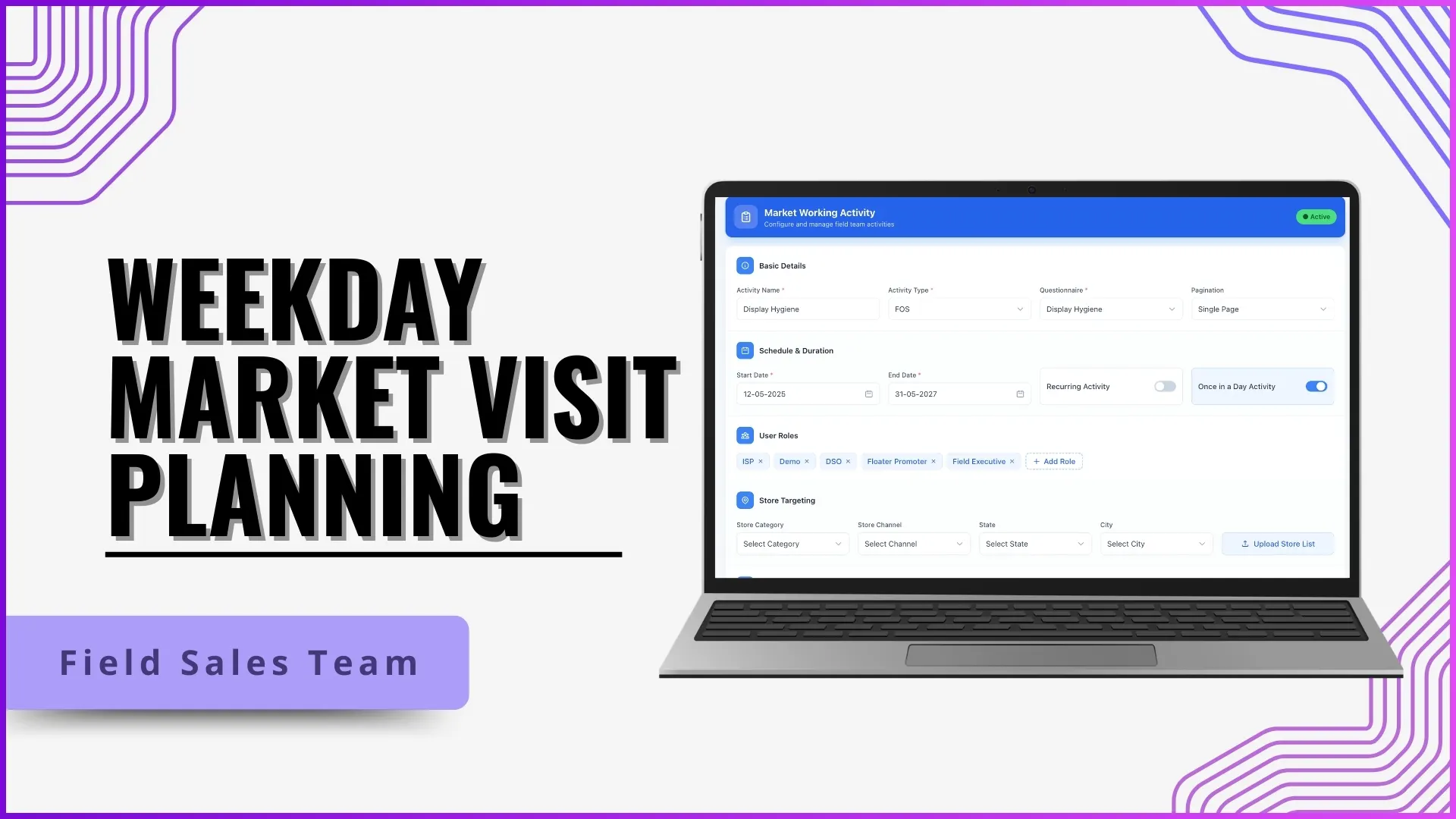
Creating a questionnaire alone does not make it visible to field users. Questionnaires must be assigned through Manage Activities.
Key Activity Configuration Elements:
- Activity Name & Description
- Selected Questionnaire
- User Role (Promoter, Team Leader, etc.)
- Store List (optional)
- Start Date & End Date
Example
A merchandising questionnaire is assigned:
- Role: Promoter
- Stores: Selected outlets only
- Duration: 1st-31st of the month
Only promoters visiting those stores within the defined period will see the questionnaire.
Live Execution During Market Visits
Once configured:
- The field employee checks into a store.
- The assigned activity becomes visible.
- The questionnaire is filled on-site.
- Responses are submitted in real time.
This ensures that answers are captured at the actual location, not later or remotely.
Activity Quality Check and Approval
Submitted questionnaires go through Activity Quality Check, where managers or reporting heads review submissions.
Quality Check Actions:
- Verify answers
- Edit incorrect entries (if required)
- Approve or reject submissions
Example
A manager reviews a merchandising audit:
- Checks uploaded responses
- Confirms execution accuracy
- Approves the activity
Once approved, the activity data becomes part of visit reports and analytics.
Benefits of Well-Designed Activity Questionnaires
- Accurate field data capture
- Role-based visibility
- Time-bound execution
- Improved accountability
- Better visit-level insights
By designing questionnaires aligned with real activities, organizations gain reliable visibility into field operations.
How 1Channel Supports Activity Questionnaire Design
The 1Channel SFA platform enables organizations to design, manage, deploy, and review activity questionnaires seamlessly through its Market Working module.
With features like:
- Multiple question types
- Dependency-based logic
- Role-based activity assignment
- Live execution and quality checks
1Channel helps businesses convert field visits into structured, actionable data.
Ready to digitize your field operations?
Start designing intelligent questionnaires and improve data accuracy with 1Channel.
Explore Sales Force AutomationFAQs
What is the purpose of activity questionnaires in field sales?
They standardize how field employees report activities during store visits and ensure accurate, real-time data collection.
Can different roles have different questionnaires?
Yes. Questionnaires can be assigned based on user roles such as promoters or team leaders.
Are questionnaires visible immediately after creation?
No. They must be assigned through Manage Activities and activated with start and end dates.
Can questionnaires change based on answers?
Yes. Dependency-based logic allows follow-up questions to appear based on previous responses.
Who reviews the submitted questionnaires?
Managers or reporting heads review submissions through the Activity Quality Check process.
Are questionnaires store-specific?
They can be assigned to all stores or limited to selected stores using store lists.