Field sales operations involve multiple stakeholders, sales promoters, team leaders, managers, and administrators, each responsible for different activities. To ensure data security, operational clarity, and efficient execution, field sales software relies on Role-Based Access Control (RBAC). RBAC ensures that every user can access only the features, data, and actions relevant to their role.
In field sales software, RBAC is not limited to login permissions. It extends to dashboards, reports, questionnaires, approvals, store-level actions, and even mobile app visibility. This structured access control enables organizations to manage large field teams while maintaining accuracy, accountability, and compliance.
What Is Role-Based Access Control in Field Sales Software?
Role-Based Access Control is a system where access to software modules, data, and actions is defined by user roles rather than individual users. Each role such as Promoter, Team Leader, or Business Head comes with predefined permissions that determine:
- Which sections of the portal or app are visible
- What type of data can be viewed or edited
- Which actions can be performed or approved
Example
A Promoter can:
- Mark attendance from a geo-fenced store
- Fill assigned questionnaires during store visits
- Record sales and stock data for mapped outlets
A Business Development Head can:
- View analytics dashboards and reports
- Monitor attendance and productivity
- Access user mapping and performance data
- Remain restricted from operational modules like Visual Merchandising if configured
Role Creation and User Hierarchy Management
Defining User Roles
Field sales software allows administrators to create custom user roles based on business requirements. Roles such as BD Head, Team Leader, Promoter, and Client User can be configured from the settings module.
Each role is assigned:
- Specific module access
- Sub-module visibility
- Reporting authority
Example
An admin creates three roles:
- Promoter - Access limited to mobile app activities
- Team Leader - Access to approvals and team reports
- Admin - Full access to settings, analytics, and user management
Once created, users are assigned roles during onboarding or bulk upload.
Ready to streamline HR management for field teams?
Implement role-based access control and manage field teams efficiently with 1Channel.
Explore HR Management SoftwareModule-Level Access Control
RBAC works by controlling access module by module, ensuring users only see what is relevant to their function.
Analytics Access Control
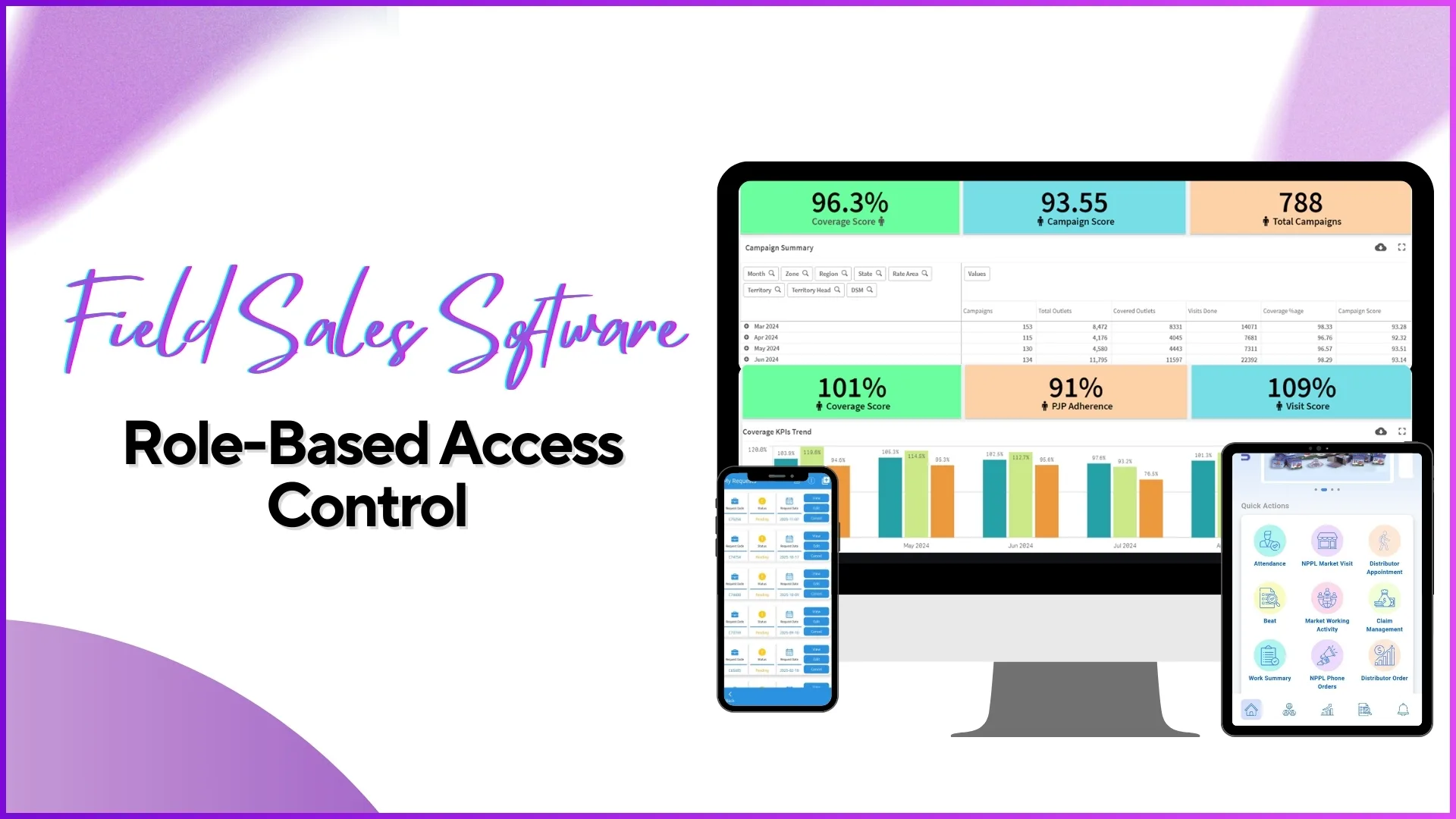
The analytics module includes dashboards, report catalogs, and custom reports. Access can be restricted based on role.
Example:
- A BD Head can view Attendance Summary, Sales Productivity, and Beat Compliance reports.
- A Promoter cannot access analytics and instead sees only personal performance data in the mobile app.
Admins can also allow partial access for instance, giving access to 6 out of 8 analytics sub-options.
People Management Access Control
People Management includes attendance approvals, beat plan approvals, activity approvals, leave approvals, and claims.
Example:
- A Team Leader can approve attendance regularizations and field activities submitted by promoters reporting to them.
- A Promoter can only submit attendance and activities, not approve them.
This ensures hierarchical accountability and prevents unauthorized approvals.
Role-Based Dashboard Visibility
Dashboards are tailored according to role permissions.
Admin and Manager Dashboards
Admins and managers can access:
- Attendance compliance dashboards
- Market visit percentages
- Employee productivity tables
- Detailed compliance reports with filters like role, city, and status
Employee Dashboards
Employees using the mobile application can:
- View their own attendance
- Track assigned tasks
- Access role-specific content decks and announcements
Example:
A promoter logs in and sees only their daily attendance status and assigned activities, while the admin sees team-wide performance metrics.
Role-Based Questionnaire and Activity Access
Questionnaires and activities are controlled strictly by role.
Questionnaire Assignment by Role
Admins can create questionnaires and assign them to specific user roles through activity management.
Example:
- A merchandising audit questionnaire is assigned only to Promoters
- A market feedback questionnaire is assigned to Team Leaders
Once assigned:
- Only users with the selected role can see the questionnaire
- Activities can be limited to selected stores and date ranges
Activity Visibility and Approval Flow
After a user completes an activity:
- It goes into Activity Quality Check
- Reporting heads review and approve or edit submissions
- Approved activities appear in visit and productivity reports
Example:
A promoter submits a store visit questionnaire. The team leader reviews it in the approval section before it becomes part of official reports.
Geo-Fencing and Role-Based Location Control
Field sales software allows geo-fencing configurations based on role.
Example:
- Promoters can mark attendance and perform activities only within a defined store radius
- If a promoter attempts to check in outside the geo-fenced area, the system restricts the action
Admins can configure:
- Allowed geo-fenced distance per role
- Activity restrictions tied to location compliance
This ensures field authenticity and prevents false reporting.
Role-Based Content and Communication Control
Admins can share:
- Announcements
- App teasers
- Content decks
All of these can be mapped to specific roles.
Example:
- Training decks are shown only to promoters
- Performance announcements are shown only to team leaders
This ensures relevant communication reaches the right users without clutter.
Role-Based Report Access
Reports can be restricted by role and device type (portal or mobile).
Example:
- Admins can download detailed Excel and PDF reports
- Team leaders can view team-specific reports
- Promoters have no access to report downloads
Admins can also decide:
- Which reports appear on the portal
- Which reports (if any) appear on the mobile app
Benefits of Role-Based Access Control in Field Sales
- Prevents unauthorized data access
- Simplifies user experience by hiding irrelevant features
- Improves accountability through hierarchical approvals
- Enhances data accuracy using role-based geo-fencing
- Scales easily with growing field teams
How 1Channel Implements Role-Based Access Control
Role-Based Configuration in 1Channel
1Channel's field sales platform provides granular role-based access control across portals and mobile applications. Admins can define roles, map users, restrict modules, control dashboards, configure approvals, and manage geo-fencing all from a centralized settings module.
With flexible role creation, selective sub-module access, and role-based content visibility, 1Channel enables businesses to align software access precisely with real-world field operations.
Ready to implement role-based access control?
Secure your field operations with granular access control using 1Channel SFA.
Explore Sales Force AutomationConclusion
Role-Based Access Control is a foundational element of effective field sales software. By assigning permissions based on user roles, organizations can maintain data security, operational efficiency, and structured accountability across large and distributed sales teams.
When implemented correctly, RBAC ensures that every field user from promoter to business head works within clearly defined boundaries, leading to better compliance, improved productivity, and more reliable sales execution.