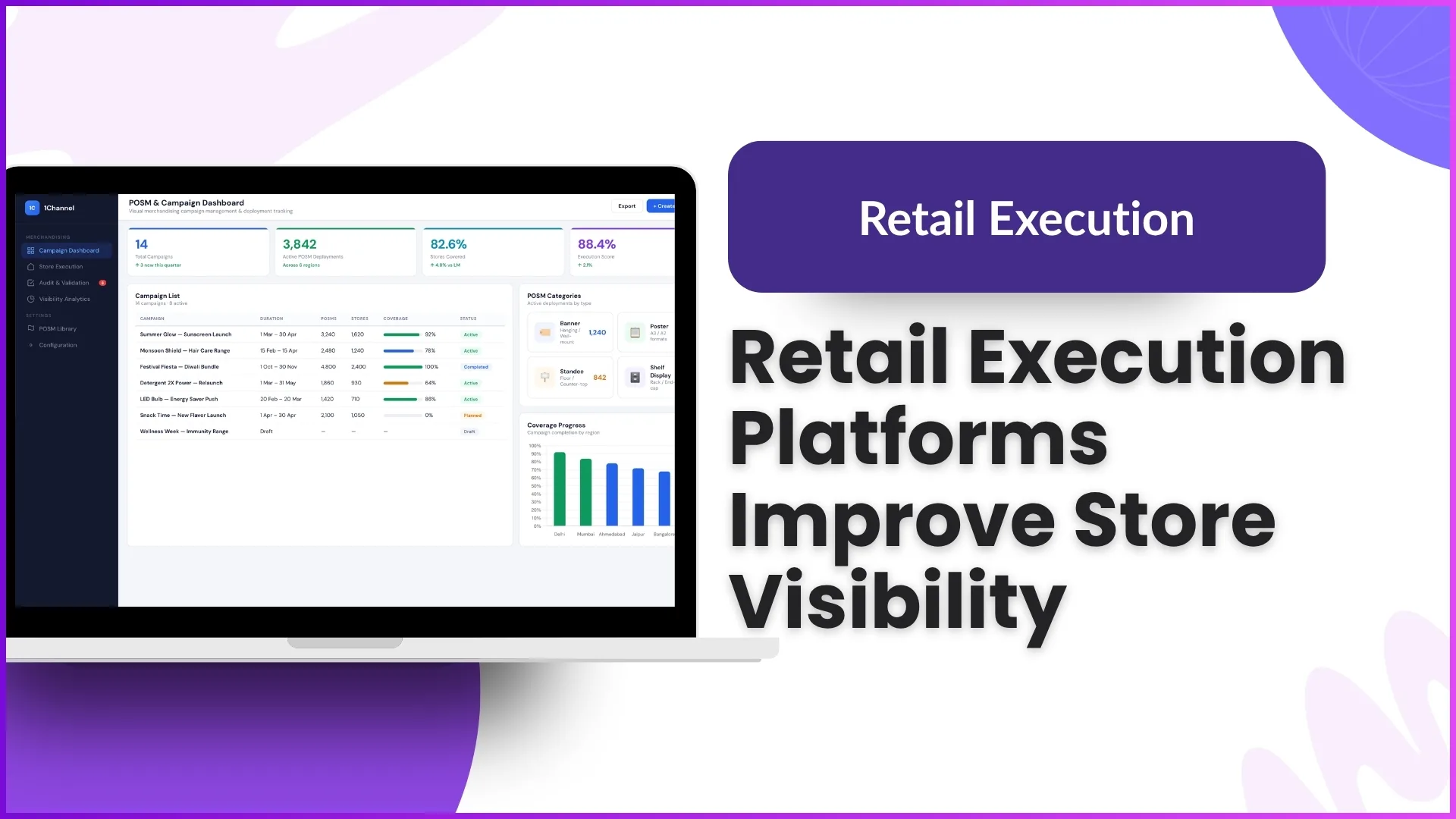
In modern retail, sales execution is no longer just about pushing products into stores—it's about ensuring the right visibility, placement, and compliance at every outlet. Retail store visibility software bridges the gap between planning and on-ground execution by making merchandising measurable, trackable, and optimizable.
Based on the provided discussion, this blog breaks down how such software directly supports better sales execution, with practical, real-world examples at every step.
1. Structured Campaign Planning for Focused Execution
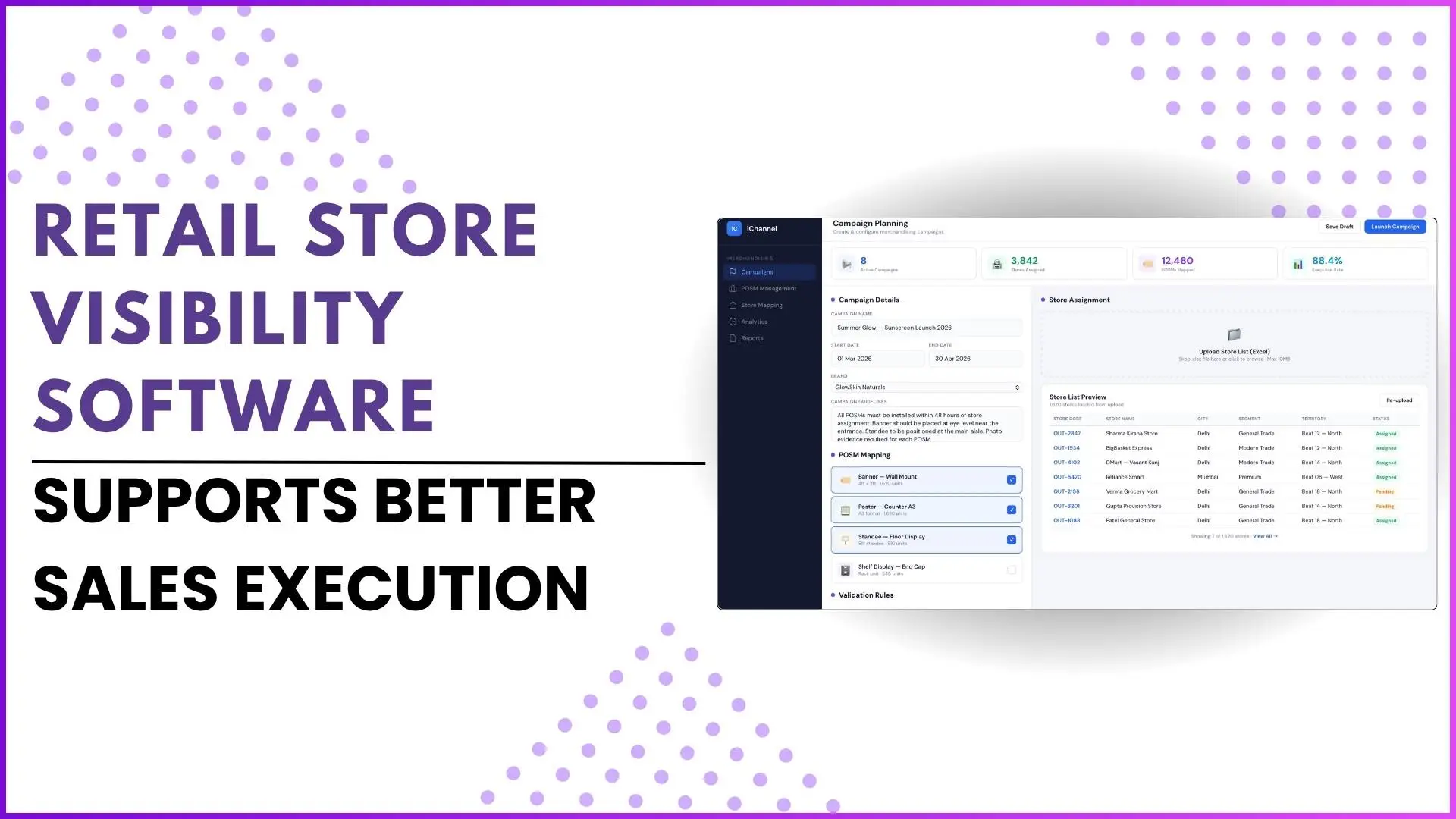
Retail visibility software begins by structuring merchandising activities into campaigns.
- Teams define POSM (Point of Sale Materials) like banners, standees, posters, or digital signage.
- These POSMs are mapped to specific stores and timelines.
- Campaigns are created with:
- Duration
- Store list
- POSM list
- Validation rules
Example
A brand launches a seasonal campaign (e.g., summer promotion).
- The system assigns tent cards and posters to 500 outlets.
- Each store must display these materials within the campaign duration.
This ensures clear direction to field teams, eliminating confusion about what needs to be executed where.
2. Guided Field Execution with Proof-Based Validation
Once campaigns go live, field users execute tasks via a mobile app.
- Each outlet shows:
- Assigned POSMs
- Reference images (ideal display)
- Users must:
- Capture photos of actual implementation
- Submit proof for each item
Example
At a retail outlet:
- The system shows a reference image of a standee placement.
- The field executive clicks a real image after placing it.
- Only after uploading all required images, the task is marked complete.
This ensures execution is not assumed, it is verified with proof.
3. Standardized Merchandising Through Benchmarks (Norms)
A key driver of sales execution is consistency. The software enforces this through predefined norms (benchmarks).
- Norms define:
- Minimum product facings
- Shelf placement rules
- Outlet-specific requirements
Example
- A large outlet may require 10 product facings on shelves
- A smaller outlet may require only 3 facings
If a user captures fewer than required:
- The system flags it as non-compliant
This ensures uniform brand visibility across all outlets, directly impacting sales.
4. Shelf-Level Visibility Optimization (Appealing Visibility)
Beyond POSM tracking, advanced modules focus on how products appear on shelves.
Key parameters include:
a. Facings (Product Count on Shelf)
- Minimum number of products displayed
Example:
If the norm is 5 bottles and only 3 are placed → negative score
b. Hot Zone Placement
- Products must be placed at eye level (3–6 feet) for maximum visibility
Example:
- Products placed too low (below 3 feet) → poor visibility
- Products at eye level → higher chances of purchase
c. Togetherness (Brand Arrangement)
- Products of the same brand family must be grouped logically
Example:
- Premium variant placed first, followed by mid and lower variants
- If scattered randomly → non-compliant
These factors ensure products are not just present, but optimally positioned to sell.
5. Multi-Level Audit System for Accuracy
Execution alone isn't enough—validation is critical.
The system supports multi-level audits:
- L1 Audit: Initial verification
- L2 Audit: Secondary validation
- L3 Audit (Supervisor): Final quality check
Example
- A field user submits images
- Auditor checks if:
- POSMs are correctly placed
- Shelf norms are met
- Supervisor cross-checks and flags discrepancies
If mismatch occurs:
- Scores are adjusted
- Errors are tracked
This creates a high accountability environment, reducing false reporting.
6. Real-Time Dashboards for Performance Tracking
Retail visibility software provides powerful dashboards for monitoring execution.
Key metrics include:
- Coverage (e.g., % of outlets visited)
- Compliance (e.g., % meeting norms)
- Campaign scores
- Audit quality scores
- Time spent per outlet
Example
- 42,000 outlets planned for coverage
- 62% actually covered
- 82% compliance achieved
This helps managers quickly identify:
- Underperforming regions
- Low compliance stores
- Execution gaps
7. Automated Audit Workflow for Speed & Efficiency
Traditional auditing involves searching and filtering data manually. The software automates this.
- Auditors simply click "Start Audit"
- System auto-loads pending audits
- Continuous workflow without manual searching
Example
Instead of:
- Filtering by date → state → outlet
The system:
- Automatically shows the next pending audit
This reduces time spent on admin tasks and improves audit productivity.
8. Exception Handling for Real-World Scenarios
Retail environments are unpredictable. The software accounts for this with bypass workflows.
- Users can mark:
- Store closed
- Store under renovation
- Activity not possible
Example
If a store is shut:
- User selects reason
- Submits without completing tasks
This ensures data accuracy without forcing incorrect reporting.
9. Flexible Campaign Execution (Planned vs Ad Hoc)
Sales execution often requires agility.
The software supports:
- Planned campaigns (annual or seasonal)
- Ad hoc campaigns (sudden market opportunities)
Example
- Planned: Diwali campaign across all outlets
- Ad hoc: Sudden promotion due to market demand spike
This allows brands to respond quickly to market opportunities and boost sales.
10. Self-Service Campaign Management for Faster Go-Live
Modern systems eliminate dependency on manual setup.
- Marketing teams can:
- Create campaigns
- Upload outlet lists
- Define guidelines
- Campaigns go live instantly with user notifications
Example
Earlier:
- Campaign setup took 2 days
Now:
- Marketing team launches it instantly
This leads to faster execution and quicker market impact.
11. Visibility Index: Turning Execution into Measurable Sales Drivers
One of the most powerful outcomes is the visibility index.
It combines:
- Facings
- Placement (hot zone)
- Arrangement (togetherness)
Example
- 60% overall visibility score
- Indicates partial compliance
Managers can:
- Improve weak parameters
- Drive better in-store presence
This converts merchandising into a quantifiable performance metric linked to sales.
12. Cross-Industry Applicability
The same system can adapt to different industries:
- FMCG → Shelf visibility, POSM tracking
- Consumer durables → Device display & cleanliness
- Retail → Brand promotions & campaigns
- Healthcare → Awareness campaigns
- Services → Seasonal promotions (e.g., AC servicing)
Example
A mobile brand:
- Tracks demo devices
- Ensures clean display units
The flexibility ensures consistent execution across industries.
How 1Channel Retail Enables Retail Visibility & Sales Execution
1Channel Retail brings all these capabilities into a unified platform designed for real-world retail challenges.
What it enables:
- POSM tracking and campaign execution
- Shelf visibility monitoring with norms
- Multi-level audits with scoring
- Real-time dashboards and analytics
- Automated audit workflows
- Exception handling and compliance tracking
- Visibility indexing for performance measurement
Example
A sales team using 1Channel can:
- Launch a campaign in minutes
- Track execution across thousands of outlets
- Identify gaps instantly
- Improve visibility → drive higher sales
Explore 1Channel Retail Execution Management
1Channel Retail Execution Management delivers POSM tracking, shelf visibility monitoring, multi-level audits, real-time dashboards, and campaign execution to help brands drive better in-store performance.
Explore Retail Execution Management →Conclusion
Retail success today depends on what happens inside the store, not just outside marketing efforts.
Retail store visibility software ensures:
- Every campaign is executed as planned
- Every shelf follows visibility standards
- Every outlet contributes to brand presence
By combining structured workflows, proof-based execution, audits, and analytics, it transforms merchandising from a manual activity into a data-driven sales engine.
In short, better visibility leads to better execution and better execution drives better sales.
Frequently Asked Questions (FAQs)
1. How does retail store visibility software improve sales execution?
Retail store visibility software improves sales execution by ensuring that campaigns, POSM placements, and shelf visibility norms are properly implemented and verified at every outlet.
For example, when field users upload real-time images of POSM placements and product displays, managers can validate execution instantly and correct gaps, leading to better in-store visibility and higher chances of conversion.
2. What is the role of audits in retail visibility software?
Audits play a critical role in maintaining accuracy and accountability.
The system supports multi-level audits (L1, L2, L3), where submitted data is verified step-by-step.
For instance, if a field executive claims proper shelf placement, auditors can cross-check images and scoring parameters like facings or placement. Any mismatch is flagged, ensuring only correct execution contributes to performance.
3. Can retail visibility software handle real-world challenges like store closures or missed visits?
Yes, the software includes exception handling workflows for real-world scenarios.
If a store is closed, under renovation, or an activity cannot be performed, users can submit a valid reason instead of forcing incorrect data. This ensures that reporting remains accurate while still tracking coverage gaps for better planning in future visits.