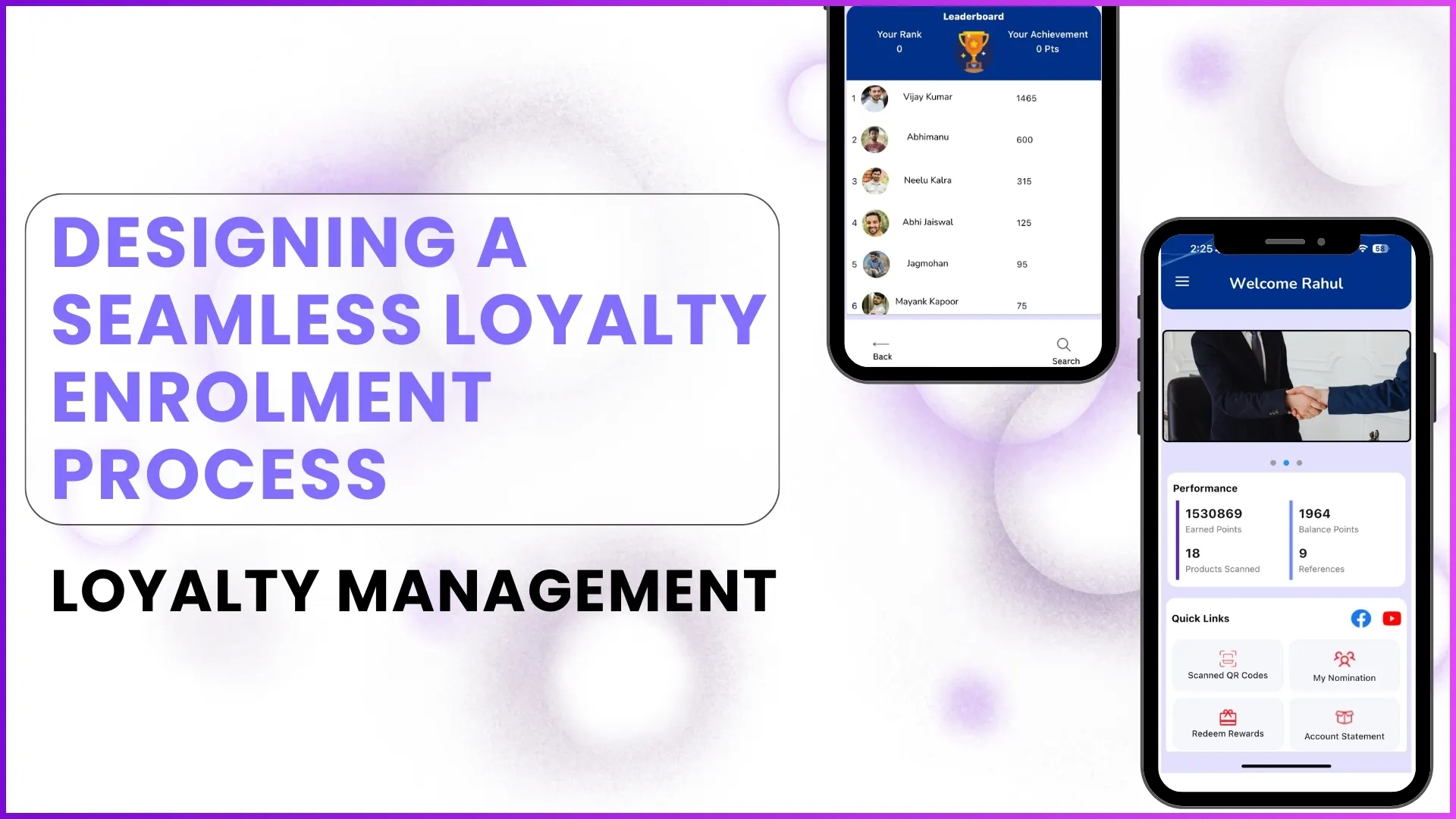
Enrolment is the foundation of any loyalty program. It defines who enters the program, how smoothly they onboard, and how securely the ecosystem operates.
Broadly, loyalty programs follow two Enrolment approaches Self Enrolment and Admin (Backend) Enrolment. Each method serves a different business objective and audience type.
This blog explains both Enrolment models in detail, compares their use cases, and highlights how real loyalty programs apply them in practice.
What Is Enrolment in a Loyalty Program?
Enrolment is the process through which eligible participants such as retailers, influencers, plumbers, fabricators, or architects are onboarded into a loyalty program and granted access to its benefits.
The Enrolment module ensures:
- Only eligible participants can access the program
- Participant data is captured accurately
- Authentication happens before reward earning starts
Depending on program design, Enrolment can be initiated either by the user themselves or by the brand/admin team.
What Is Self-Enrolment?
Self-Enrolment allows participants to register themselves directly through the loyalty platform. This option is typically visible on the login screen as a "Register" or "Sign Up" action.
How Self Enrolment Works
- The user opens the loyalty app or interface
- Selects the self-registration option
- Enters basic details such as:
- Name
- Mobile number
- Location
- Profile information
- Logs in using an OTP-based authentication
KYC details like PAN, Aadhaar, or bank/UPI information can be:
- Collected during registration or
- Completed later after login, based on program configuration
Example from the Program
In influencer-driven programs, participants such as plumbers or contractors are allowed to self-register. Once they enter basic details and verify their mobile number via OTP, they can access the app and later complete KYC when they want to redeem rewards.
Benefits of Self Enrolment
Faster Program Reach
Participants can join instantly without waiting for backend approval.
Example:
A plumber installs a product, downloads the app, self-registers, and immediately starts scanning QR codes to earn points.
Reduced Admin Dependency
The brand does not need to manually upload every participant.
Example:
Thousands of influencers across regions can onboard themselves instead of being added one by one by the admin team.
Higher User Convenience
Participants control their own onboarding journey.
Example:
A user logs in with OTP, explores the app, and updates profile or KYC details later from the "Edit Profile" section.
Limitations of Self Enrolment
Eligibility Control Is Required
Not everyone should be allowed into a loyalty program.
Example:
Even after self-registration, the system validates whether the mobile number belongs to an eligible participant before granting access.
Risk of Incomplete Profiles
Users may skip KYC initially.
Example:
A user starts earning points but must upload PAN and bank details later before redeeming rewards.
What Is Admin (Backend) Enrolment?
Admin Enrolment is when participants are added directly from the backend system by the brand, sales team, or program administrators.
This approach is typically used when programs are invite-only or designed for a fixed set of partners.
How Admin Enrolment Works
- Admin uploads participant data through the backend portal or Excel upload
- Mandatory fields like name, mobile number, and partner type are added
- The participant receives access via OTP-based login
- Additional details and KYC are completed by the user after login
Example from the Program
In retailer-focused programs, only pre-approved key partners are eligible. Their details are uploaded by the brand team, ensuring that only authentic retailers can log in and participate.
Benefits of Admin Enrolment
Strong Eligibility Control
Only verified partners are enrolled.
Example:
Retailers are added based on business eligibility shared by the brand, preventing unauthorized access.
Cleaner Data Accuracy
Core participant data is controlled by admins.
Example:
Mobile numbers, partner categories, and regions are standardized during backend upload.
Ideal for Closed Programs
Best suited for structured partner ecosystems.
Example:
Architect programs where Enrolment happens through integration with another system and flows automatically into the loyalty platform.
Limitations of Admin Enrolment
Slower Onboarding at Scale
Admin effort increases with participant volume.
Example:
Uploading thousands of partners requires coordination, validation, and bulk data management.
Lower User Autonomy
Participants cannot join unless added.
Example:
An interested influencer must wait until approved or uploaded by the sales team.
Nomination-Based Enrolment: A Hybrid Model
Apart from self and admin Enrolment, loyalty programs may also allow existing members to nominate new participants.
How Nomination Works
- An existing participant submits nominee details
- The nomination goes for sales team approval
- Once approved, the nominee is notified and onboarded
Example:
A contractor nominates another contractor. After approval, the new participant receives onboarding access.
Self vs Admin Enrolment: Key Differences
| Aspect | Self Enrolment | Admin Enrolment |
|---|---|---|
| Initiated by | Participant | Brand / Admin |
| Speed | Instant | Controlled |
| Eligibility Control | Medium | High |
| Scalability | Very High | Moderate |
| Data Accuracy | User-driven | Admin-driven |
| Best For | Influencers, plumbers | Retailers, key partners |
Choosing the Right Enrolment Approach
Most successful loyalty programs combine both methods.
- Self-Enrolment for scalability and reach
- Admin Enrolment for control and exclusivity
- Nomination for network-driven growth
The Enrolment method should align with:
- Target audience
- Compliance needs
- Reward structure
- Operational bandwidth
How 1Channel Loyalty Management Supports Flexible Enrolment Models?
1channel enables loyalty programs to configure self-Enrolment, admin Enrolment, nomination-based onboarding, and API-driven Enrolments based on business needs.
Programs can define mandatory fields, KYC rules, approval workflows, and eligibility checks all from the backend.
Build Flexible Loyalty Programs
Discover how 1Channel Loyalty Management Software enables self-enrolment, admin-enrolment, and hybrid models tailored to your business needs.
Explore Loyalty Management Software →FAQs
Is KYC mandatory during Enrolment?
No. KYC can be configured as optional during Enrolment and enforced later before reward redemption, depending on program objectives.
Can a program use both self and admin Enrolment together?
Yes. Programs often allow self-Enrolment for influencers while using admin Enrolment for key partners.
How is user authentication handled?
Authentication is done through OTP-based login using the registered mobile number.
Can Enrolment happen through system integration?
Yes. Enrolment can be triggered automatically through API integration with other systems where partner data already exists.
Can enrolled users update their details later?
Yes. Users can edit profile details, upload or update KYC information anytime from the app.