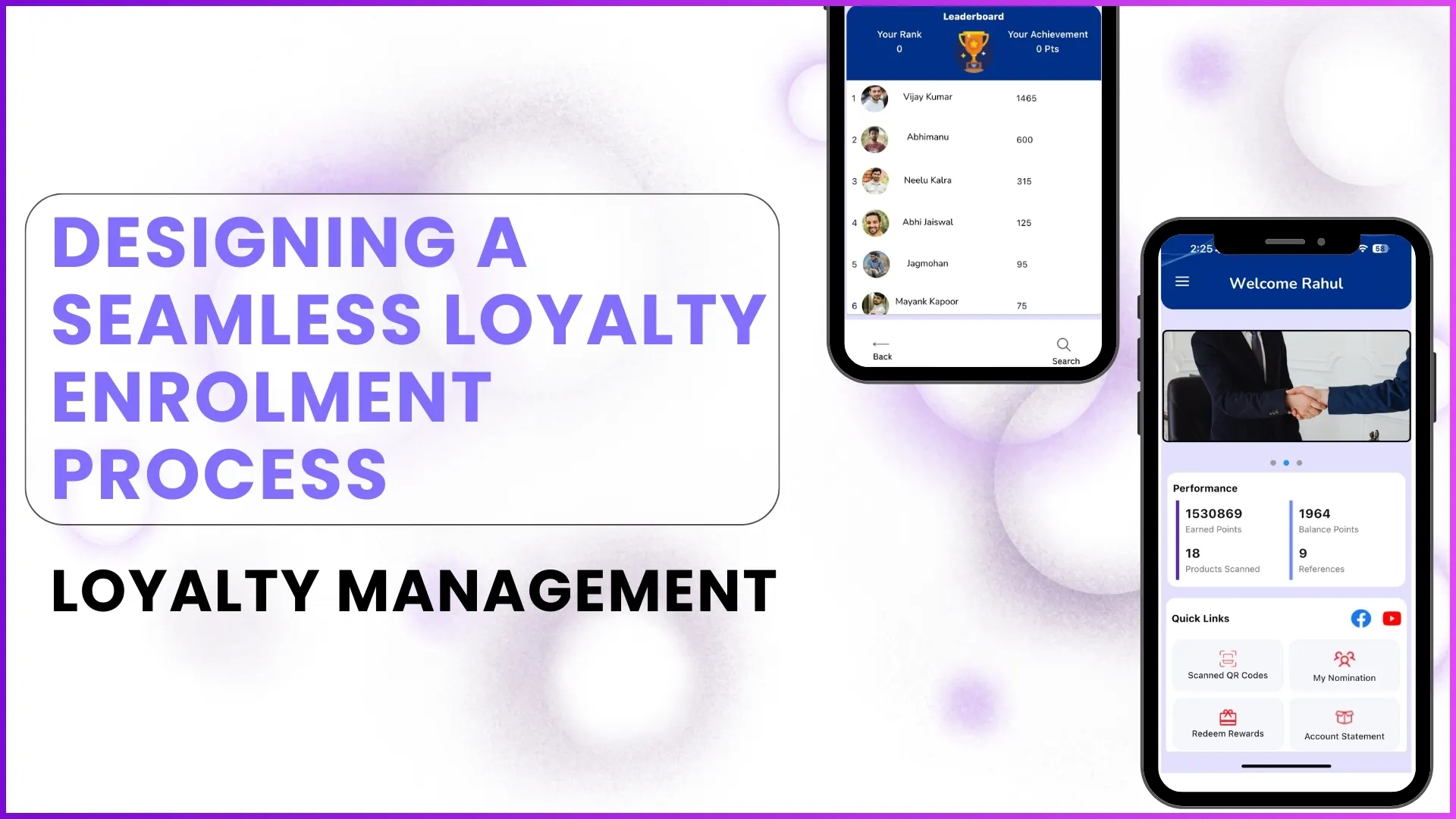
A loyalty program's success begins with how easily and securely users can join it. If enrolment feels complicated, time-consuming, or unclear, even the most attractive rewards may fail to drive participation. Designing a seamless loyalty Enrolment process ensures that the right partners, influencers, or customers are onboarded efficiently while maintaining compliance, accuracy, and flexibility.
This blog explores how a well-structured Enrolment process is designed, the different Enrolment methods available, and how configuration choices impact user experience using only real examples and workflows described in the provided content.
Why Enrolment Is the Foundation of Any Loyalty Program?
Enrolment is not just a sign-up step; it determines:
- Who is eligible to participate
- How securely members access the program
- How accurately member data is captured
- How smoothly rewards and payouts can be processed later
A poorly designed Enrolment process can lead to duplicate users, incorrect data, payout delays, and disengaged participants. A seamless design, on the other hand, balances ease of use with control and verification.
Multiple Enrolment Paths for Different Business Needs
A single Enrolment method rarely works for all loyalty programs. The platform described in the content supports multiple Enrolment paths so programs can adapt to different partner ecosystems.
1. Self-Registration by Participants
Self-registration allows eligible users to enroll themselves directly through the application interface.
How it works:
- Users see a "Register" option on the login screen
- They enter basic details such as name, mobile number, location, and profile information
- Optional KYC details can be added during registration or later
Example from the content:
Retailers or influencers can download the app, register using their mobile number, and begin using the program even if KYC details are completed at a later stage.
Why this matters:
Self-registration reduces dependency on backend teams and speeds up onboarding, especially when dealing with a large, distributed audience.
2. Backend Enrolment by Program Owners
In some programs, only pre-approved partners are allowed to join. In such cases, Enrolment happens through the backend portal.
How it works:
- Program administrators upload partner details such as name, mobile number, and partner type
- Mandatory fields are controlled at the backend
- Once uploaded, the partner can log in using OTP authentication
Example from the content:
Retailers in certain programs are enrolled only after the brand confirms eligibility and uploads their details into the system.
Why this matters:
Backend Enrolment ensures complete control over who joins the program and prevents unauthorized access.
3. Enrolment Through Nomination
Existing members can nominate new participants into the program.
How it works:
- A logged-in member submits basic details of the nominee
- The nomination goes through an approval workflow
- Once approved, the nominee is notified and onboarded
Example from the content:
Influencers or partners already part of a program can nominate peers, with final approval handled by the sales team.
Why this matters:
Nomination-based Enrolment expands reach while still maintaining approval checks.
4. Enrolment via System Integration
Enrolment can also happen automatically through integration with other enterprise systems.
How it works:
- Partner data is captured in another system
- Data flows into the loyalty platform through API integration
- The enrolled user receives an onboarding notification
Example from the content:
Architects enrolled in an external system are automatically onboarded into the loyalty program without manual intervention.
Why this matters:
Integrated Enrolment eliminates duplication of effort and ensures real-time onboarding.
OTP-Based Login for Secure Access
Regardless of how Enrolment happens, access to the application is secured through OTP-based login.
How it works:
- Users enter their registered mobile number
- An OTP is sent for verification
- The system checks eligibility before granting access
Why this matters:
OTP authentication ensures that only registered and eligible participants can log in, even if their details were added through backend upload or integration.
Flexible KYC Collection Without User Friction
Since loyalty programs involve monetary rewards, KYC data is essential—but forcing it upfront can hurt adoption.
How KYC is handled:
- KYC is not always mandatory at the time of registration
- Users can complete KYC later from the profile section
- PAN, Aadhaar, and bank or UPI details are captured securely
- KYC data can be edited anytime by the user
Example from the content:
A participant can start earning points immediately but is prompted to complete KYC when required for reward redemption.
Why this matters:
This approach balances regulatory compliance with a smooth onboarding experience.
Configurable Enrolment Rules Based on Program Objectives
Every program has different rules, and the Enrolment process reflects that flexibility.
Configurable elements include:
- Mandatory vs optional fields
- Partner types and categories
- Approval workflows
- Eligibility checks
- Data validation formats
Example from the content:
Some programs require sales team approval for every new nomination, while others allow direct Enrolment without approvals.
Why this matters:
Configurable Enrolment ensures the process aligns with business goals without redesigning the system each time.
Profile Management After Enrolment
Enrolment does not end at sign-up. Participants must be able to manage their details easily.
Profile features include:
- Edit personal information
- Update KYC documents
- Modify bank or UPI details
- View Enrolment-related information
Why this matters:
Accurate and up-to-date profiles reduce payout errors and support issues later.
How 1Channel Enables Seamless Loyalty Enrolment
1Channel Loyalty Management Software enables brands to design loyalty Enrolment journeys that are simple for users and powerful for administrators.
With support for self-registration, backend uploads, nominations, and system integrations, Enrolment workflows can be configured to match exact program requirements.
Secure OTP login, flexible KYC handling, and approval-based controls ensure both ease of use and compliance without compromising on data accuracy or scalability.
Build Winning Loyalty Programs
Design flexible enrolment workflows, reward tracking, and payout systems that drive channel partner engagement and program success.
Explore Loyalty Management Software →FAQs
What are the different ways users can enrol in a loyalty program?
Users can enrol through self-registration, backend upload by administrators, nomination by existing members, or automatic Enrolment via system integration.
Is KYC mandatory during Enrolment?
KYC is not always mandatory at the time of registration. It can be completed later, depending on program rules and payout requirements.
How is user login secured after Enrolment?
Login is secured using OTP-based authentication linked to the registered mobile number.
Can Enrolment rules vary across programs?
Yes. Mandatory fields, approval flows, eligibility checks, and Enrolment methods can all be configured based on program objectives.
Can users update their information after enrolling?
Yes. Participants can edit profile details, update KYC documents, and change payout information directly from the application.