Field sales teams in BFSI (Banking, Financial Services, and Insurance) operate across wide geographies, manage daily customer interactions, ensure strict compliance, and report accurate activity data.
Managing attendance, visits, sales activities, audits, and approvals manually can lead to inefficiencies and data gaps.
Field Sales Automation (SFA) enables BFSI teams to digitize these operations, centralize data, and gain visibility into every field activity through structured workflows and real-time reporting.
What Is Field Sales Automation in BFSI?
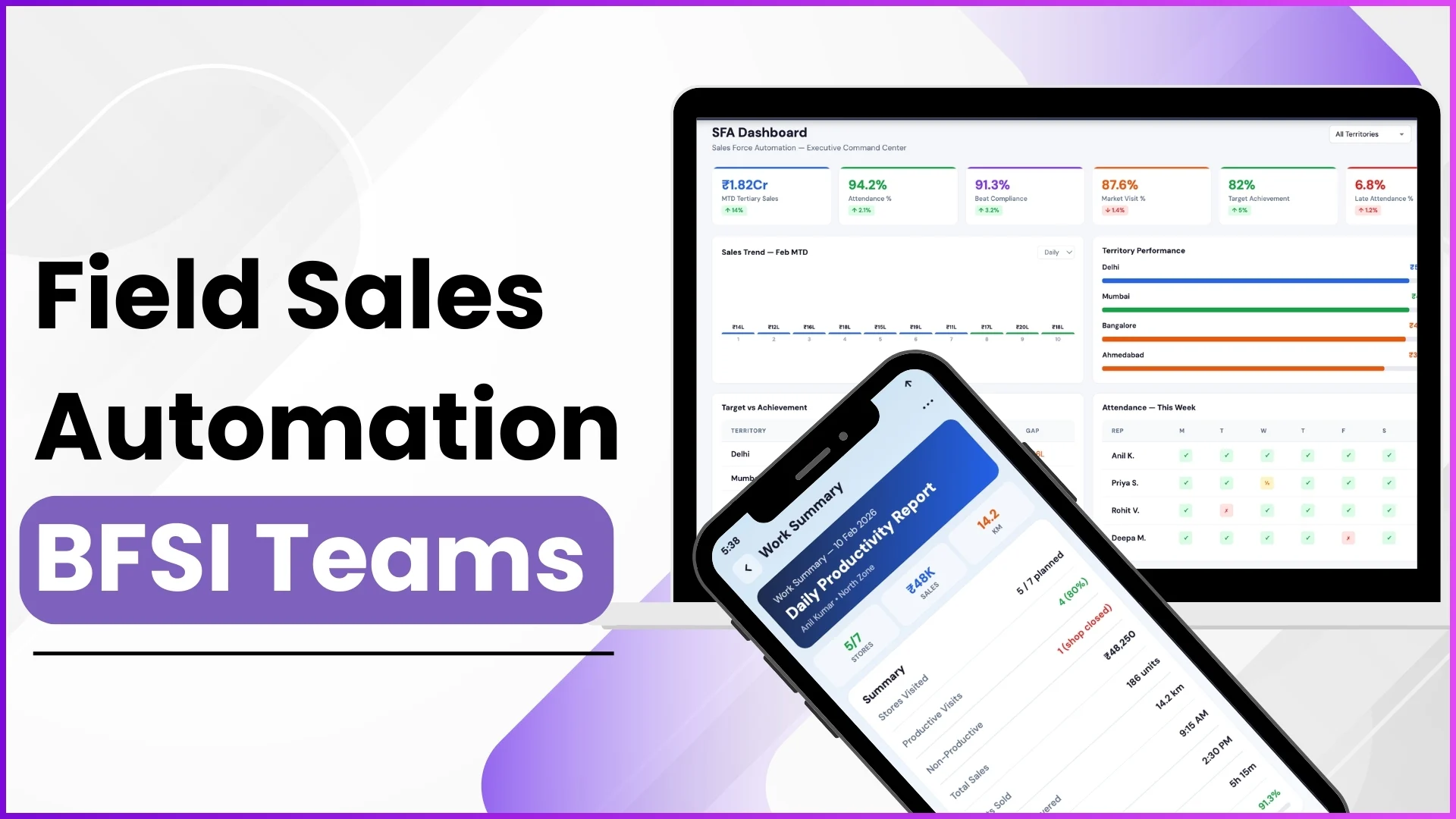
Field Sales Automation refers to a centralized system that manages attendance, market visits, reporting, analytics, approvals, and people management for field teams.
For BFSI organizations, this ensures controlled operations, structured reporting, and compliance-driven execution.
Example:
A regional BFSI manager logs into the admin portal and instantly views attendance compliance, market visit coverage, and employee productivity through a single dashboard.
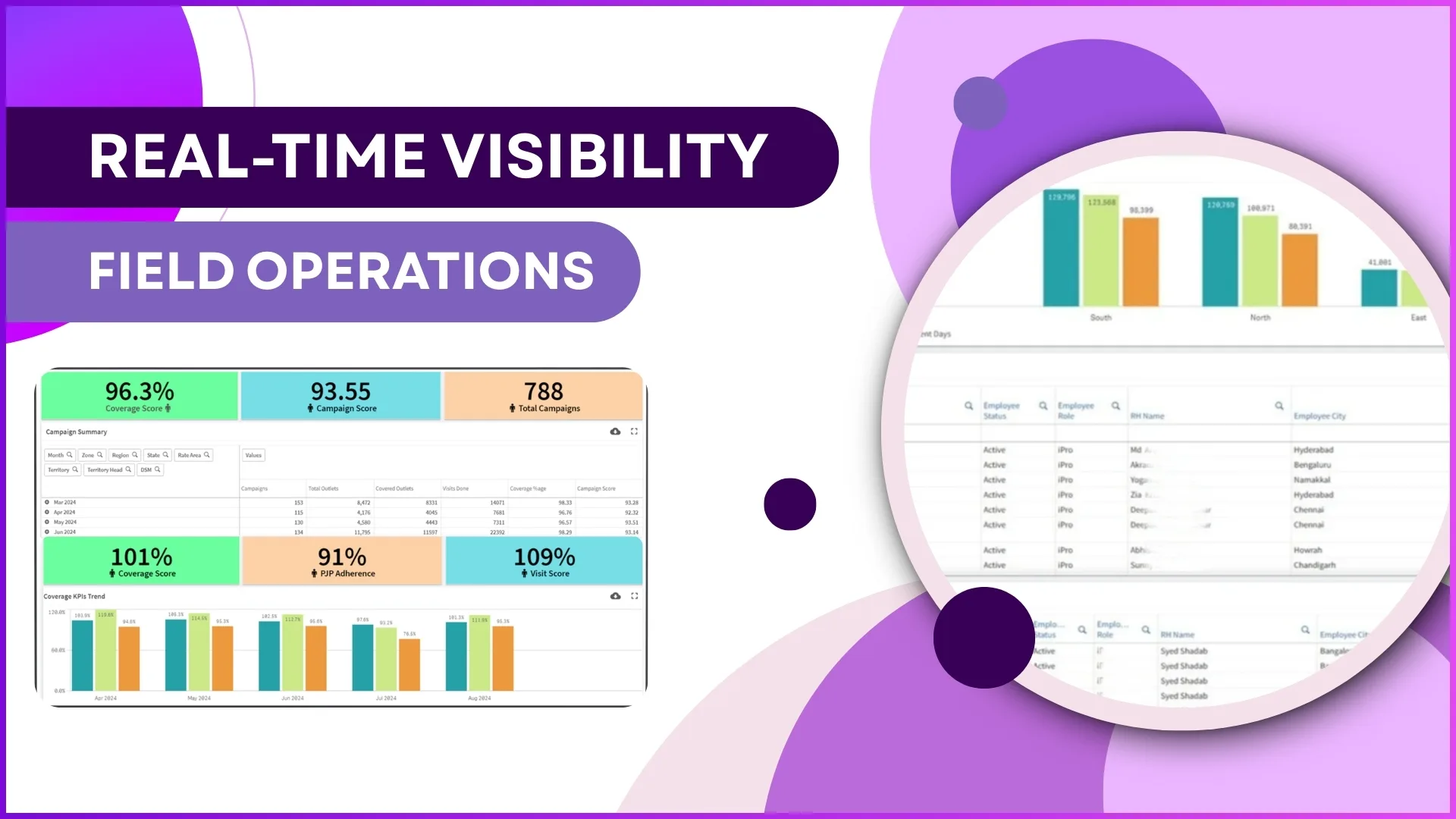
Advanced Dashboards for Real-Time Visibility
The Advanced Dashboard serves as the default screen for administrators and managers. It displays operational metrics derived from analytics.
Key Dashboard Insights
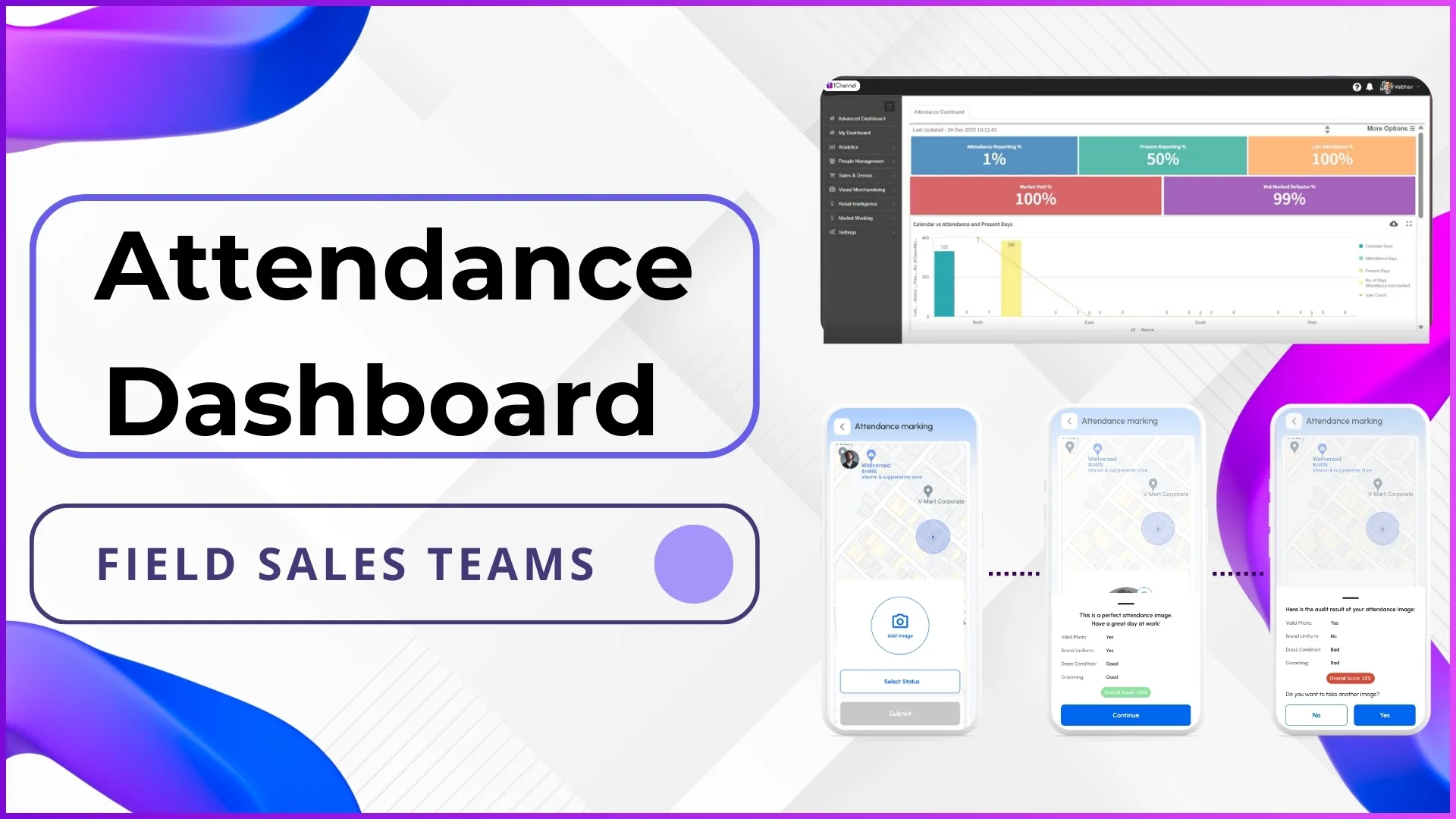
- Attendance reporting percentage
- Present vs late attendance tracking
- Market visit coverage percentage
- Defaulter and missed attendance details
- Employee-wise attendance compliance
Example:
A BFSI area manager reviews a dashboard showing late attendance trends and identifies employees with repeated defaults, enabling corrective action.
Analytics-Driven Decision Making
The Analytics module provides detailed reports covering attendance, sales productivity, visit compliance, and activity performance.
Key Analytics Reports
- Attendance Summary & Attendance Photo Reports
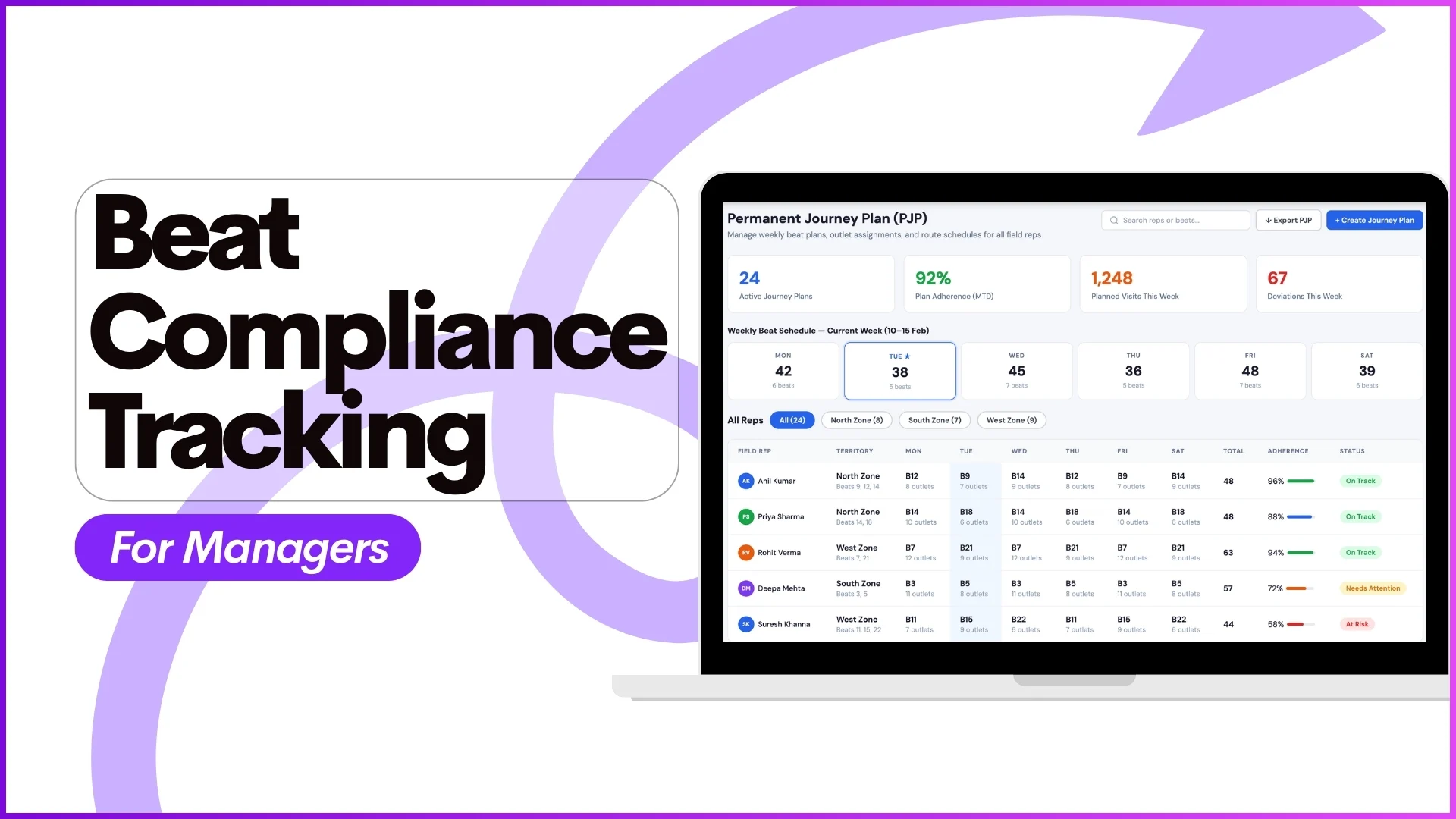
- Beat Compliance Reports
- Visit Productivity Reports
- Sales Productivity (Unit & Value)
- User Activity & Distance Travel Reports
- Market Visit Plan & Execution Reports
Example:
A BFSI operations team downloads a Beat Compliance Report to verify whether relationship officers covered assigned branches as per the approved beat plan.
Custom Reporting with Report Builder
The Report Builder allows administrators to create custom reports based on business-specific dimensions.
Customization Options
- Report title definition
- Selection of dimensions like sales, attendance, stock, or demos
- Location-based filtering
- Role-based report access
Example:
A BFSI head creates a custom report showing secondary sales performance for a specific city and reviews trends by branch category.
People Management for Field Workforce Control
The People Management module ensures structured handling of employees, attendance, approvals, and audits.
Core Capabilities
- Beat plan creation and approval
- Attendance submission and regularization
- Hygiene audits with photo validation
- Leave and claim approvals
- Role-based announcements and banners
Example:
A team leader approves leave requests submitted by field officers and verifies attendance regularization before payroll processing.
Market Visit Planning and Execution
Market Visit Planning ensures that field employees follow predefined schedules and routes.
Planning Options
- Store-wise visit planning
- Weekday-based visit plans
- Distributor-linked visit planning
- Visit execution tracking
Example:
A BFSI admin schedules branch visits for Mondays and Wednesdays, ensuring officers follow a fixed weekly structure.
Sales, Stock, and Order Tracking
The Sales & Demos module supports sales reporting and stock visibility.
Capabilities
- Store-wise stock reporting
- Sales upload via predefined formats
- Stock deletion or correction
- Order confirmation workflows
Example:
A field officer uploads daily stock data for assigned outlets, which managers later verify through stock reports.
Visual Merchandising and Campaign Tracking
Visual Merchandising enables teams to manage campaigns and POSM execution.
Key Functions
- Campaign creation and approval
- POSM deployment tracking
- Store-level campaign visibility
Example:
A BFSI campaign manager tracks whether promotional material was deployed correctly across mapped outlets.
Market Working and Activity Audits
The Market Working module captures real-time field feedback through structured questionnaires.
Activity Types
- Surveys and audits
- Role-based questionnaires
- Activity quality checks
- Date-bound execution control
Example:
A field employee answers a compliance questionnaire during a live visit, and managers later review responses for quality validation.
Settings and Configuration Control
The Settings module governs how the entire SFA system operates.
Configuration Areas
- User roles and access control
- Hierarchy and reporting structure
- Geo-fencing rules
- Attendance and leave policies
- Product, store, distributor, and scheme management
Example:
A BFSI admin restricts attendance marking to geo-fenced branch locations to ensure location-based compliance.
Why Field Sales Automation Is Essential for BFSI Teams
Field Sales Automation helps BFSI organizations:
- Maintain accurate attendance and visit records
- Ensure compliance through geo-fencing and audits
- Improve visibility into field productivity
- Enable faster approvals and structured workflows
- Centralize reporting and analytics
Why Choose 1Channel Field Sales Automation?
1channel offers a configurable Field Sales Automation platform designed to manage attendance, analytics, people management, market visits, and reporting through a centralized portal and mobile application.
Its modular structure allows BFSI teams to adapt workflows, dashboards, and reports based on business needs while ensuring operational visibility and control.
Transform Your BFSI Field Operations
Discover how 1Channel Sales Force Automation helps BFSI teams achieve operational excellence with real-time visibility, compliance control, and automated workflows.
Explore Sales Force Automation →FAQs
What is Field Sales Automation for BFSI teams?
It is a centralized system that digitizes attendance, visits, reporting, analytics, and people management for BFSI field operations.
How does SFA improve compliance in BFSI?
Through geo-fencing, attendance validation, hygiene audits, and approval workflows, SFA ensures controlled and compliant execution.
Can BFSI teams customize reports?
Yes, administrators can create custom reports using configurable dimensions and filters.
Does SFA support market visit planning?
Yes, it supports store-wise, weekday-based, and distributor-linked visit planning.
How does SFA help management teams?
Managers gain real-time visibility into attendance, productivity, compliance, and performance through dashboards and analytics.