Sales Force Automation (SFA) software is not just a single tool, it is a combination of multiple small tools and apps that work together to manage your day-to-day sales activities.
If you think you are using only one software when you adopt Sales Force Automation, then you may not be fully aware of how it actually works. The reason SFA software performs so efficiently is because of its consolidated, tool-based architecture, where each tool handles a specific sales function.
Whether you are using Sales Force Automation software in FMCG, retail, pharma, or manufacturing industries, it is important for you to understand how SFA software is built with the help of multiple integrated tools.
Let's explore the software and apps included in Sales Force Automation software and how each one helps you streamline your sales operations.
Software & Apps Included in Sales Force Automation Software
1. Sales Force Visit Planning Software
The visit planning software functionality is to plan and assign daily, weekly, or monthly field visits for your sales representatives by you or the manager.
With visit planning software, you can:
- Create beat plans and routes
- Assign stores, distributors, or doctors to reps
- Avoid overlapping visits
- Ensure maximum market coverage
The sales force visit planning tool is integrated into the SFA software, which allows you to manage your field sales team's day-to-day work. This ensures that your sales reps always know where to go, when to go, and whom to visit.
2. Sales Force Tracking Software
The tracking software, as the name suggests, allows you to track your field sales team (sales representatives) in real time using advanced GPS and location data.
Using this tool, you can:
- Monitor the live location of sales reps
- Track visit start and end time
- Validate store visits
- Reduce fake or missed visits
This functionality helps you maintain transparency and accountability in your sales process.
3. Sales Force Manager App
The sales force manager app is designed specifically for sales managers and supervisors.
It enables you to:
- Track team performance
- Approve expenses, leaves, and orders
- View daily activity reports
- Communicate instantly with field reps
This tool ensures managers stay connected with their teams without depending on manual follow-ups.
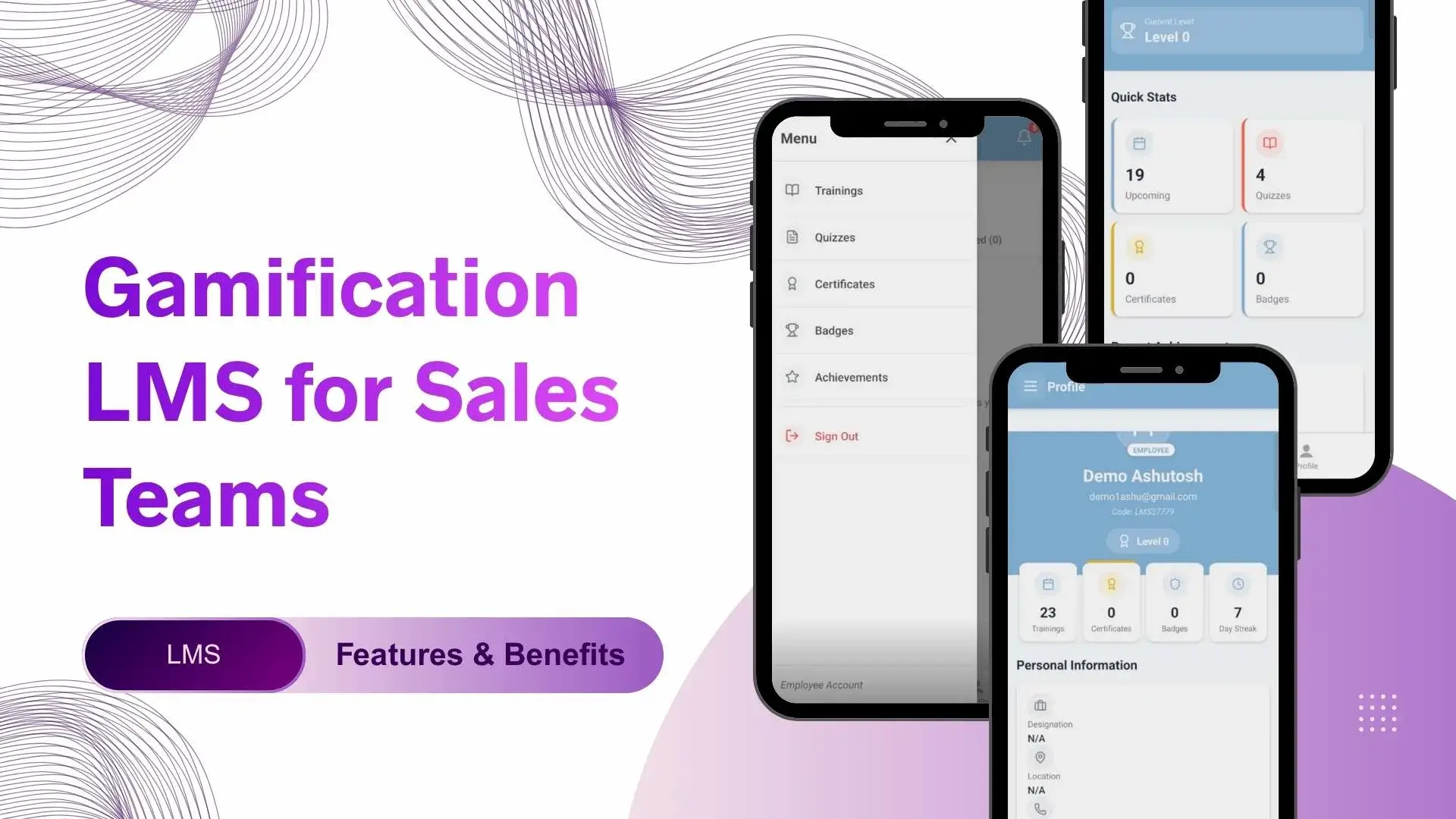
4. Sales Force Gamification App
A sales force gamification app adds game-like elements to your sales process to keep your team motivated.
With gamification, you can:
- Create targets and challenges
- Reward top performers
- Display leaderboards
- Improve adoption of the SFA app
This is especially effective when you want to increase engagement and productivity among your sales reps.
5. Sales Force Analytics and Reporting Software
This tool converts raw sales data into actionable insights.
It helps you:
- Track sales performance
- Analyze beat coverage and productivity
- Measure target vs achievement
- Identify high-performing and low-performing areas
With analytics and reporting software, you can make data-driven decisions instead of assumptions.
6. Sales Force Expense Management Software
Sales force expense management software helps you digitize and control field expenses.
Using this tool, you can:
- Submit expenses with bills
- Set expense limits
- Approve or reject claims instantly
- Reduce expense fraud
This makes your expense process faster, transparent, and compliant.
7. Sales Force AI-Powered Assistants
AI-powered assistants help automate repetitive tasks and provide smart recommendations.
They can:
- Suggest next best actions
- Predict sales trends
- Analyze rep performance
- Answer basic queries instantly
This tool helps your sales team work smarter, not harder.
8. Sales Force Lead Management Software
This tool helps you manage and track leads from capture to conversion.
With lead management software, you can:
- Assign leads automatically
- Track lead status
- Follow up on hot prospects
- Improve lead conversion rate
This ensures no sales opportunity is missed.
9. Sales Force Productivity Apps
Sales force productivity apps simplify daily tasks for your field team.
These apps help with:
- Order taking
- Attendance marking
- Task management
- Document sharing
They reduce manual work and allow your sales reps to focus more on selling.
10. Sales Force Feedback and Survey Tools
Feedback and survey tools help you collect real-time market feedback.
You can use them to:
- Conduct retailer or distributor surveys
- Collect product feedback
- Measure customer satisfaction
- Improve product and sales strategy
This tool is extremely useful for market research and product improvements.
Sales Force Software Integration Options
Sales Force Automation software can be integrated with other business systems such as:
- CRM software
- ERP systems
- Accounting software
- Loyalty and incentive platforms
- Learning Management Systems (LMS)
These integrations ensure seamless data flow across your organization.
Why Businesses Need Sales Force Automation Software?
- To automate daily field sales activities like visits, orders, attendance, and reporting.
- To get real-time visibility into on-ground sales team performance and movements.
- To eliminate manual reporting, spreadsheets, and delayed data updates.
- To improve sales productivity by reducing non-selling administrative tasks.
- To ensure better sales planning, execution, and decision-making using data insights.
How Many Tools and Apps Are Good to Have in SFA for FMCG?
- An ideal SFA software for FMCG should include 8-12 core tools for end-to-end sales operations.
- These tools should cover visit planning, GPS tracking, order management, analytics, and expense control.
- FMCG businesses also need productivity apps and feedback tools for high-volume, fast-moving markets.
- Too few tools limit scalability, while too many unused features reduce adoption balance is key.
As India's leading Sales Force Automation software provider, 1Channel understands that not every business needs all the same options and functionalities. Therefore, at 1Channel, we allow users to customize and update features and functions as per their business and industry requirements.
Which Is India's Best SFA Software That Includes All These Functions?
- India's best SFA software is one that offers all core tools in a single integrated platform.
- It should support FMCG, retail, pharma, and manufacturing sales models.
- The software must be mobile-first, scalable, and customizable as per your business needs.
- A strong SFA solution also integrates easily with CRM, ERP, and accounting systems.
If you are looking for a solution that is reliable and best suited to your business model, then 1Channel SFA software is definitely one of the best choices in India, offering all the essential functions and apps in a single platform.
Explore Sales Force Automation Software
Transform your field sales operations with 1Channel's comprehensive SFA platform. Get visit planning, tracking, analytics, and 10+ integrated tools in one solution.
Explore Sales Force Automation →When Do You Need Sales Force Automation Software?
- When managing your field sales team manually becomes time-consuming and inefficient.
- When you lack real-time visibility into sales activities and market performance.
- When your business starts expanding across cities, regions, or states.
- When sales reporting delays start affecting your decision-making and growth.
- When you want to improve sales productivity, control expenses, and scale faster.
Explore Customer Relationship Management
Manage your leads, customers, and sales pipeline with 1Channel's powerful CRM software. Integrated with SFA for complete sales automation.
Explore CRM Software →FAQs - Sales Force Automation Software
1. What is Sales Force Automation software?
In simple words, Sales Force Automation software is a digital tool used to manage, track, and optimize day-to-day field sales operations using multiple integrated tools and apps.
2. Is Sales Force Automation software suitable for all industries?
Yes, SFA software is designed to simplify day-to-day sales activities and is most suitable for industries like FMCG, retail, pharma, manufacturing, and distribution-based businesses.
3. Is Sales Force Automation software a single tool?
No, Sales Force Automation software includes multiple tools and also offers options to integrate advanced tools directly with sales operations. It is a collection of apps designed to handle different sales activities.
4. Can Sales Force Automation software improve sales productivity?
Yes, by automating manual tasks, tracking activities, and providing insights, SFA software significantly improves sales productivity.
5. Does Sales Force Automation software support mobile users?
Yes, most SFA solutions are mobile-friendly and designed specifically for on-ground field sales teams.
6. Can Sales Force Automation software integrate with CRM and ERP systems?
Yes, modern SFA software supports seamless integration with CRM, ERP, and other business platforms.