Field sales teams often work in environments where network connectivity is inconsistent or unreliable. In such conditions, sales operations cannot come to a halt. Offline-enabled sales apps are designed to ensure uninterrupted field activities while maintaining data accuracy and control. This blog explains how offline sales apps function in low-network environments, based entirely on the capabilities and workflows described in the provided content.
Understanding Offline Sales Apps
Offline sales apps are built to allow field employees to continue working even when internet connectivity is weak or unavailable. These apps store essential data locally on the device and sync it with the central system once the network is restored.
In a Sales Force Automation (SFA) environment, offline functionality supports daily field operations such as attendance marking, store visits, sales recording, stock updates, merchandising activities, and survey submissions without real-time internet dependency.
Why Offline Functionality Is Critical for Field Sales
Field employees operate across diverse geographies, urban markets, semi-urban areas, and remote locations. Network challenges can disrupt real-time reporting, but offline sales apps ensure:
- Business continuity without dependency on constant internet access
- Accurate data capture at the point of activity
- Reduced operational delays and reporting gaps
- Better compliance with planned routes, visits, and activities
How Offline Sales Apps Work in Low Network Conditions
1. Local Data Storage on the Device
Offline sales apps store critical data directly on the user's mobile device. This includes:
- User credentials and role-based access
- Assigned stores, beat plans, and visit schedules
- Product lists, SKUs, pricing, and stock-related data
- Questionnaires, activities, and campaign details
This ensures the app remains functional even when the device is not connected to the internet.
2. Offline Attendance and Activity Capture
Field users can continue to:
- Mark attendance
- Check in and check out of stores
- Capture visit-related details
- Record activities such as sales, stock checks, merchandising, and audits
All entries are securely saved locally and time-stamped to preserve data integrity.
3. Geo-Restricted Activity Validation
Even in low network scenarios, predefined rules such as store-level geofencing and role-based permissions remain effective. This ensures that:
- Activities are performed only within allowed locations
- Users follow assigned routes and visit plans
- Data authenticity is maintained until synchronization
4. Offline Sales, Stock, and Demo Recording
Sales apps allow users to:
- Record unit-wise or value-wise sales
- Update stock availability at stores
- Log product demonstrations and merchandising details
These records are stored offline and later synchronized with the portal for reporting and analytics.
5. Questionnaire and Market Working in Offline Mode
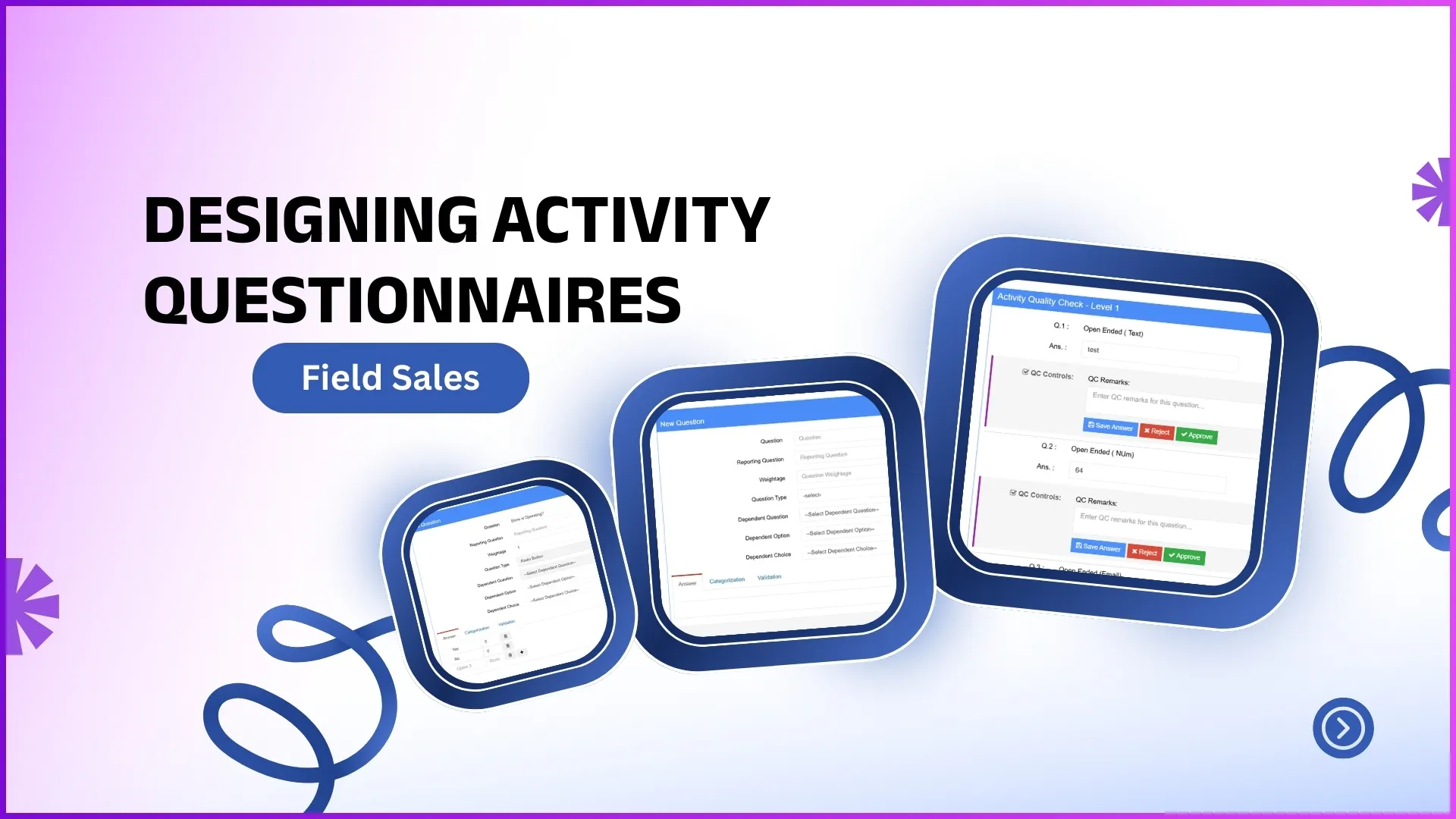
Market working activities such as surveys, audits, and questionnaires are available offline once configured and assigned. Users can:
- Answer predefined questions
- Upload responses during store visits
- Complete activity workflows without internet dependency
All responses sync automatically when connectivity is restored.
6. Automatic Data Synchronization
Once the device detects a stable internet connection:
- All offline data is securely uploaded to the central system
- Records are mapped to the correct user, store, date, and activity
- Dashboards, analytics, and reports update automatically
This ensures real-time visibility for managers without disrupting field operations.
Backend Visibility Through Dashboards and Reports
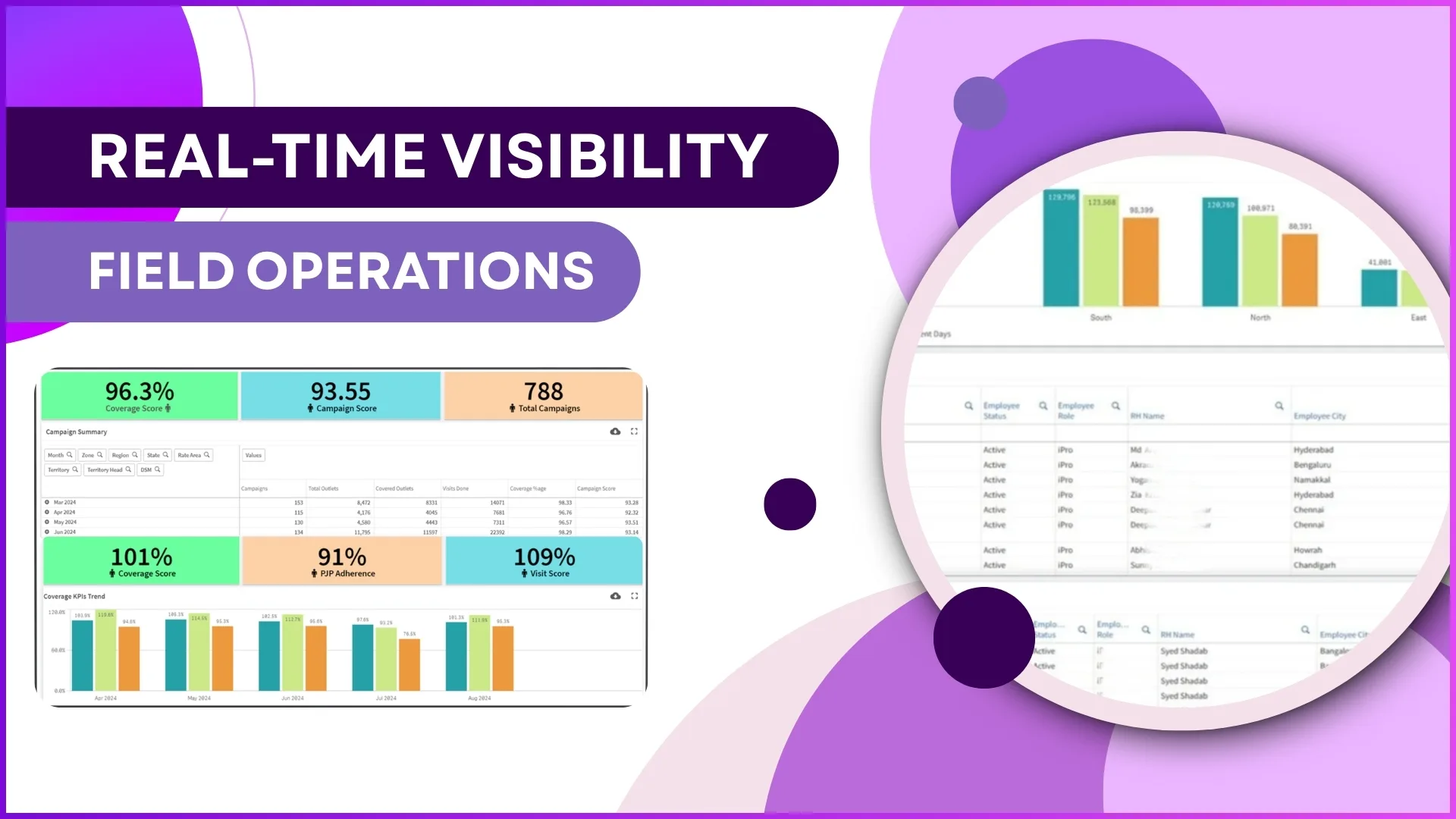
After synchronization, all offline activities become part of centralized reporting. Admins and managers can access:
- Attendance and compliance dashboards
- Sales and stock reports
- Market visit productivity and activity reports
- Image-based reports for merchandising and audits
This provides complete transparency while allowing field teams to work independently of network conditions.
Benefits of Offline Sales Apps in Low Network Areas
- Uninterrupted field execution
- Accurate and structured data capture
- Improved compliance with visit plans
- Reduced dependency on real-time connectivity
- Centralized control with decentralized execution
How 1Channel Supports Offline Sales Operations
1Channel's Sales Force Automation solution is designed to support field teams operating in low or no network areas. With offline data capture, role-based access, configurable workflows, and seamless synchronization, businesses can ensure that sales, attendance, merchandising, and market working activities continue without interruption, while managers retain complete visibility through dashboards and reports.
Explore Sales Force Automation
Manage your entire field sales operation with integrated offline capabilities, attendance tracking, visit planning, and performance analytics in one platform.
Explore SFA Solutions →FAQs
1. Can sales activities be recorded without internet access?
Yes, sales activities such as order entries, stock updates, and demos can be recorded offline and synced later when connectivity is available.
2. How is data accuracy maintained in offline mode?
Data is captured with timestamps, user credentials, store mapping, and predefined rules such as geofencing, ensuring accuracy and compliance.
3. What happens when the internet is restored?
All offline data automatically syncs with the central system, updating dashboards, analytics, and reports without manual intervention.
4. Are offline activities visible to managers?
Yes, once synchronized, all offline activities become visible in dashboards, analytics, and downloadable reports.
5. Can questionnaires and audits be completed offline?
Yes, preconfigured questionnaires and audit activities can be completed offline and uploaded once connectivity is restored.