Sales automation for FMCG field teams focuses on streamlining daily field operations, improving visibility into market activities, and ensuring data-driven decision-making. From attendance tracking and beat planning to sales reporting and merchandising audits, automation enables organizations to manage large, distributed field forces with accuracy and control.
This blog explains how sales automation works for FMCG field teams by breaking down its core functional areas, supported by practical examples based entirely on the provided content.
What Is Sales Automation in FMCG Field Operations?
Sales automation refers to the digitization and system-driven management of field sales activities such as:
- Attendance and market visits
- Sales and stock reporting
- Beat plan compliance
- Merchandising and in-store execution
- Analytics and performance tracking
For FMCG businesses where field teams visit multiple outlets daily, automation ensures consistency, accountability, and real-time visibility across regions.
Example:
A field executive marks attendance using a mobile application. The system captures the time, location, and photo, and this data automatically reflects in attendance reports and dashboards for managers.
Centralized Dashboard for Field Performance Monitoring
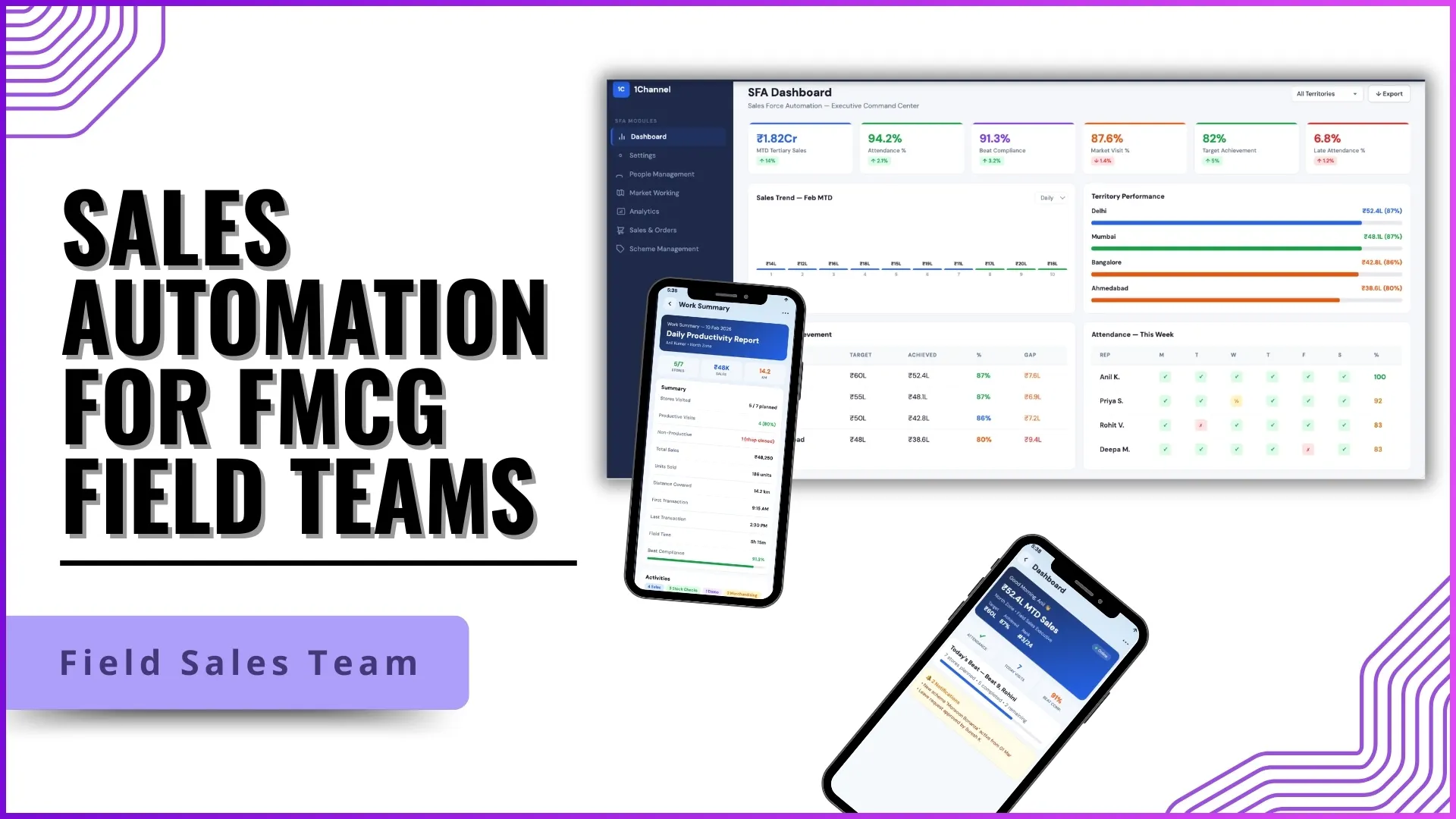
A centralized dashboard acts as the first point of visibility for managers and administrators. It consolidates analytics-driven insights related to field activities.
Key Capabilities
- Attendance reporting percentage
- Market visit percentage
- Late attendance and defaulter tracking
- Employee-wise compliance details
- Calendar-based attendance comparison
Dashboards are configurable and customizable based on business requirements.
Example:
A regional manager reviews the dashboard and notices that the market visit percentage in one city is lower than expected. Using employee compliance details, the manager identifies which field executives missed visits and follows up accordingly.
Attendance and Workforce Compliance Automation
Attendance automation ensures accurate tracking of field staff presence, punctuality, and location compliance.
Core Features
- Photo-based attendance
- Location tagging
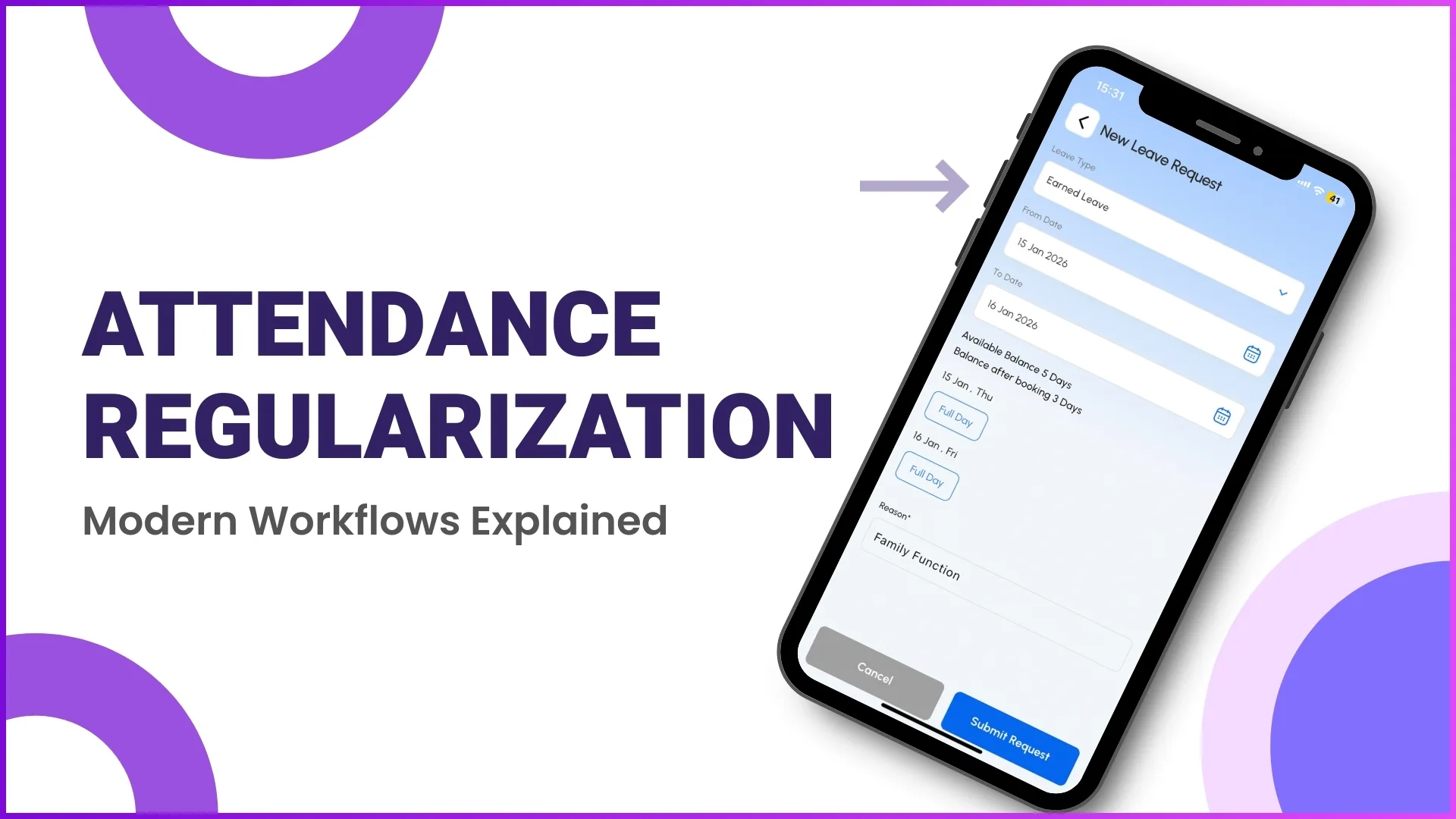
- Attendance regularization
- Late and missed attendance tracking
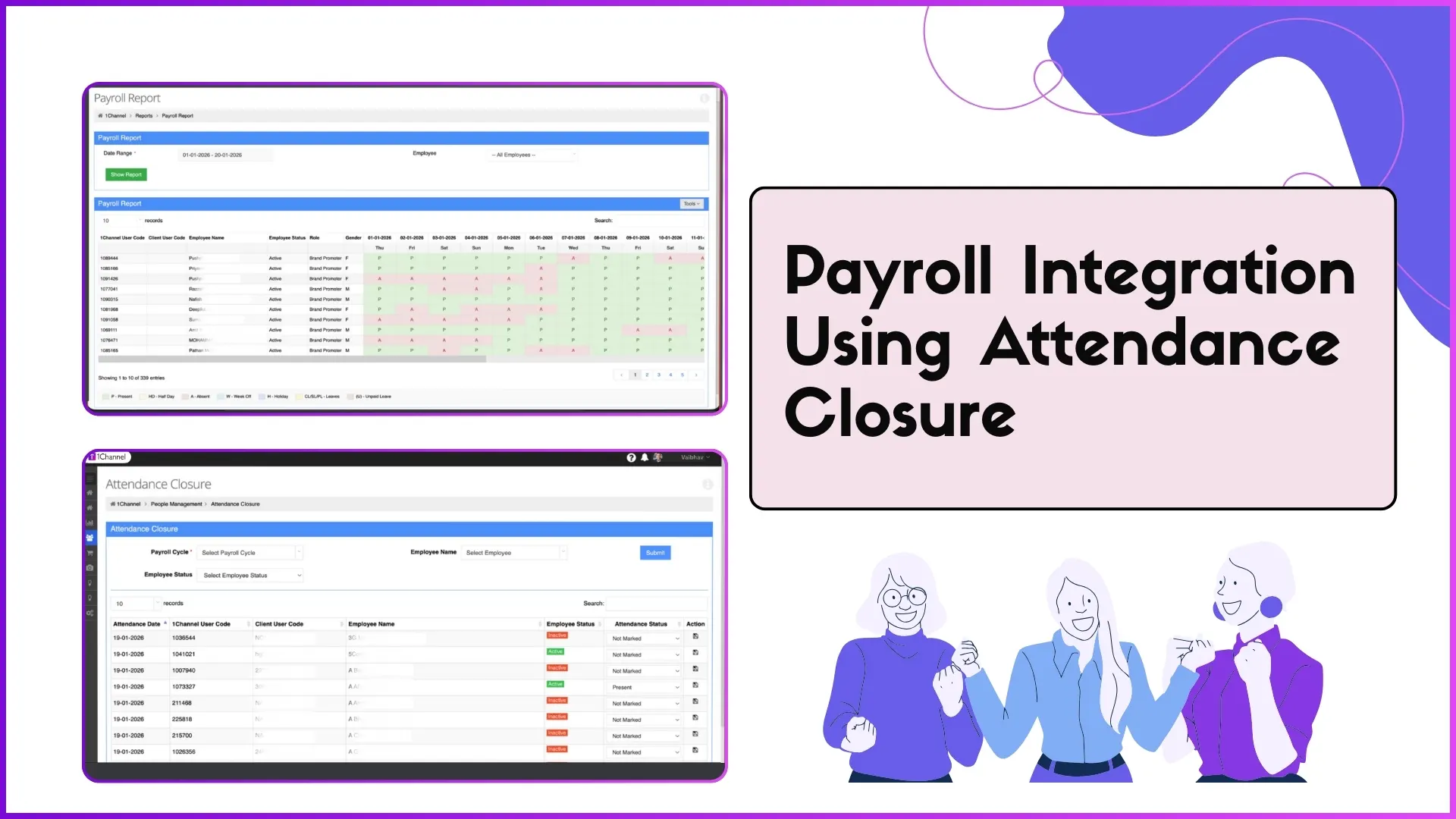
- Payroll-ready attendance closure
AI-based reference image validation ensures that attendance is marked only by the authorized user.
Example:
A promoter marks attendance at a retail outlet. The system validates the photo against the reference image and checks whether the user is within the geofenced store location before approving the attendance.
Beat Planning and Market Visit Management
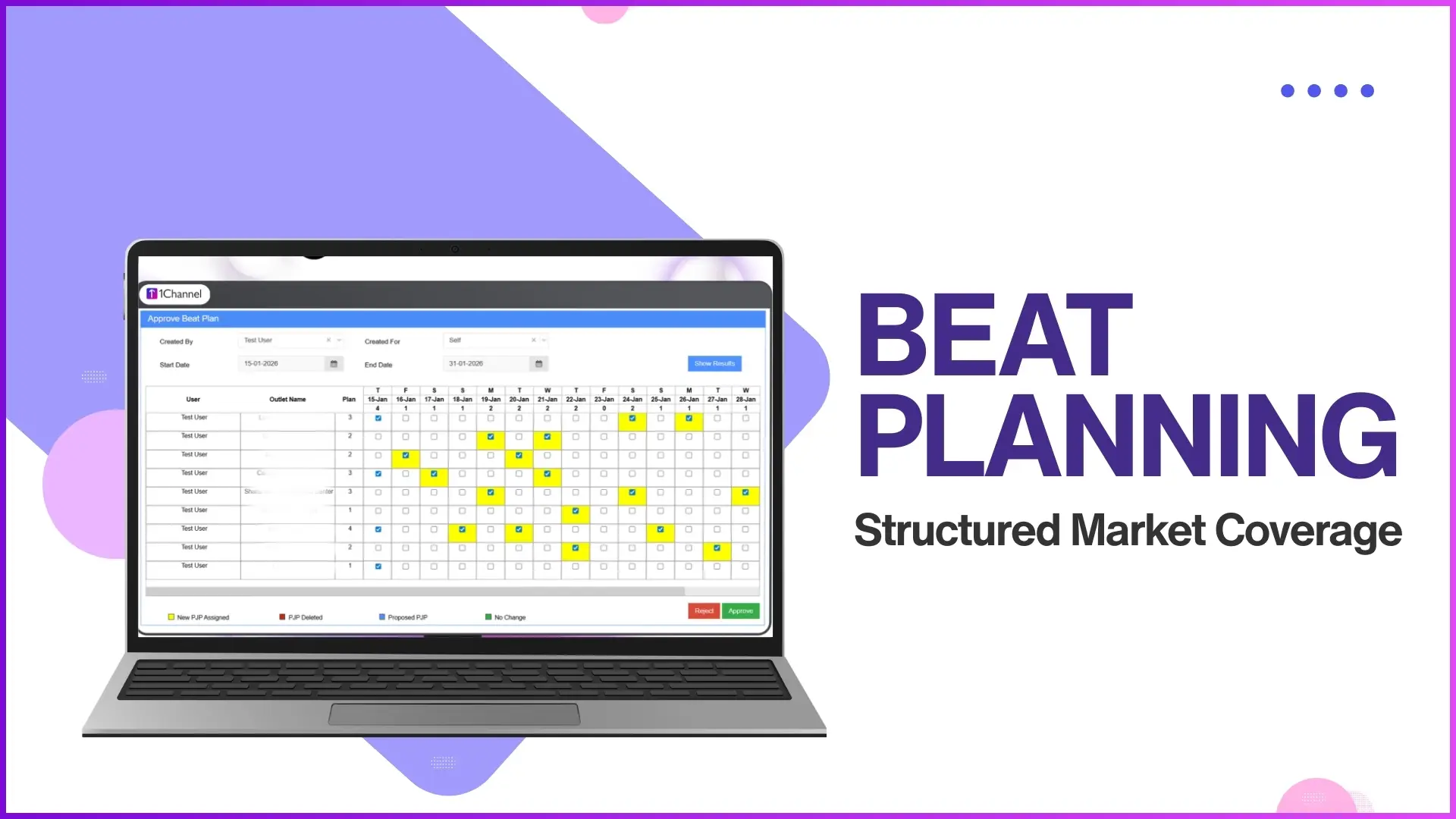
Beat planning ensures that field teams follow predefined routes and store visit plans.
Key Functionalities
- Daily or weekly beat plan approval
- Store-wise and weekday-based visit plans
- Beat compliance calculation
- Market visit plan uploads via Excel
Beat compliance is calculated as:
Number of stores visited ÷ Number of stores planned for the day
Example:
If a field executive is assigned 10 stores for Monday and visits only 8, the system automatically records an 80% beat compliance for that day.
Sales, Stock, and Order Tracking Automation
Sales automation enables accurate recording and monitoring of sales and stock data at the store level.
Supported Activities
- SKU-wise sales reporting
- Value-based and unit-based sales productivity
- Stock availability tracking
- Bulk stock uploads through Excel
- Store-level stock reports
Example:
A manager uploads stock data using an Excel template that includes Store Code, SKU Code, and Serial Number. Once uploaded, the system reflects current stock levels in reports accessible to sales and operations teams.
Analytics and Report-Driven Decision Making
Analytics modules provide detailed insights into every field activity using downloadable and customizable reports.
Types of Reports Available
- Attendance Summary and Attendance Photo Reports
- MTD Secondary and Tertiary Sales Reports
- Sales by Product Category
- Visit Productivity Reports
- Beat Compliance Reports
- Store Visit and User Activity Reports
Custom reports can be created using a report builder by selecting dimensions such as sales, stock, attendance, or merchandising.
Example:
An admin creates a custom report combining city, SKU, and secondary sales value to evaluate which products are performing better in a specific region.
Visual Merchandising and In-Store Execution Tracking
Visual merchandising automation ensures proper execution of campaigns and POSM (Point of Sale Material) deployment in stores.
Key Capabilities
- Merchandising visit tracking
- POSM deployment photos
- Deployed quantity reporting
- Store-front image capture
- Signage status tracking
Example:
During a merchandising visit, a promoter uploads images of installed POSM materials. The system records the visit status, deployed quantity, and photo proof, which can later be reviewed by managers.
Market Working and Questionnaire-Based Audits
Market working automation allows businesses to collect structured, on-ground feedback using questionnaires.
Features
- Questionnaire creation with multiple question types
- Role-based questionnaire assignment
- Location-based activity validation
- Dependency-based questions
Supported question types include:
- Open-ended
- Checkbox
- Dropdown
- Rating
- Matrix and rank-order questions
Example:
A promoter visits a store and answers a questionnaire on product availability. If the promoter selects "No" for availability, additional follow-up questions automatically appear based on configured dependencies.
People, Expense, and Leave Management Integration
Sales automation extends beyond sales into workforce management.
Integrated Capabilities
- Leave application and approval
- Expense and claim submission
- Claim approval workflows
- Employee hygiene audits
- Announcements and app banners
Example:
A field executive submits a travel expense claim through the application. The claim is routed to the reporting manager for approval and is tracked until final approval.
System Configuration and Role-Based Access Control
The system allows complete configurability based on organizational structure.
Configuration Areas
- User roles and hierarchy
- Role-based module access
- Store and distributor mapping
- Product, SKU, and price management
- Geo-fencing and activity restrictions
Example:
A business head may have access to analytics and reports, while a promoter only sees attendance, store visits, and questionnaires relevant to their role.
Why Sales Automation Is Critical for FMCG Field Teams
Sales automation addresses key FMCG challenges such as:
- Large, distributed field workforce
- High volume of daily store visits
- Need for real-time visibility
- Data accuracy for sales and stock
- Compliance with predefined routes and activities
By automating these processes, businesses gain consistency, transparency, and actionable insights.
Sales Automation Platform for FMCG Teams (Powered by 1Channel)
The sales automation solution (SFA) provided by 1Channel enables FMCG organizations to manage field teams, track sales and merchandising activities, automate attendance, and generate analytics-driven insights through a centralized portal and mobile application.
It supports end-to-end field force management from planning and execution to reporting and compliance while remaining configurable based on business-specific requirements.
Explore Sales Force Automation
Manage your entire field sales operation with integrated attendance tracking, beat planning, sales reporting, merchandising audits, and analytics in one platform.
Explore SFA Solutions →FAQs
1. How does sales automation help FMCG field managers?
Sales automation provides real-time visibility into attendance, market visits, sales, stock, and merchandising activities, enabling managers to make informed decisions using reports and dashboards.
2. Can beat plans be customized for different days?
Yes, beat plans can be defined daily or weekly and can also be assigned based on weekdays and specific stores.
3. How is data accuracy ensured in field reporting?
Data accuracy is ensured through photo validation, geo-fencing, AI-based reference image checks, and role-based access control.
4. Can reports be customized as per business needs?
Yes, custom reports can be created using configurable dimensions such as sales, attendance, stock, merchandising, and location.
5. Is sales automation limited to sales data only?
No, it also includes attendance management, expense claims, leave approvals, merchandising audits, and market questionnaires.