Whenever you think about a business, two things come to mind first: "Customer" and second: "Sales." Then you probably start looking for solutions to manage your customer-based activities and sales-based activities.
Here come the software names Customer Relationship Management (CRM) and Sales Force Automation (SFA). Now the hustle starts to understand what these terms or software solutions are and how you can benefit from them.
So, at the very beginning of this blog, I am going to share a spoiler: Sales Force Automation software is a part of Customer Relationship Management software.
Now you know that we are going to discuss these software solutions with their separate capabilities, but you need to remember that every feature of SFA is included in CRM, but not every CRM feature is necessarily included in SFA.
Let's understand both software names in detail.
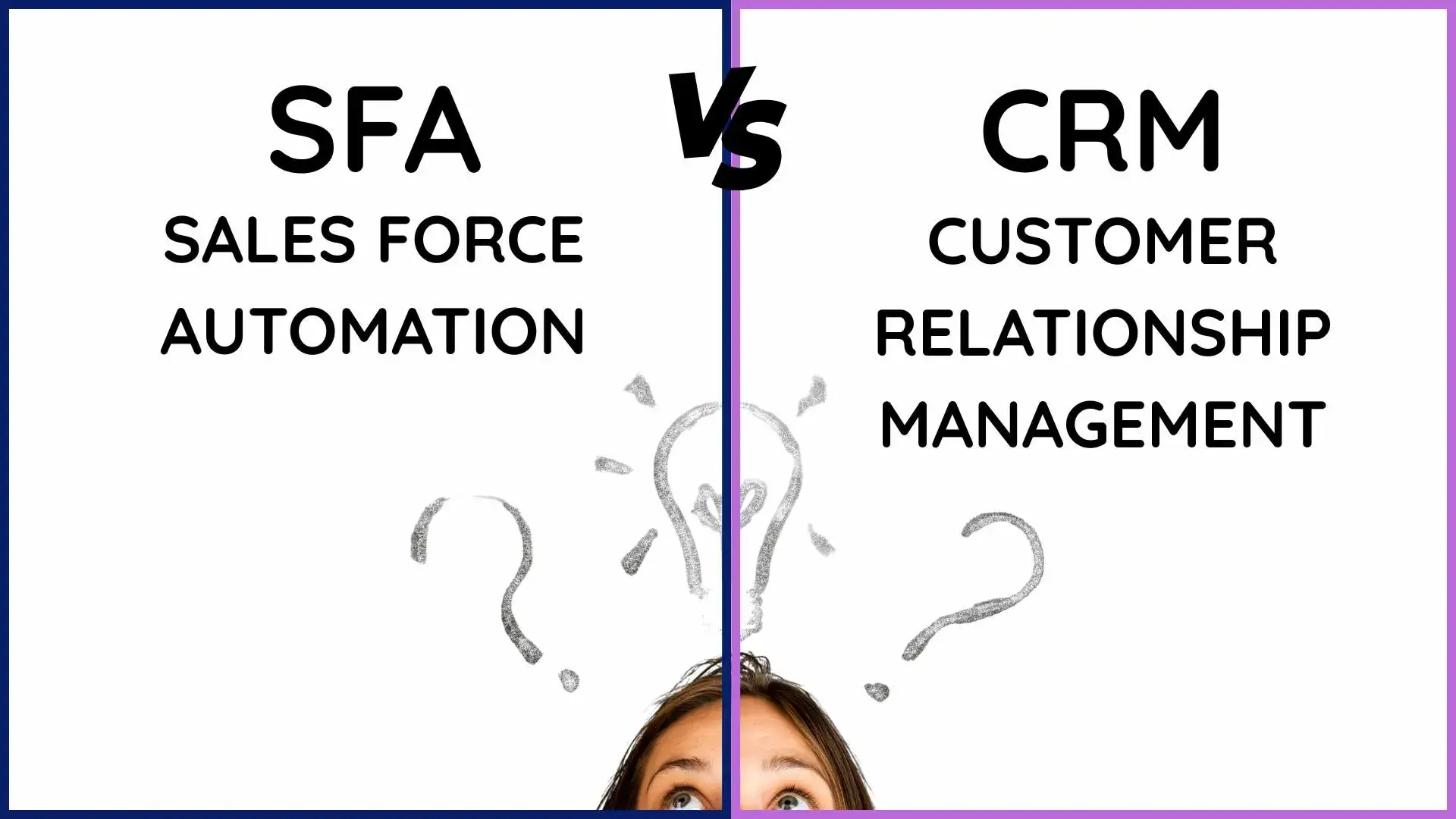
What is Sales Force Automation (SFA)?
In simple words, every day-to-day activity that automates your sales process is called Sales Force Automation.
SFA is a process that helps you with lead management, sales forecasting, and performance analysis. This software is one of the best ways to reduce sellers' effort in managing sales while achieving better results.
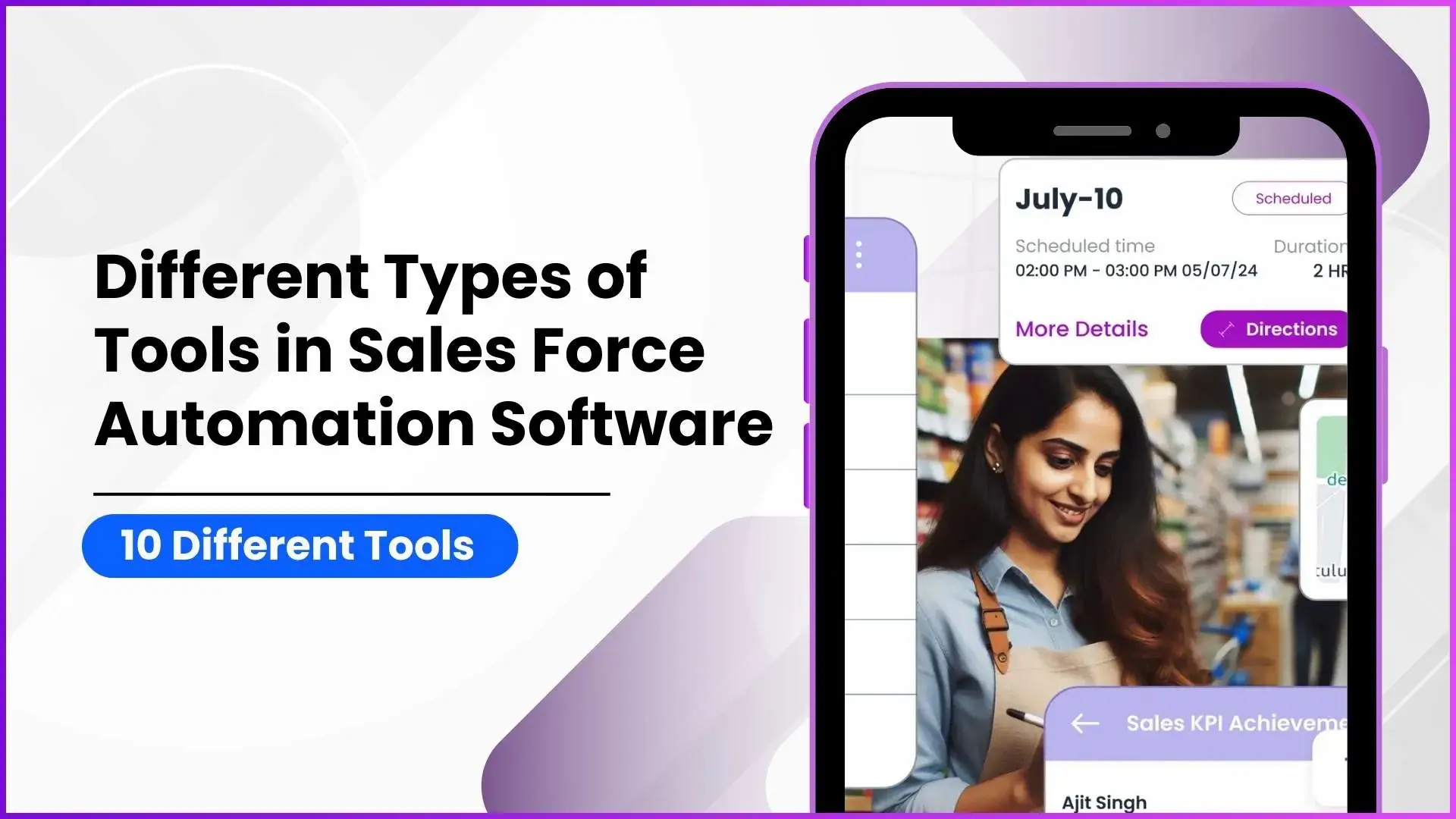
Sales Force Automation (SFA) includes features to manage activities such as visit planning, sales force tracking, sales force gamification, analytics and reporting, expense management, AI-powered assistants, lead management, sales force productivity, feedback and surveys, and many other features based on the provider and business requirements.
What is Customer Relationship Management (CRM)?
Customer Relationship Management (CRM) is a complete solution to manage customer-based activities, from lead capturing to managing customer engagement activities such as marketing (email marketing, new-age AI-based Google Ads, Meta ads, WhatsApp messaging, SMS, etc.).
After this, you use Sales Force Automation (SFA) functions and then analyze the sales to conclude profits from each customer. This is how CRM works as a full-fledged business solution.
With new-age lead capturing and AI-driven lead flow management, CRM systems have evolved rapidly. They now include AI functionalities to reduce the efforts of managers and sales representatives. With AI, managers can easily track customer flow, sales performance, and overall revenue numbers.
How SFA and CRM Works for Your Business?
Now, let's understand how you can use Sales Force Automation (SFA) and Customer Relationship Management (CRM) software for your business.
Sales Force Automation Software
Sales Force Automation (SFA) software is one of the most important tools controlled by managers and business owners. It helps manage day-to-day sales activities using data that flows through the CRM sales cycle.
Sales representatives are the core users of the Sales Force Automation system. They enter daily activity data into the application, and the SFA software analyzes this data to generate reports for managers and business owners.
Major Features of Sales Force Automation (SFA) Software
| Feature | Description |
|---|---|
| Lead Management | Capture, assign, track, and convert leads efficiently. Sales teams can follow up at the right time and reduce lead leakage. |
| Visit Planning & Route Optimization | Plan daily sales visits, optimize routes, and ensure better coverage of customers and prospects. |
| Sales Force Tracking | Track field sales activities in real time using GPS, check-ins, and check-outs to improve accountability and transparency. |
| Order Management | Create and manage orders directly from the field, reduce manual errors, and speed up the order-to-invoice process. |
| Sales Forecasting | Analyze historical data and current pipelines to predict future sales and set realistic targets. |
| Performance Management & Analytics | Monitor individual and team performance through dashboards, reports, and KPIs to make data-driven decisions. |
| Sales Force Gamification | Motivate sales teams with leaderboards, rewards, incentives, and performance-based challenges. |
| Expense Management | Track travel and operational expenses, upload bills, and automate approval workflows. |
| Activity & Task Management | Manage daily tasks, follow-ups, reminders, and meeting schedules for better productivity. |
| AI-Powered Insights & Assistants | Get smart recommendations, predictive insights, and automated suggestions to improve sales efficiency. |
| Feedback & Survey Management | Collect customer feedback and market insights directly from the field for better decision-making. |
| Offline Access & Mobile App | Enable sales teams to work offline in low-network areas and sync data automatically when connected. |
Customer Relationship Management Software
Customer Relationship Management (CRM) software is a powerful solution that allows you to manage complete customer data and store related documentation in a centralized system. The integration of advanced AI features has made CRM a necessity for modern businesses.
In CRM, the business owner usually has the highest role, also known as the Admin, while managers and sales representatives act as users of the system. Managers and sales representatives enter customer-related data into the CRM. In some cases, customers can also enter their own details, depending on the business model and workflow.
The Admin can analyze this data to understand business growth, customer behavior, and the complete customer lifecycle.
Major Features of Customer Relationship Management (CRM) Software
| Feature | Description |
|---|---|
| Lead Capture & Management | Capture leads from multiple sources such as websites, ads, social media, and referrals, and manage them through the entire sales funnel. |
| Customer Data Management | Store complete customer information including contact details, interactions, preferences, and purchase history in one centralized system. |
| Sales Pipeline Management | Track deals across different stages, monitor progress, and identify bottlenecks to close more deals faster. |
| Marketing Automation | Run targeted campaigns using email marketing, WhatsApp, SMS, and digital ads to nurture leads and engage customers. |
| Customer Segmentation | Segment customers based on behavior, location, industry, or buying patterns for personalized communication. |
| Sales Force Automation (SFA) | Automate sales activities such as visit planning, order management, tracking, and performance analysis as part of CRM. |
| Customer Communication Management | Manage all customer communications including calls, emails, messages, and follow-ups from a single platform. |
| Customer Support & Ticketing | Handle customer queries, complaints, and service requests with ticketing and SLA management. |
| AI-Powered Insights & Automation | Use AI to predict sales trends, recommend actions, automate follow-ups, and reduce manual work. |
| Analytics & Reporting | Get detailed insights into sales, marketing, customer behavior, and revenue through dashboards and reports. |
| Workflow & Process Automation | Automate repetitive tasks, approvals, notifications, and business processes to improve efficiency. |
| Integration Capabilities | Integrate CRM with ERP, accounting software, payment gateways, and third-party tools. |
| Mobile CRM Access | Access customer and sales data anytime, anywhere through mobile apps for managers and sales teams. |
How You Can Find the Best CRM and SFA Software for Your Business?
After understanding the meaning of both Customer Relationship Management (CRM) and Sales Force Automation (SFA) software, you can now identify the best ways to find the right solution for your business.
Demo Requests:
Almost every CRM and SFA provider allows you to request a demo based on your business requirements. This process helps you evaluate the software's capabilities and check whether it is compatible with your business model.
Support System:
A strong support system is essential. Even large IT companies can face technical errors or glitches, but they are trusted by millions because of their prompt response and reliable customer support. If the support system is strong, you can trust the provider.
Suitable for Medium & Small Businesses:
If a CRM or SFA provider claims that the software can be used by small and medium-sized businesses, there is a high probability that it offers maximum features at affordable pricing and helps you integrate advanced functionalities within your budget.
Client List:
Check the diversity of the client list of the CRM and SFA provider. If you find clients from multiple industries, it indicates that the provider has experience across different business models and can offer better solutions.
Explore Sales Force Automation
Empower your field teams with 1Channel's AI-powered SFA platform. Drive efficiency, boost sales, and gain real-time visibility across your entire sales operations.
Explore SFA Solutions →Benefits of Using CRM or SFA in Your Business
| Sales Force Automation (SFA) Benefits | Customer Relationship Management (CRM) Benefits |
|---|---|
| Automates day-to-day sales activities and reduces the manual effort of sales representatives. | Manages complete customer data from lead capturing to the entire customer lifecycle. |
| Helps managers and business owners track sales activities in real time. | Provides a centralized system to store customer data and related documentation. |
| Improves sales force productivity through visit planning and activity tracking. | Enables better customer engagement through marketing and communication activities. |
| Allows accurate sales forecasting using sales cycle data. | Helps analyze customer behavior and business progress through detailed reports. |
| Improves accountability with GPS-based sales force tracking and check-ins. | Gives a complete view of customer flow, sales numbers, and revenue. |
| Motivates sales teams with gamification, rewards, and performance tracking. | Uses AI to reduce the efforts of managers and automate customer-based processes. |
| Helps reduce sales leakage by improving lead follow-ups and conversions. | Supports advanced lead capturing and AI-driven lead flow management. |
| Provides instant performance reports for managers and business owners. | Works as a full-fledged business solution covering sales, marketing, and customers. |
| Enables sales teams to work offline and sync data when connected. | Allows admins to monitor business growth and customer lifecycle in one platform. |
Who Should Use SFA or CRM?
Choosing between Sales Force Automation (SFA) and Customer Relationship Management (CRM) software depends on your business size, sales process, and customer volume. Let's understand which solution works best for your business.
SFA or CRM for Small Businesses
For small businesses, managing daily sales activities and customer follow-ups is the biggest challenge.
- If your business mainly focuses on field sales, visits, orders, and basic lead follow-ups, then SFA software is the right choice.
- SFA helps small teams automate sales activities, track sales reps, manage leads, and improve productivity without heavy investment.
- If your small business also runs digital marketing campaigns or needs to store customer data in a structured way, then a basic CRM with SFA features can be useful.
SFA or CRM for Mid-Size Businesses
Mid-size businesses usually have multiple sales teams, growing customer data, and active marketing efforts.
- At this stage, CRM becomes more important as businesses need to manage customer data, marketing campaigns, sales pipelines, and customer communication.
- SFA plays a critical role inside CRM by handling sales execution, field force tracking, forecasting, and performance analysis.
- Managers and business owners need reports, analytics, and AI-driven insights to scale operations.
SFA or CRM for Large Enterprises
Large enterprises deal with high customer volumes, multiple departments, complex sales cycles, and advanced reporting needs.
- CRM is a necessity for large organizations to manage the complete customer lifecycle across sales, marketing, and support teams.
- SFA works as a core module inside CRM, helping to control large field forces, automate sales operations, and ensure data accuracy.
- Advanced AI, integrations, workflow automation, and role-based access are essential at this level.
Explore Customer Relationship Management
Transform your customer relationships with 1Channel's comprehensive CRM platform. Manage leads, automate marketing, and drive revenue growth with AI-powered insights.
Explore CRM Solutions →FAQs
What is the difference between SFA and CRM?
| SFA | CRM |
|---|---|
| Sales execution | Customer management |
| Field sales focus | Complete lifecycle view |
| Daily sales activities | Long-term customer relationships |
| Sales reps productivity | Customer data & insights |
| Part of CRM | Full business platform |
What are the key features of Sales Force Automation Software?
SFA Key Features: Lead management, visit planning, sales tracking, order management, sales forecasting, performance analytics, gamification & incentives, expense tracking, task management, AI-powered insights, offline working, mobile sales app.
What are the key features of Customer Relationship Management Software?
CRM Key Features: Lead capture, customer data, sales pipeline, marketing automation, customer segmentation, communication tracking, support & ticketing, workflow automation, business analytics, AI-driven insights, system integrations, mobile CRM access
Who is the best CRM provider in India?
1Channel is a top-rated CRM software provider in India, offering scalable, AI-enabled CRM solutions for businesses of all sizes and industries.
Who is the best SFA software provider in India?
1Channel is a top-rated SFA software provider in India, trusted by businesses to manage and automate their field sales operations efficiently.
Why do businesses need SFA and CRM software in India?
Businesses in India need SFA and CRM software to manage growing customer data, improve sales productivity, reduce manual work, and scale operations efficiently.
Can SFA and CRM tools be customized as per business needs?
Yes, SFA and CRM tools can be customized based on business size, industry, workflows, and specific operational requirements.
Which industry uses SFA the most?
Industries with field sales operations such as FMCG, pharmaceuticals, telecom, retail distribution, and logistics use SFA the most.
Which industry uses CRM the most?
Industries that manage large customer bases such as IT services, real estate, BFSI, education, healthcare, and eCommerce use CRM the most.